


Discord Account
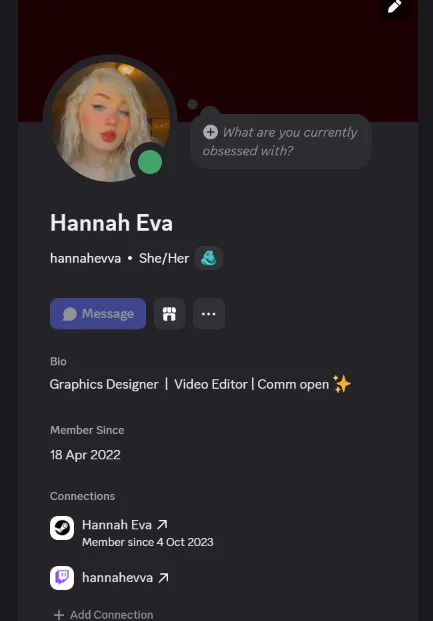
12 tao ang tumitingin sa account na ito
Buyer protection
Ang pagbili mo sa Eloboost24 platform ay ganap na protektado ng Buyer Protection Policy namin.
- Refund sa balance mo kung hindi na-deliver
- Ligtas na bayad
Tungkol sa seller
sami01
Regular SellerDiscord Account 4 Years 6 Months Old With No Restrictions
Taon ng pagkakagawa
2022
Nitro
No Nitro
Naka-verify ang phone
Oo
Baka magustuhan mo rin
 Top Seller
Discord 2017 Account Nitro No Phone #C11487
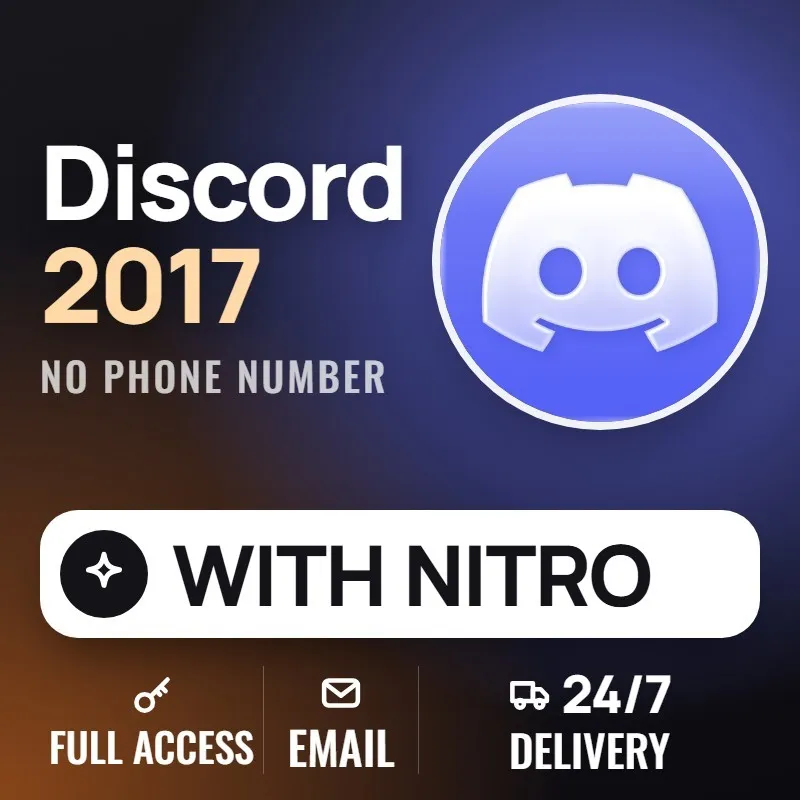

Seller Oras ng delivery: Instant
FAQs tungkol sa EB24 sellers
Ligtas bang bumili ng Discord account sa EB24?
Oo, kapag nagbayad ka sa EB24. Hawak ng EB24 ang bayad hanggang makarating sa order panel mo ang login at ang email nito, at nakatala ang creation year at Nitro status bago mag-live ang listing.
Bakit mas mahal ang mas lumang Discord account?
Hindi na mababago o madadagdagan ang creation year, at ang mga account mula 2015 hanggang 2018 ang pinakabihira. Lalong tumataas ang presyo dahil sa retired badge at maiikling username.
Makukuha ko pa ba ang Early Supporter badge sa bagong account?
Hindi. Ibinigay ito ng Discord sa mga account na nagbayad para sa Nitro bago ang October 2018 at isinara na ang window na iyon, kaya ang kasalukuyang account lang ang paraan para magkaroon nito.
Kasama ba ang Nitro sa account?
Kapag nakasaad lang sa listing. Nakasaad sa bawat Discord listing kung may aktibong Nitro, Nitro Basic o walang Nitro sa account sa handover.
Ano ang dapat kong gawin kapag dumating ang account?
Palitan mo ang email sa email na ikaw lang ang may kontrol, magtakda ka ng bagong password, i-on mo ang two factor authentication at i-check mo ang creation date, badge at Nitro sa profile bago mo i-confirm ang order.
Puwede ba akong magbenta ng Discord account dito?
Oo. Piliin mo ang Discord sa sell form, ilagay mo ang creation year at Nitro status, i-tick mo ang badge na ipinapakita ng profile at i-submit mo ang login kasama ang email nito.
Paano ito gumagana?
Nagsisimula sa creation year ang pagbili ng Discord account sa EB24, tapos ang badge at Nitro na gusto mo sa profile. Ganito ito gumagana:
Piliin ang creation year Itakda mo muna ang year range: 2015 hanggang 2018 para sa pinakamatandang account, mga nakaraang taon para sa mas murang malinis na simula.
I-filter ayon sa badges at Nitro I-filter mo ang listahan sa badge na gusto mo, tulad ng Early Supporter, at piliin mo kung dapat may aktibong Nitro.
Magbayad habang hawak ng EB24 ang bayad Hawak ng EB24 ang bayad mo hanggang makarating sa order panel mo ang login at ang email nito at ma-confirm mong gumagana ang mga ito.
Palitan ang email at password Ilipat mo ang email sa sarili mong inbox, magtakda ka ng bagong password at i-on mo ang two factor authentication.
I-confirm o magbukas ng dispute Kung iba ang creation year, badge o Nitro sa listing, magbukas ka ng dispute bago ka mag-confirm at hindi mababayaran ang seller hanggang maayos ito.