


100USD
Gift card
13 tao ang tumitingin sa item na ito
Buyer protection
Ang pagbili mo sa Eloboost24 platform ay ganap na protektado ng Buyer Protection Policy namin.
- Refund sa balance mo kung hindi na-deliver
- Ligtas na bayad
Tungkol sa seller

like
Regular SellerUS
Region
Estados Unidos
Mula sa parehong seller
 Newcomer
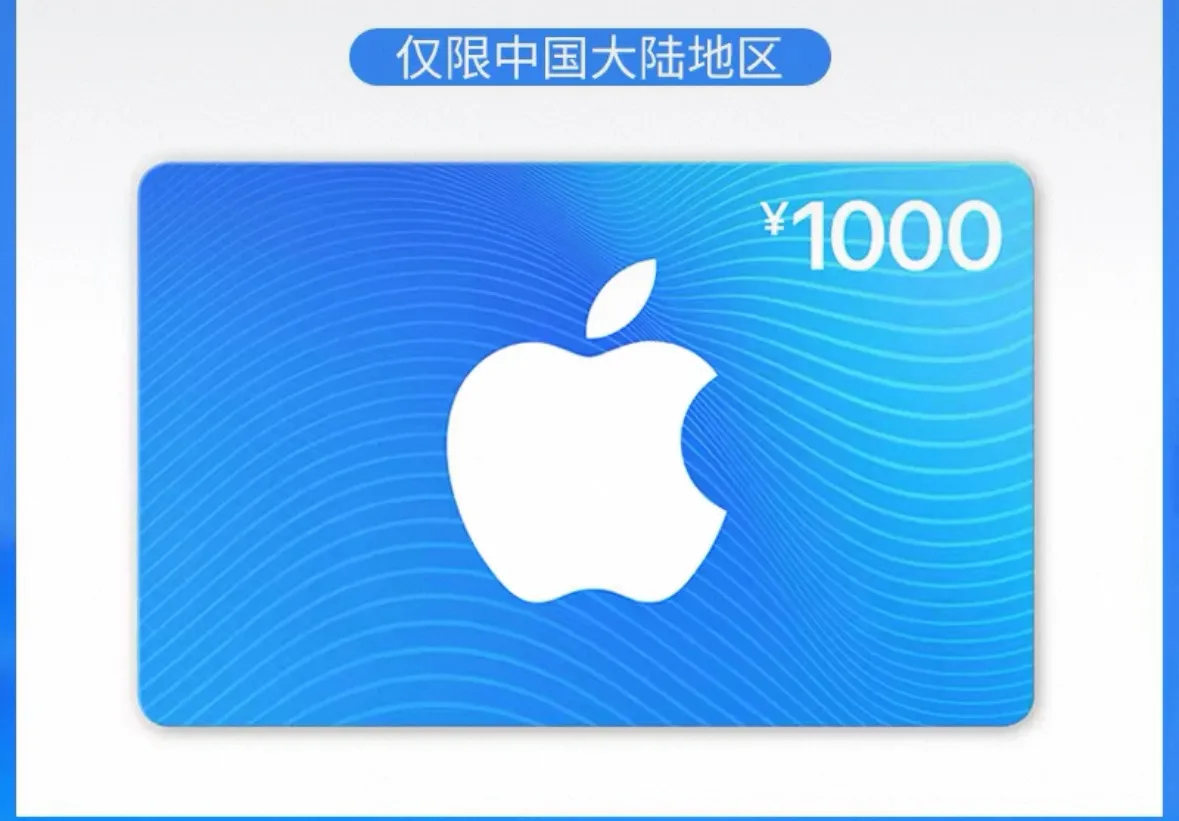
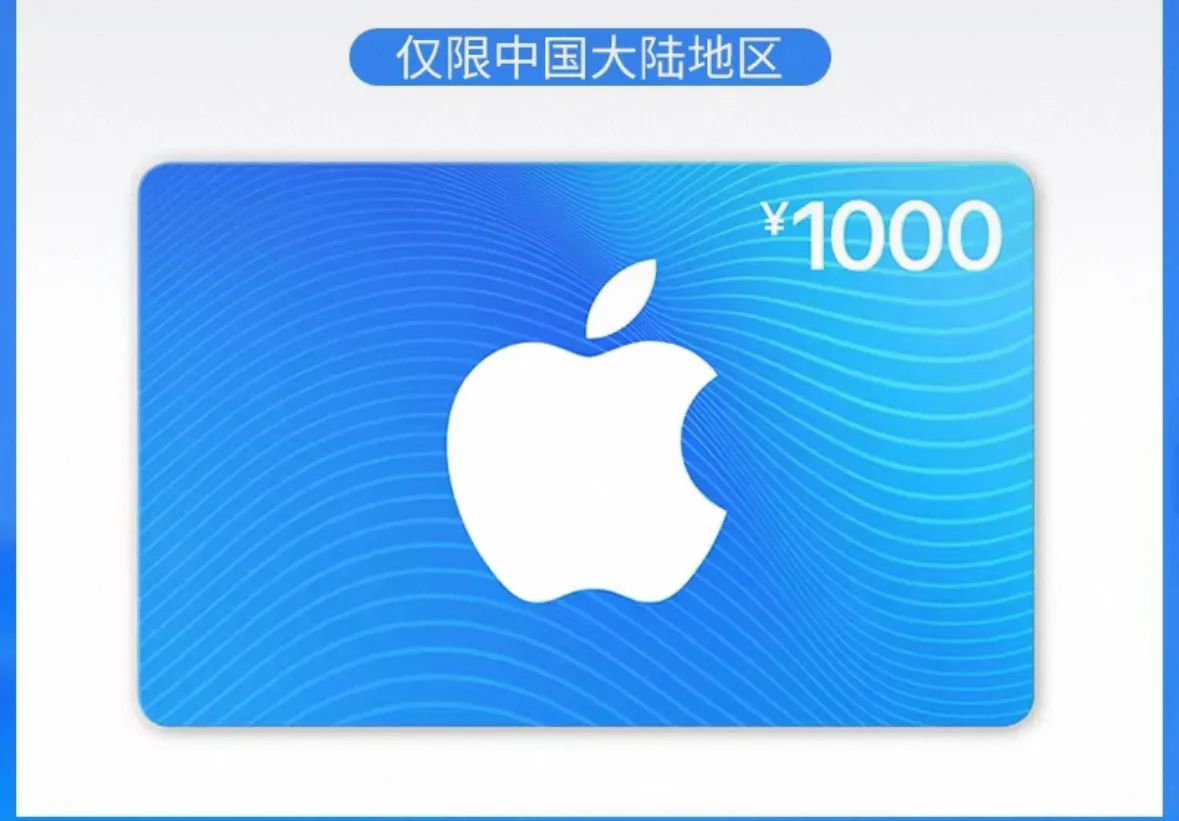
Apple 1000 CNY Gift Card PIN (CN)
Seller
FAQs tungkol sa items
Para sa anong mga bansa ako puwedeng bumili ng Apple Gift Cards?
Naglilista ang EB24 ng 25 bansa, sakop ang Americas, karamihan ng Europe, at Turkiye, Asia at iba pa. Walang Global option, dahil permanenteng nakatali sa isang bansa ang bawat Apple ID mula nang likhain ito.
Bakit walang Global na Apple Gift Card tulad ng mayroon sa ibang wallet code?
Itinatali ng Apple ang bawat Apple ID sa isang bansa sa signup, na walang cross-region fallback sa pagre-redeem ng gift card. Kailangang eksaktong tumugma ang code sa bansang iyon, kaya walang region-free na bersyon ng produktong ito.
Walang amount dropdown sa mga listing na ito — normal ba iyon?
Oo. Walang pumipilit sa seller sa fixed na set ng halaga, kaya kung anuman ang ilagay nila sa balance ay direktang tina-type sa title at presyo.
Paano ko malalaman kung aling bansa ang kailangang tugma ng Apple Gift Card ko?
Buksan mo ang Settings sa device mo, i-tap mo ang pangalan mo, saka Media & Purchases para makita ang bansa ng Apple ID mo. Bilhin mo ang listing para sa eksaktong bansang iyon — hindi mare-redeem ang card na inilabas para sa ibang bansa.
Gaano kabilis ko makukuha ang code pagkatapos magbayad?
Ang seller na binilhan mo ang nagtatakda nito at nakikita sa listing nila bago ka mag-checkout — karamihan ng order mula sa mga aktibong seller ay natutupad sa parehong araw.
Hindi gumagana ang Apple Gift Card code ko — ano ang gagawin?
Mag-file ka ng dispute mula sa order screen sa halip na isiping nawala na ang pera. Mali man ang bansa ng code o hindi na gumagana pagdating, pinananagot pa rin ng EB24 ang seller para sa solusyon hanggang malutas ito.
Paano ito gumagana?
Nagsisimula ang pagbili ng Apple Gift Card sa EB24 sa pagtutugma ng listing sa bansang ginamit sa paggawa ng Apple ID mo, saka mag-checkout para kunin ang code mula sa order panel mo.

I-confirm muna ang bansa ng Apple ID mo Tingnan ang Settings sa device mo para sa bansang nakatali sa Apple ID mo, saka i-filter ang mga EB24 listing sa eksaktong bansang iyon bago tumingin sa anupaman.
Mag-checkout sa EB24 Magbayad ka sa EB24 checkout sa halip na mag-ayos ng anuman nang direkta sa seller, dahil doon nagsisimulang hawakan ng EB24 ang bayad mo para sa order.
Kunin ang code mula sa order panel mo Kapag minarkahang na-deliver ang order, buksan mo ang order panel para makita ang code — hindi kailanman kailangang ibahagi sa seller ang mismong Apple ID login mo.
I-redeem mo mismo Sa sarili mong device, pumunta sa Settings, i-tap ang pangalan mo, at piliin ang Redeem Gift Card or Code (gumagana rin ang apple.com/redeem), saka panoorin mo ang pag-update ng balance mo.
May mali? Mag-file ng dispute Ang code na nakabara sa maling bansa o tuluyang tinanggihan ng device mo ay dispute case, hindi talo na — magbukas ka nito mula sa order at hindi ire-release ang bayad hanggang maayos.