


Spotify 12 Months Account
Subscription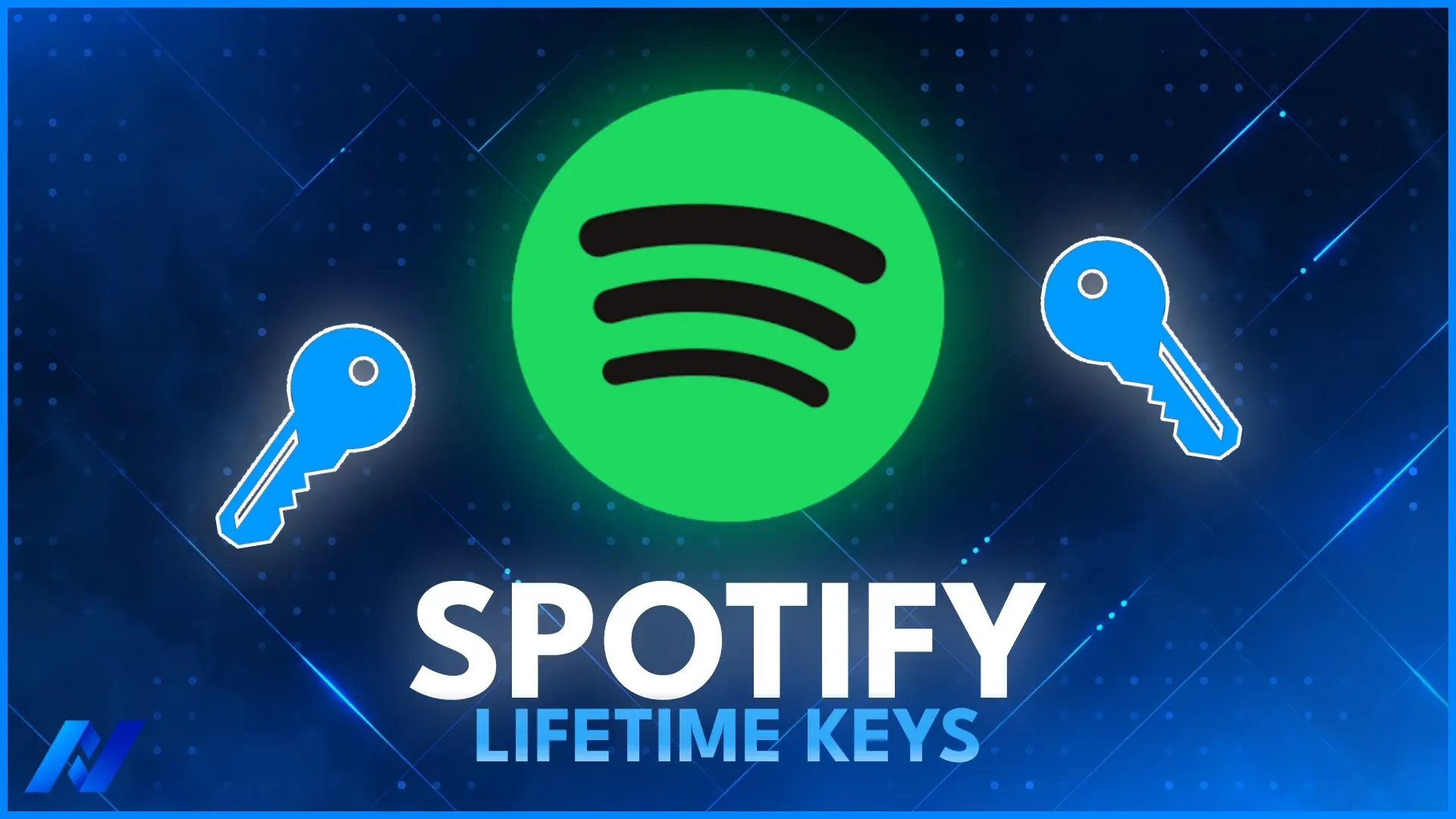
8 tao ang tumitingin sa item na ito
Dami
200 ang nasa stock
Buyer protection
Ang pagbili mo sa Eloboost24 platform ay ganap na protektado ng Buyer Protection Policy namin.
- Refund sa balance mo kung hindi na-deliver
- Ligtas na bayad
Tungkol sa seller
qqt3
Regular Seller✨ Premium Spotify Plans ✨ ✅ Safe & Legit – Premium Individual, Duo & Family ⏰ 24/7 Live Support – Any problem = refund or replacement 🚀 Fast Delivery after purchase, chat availabl ... e!
Region
Estados Unidos
Uri ng item
Subscription
Tagal
12 buwan
Mula sa parehong seller
 Newcomer
Netflix 12 Months Accounts
Seller
NewcomerCyberGhost 12 Months Account
Seller
FAQ tungkol sa Spotify
Anong uri ng Spotify code ang mabibili ko?
Sa EB24, makakabili ka ng Spotify Premium subscription code at Spotify gift card. Inilalarawan ng bawat listing ang haba ng plan, gift card balance at region kung saan inisyu ang code, kaya alam mo kung ano ang ire-redeem mo bago ang checkout. Nililinaw rin ng offer ang format, kung time-limited na Premium plan o stored balance, kaya walang hulaan.
Paano gumagana ang delivery ng Spotify code?
Pagkatapos ma-confirm ang order mo, direktang lalabas sa order panel mo ang delivery instructions. Ide-deliver ang subscription code o gift card para i-redeem mo sa sarili mong Spotify account, sa malinaw na mga hakbang para ma-apply mo ito nang walang kalituhan. Depende sa seller ang timing, at may estimate sa listing, kaya alam mo ang aasahan mo bago ka bumili.
Bakit mahalaga ang region sa Spotify codes?
Inilalabas kada bansa ang mga Spotify code at nare-redeem sa mga account na nakatakda sa region na iyon. Nakasaad agad sa mga listing ang region, kaya maitutugma mo ang US, EU o ibang regional code sa account mo bago ka bumili at maiiwasan ang code na hindi magagamit. Ang pinakasimpleng paraan para matiyak na ma-redeem ang code ay ang pag-check muna ng region sa account settings mo.
Kailangan ko bang ibahagi ang account access ko?
Hindi mo kailangang ibigay ang anumang login details. Code na ire-redeem mo sa sarili mong account ang mga Spotify item, kaya buo ang kontrol mo sa profile at password sa buong proseso. Dahil walang bahagi ng account mo ang ibinabahagi sa seller, ikaw pa rin ang may hawak ng access, at ia-apply mo lang ang code kapag dumating na ang delivery details sa order panel mo.
Patas ba ang presyo ng mga Spotify subscription code at gift card?
Nakabatay ang presyo sa haba ng plan, face value ng gift card at regional pricing sa likod ng bawat code. Nakaayos ang mga listing sa malilinaw na price level, kaya maikukumpara mo ang Premium subscription sa gift card at mapipili ang akma sa budget mo. Dahil nakasaad nang una ang matatanggap mo sa bawat offer, madaling timbangin ang value laban sa gastos bago ka mag-commit.
Paano kung hindi gumana ang Spotify code ko?
Kung hindi tumutugma sa listing ang code o hindi ma-redeem, may buyer protection ka. Buksan mo ang automated dispute form mula sa order panel mo at ire-review ng system ang kaso para malinaw at patas itong maresolba. Makakatulong na nasa kamay mo ang mga detalye ng order, dahil ang maikling paglalarawan ng problema ay nakakatulong sa review na makarating sa makatwirang resulta nang mas mabilis.
Paano ito gumagana?
Madali ang pagbili ng Spotify upgrade sa EB24. Piliin mo ang plan at i-confirm mo ang region, tapos tapusin mo ang checkout. Lalabas pagkatapos sa order panel mo ang delivery instructions.

Mag-browse ng available codes Mag-browse ka sa mga Spotify listing ng EB24 para sa Premium subscription code at gift card. Idinedetalye ng bawat listing ang haba ng plan, gift card balance at region kung saan inisyu ang code para alam mo kung ano ang ire-redeem mo.
Tapusin ang pagbili Kapag natapos mo ang order sa secure checkout ng EB24, lalabas sa dashboard mo ang lahat ng detalye ng order at ang kasalukuyang status.
I-review ang delivery instructions Lalabas sa order panel mo ang delivery instructions pagkatapos ng checkout. Ipinapaliwanag nito kung paano mo ire-redeem ang subscription code o gift card sa sarili mong Spotify account.
I-redeem ang code Dine-deliver ang Spotify subscription code o gift card mo para ikaw mismo ang mag-redeem, nang hindi ibinibigay ang pangmatagalang account access. Sundin mo ang instructions para i-apply ito sa account mo.
Proteksyon sa order Kung hindi tumutugma sa listing ang code o hindi ma-redeem, magbukas ka ng automated dispute mula sa order panel mo. Bahagi ito ng buyer protection mo, at patas na reresolbahin ng system ang isyu.