


VALORANT – 1700 VP Gift Card | Turkey Region
Gift card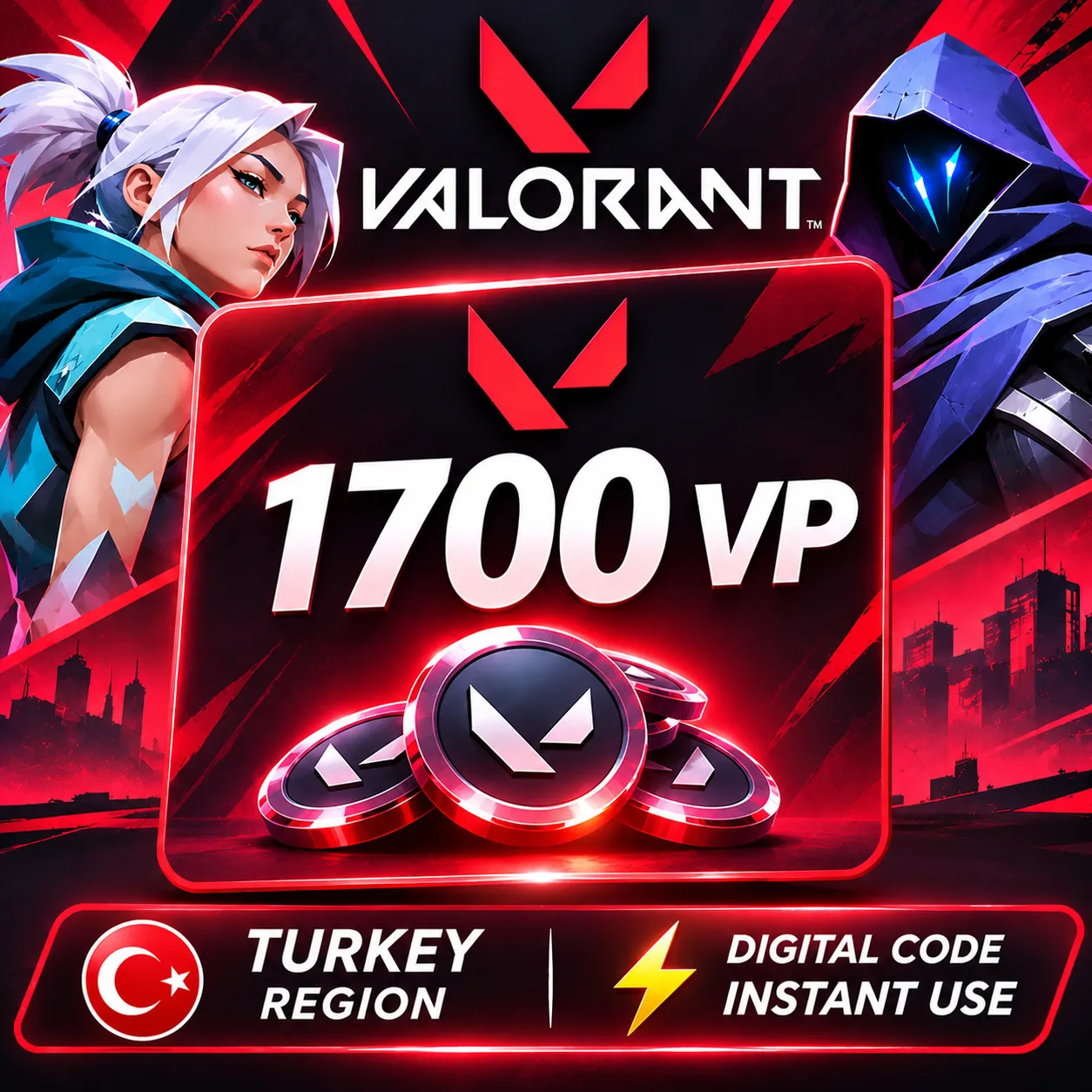
13 tao ang tumitingin sa item na ito
Dami
3,256 ang nasa stock
Buyer protection
Ang pagbili mo sa Eloboost24 platform ay ganap na protektado ng Buyer Protection Policy namin.
- Refund sa balance mo kung hindi na-deliver
- 78 benta ng seller na ito
- Ligtas na bayad
Tungkol sa seller

instaagaming
Regular Seller🎮 **VALORANT – 1700 VP | TURKEY** Get 1700 Valorant Points and upgrade your gaming experience! Unlock exclusive weapon skins, premium bundles, Battle Passes, and other in-game co ... ntent. ✨ **Product Features:** - 💎 1700 Valorant Points (VP) - 🇹🇷 Turkey Region - 🔑 Digital Code - 🎯 For VALORANT - ⚡ Instant Use 🚀 **Delivery:** Your digital code will be delivered directly through the order chat after purchase confirmation. 📝 **Important Information:** - 🇹🇷 Turkey region only. - Check your Riot account region before purchasing. - Make sure your account is compatible with the code. Thank you for choosing our store!
Region
Türkiye
Mula sa parehong seller
ROBLOX Hovering UFO – DLC | Official Website Key

Seller
ROBLOX Knife Crown – Murder Mystery 2
Seller
ROBLOX Delinquent Demon – DLC | Roblox Key | Global
Seller
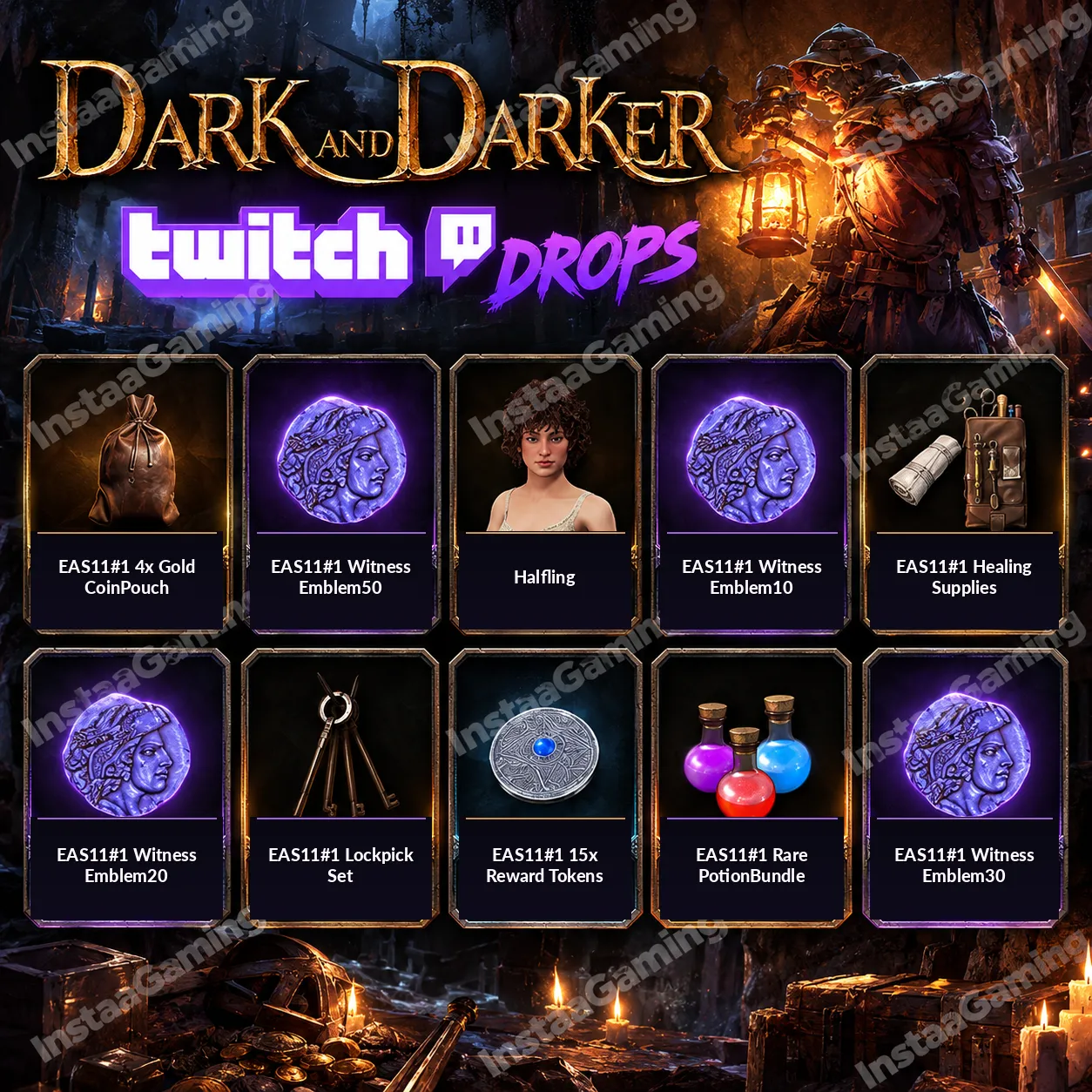
DARK AND DARKER 🔥 TWITCH DROPS | SEASON 11 | 10 REWARD
Seller
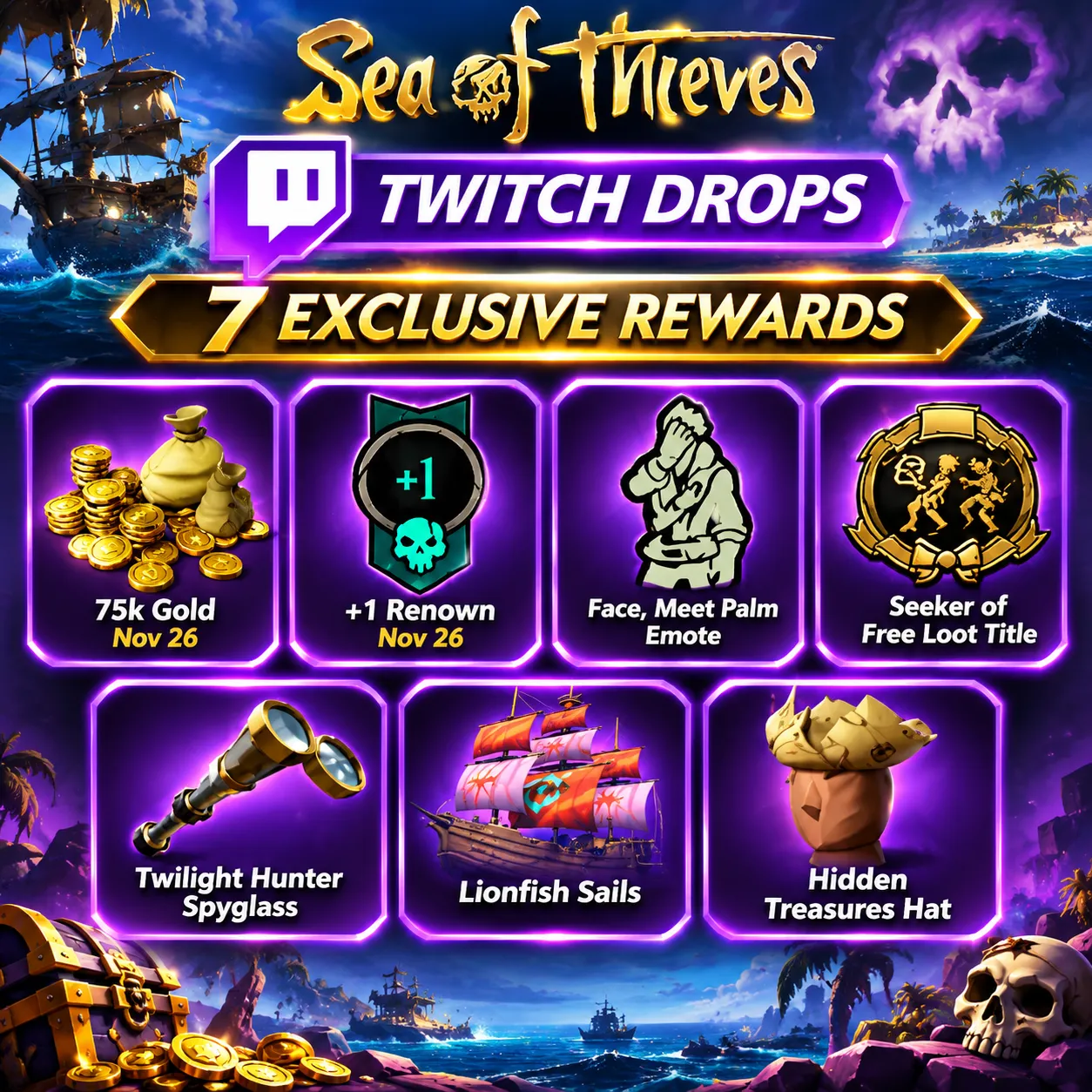
Sea of Thieves Twitch Drops – 7 Exclusive Rewards
Seller
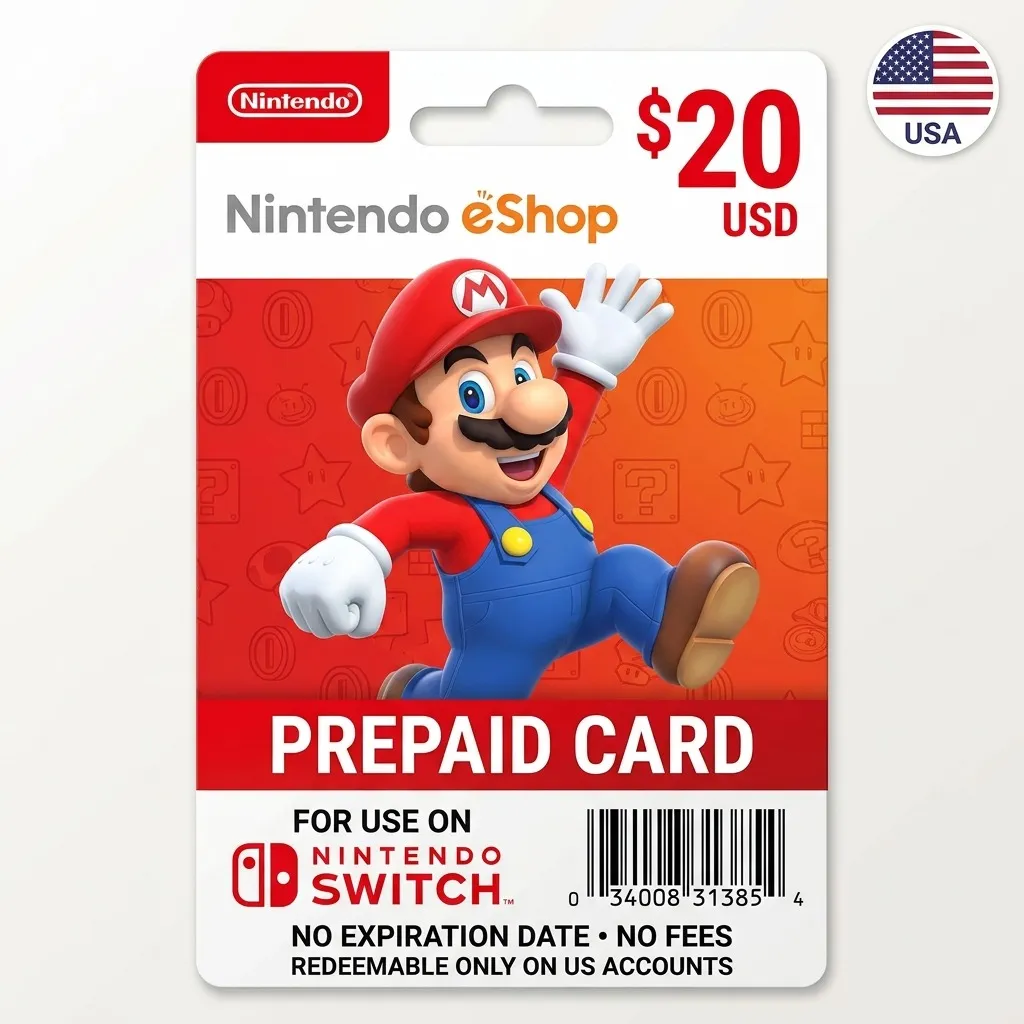
Nintendo eShop Gift Card $20 USD – United States (USA)
Seller
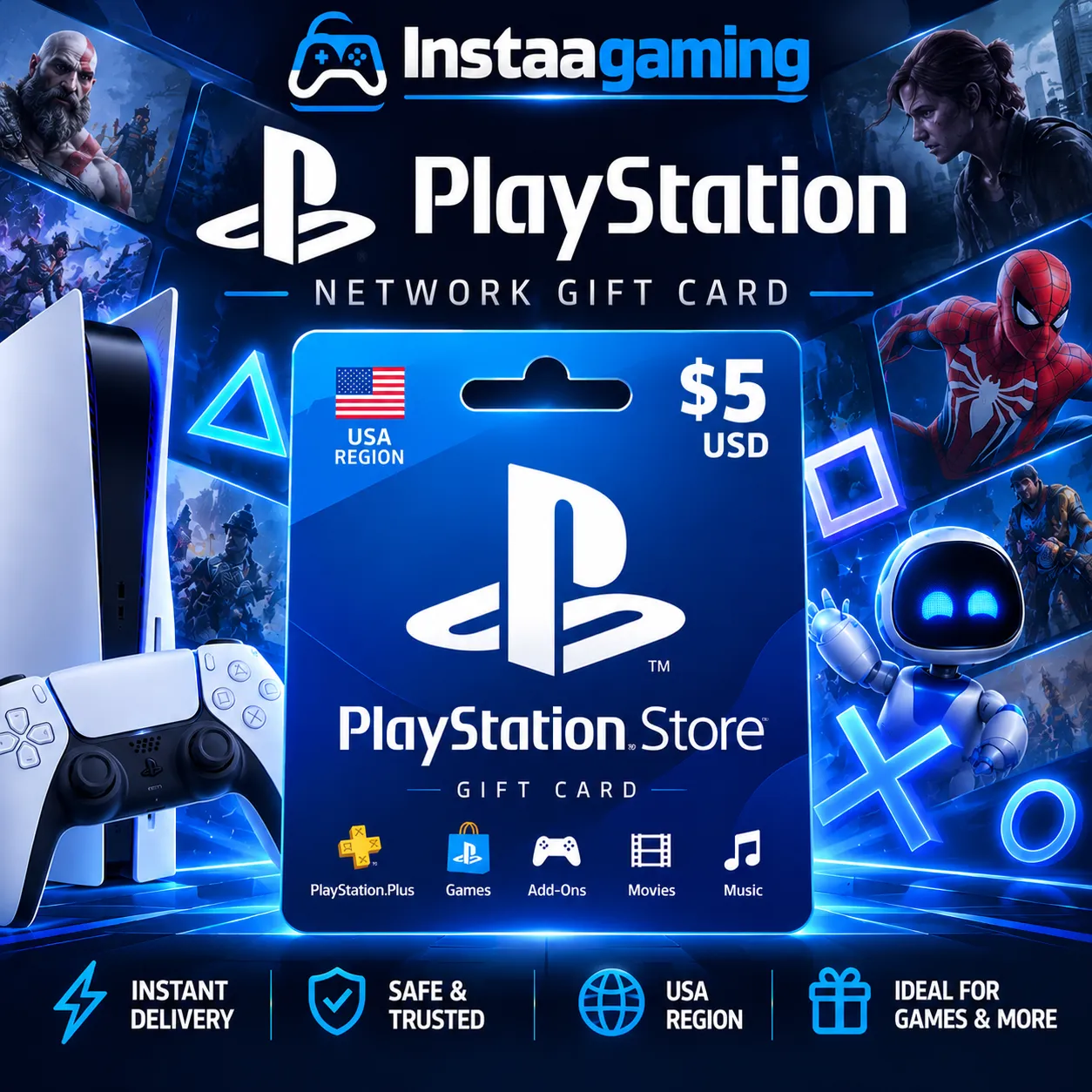
PlayStation Network PSN Gift Card $5 USD | USA Region |
Seller
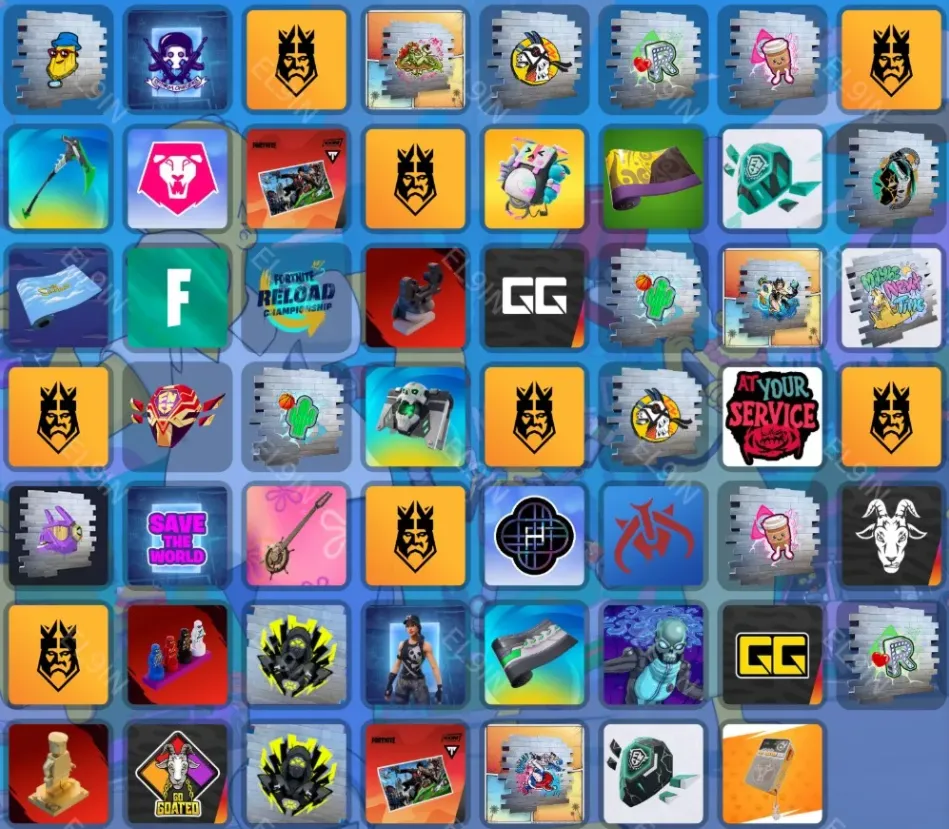
Fortnite Twitch Drops – 60+ Rewards | Pickaxes, Skins,
Seller
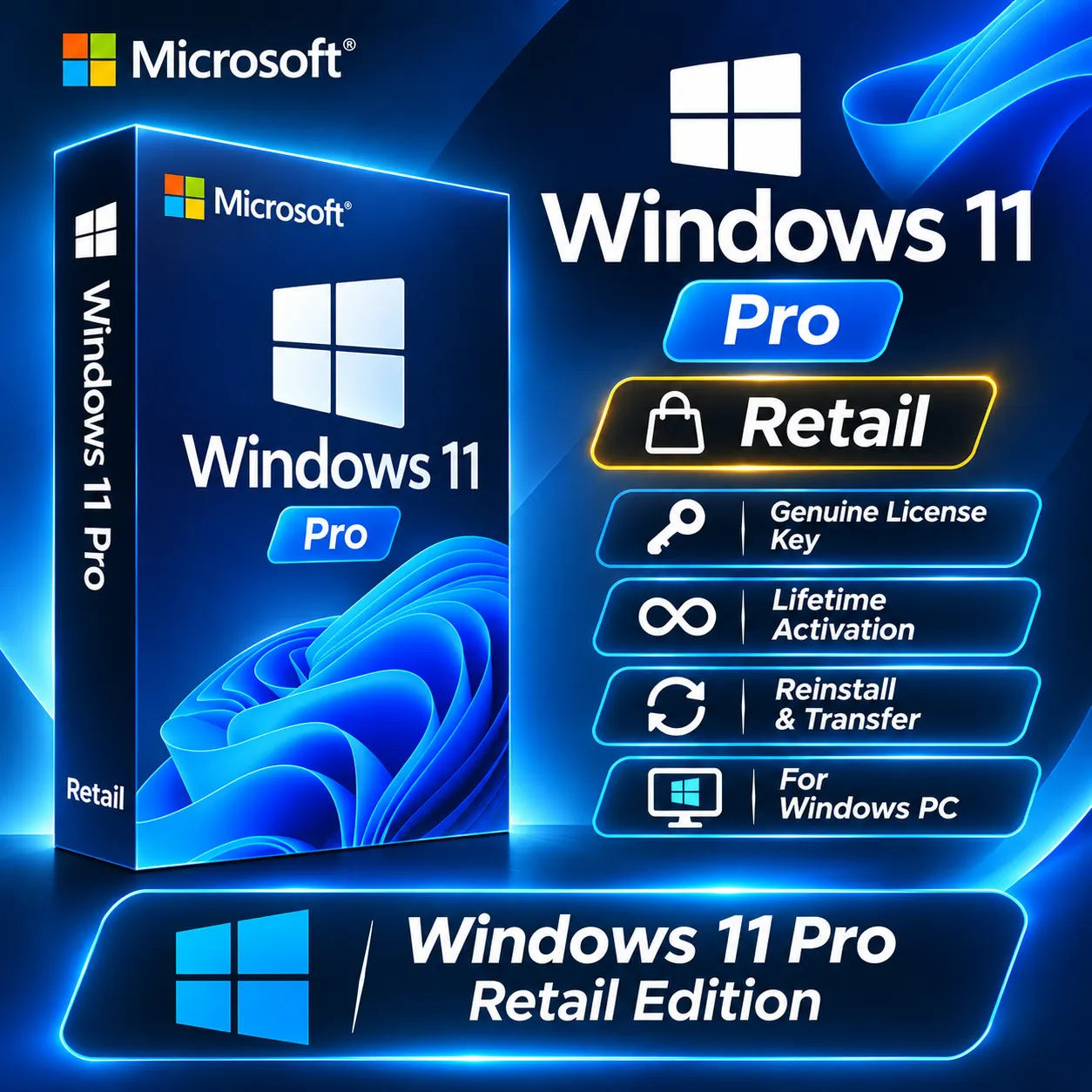
Microsoft Windows 11 Pro Retail – Genuine Activation
Seller
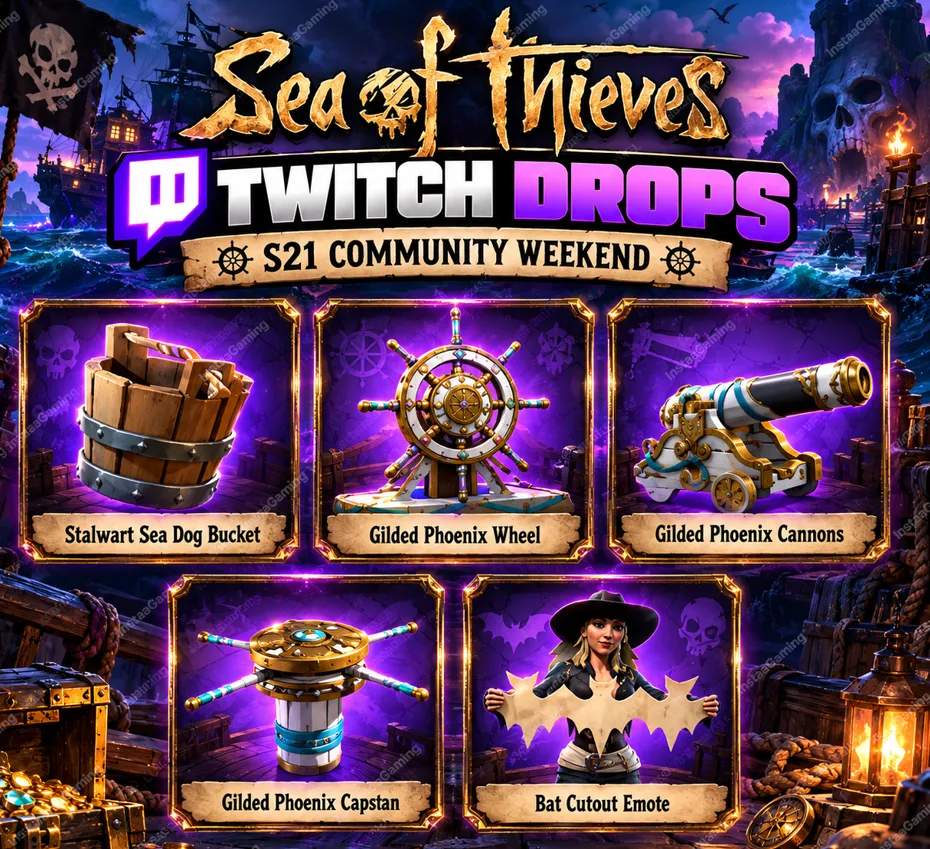
Sea of Thieves | Twitch Drops | 5 Rewards
Seller
FAQs tungkol sa items
Para sa anong mga region ako puwedeng bumili ng Valorant Gift Cards?
Naglilista ang mga seller sa EB24 ng Valorant Gift Cards para sa mga region na ito: Global, United States, Europe, Turkiye, India, New Zealand. Piliin mo ang tugma sa Riot account mo.
Puwede ba akong mag-redeem ng Valorant code mula sa ibang region?
Sa region lang kung saan inilabas nagre-redeem ang mga Valorant code, kaya hindi gagana ang European card sa North American o Turkish na account.
Ano ang mabibili ko gamit ang Valorant code?
Pambili ang VP ng weapon skin, agent contract, Battle Pass at Radianite Points para sa skin upgrade.
Paano ko ire-redeem ang Valorant code?
Buksan mo ang Valorant store, piliin mo ang VP icon, piliin mo ang Prepaid Cards and Codes at ilagay mo ang code. Puwede mo rin itong i-redeem sa code redemption page ng Riot.
Gaano katagal ang delivery ng Valorant Gift Cards?
Nagtatakda ang bawat seller ng oras ng delivery sa listing bago ka mag-checkout, at laging dumarating ang code sa EB24 order panel mo.
Ano ang dapat kong gawin kung hindi gumana ang Valorant code ko?
Huwag mong i-confirm ang order. Magbukas ka ng dispute mula sa order page na may screenshot ng error. Nananatiling hawak ng EB24 ang bayad habang sinusuri ng support ang kaso.
Paano ito gumagana?
Sa pagbili ng Valorant code sa EB24, pipili ka ng listing para sa region mo, magbabayad ka sa checkout at kokopyahin mo ang code mula sa order panel mo.

Tingnan ang region ng Riot account mo Tandaan mo ang region at currency ng Riot account mo bago ka pumili ng listing. Iyon ang region na ifi-filter mo.
Pumili ng listing at magbayad sa EB24 I-filter mo ang Valorant Gift Cards ayon sa region, ikumpara mo ang mga offer at tapusin mo ang order sa checkout ng EB24 para protektado ito habang hawak ng EB24 ang bayad.
Kopyahin ang code mula sa order mo Kapag minarkahan ng seller na na-deliver ang order, lalabas ang code sa order panel mo. Hindi kailanman bahagi ng trade ang password ng Riot account mo.
I-redeem ito sa Valorant Buksan mo ang Valorant store, piliin mo ang VP icon, piliin mo ang Prepaid Cards and Codes at ilagay mo ang code. Puwede mo rin itong i-redeem sa code redemption page ng Riot.
May problema sa code? Magbukas ng dispute Ang code na tinanggihan o inilabas para sa ibang region ay batayan ng dispute. Ipaabot mo ito mula sa order bago ka mag-confirm, at hindi babayaran ang seller hangga't hindi ito naaayos.