


Microsoft Visual Studio 2026 Enterprise
구독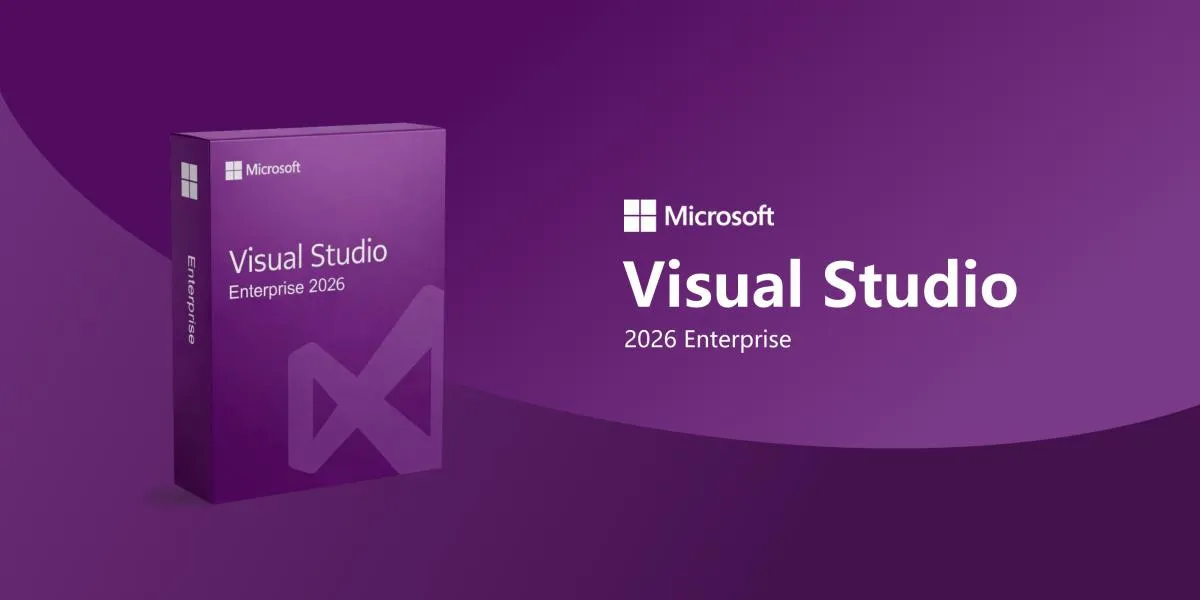
12명이 이 아이템을 보고 있습니다
구매자 보호
Eloboost24 플랫폼에서의 구매는 구매자 보호 정책으로 완전히 보호됩니다.
- 전달되지 않으면 잔액으로 환불
- 안전 결제
판매자 소개

elisir31
일반 판매자Microsoft Visual Studio 2026 Enterprise: Command Your CodeThe definitive AI-native IDE for teams tackling complex, large-scale projects.Smarter Development Built for massive monor ... epos and mission-critical software. Visual Studio 2026 turns your IDE into a thinking environment that anticipates your needs—whether you’re in the office or remote.AI at the Core GitHub Copilot and specialized AI agents are fully integrated: Real-time debugging insights Automatic Live Unit Testing with instant visual feedback Predictive profiling that spots performance issues as you code Engineered for Speed Significantly faster solution loading 50% fewer UI freezes Snapshot Debugger for inspecting live production apps without downtime The intelligent, reliable choice for enterprise developers and architects who refuse to compromise.
아이템 유형
키
에디션
Visual Studio 2026 Enterprise
지역
Global
같은 판매자
 신규
Windows 10 Professional (32/64-bit) – Digital Product K

판매자
신규MS Office Professional Plus 2024 PC LTSC Key
판매자
신규HBO Max Standard 6 mesi

판매자
신규Microsoft Visual Studio 2026 Professional
판매자
신규Windows 11 Professional OEM
판매자
신규Italian Football Streaming

판매자
Microsoft Visual Studio 키 자주 묻는 질문
Professional과 Enterprise 중 무엇인가요?
Professional은 대부분의 개인 개발자와 소규모 팀에 적합합니다. Enterprise는 더 많은 테스트와 아키텍처 도구가 추가됩니다. Microsoft의 에디션 비교를 확인하세요.
2019 키가 Visual Studio 2022에서 작동하나요?
아니요. 키는 상품에 표시된 버전에만 맞습니다.
키는 어떻게 적용하나요?
키와 함께 전송된 안내를 따르세요. Visual Studio에서는 도움말 메뉴에서 제품 키를 입력할 수 있습니다.
Global 키와 EU 키 중 무엇인가요?
각 상품에 지역이 표시됩니다. 활성화하는 곳에 맞는 것을 고르세요.
라이선스 기간이 표시되나요?
상품에 기간이나 기기 수가 표기되어 있지 않습니다. 구매 전에 채팅으로 판매자에게 문의하세요.
키가 거부되면 어떻게 하나요?
주문을 확인하지 마세요. 채팅에서 판매자에게 알리고, 해결되지 않으면 분쟁을 접수하세요.
어떻게 작동하나요?
Visual Studio 키를 주문하고, IDE에서 확인한 뒤에야 결제 대금을 해제하세요.

버전 선택 릴리스 연도와 Professional 또는 Enterprise를 고르세요.
지역 확인 Global 키와 EU 키는 따로 등록됩니다.
에스크로로 결제 EB24가 결제 금액을 보관합니다.
키 받기 제품 키가 주문 채팅으로 도착합니다.
활성화 후 확인 Visual Studio에 키를 적용하고 주문을 확정하세요.