PlayStation 4 USD Gift Card - USA (US) | PIN

기프트 카드

아이템 갤러리
결제

판매자 소개

옵션 더 보기

같은 판매자

탑 판매자 아이콘 탑 판매자

Razer Gold 40 MYR - MALAYSIA (MY) | PIN

상품 미리보기 기프트 카드
Item: Razer Gold 40 MYR Gift Card. Region: Malaysia (MY). Platform: Razer Gold Wallet (PC and Mobile Games). Delivery: Official digital PIN code. Notice: Your Razer Gold account region must match Malaysia (MY). Digital PIN codes are region-locked and non-refundable once delivered. Cover image is generic; exact value and region are listed in the title.
보증 종류: 확장전달 시간: 12시간지역: 말레이시아
$ 13.65 / 단위
탑 판매자 아이콘 탑 판매자

Razer Gold 28 BRL - BRAZIL (BR) | PIN

상품 미리보기 기프트 카드
Item: Razer Gold 28 BRL Gift Card. Region: Brazil (BR). Platform: Razer Gold Wallet (PC and Mobile Games). Delivery: Official digital PIN code. Notice: Your Razer Gold account region must match Brazil (BR). Digital PIN codes are region-locked and non-refundable once delivered. Cover image is generic; exact value and region are listed in the title.
보증 종류: 확장전달 시간: 12시간지역: 브라질
$ 7.18 / 단위
탑 판매자 아이콘 탑 판매자

Razer Gold 200 MXN - MEXICO (MX) | PIN

상품 미리보기 기프트 카드
Item: Razer Gold 200 MXN Gift Card. Region: Mexico (MX). Platform: Razer Gold Wallet (PC and Mobile Games). Delivery: Official digital PIN code. Notice: Your Razer Gold account region must match Mexico (MX). Digital PIN codes are region-locked and non-refundable once delivered. Cover image is generic; exact value and region are listed in the title.
보증 종류: 확장전달 시간: 12시간지역: 멕시코
$ 15.55
탑 판매자 아이콘 탑 판매자

League of Legends 3625 RP - TURKEY (TR)
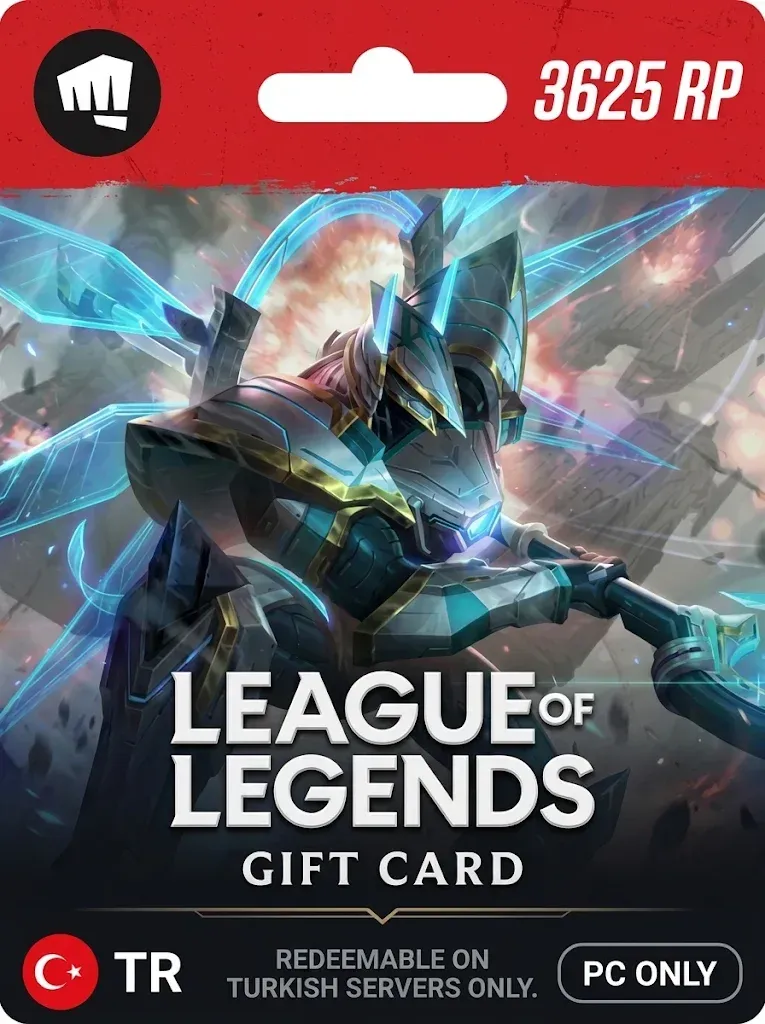
상품 미리보기 기프트 카드
PRODUCT SPECIFICATIONS Item: League of Legends 3625 RP Platform: PC Region: [TURKEY] Only Format: Digital Prepaid Code IMPORTANT REGION NOTICE This code is strictly region-locked. It can only be redeemed on League of Legends accounts registered to the [TURKEY / BRAZIL] server. Due to the digital nature of this item, all sales are final. No refunds or replacements will be issued for purchases made for incorrect regions. Please verify your account region prior to purchase. REDEMPTION INSTRUCTIONS Access the League of Legends PC Client. Navigate to the Store and select "Purchase RP". Choose "Prepaid Cards & Codes". Enter the provided code and click "Submit"
보증 종류: 확장전달 시간: 12시간지역: 튀르키예
$ 24.49
탑 판매자 아이콘 탑 판매자

League of Legends 5795 RP - BRAZIL (BR)
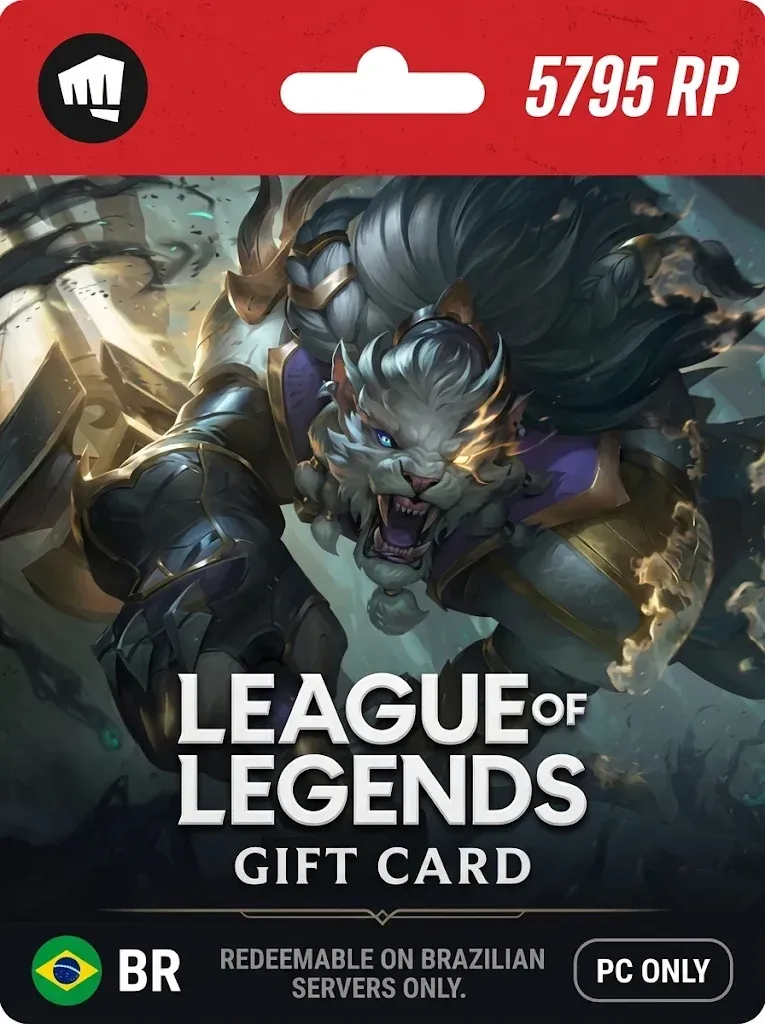
상품 미리보기 기프트 카드
PRODUCT SPECIFICATIONS Item: League of Legends 5795 RP Platform: PC Region: [BRAZIL] Only Format: Digital Prepaid Code IMPORTANT REGION NOTICE This code is strictly region-locked. It can only be redeemed on League of Legends accounts registered to the [TURKEY / BRAZIL] server. Due to the digital nature of this item, all sales are final. No refunds or replacements will be issued for purchases made for incorrect regions. Please verify your account region prior to purchase. REDEMPTION INSTRUCTIONS Access the League of Legends PC Client. Navigate to the Store and select "Purchase RP". Choose "Prepaid Cards & Codes". Enter the provided code and click "Submit".
보증 종류: 확장전달 시간: 12시간지역: 브라질
$ 49.89
탑 판매자 아이콘 탑 판매자

League of Legends 575 RP - UNITED STATES (US)
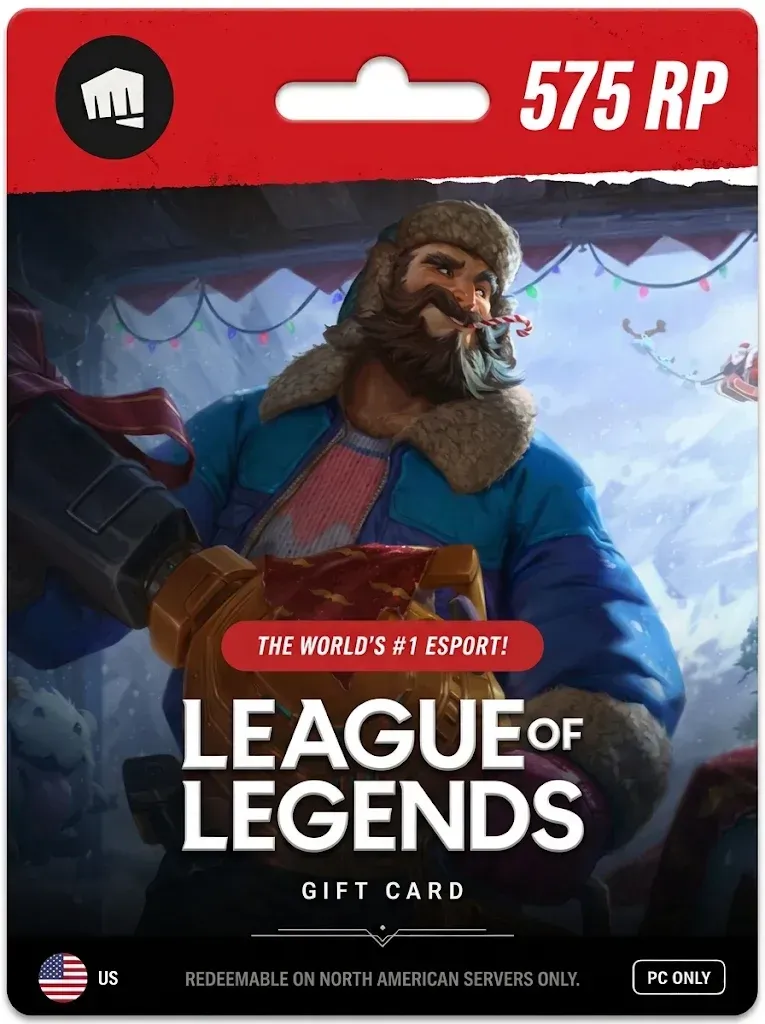
상품 미리보기 기프트 카드
PRODUCT SPECIFICATIONS Item: League of Legends 575 RP Platform: PC Region: UNITED STATES Format: Digital Prepaid Code IMPORTANT REGION NOTICE This code is strictly region-locked. It can only be redeemed on League of Legends accounts registered to the UNITED STATES server. Due to the digital nature of this item, all sales are final. No refunds or replacements will be issued for purchases made for incorrect regions. Please verify your account region prior to purchase. REDEMPTION INSTRUCTIONS 1. Access the League of Legends PC Client. 2. Navigate to the Store and select "Purchase RP". 3. Choose "Prepaid Cards & Codes". 4. Enter the provided code and click "Submit".
보증 종류: 확장전달 시간: 12시간지역: 미국
$ 6.54 / 단위
탑 판매자 아이콘 탑 판매자

Valorant 375 VP Code - TURKEY (TR) | PC Direct PIN
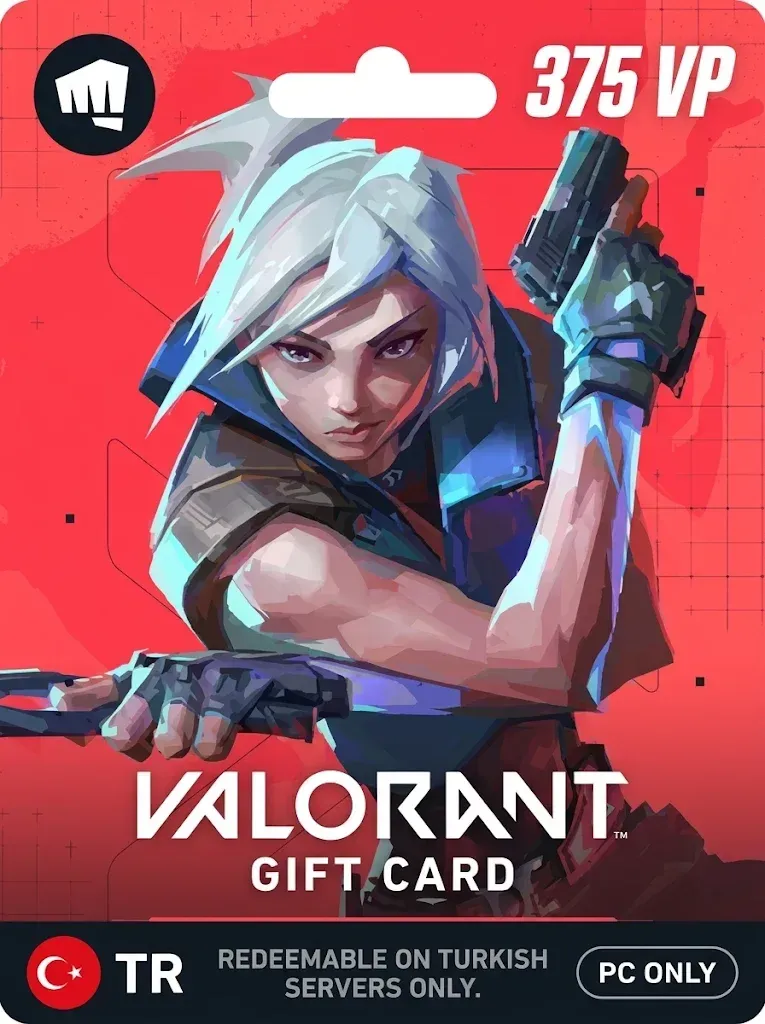
상품 미리보기 기프트 카드
PRODUCT SPECIFICATIONS Item: Valorant 375 VP (Valorant Points) Platform: PC Region: Turkey Only (TR) Format: Digital Prepaid Code IMPORTANT REGION NOTICE This code is strictly region-locked. It can only be redeemed on Riot Games accounts registered to the Turkey (TR) server. Due to the digital nature of this item, all sales are final. No refunds or replacements will be issued for purchases made for incorrect regions. Please verify your account server region prior to purchase. REDEMPTION INSTRUCTIONS 1. Access the Valorant PC Client and log into your Riot account. 2. Click on the Valorant icon located next to the Store tab. 3. Select "Prepaid Cards & Codes". 4. Enter the provided code and click "Submit".
보증 종류: 확장전달 시간: 12시간지역: 튀르키예
$ 3.39
탑 판매자 아이콘 탑 판매자

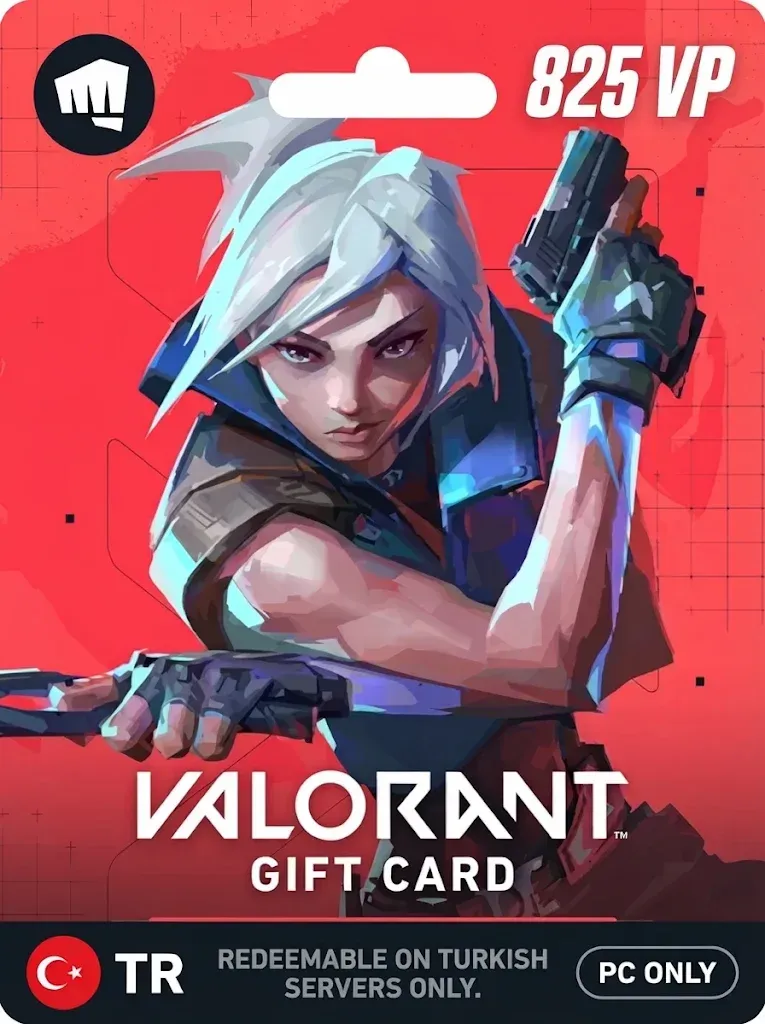
Valorant 825 VP Code - TURKEY (TR) | PC Direct PIN
상품 미리보기 기프트 카드
PRODUCT SPECIFICATIONS Item: Valorant 825 VP (Valorant Points Prepaid Code) Platform: PC Region: Turkey Only (TR) Format: Direct Digital Prepaid PIN Code (Redeemable in-game) IMPORTANT NOTICE REGARDING FORMAT This is a direct prepaid digital code for Valorant Points (VP). You will receive a 16-character PIN code to redeem yourself inside the game client. No account login, password, or access to your Riot account is required or requested. IMPORTANT REGION NOTICE This code is strictly region-locked. It can only be redeemed on Riot Games accounts registered to the Turkey (TR) server. Due to the digital nature of this item, all sales are final. No refunds or replacements will be issued for purchases made for incorrect regions. REDEMPTION INSTRUCTIONS 1. Access the Valorant PC Client and log into your Riot account. 2. Click on the Valorant icon located next to the Store tab. 3. Select "Prepaid Cards & Codes". 4. Enter the provided code and click "Submit".
보증 종류: 확장전달 시간: 12시간지역: 튀르키예
$ 6.86
탑 판매자 아이콘 탑 판매자

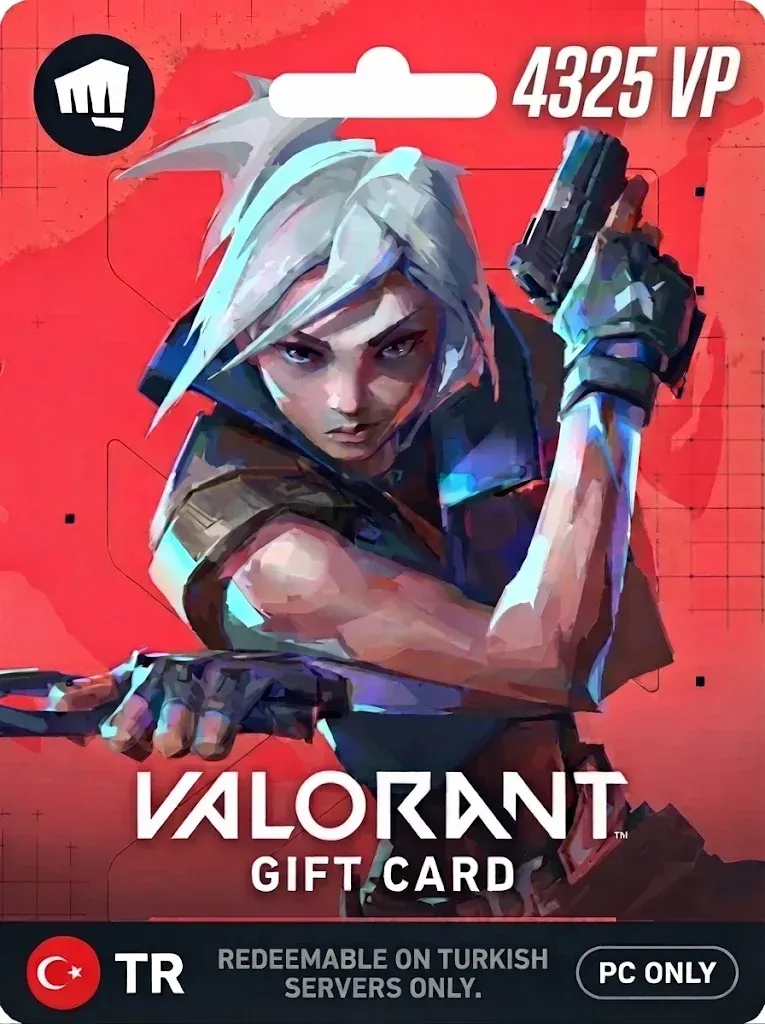
Valorant 4325 VP Code - TURKEY (TR) | PC Direct PIN
상품 미리보기 기프트 카드
PRODUCT SPECIFICATIONS Item: Valorant 4325 VP (Valorant Points Prepaid Code) Platform: PC Region: Turkey Only (TR) Format: Direct Digital Prepaid PIN Code (Redeemable in-game) IMPORTANT NOTICE REGARDING FORMAT This is a direct prepaid digital code for Valorant Points (VP). You will receive a 16-character PIN code to redeem yourself inside the game client. No account login, password, or access to your Riot account is required or requested. IMPORTANT REGION NOTICE This code is strictly region-locked. It can only be redeemed on Riot Games accounts registered to the Turkey (TR) server. Due to the digital nature of this item, all sales are final. No refunds or replacements will be issued for purchases made for incorrect regions. REDEMPTION INSTRUCTIONS 1. Access the Valorant PC Client and log into your Riot account. 2. Click on the Valorant icon located next to the Store tab. 3. Select "Prepaid Cards & Codes". 4. Enter the provided code and click "Submit".
보증 종류: 확장전달 시간: 12시간지역: 튀르키예
$ 33.87 / 단위
탑 판매자 아이콘 탑 판매자

Apple 30 EUR Gift Card PIN (FR)

상품 미리보기 기프트 카드
Official Apple Gift Card digital PIN code for 30 EUR (France - FR). Can be redeemed directly on your official Apple account (App Store, iTunes, iCloud, and Apple Services) matching the France region. Secure digital delivery of the official code directly through the order chat. Important note: Apple Gift Cards are country and currency locked. Please verify that your Apple ID region and currency match France (FR) before completing your purchase. Digital codes are non-refundable once delivered. The cover image is a standardized store visual; the exact denomination (30 EUR) and region (France) are clearly specified in the listing title.
보증 종류: 확장전달 시간: 12시간지역: 프랑스
$ 45.60 / 단위
자주 묻는 질문

아이템에 관한 자주 묻는 질문

  • 어느 지역의 PlayStation 기프트 카드를 구매할 수 있나요?

  • 지갑 금액 필터가 왜 없나요?

  • PlayStation 기프트 카드는 어떻게 전달되나요?

  • 코드가 내 PSN 계정 지역과 일치해야 하나요?

  • 구매 후 전달은 얼마나 빠른가요?

  • PlayStation 코드가 등록되지 않으면 어떻게 하나요?

자세히 보기

어떻게 작동하나요?

EB24에서 PlayStation 기프트 카드를 구매하려면 먼저 판매 상품을 PSN 스토어에 설정된 지역과 맞춰 본 다음, 결제 후 주문 패널에서 코드를 받으면 됩니다.

zippy
1

내 PSN 지역 찾기 PlayStation 기프트 카드 판매 상품을 둘러보고, EB24가 다루는 43개 지역 중 내 PSN 계정과 스토어에 설정된 지역을 찾아보세요.

2

EB24에서 결제 판매자와 개인적으로 결제를 주고받지 말고 EB24를 통해 결제를 완료하세요. 결제 순간부터 주문과 에스크로 보관이 기록됩니다.

3

지갑 코드 받기 판매자는 판매 상품에 표시된 정확한 지역과 지갑 금액의 등록 코드를 주문 패널을 통해 전달하며, PSN 비밀번호는 절대 요구하지 않습니다.

4

내 지갑에 추가하기 해당 지역으로 설정된 내 PlayStation Network 계정에 로그인해 코드를 등록하고, 지갑 잔액이 표시된 금액만큼 늘어나는지 확인하세요.

5

실패하면 분쟁 접수하기 코드가 다른 지역의 것으로 거부되거나 잔액이 맞지 않으면 주문 패널에서 분쟁을 접수하세요. 해결될 때까지 결제 금액은 보관됩니다.