


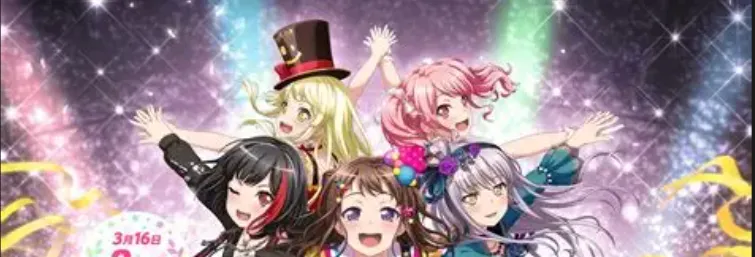
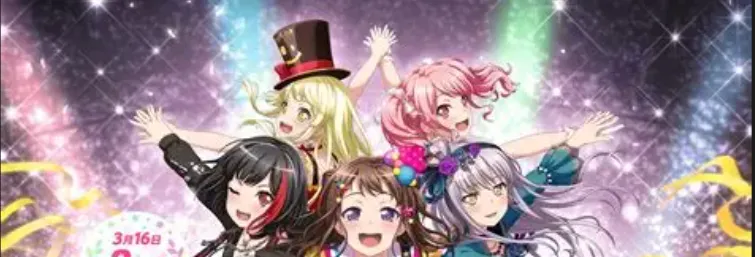
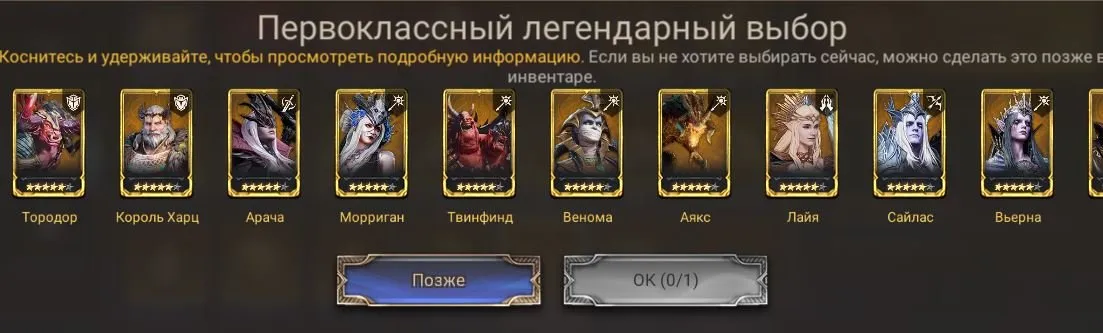
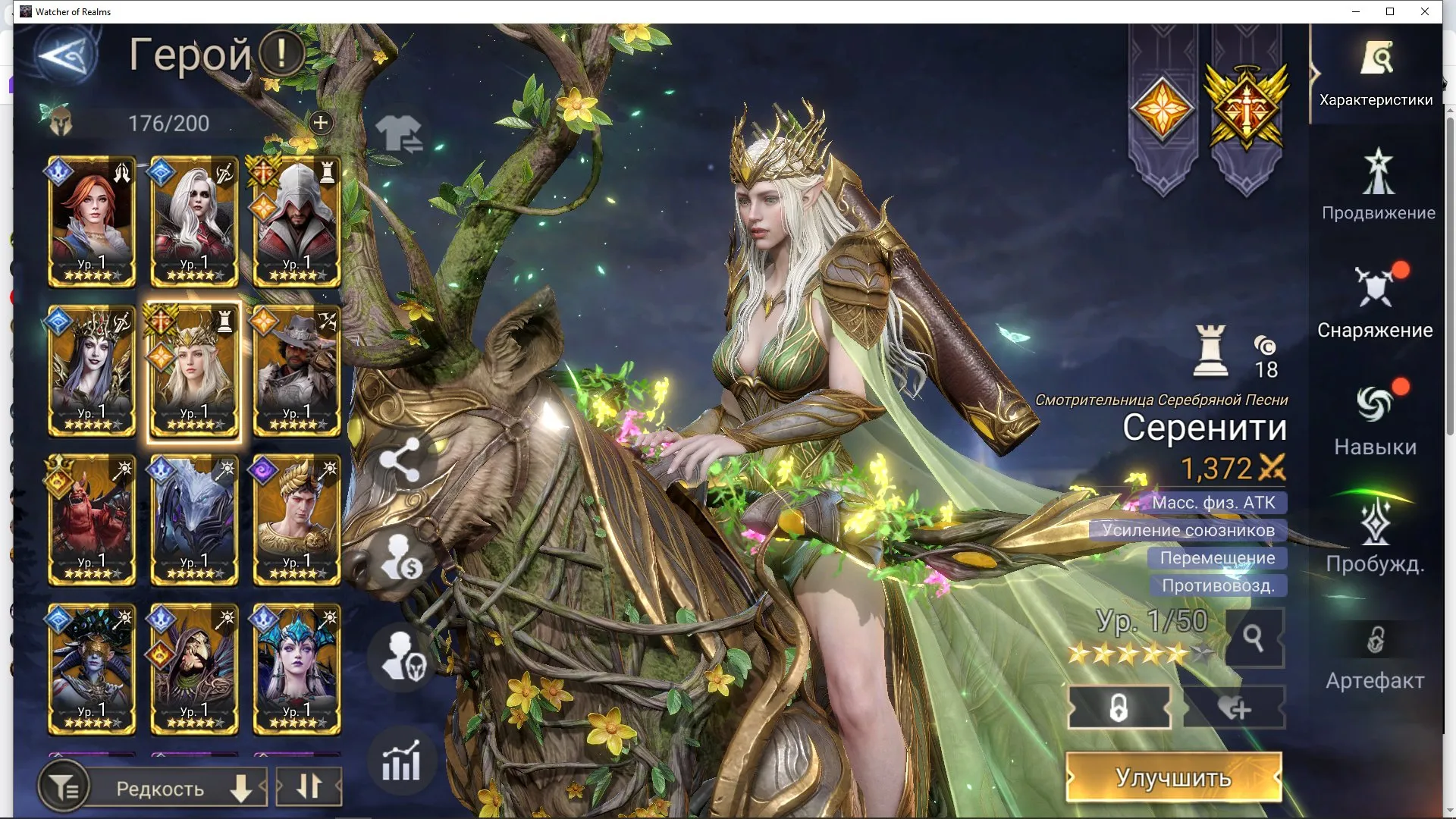
RAS30 //Japanese Server 🐞 180,000–200,000 Crystals 🐞5
15 people are viewing this account
Buyer protection
Your purchase on the Eloboost24 platform is fully protected by our Buyer Protection Policy.
- Refund to your balance if not delivered
- 263 sales by this seller
- Secure payment
About seller

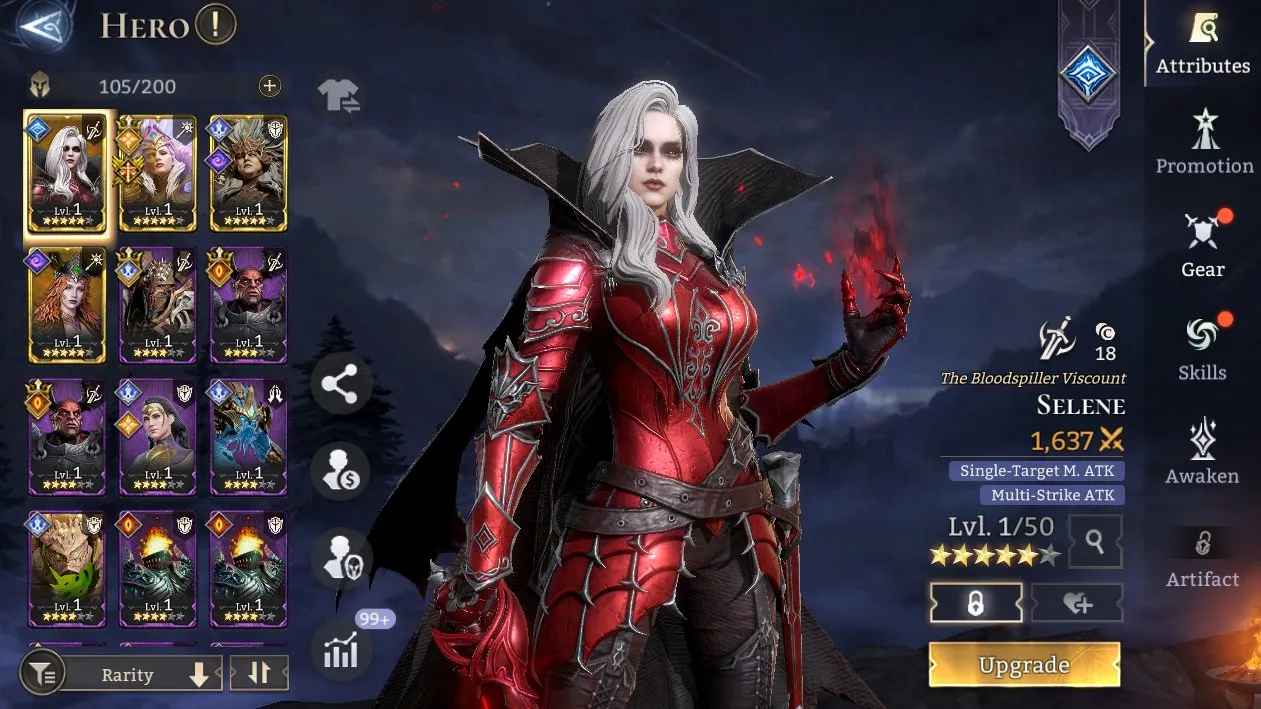
RAS30 //Japanese Server 🐞 180,000–200,000 Crystals 🐞5–20 5⭐ Characters🐞30–60 4⭐ Characters (K) Japanese Server 🐞 180,000–200,000 Crystals 🐞5–20 5⭐ Characters🐞30–60 4⭐ Charact ... ers
Region
Japan
You may also like
From the same seller
 Top Seller
WOR2485 🍀 12 leg Start 🍀 Global 💎 45500 🟡 28 🔵 280 🔸 Se

Seller Delivery: 24 hours
 Top Seller
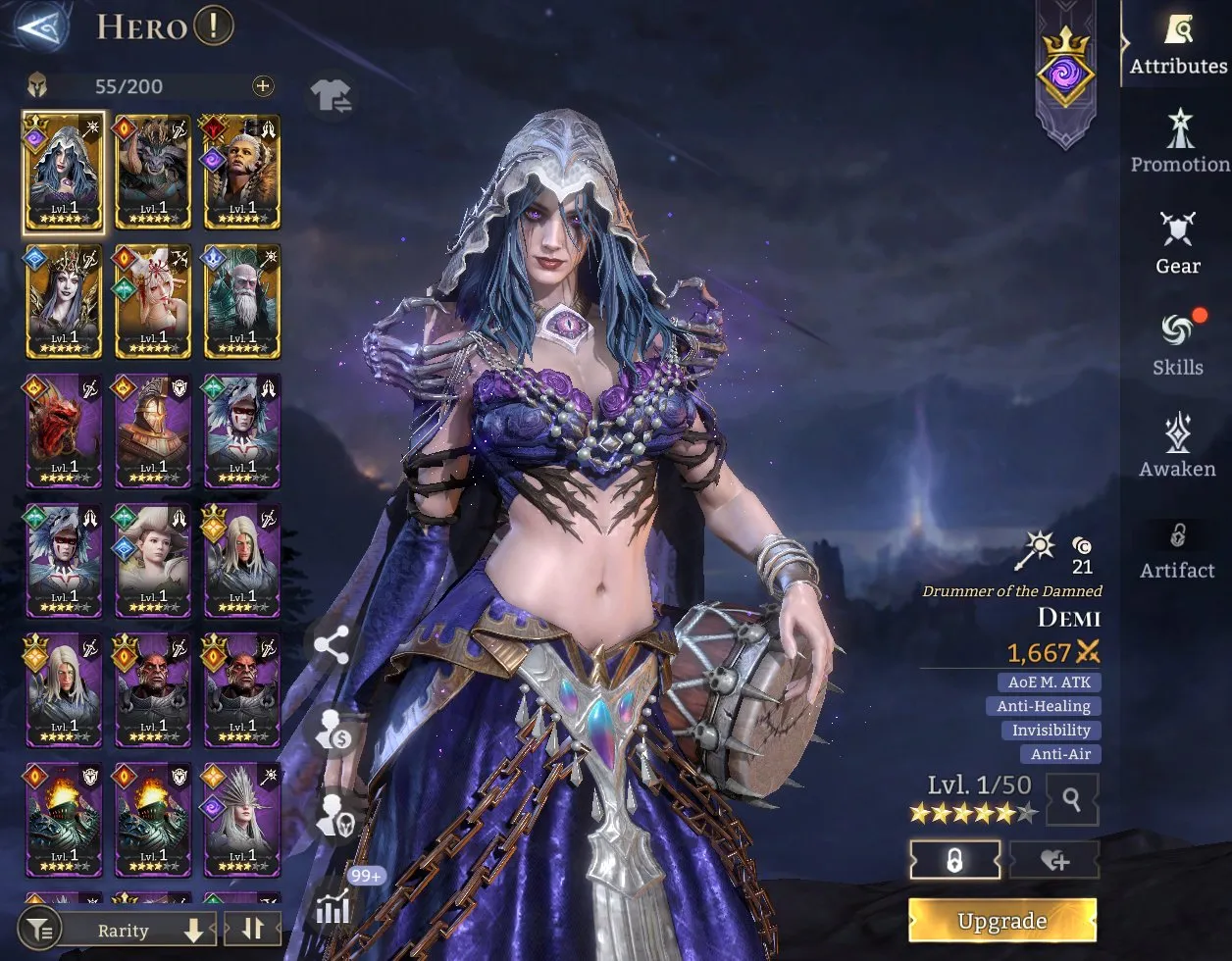
WOR2550 💎 37,703 ⚡ 68,982 🟡 50 🔴 54 🔵 164 | Demi ➛ Ares
Seller Delivery: 24 hours
 Top Seller
WOR2502 💎 26000 ⚡ 51000 🟡 16 🔴 30 🔵 88 👑 【Ingrid ➛ Veli
Seller Delivery: 24 hours
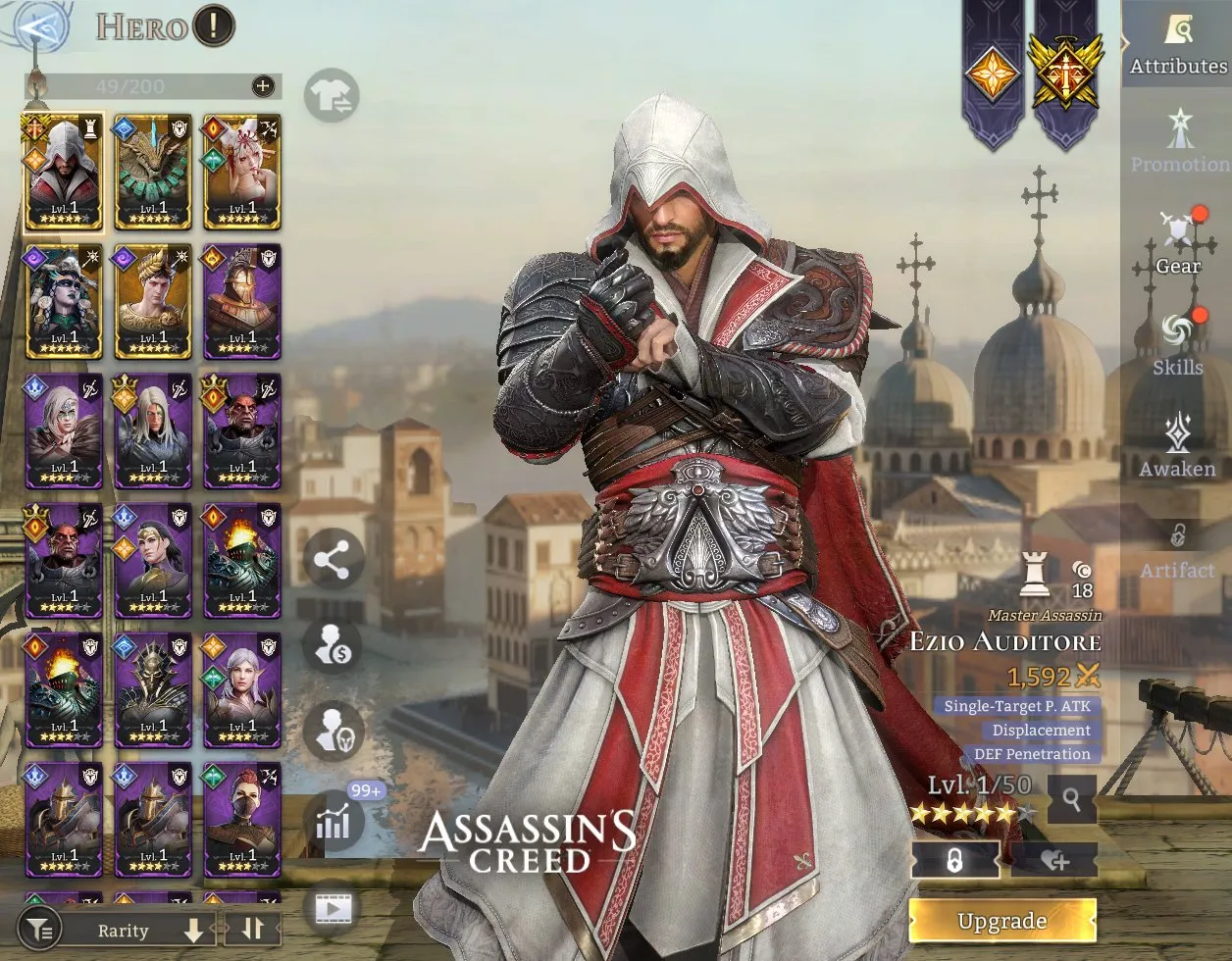
Top Seller WOR2556 💎 40,127 🟡 51 🔴 84 🔵 303 ⚡ 69,180 | Trusk ➛ Yur
Seller Delivery: 24 hours
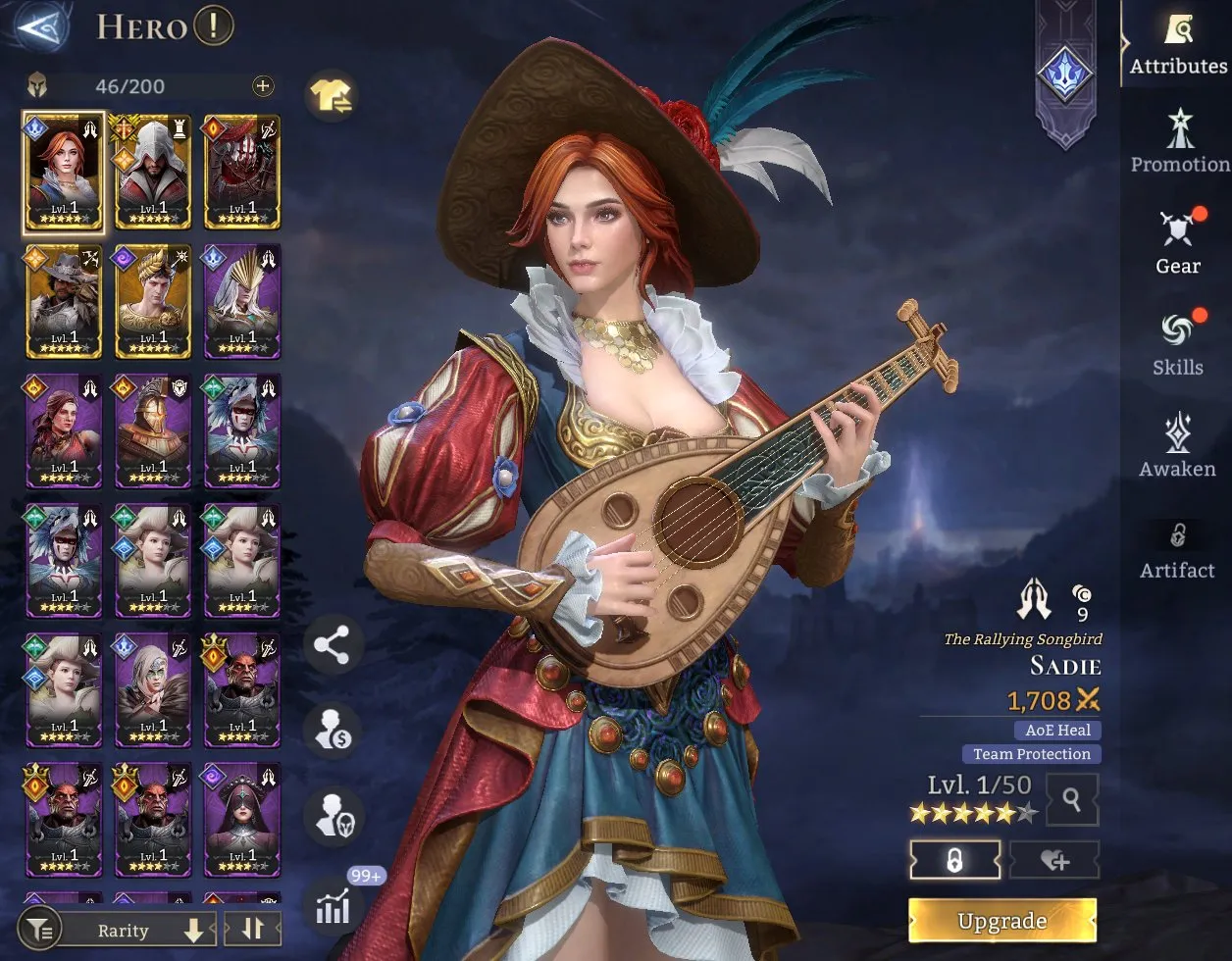
Top Seller WOR2548 💎 43,264 🟡 50 🔴 86 🔵 305 ⚡ 75,248 | Sadie ➛ Abo
Seller Delivery: 24 hours
FAQs about EB24 Sellers
Is buying a BanG Dream! Girls Band Party! account on EB24 safe?
Your payment waits in escrow until you have the BanG Dream! Girls Band Party! login, and the account comes with its email so you can change both passwords. If the account differs from the listing, the warranty covers it.
Which region options are there for BanG Dream! Girls Band Party! accounts?
Sellers list BanG Dream! Girls Band Party! accounts for Global, Japan and TW/HK. Progress stays on the region where it was made, so filter by the one you play on before you compare prices.
What does the stars on a BanG Dream! Girls Band Party! listing tell me?
It is the figure the seller reports for the account. Use the stars filter to narrow the list, then check the screenshots in the listing for the exact Stars balance and roster.
What do I get after buying a BanG Dream! Girls Band Party! account?
The seller hands over the BanG Dream! Girls Band Party! login and the linked email in the order chat. Change the email password first, then the game password, and confirm the order once everything matches the listing.
Can I sell my BanG Dream! Girls Band Party! account on EB24?
Yes. Create a listing, choose BanG Dream! Girls Band Party!, fill in the region and Stars and add screenshots. You are paid once the buyer confirms the delivery.
How it works?
Buying a BanG Dream! Girls Band Party! account on EB24 starts with the region and Stars. The steps below walk you through it:

Set the Filters Choose the server, region or platform you play on, then narrow the list with the progress filters.
Check the Listing Read the description, look at the screenshots and ask the seller anything in the chat before you buy.
Pay Into Escrow EB24 holds your payment until the seller hands over the login and the email.
Secure the Account Change the email password first, then the game password, and confirm the order once the account matches the listing.