


Dark War Survival Account
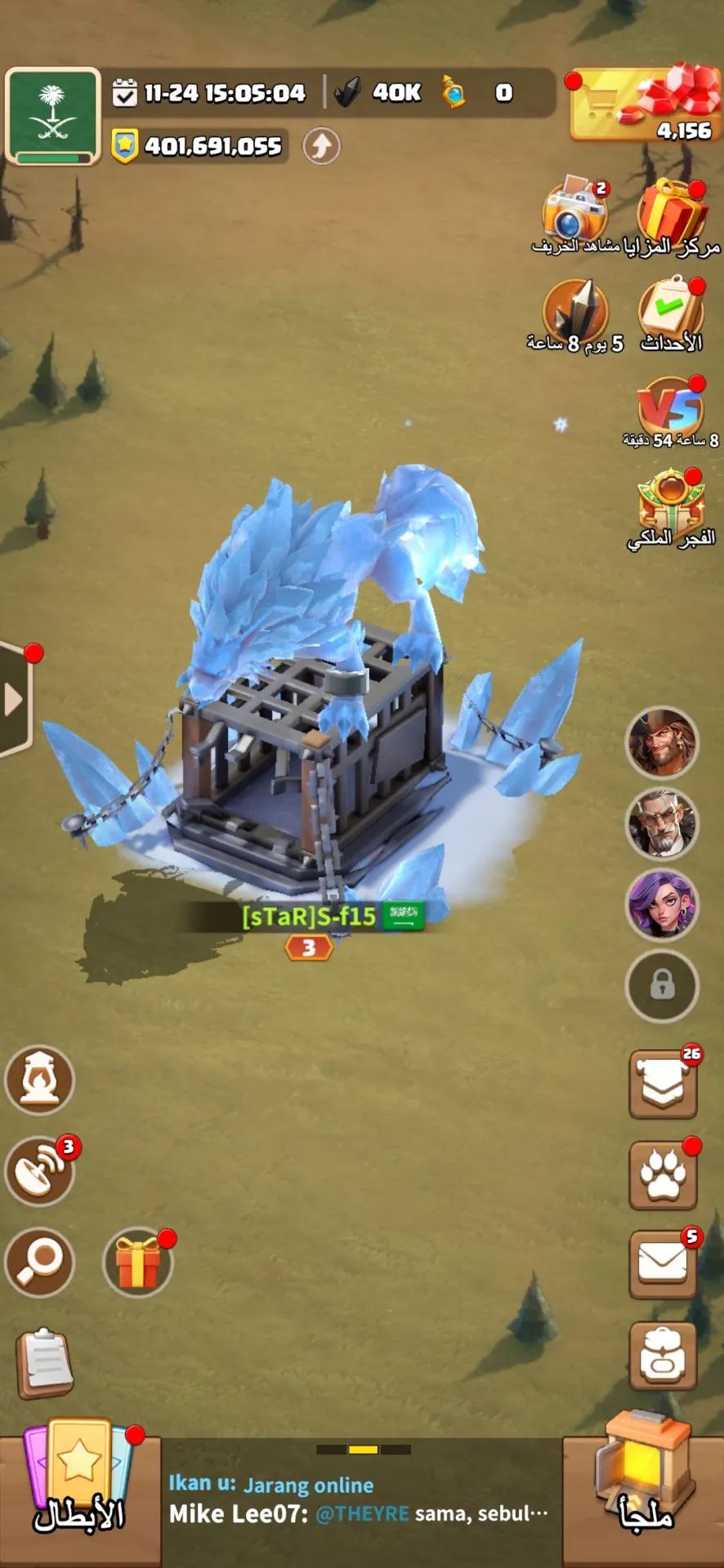
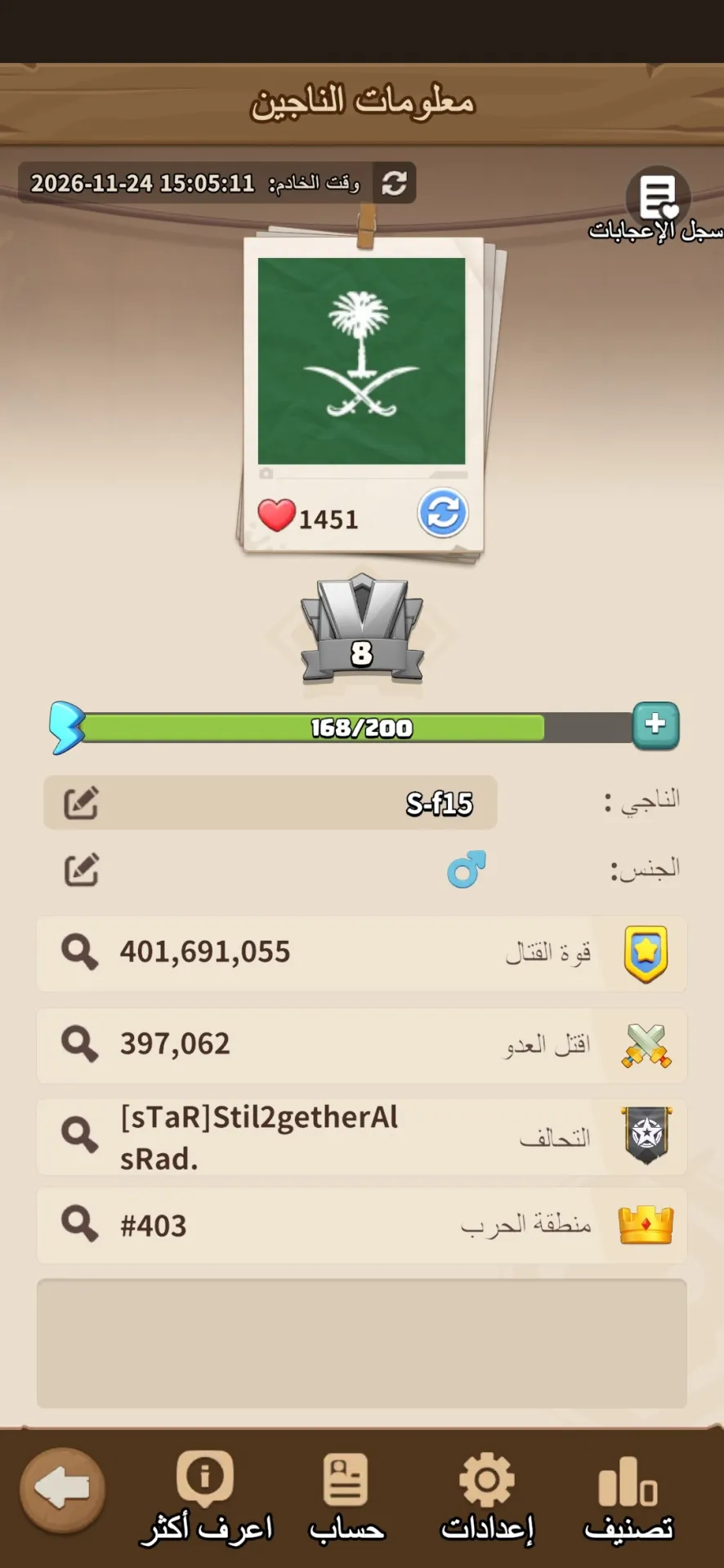
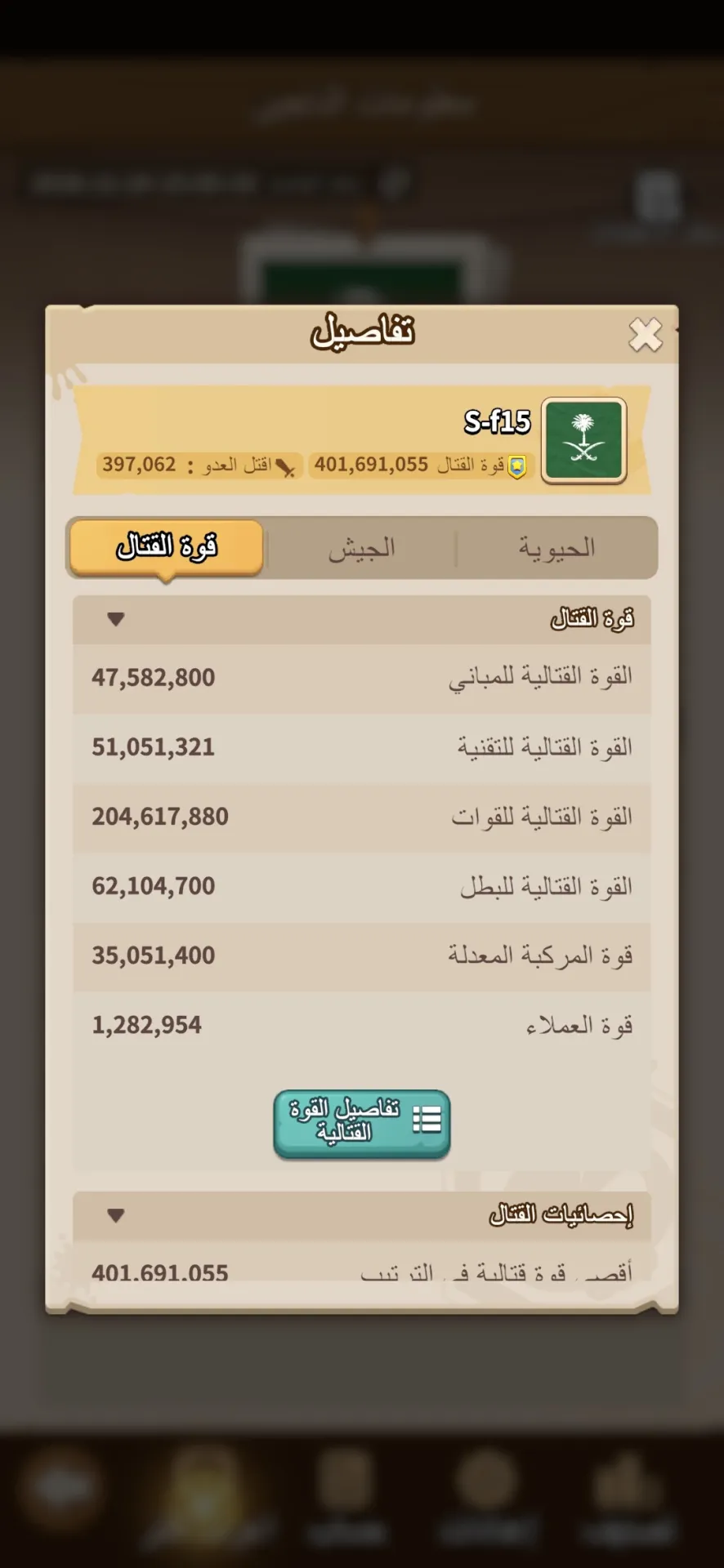
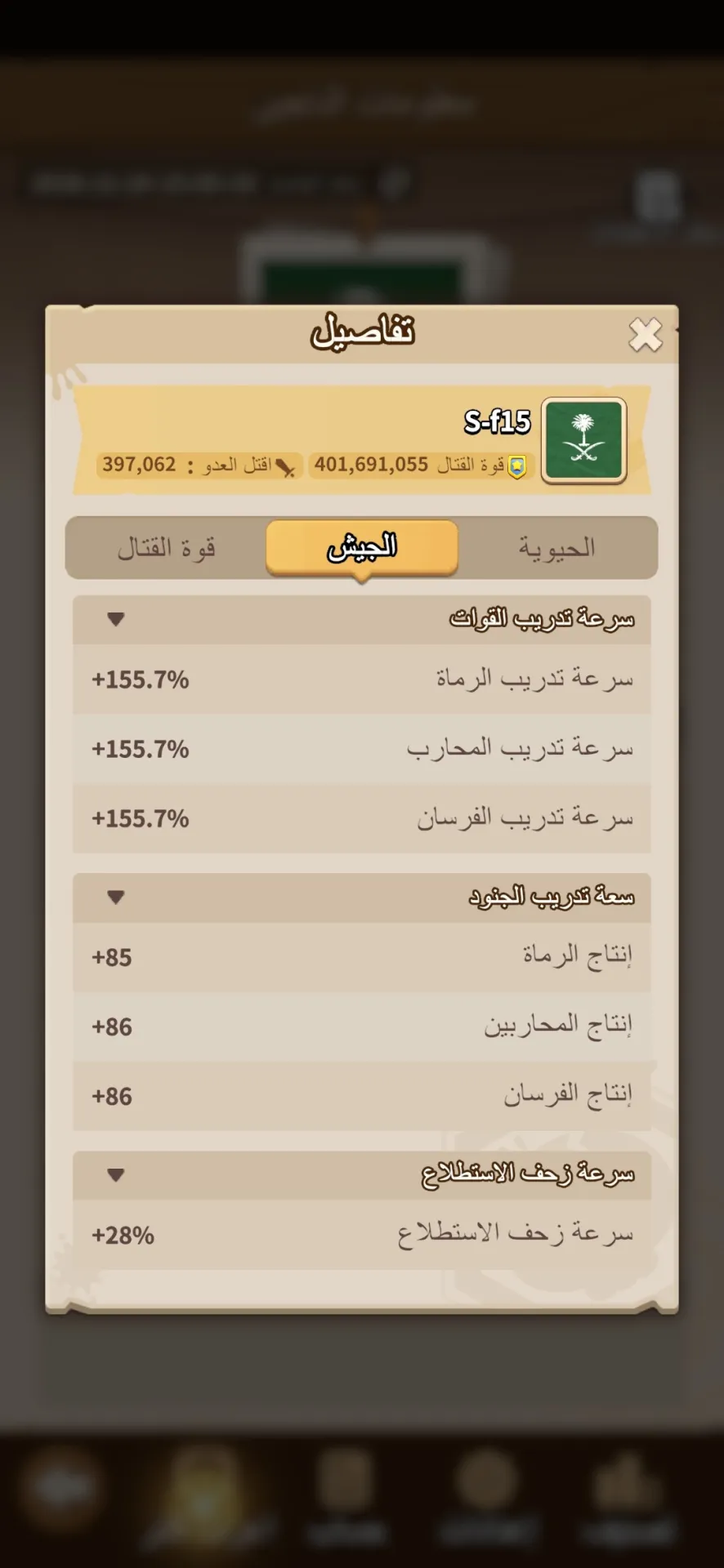
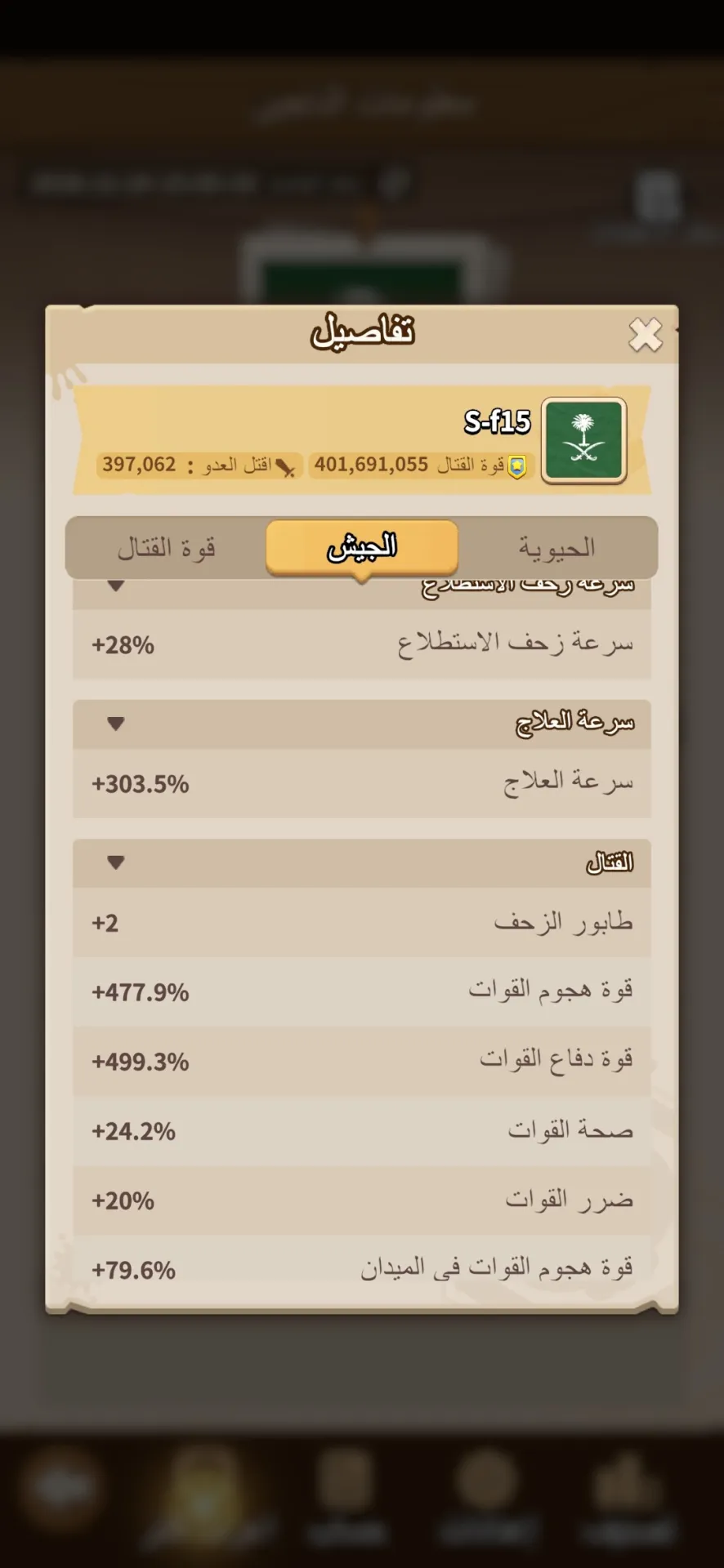
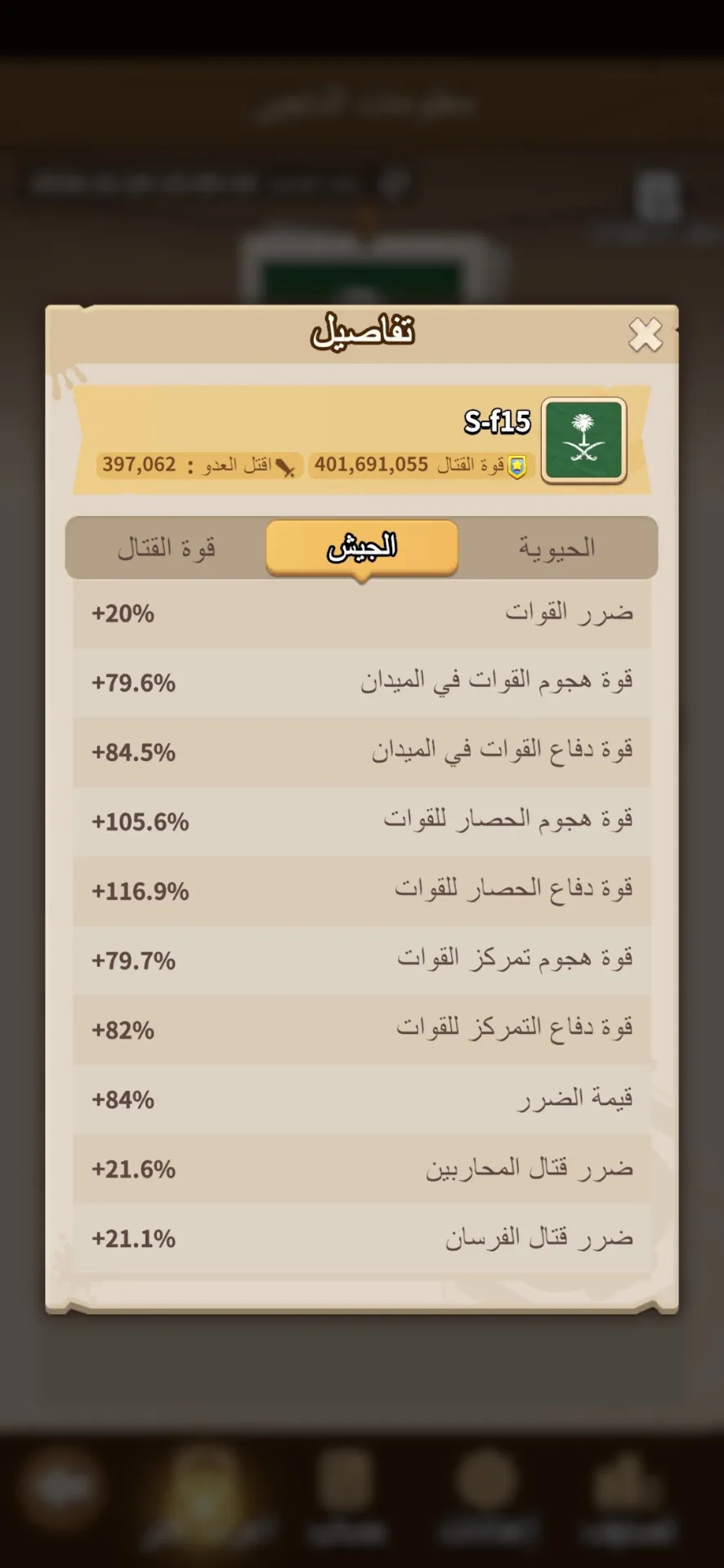
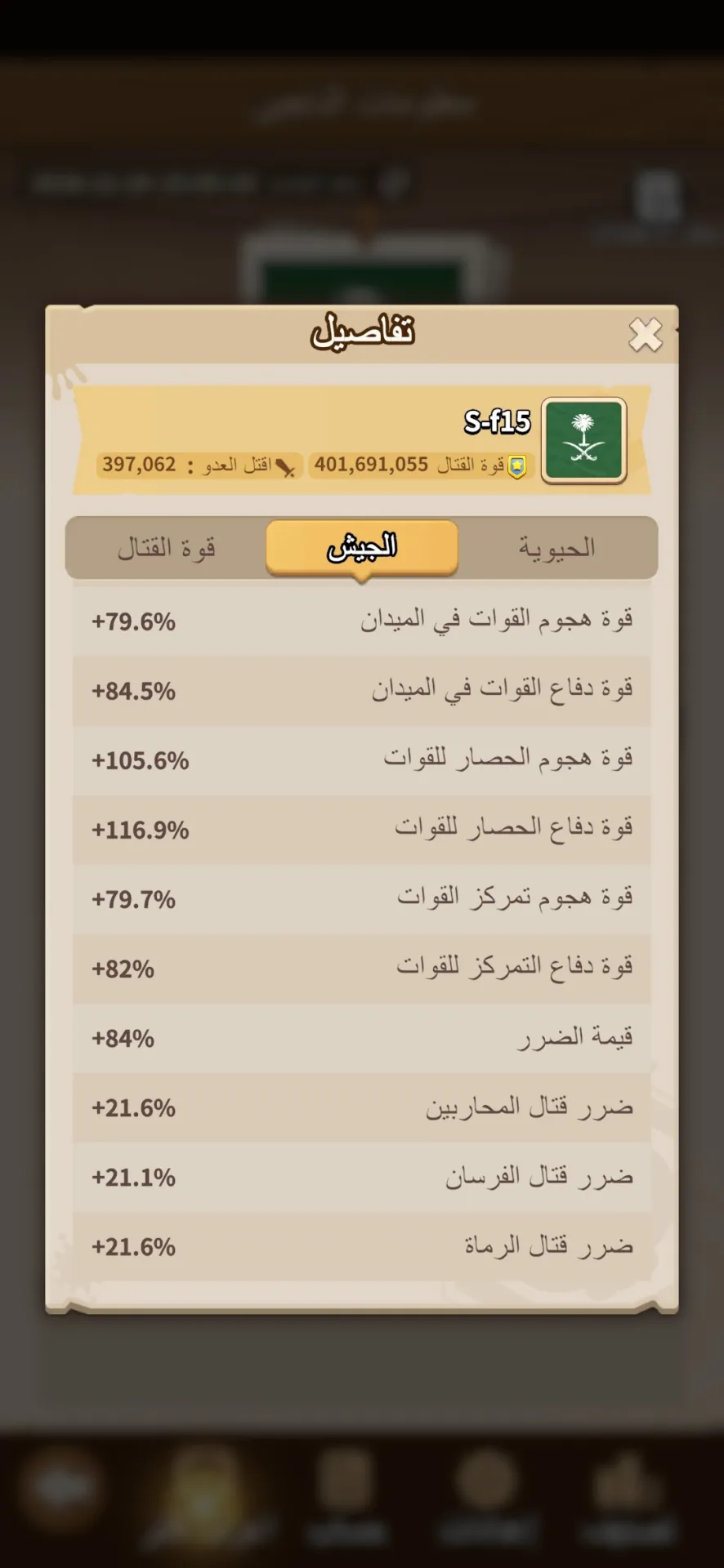
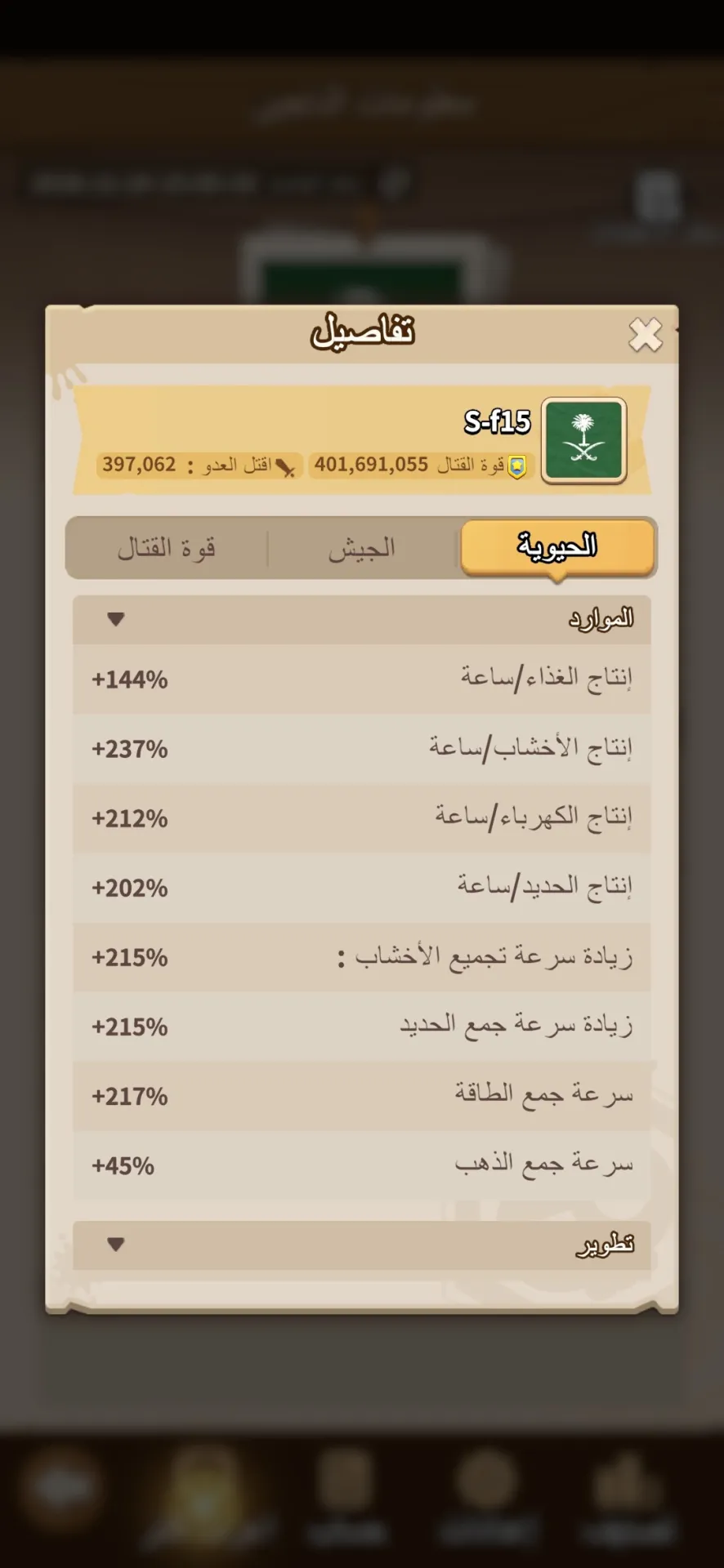
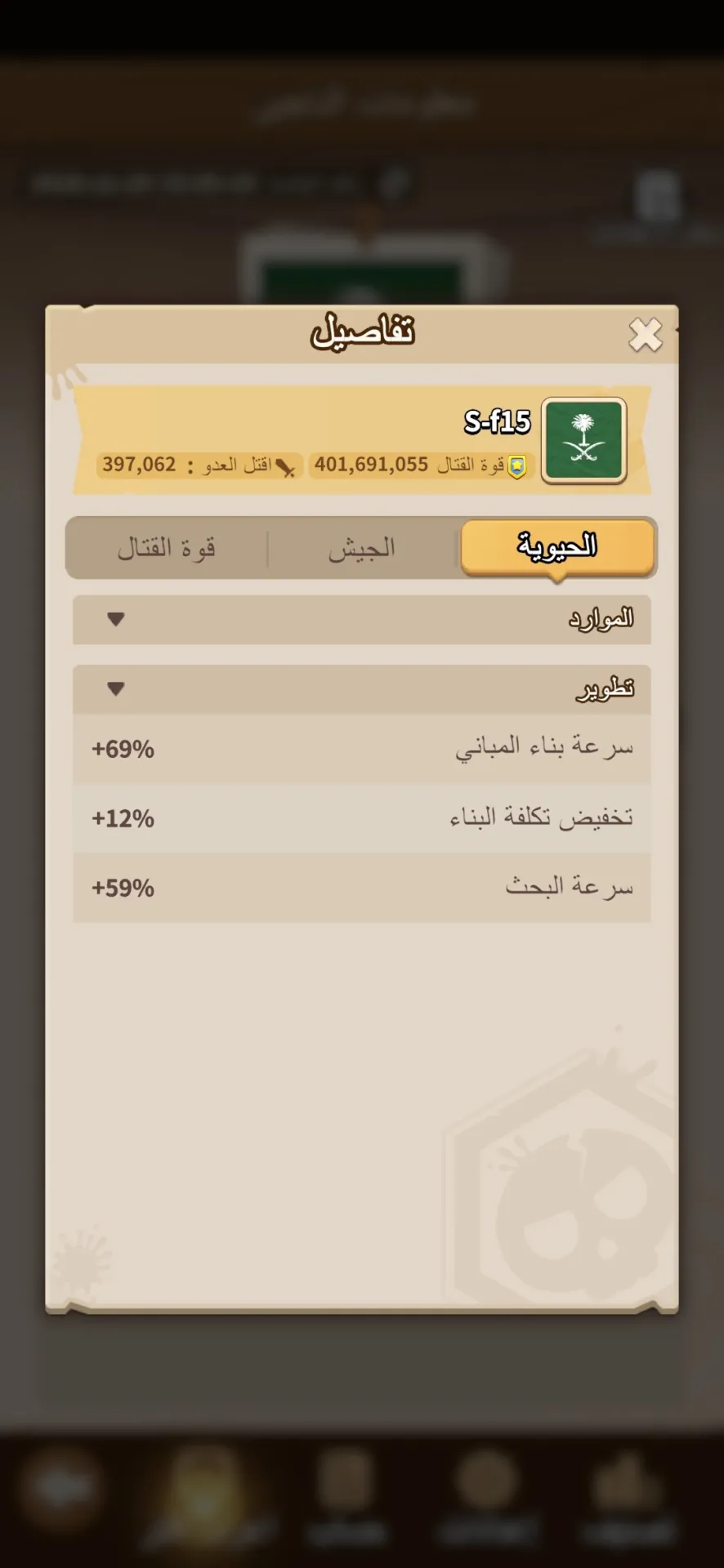
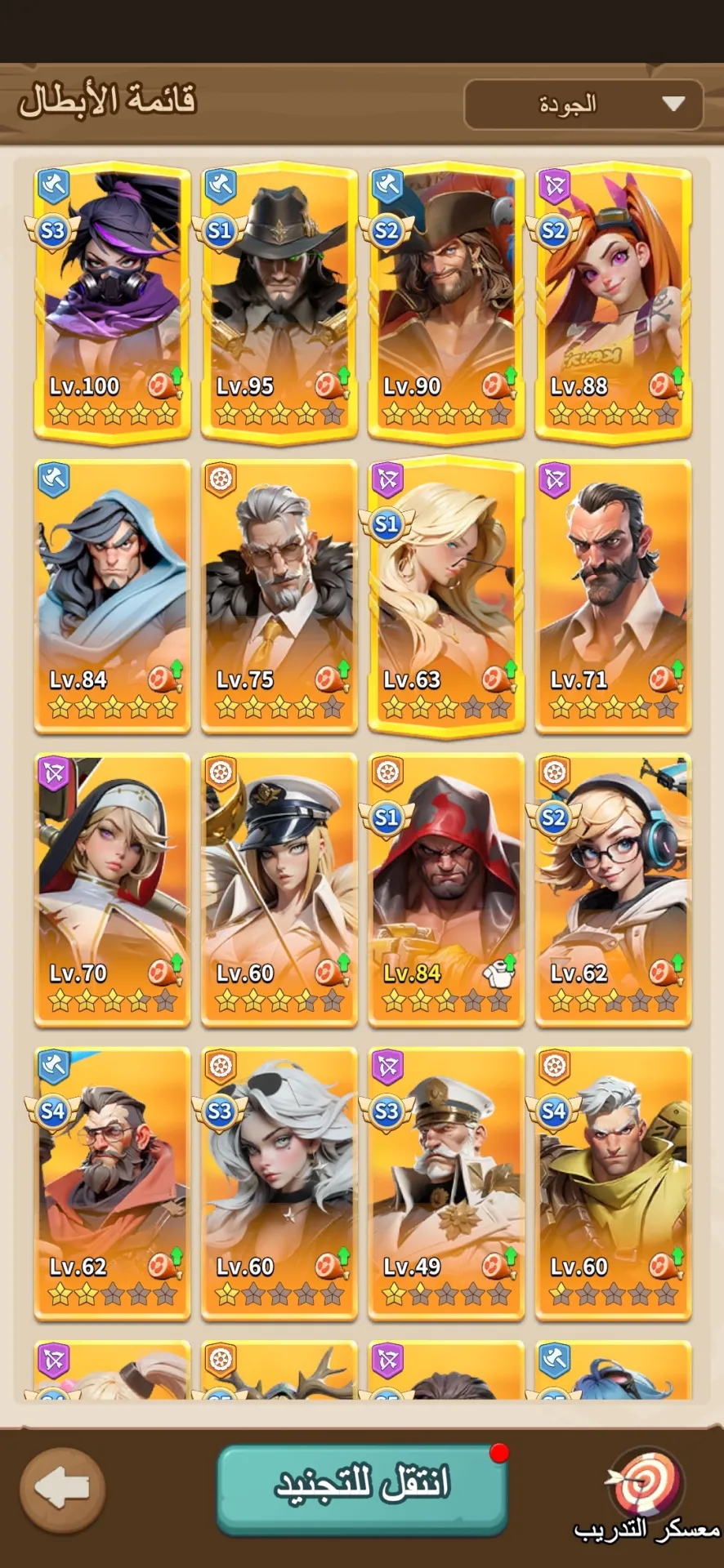
4 people are viewing this account
Buyer protection
Your purchase on the Eloboost24 platform is fully protected by our Buyer Protection Policy.
- Refund to your balance if not delivered
- Secure payment
About seller
Salman_123_07
Regularالإصدار: 1.250.672 (1636) إصدار الموارد: 1340.1646.1774.914 K
Platform
Android
VIP level
8
FAQs about EB24 Sellers
Is buying a Dark War: Survival account on EB24 safe?
Yes. Each listing states the platform, VIP level, legendary heroes and a note on state and gear, your payment is held in escrow until delivery, and a warranty period protects you after the handover.
Which platforms are Dark War: Survival accounts listed for?
Sellers choose Android, iOS or PC when they list. Filter by the one you use so the account fits the device and login method you already have.
Why does VIP level matter?
VIP level reflects how far an account has been developed and unlocks perks along the way. It is shown as an exact number, so you can set a minimum and compare offers on equal terms.
What does the legendary heroes figure tell me?
It is the number of legendary heroes on the account. Heroes lead your troops, so this count gives a quick sense of how ready the base is for fights without reading every detail.
What goes in the state and gear note?
Sellers write the state number the account plays in and describe its gear progress in their own words. Read it to understand the server you will join and how equipped the heroes already are.
Can I move the account to another state after buying?
The account arrives in the state named on the listing. Any later move depends on the game’s own rules, so choose an offer whose state already suits you.
What happens if the account differs from the listing?
Raise a dispute from your order page during the warranty period. EB24 still holds the payment and checks the platform, VIP level, heroes and the state and gear note against what was declared.
How it works?
Taking over a Dark War: Survival base on EB24 comes down to the platform you play on and how much VIP and hero progress you want to start with. Here is the process:

Pick Your Platform Narrow Dark War: Survival offers to Android, iOS or PC so the shortlist only holds accounts you plan to play on that device.
Compare VIP and Heroes Set a minimum VIP level or legendary hero count, then read the state and gear note to see where the base stands in its world.
Check Out With Escrow EB24 keeps your money on hold until the account is delivered and its platform, VIP level and heroes match what was listed.
Make the Base Yours Take the login details from your order page, replace the email and password with your own, and remove any devices you do not recognise.