


Discord Account
10 people are viewing this account
Buyer protection
Your purchase on the Eloboost24 platform is fully protected by our Buyer Protection Policy.
- Refund to your balance if not delivered
- Secure payment
About seller
sami01
RegularDiscord Account 4 Years 6 Months Old With No Restrictions
Creation year
2022
Nitro
No Nitro
Phone verified
Yes
You may also like
 Top Seller
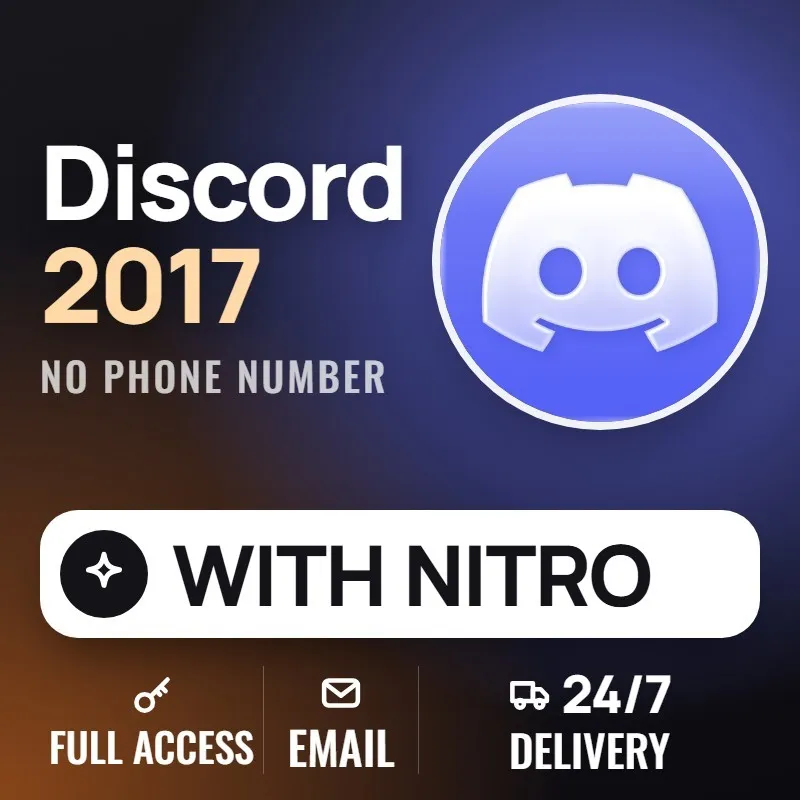
Discord 2017 Account Nitro No Phone #C11487

Seller Delivery: Instant
FAQs about EB24 Sellers
Is it safe to buy a Discord account on EB24?
Yes, when you pay through escrow. EB24 holds the money until the login and its email reach your order panel, and the creation year and Nitro status are recorded before the listing goes live.
Why do older Discord accounts cost more?
The creation year cannot be changed or added later, and accounts from 2015 to 2018 are the scarcest. Retired badges and short usernames push the price up further.
Can I still get the Early Supporter badge on a new account?
No. Discord gave it to accounts that paid for Nitro before October 2018 and closed that window, so an existing account is the only way to have it.
Does Nitro come with the account?
Only when the listing says so. Every Discord listing states whether Nitro, Nitro Basic or no Nitro is running on the account at handover.
What should I do when the account arrives?
Change the email to one only you control, set a new password, turn on two factor authentication and check the creation date, badges and Nitro on the profile before you confirm the order.
Can I sell a Discord account here?
Yes. Pick Discord in the sell form, enter the creation year and Nitro status, tick the badges the profile shows and submit the login with its email.
How it works?
Buying a Discord account on EB24 starts with the creation year, then the badges and Nitro you want on the profile. Here is how it works:
Pick the Creation Year Set the year range first: 2015 to 2018 for the oldest accounts, recent years for a cheaper clean start.
Filter by Badges and Nitro Narrow the list to the badges you want, such as Early Supporter, and choose whether Nitro should be running.
Pay Through EB24 Escrow Your payment is held until the login and its email reach your order panel and you confirm they work.
Change the Email and Password Move the email to your own inbox, set a new password and turn on two factor authentication.
Confirm or Open a Dispute If the creation year, badges or Nitro differ from the listing, open a dispute before you confirm and the seller is not paid until it is settled.