


Monster Hunter Wilds | Steam PC | Full Data Change + Email
2 people are viewing this account
Buyer protection
Your purchase on the Eloboost24 platform is fully protected by our Buyer Protection Policy.
- Refund to your balance if not delivered
- 96 sales by this seller
- Secure payment
About seller

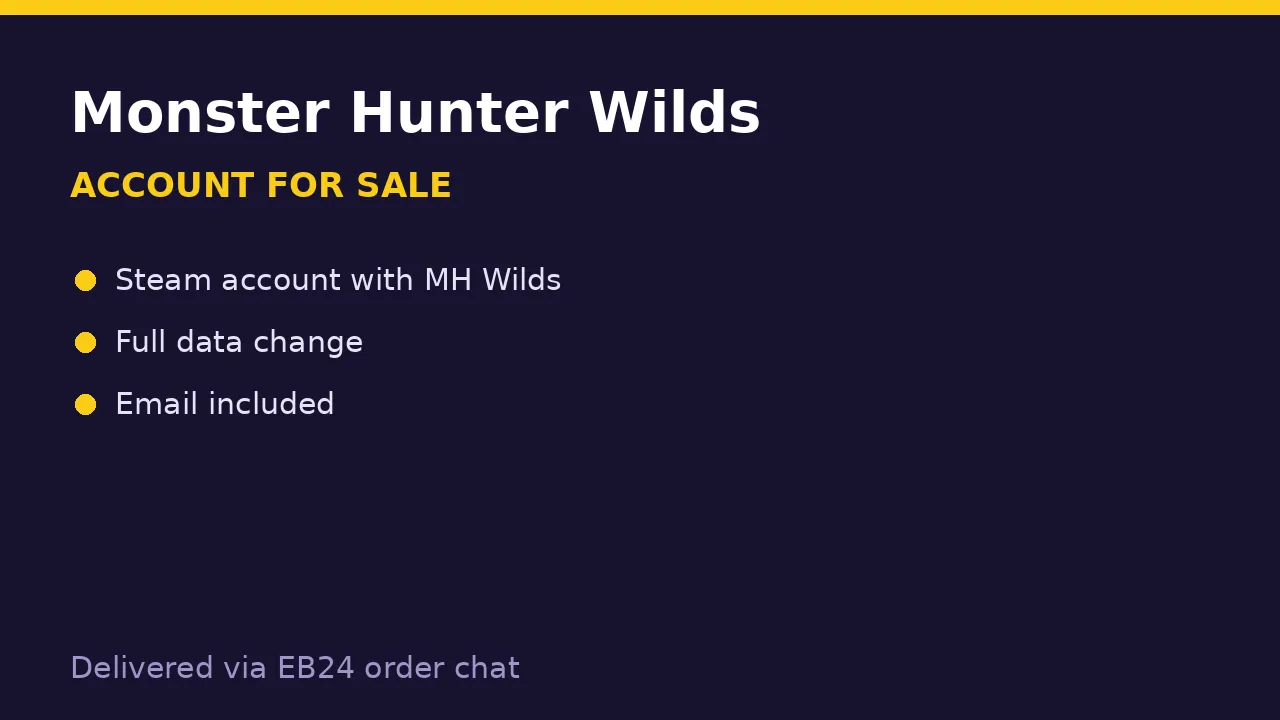
Monster Hunter Wilds on a Steam (PC) account. - Full data change - email included - Yours permanently - Login details delivered via the EB24 order chat
Platform
PC (Steam)
You may also like
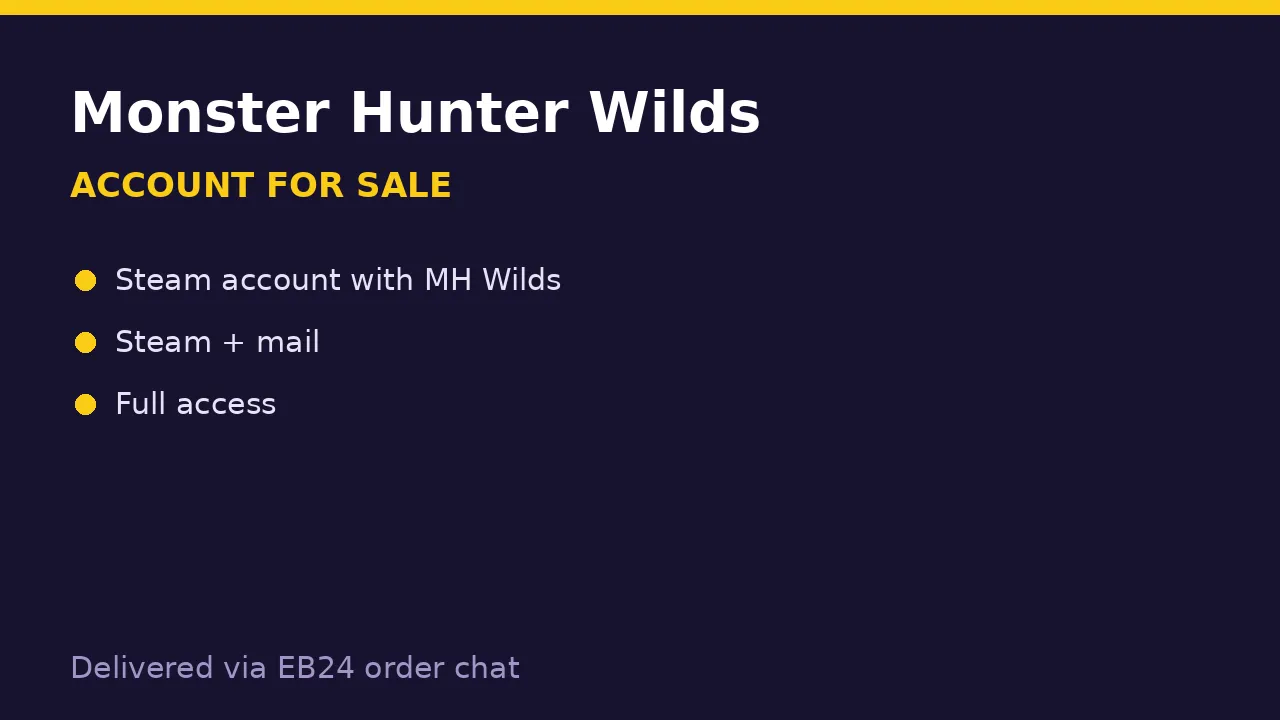
From the same seller
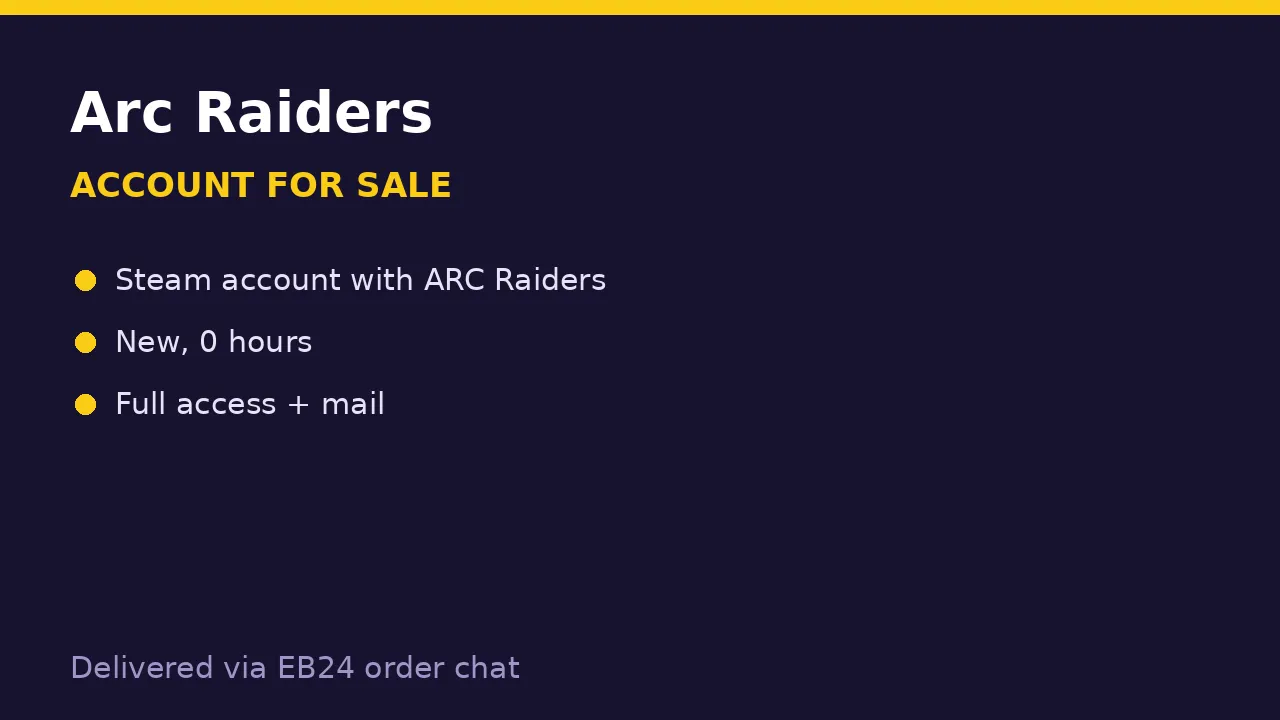
The Forge | Roblox | Level 50 | Demon Race | Arcane Pickaxe | 50K Coins
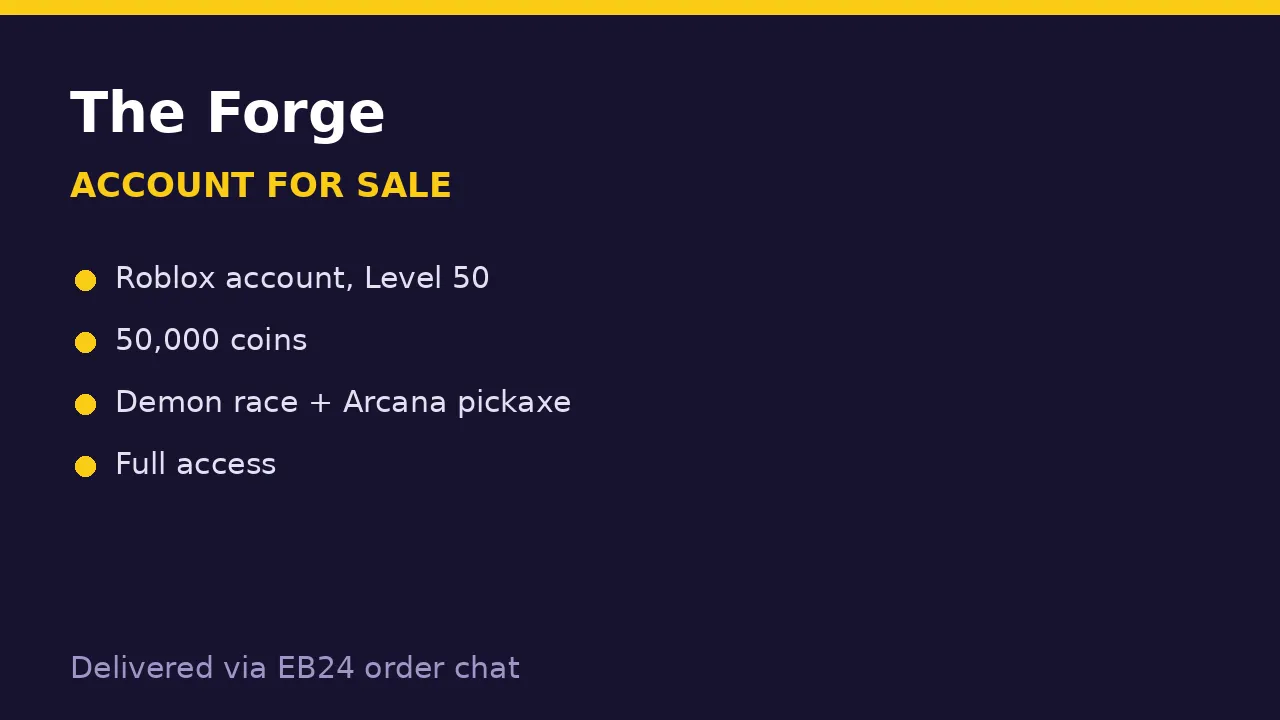
Seller Delivery: 12 hours
Path of Exile | Steam PC | Fresh Lvl 1 | Native Mail | Full Access

Seller Delivery: 12 hours
FAQs about EB24 Sellers
Is buying a Monster Hunter Wilds account safe on EB24?
Yes. The platform, Hunter Rank, Zenny and notable gear are fixed before the listing goes live, and payment waits in escrow until you have the account. A warranty applies afterwards.
Which platforms are listed?
Accounts are listed as PC (Steam), PlayStation 5 or Xbox Series X|S. Choose the one you own so only matching accounts appear.
What does Hunter Rank show?
It is the rank earned through hunts after the story. Higher ranks open harder monsters and better materials.
Why is Zenny listed on its own?
Zenny funds forging and upgrades, so a saved balance is useful value. Showing it apart lets you compare it with rank.
How can I check for specific weapons or armor?
Read the notable gear field. Sellers name key weapons and sets there.
What should I do right after buying?
Change the password, add your own email and enable two step verification on the platform account.
What if the account is not as listed?
Open a dispute in your order panel during the warranty. EB24 holds the funds and checks the platform, rank, Zenny and gear against the listing.
How it works?
Buying a Monster Hunter Wilds account on EB24 comes down to your platform and the Hunter Rank you want to start from. Here is the process:

Pick a Platform Filter Monster Hunter Wilds listings to PC (Steam), PlayStation 5 or Xbox Series X|S.
Compare Rank and Zenny Choose how far along you want to start and how much Zenny you need, then read the notable gear.
Pay With Escrow EB24 holds your payment until the account arrives and its platform, rank, Zenny and gear match the listing.
Secure Your Account Take the login details from the order panel, change the password and turn on two step verification.