


10 people are viewing this account
Buyer protection
Your purchase on the Eloboost24 platform is fully protected by our Buyer Protection Policy.
- Refund to your balance if not delivered
- Secure payment
About seller

Ricgotkey
RegularVirtual Twitch card$100
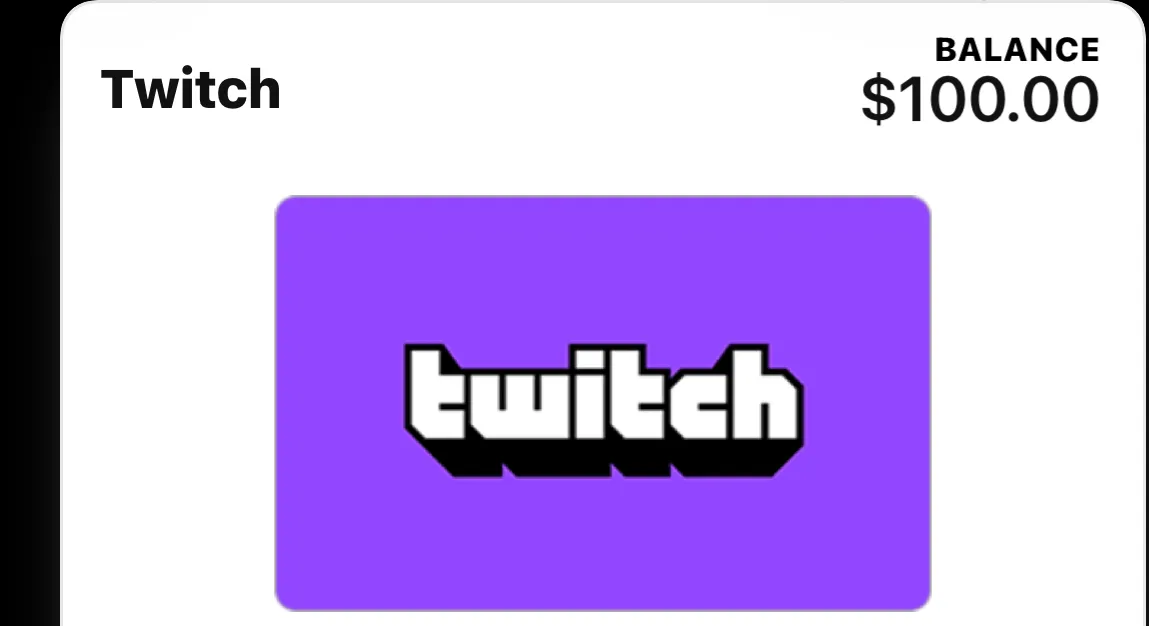
Virtual Twitch card$100 will take $75
Creation year
2026
Region
United States
Original email
Yes
FAQs about Twitch EB24 Sellers
Is it safe to buy a Twitch account on EB24?
EB24 holds your payment in escrow until the login and its email reach your order panel and you confirm they work. Keep in mind that Twitch has its own terms on accounts, and the account has to follow them after the handover.
What do I get with a Twitch account?
Full access: the login, the password and the email the account is registered with, so you can change all of them. Listings also state the creation year and region, the followers and whether 2FA is handed over.
Why does the region of a Twitch account matter?
Twitch notices when an account suddenly signs in from another country. Picking an account from your own region keeps the first sign ins close to what it is used to. Twitch may review a channel that changes owner, and Affiliate or Partner status depends on its own agreement, which the new owner has to keep to.
Why do older Twitch accounts cost more?
The creation year cannot be changed later, and older accounts are rarer and usually trusted more by Twitch. Accounts from 2011 onwards can be listed.
What should I do when the Twitch account arrives?
Sign in, change the email and password, turn on two factor authentication and check the follower count, the creation date and the monetisation settings in the Creator Dashboard before you confirm the order.
Can I sell a Twitch account here?
Yes. Pick Twitch in the sell form, enter the creation year and region, add the details the account has and submit the login with its email.
How it works?
Buying a Twitch channel on EB24 starts with the age and region you need, then the details that matter to you. Here is how it works:

Choose the Age and Region Filter by creation year and by the region the Twitch account was used from, so the first sign in looks natural.
Compare Followers and Extras Check the followers, Affiliate or Partner and whether the original email and 2FA come with it.
Pay Through EB24 Escrow Your payment is held while the seller delivers the login and its email to your order panel.
Take Over the Account Sign in, move the email to your own inbox, set a new password and turn on two factor authentication in Twitch.
Confirm or Open a Dispute If the creation year, region or details differ from the listing, open a dispute before you confirm and the seller is not paid until it is settled.