


Apex Legends 4350 Coins (Xbox) - GLOBAL | PIN
Gift card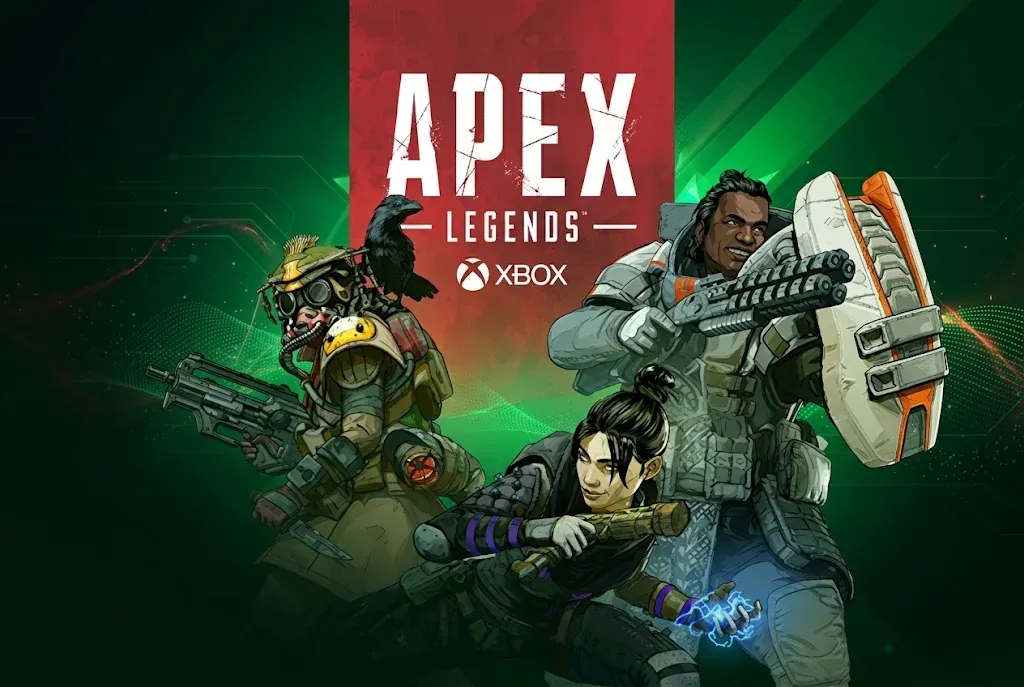
13 people are viewing this item
Quantity
Only 5 left
Buyer protection
Your purchase on the Eloboost24 platform is fully protected by our Buyer Protection Policy.
- Refund to your balance if not delivered
- 44 sales by this seller
- Secure payment
About seller

CQGamerStore
Top SellerOfficial Xbox digital PIN code for 4350 Apex Coins in Apex Legends (Global). Compatible with Xbox One and Xbox Series X|S via your Microsoft / Xbox account. Use Apex Coins to unlo ... ck Battle Passes, Legends, cosmetic skins, and Apex Packs in-game. Secure and fast digital delivery of the official 25-character Xbox code directly through the order chat. Redeem it from your Xbox console Store or the official Microsoft account redemption page. Important note: This digital code is exclusively for the Xbox platform (Xbox One / Xbox Series X|S) and cannot be redeemed directly on PlayStation, Nintendo Switch, Steam, or EA App. Once the digital code has been delivered, it cannot be refunded or exchanged. The cover image is a standardized store visual; the exact coin amount (4350 Apex Coins), platform (Xbox), and region (Global) are clearly specified in the listing title.
Product
4350 Apex Coins
Platform
Xbox
Region
Global
From the same seller
 Top Seller
Nintendo eShop 5 USD Gift Card - USA (US) | PIN

Seller
Top Seller Valorant 475 VP PIN (EU)
Seller
Top Seller Apple 600 RUB Gift Card PIN (RU)
Seller
Top Seller Valorant 1750 VP PIN (EU)
Seller
Top Seller Valorant 2575 VP PIN (EU)
Seller
Top Seller Nintendo eShop 70 USD Gift Card - USA (US) | PIN
Seller
Top Seller Valorant 3650 VP PIN (EU)
Seller
Top Seller Valorant 5350 VP PIN (EU)
Seller
Top Seller Razer Gold 28 BRL - BRAZIL (BR) | PIN

Seller
Top Seller Apple 2000 RUB Gift Card PIN (RU)
Seller
FAQs about Items
Which platforms can I buy Apex Coins codes for?
Sellers on EB24 list codes for PC, PlayStation and Xbox. Pick the platform you play Apex Legends on.
Can I move Apex Coins between platforms?
No. Coins stay in the store they were redeemed in, even with cross progression turned on.
Which coin packs can I buy?
Sellers list 1000, 2150, 4350, 6700 and 11500 Apex Coins.
How do I redeem an Apex Coins code?
Redeem the code in the store of your platform while logged in to the account you play on, then open Apex Legends. The coins show in your balance.
How long does delivery of Apex Legends Gift Cards take?
Each seller states a delivery time on the listing before you check out, and the code always arrives in your EB24 order panel.
What should I do if my Apex code does not work?
Do not confirm the order. Open a dispute from the order page with a screenshot of the error. The payment stays in escrow while support reviews the case.
How it works?
Buying Apex Coins on EB24 means picking the amount and your platform, paying at checkout and redeeming the code from your order panel in your platform store.
Check Your Apex Platform Note whether you play on PC, PlayStation or Xbox. That is the platform you filter by.
Pick a Listing and Pay on EB24 Filter Apex Legends Gift Cards by platform and coins, compare offers and complete the order through EB24 checkout so escrow covers it.
Copy the Code From Your Order When the seller marks the order delivered, the code appears in your order panel. Your EA or console login is never part of the trade.
Redeem It in Your Store Redeem the code in the store of your platform while logged in to the account you play on, then open Apex Legends. The coins show in your balance.
Problem With the Code? Open a Dispute An Apex code that is rejected or issued for another platform is grounds for a dispute. Raise it from the order before you confirm, and the seller is not paid until it is settled.