


Bee Swarm Simulator Custom Order - Message Us
13 people are viewing this item
Quantity
100 in stock
Buyer protection
Your purchase on the Eloboost24 platform is fully protected by our Buyer Protection Policy.
- Refund to your balance if not delivered
- 35 sales by this seller
- Secure payment
About seller

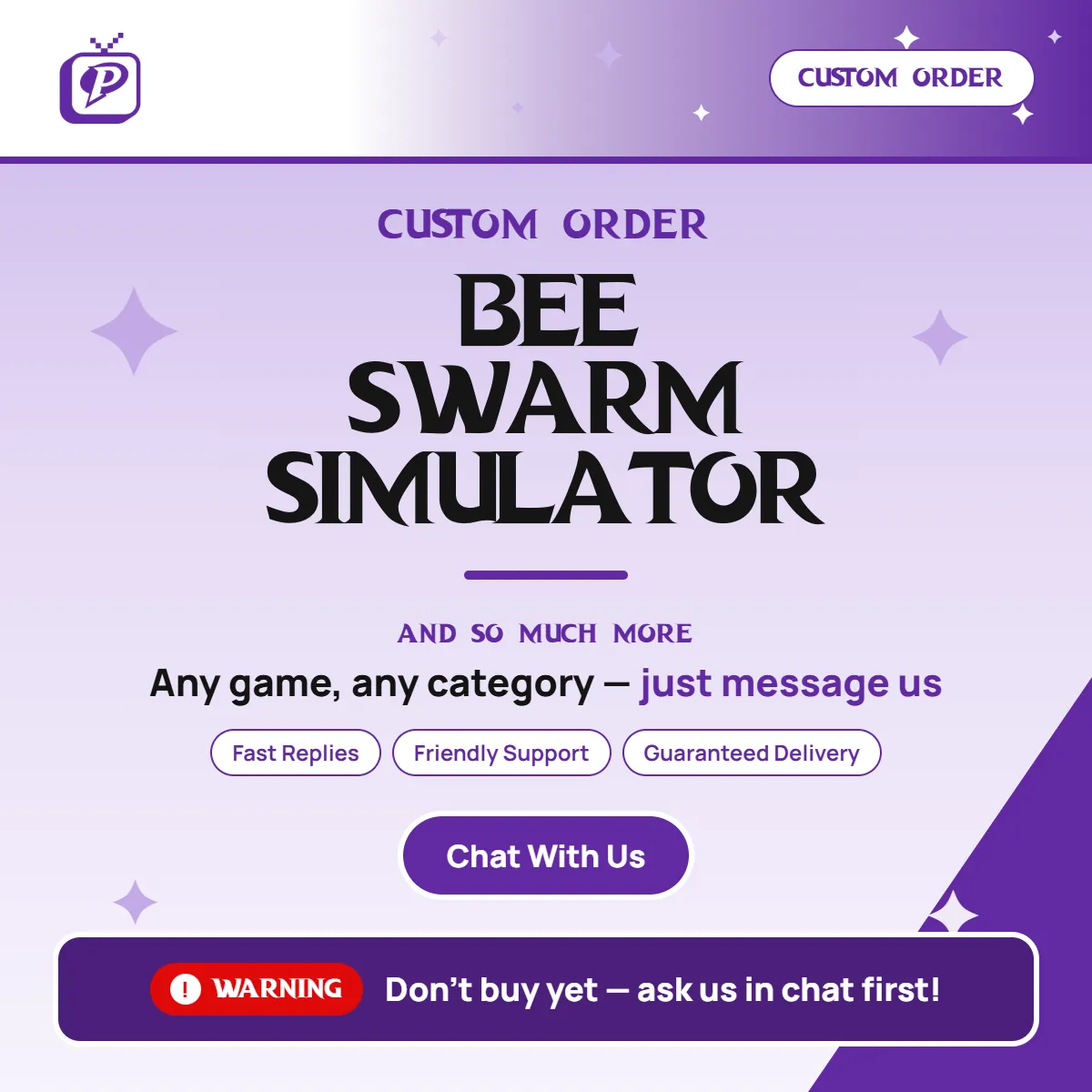
!!Dont buy just ask us through chat HOW IT WORKS 1. Message us direct through chat Its not purchasable !!!DONT buy just ask pls 2. Send us your details (see below). 3. We find the ... best match from our verified Stock, with early access before offers go live on the Marketplace. 4. You get a new purchase link for your exact offer To resume delivery WHAT TO SEND AFTER ORDERING If you have specific requirements: - Game and category - Exact requirements (and examples, if you have them) - Budget / target price range If you don't have specific requirements: - Just send your budget and we'll pick the best available options - No budget? We'll offer the best in-stock options for your game Need help with anything else? Just ask. We're happy to help :D
Item type
Honey
From the same seller
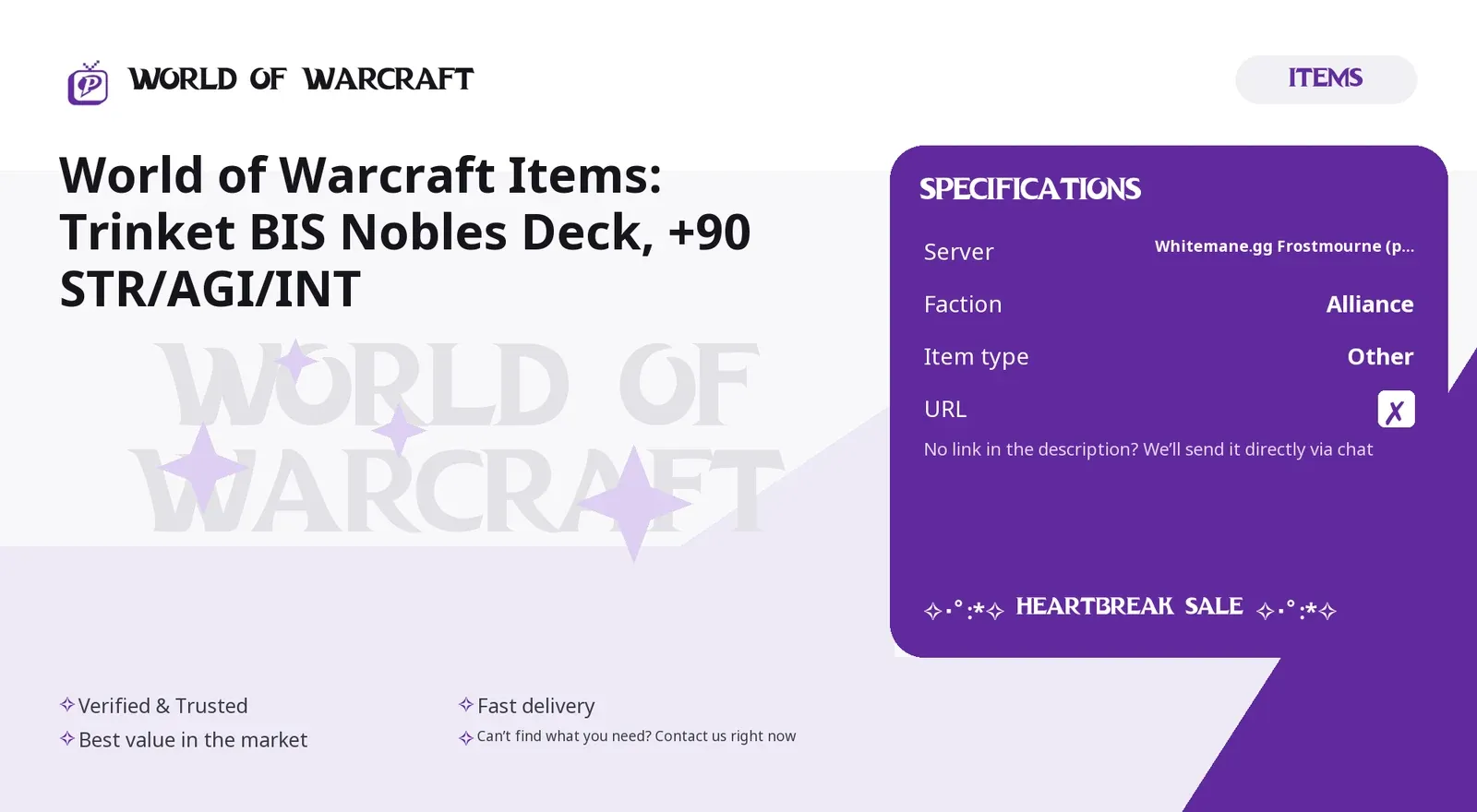
World of Warcraft Items: Trinket BIS Nobles Deck,

Seller
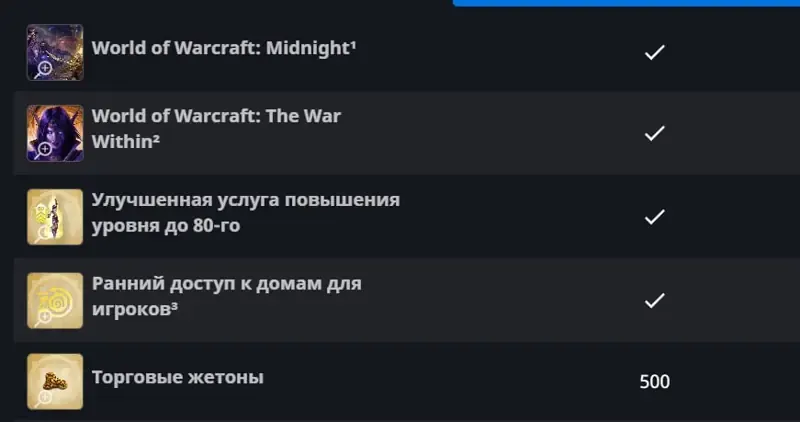
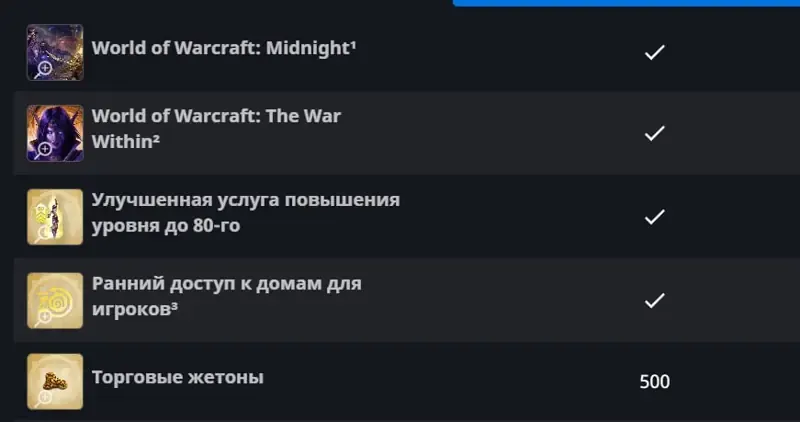
World of Warcraft Midnight Base Edition Keys (EU)
Seller
World of Warcraft Midnight Heroic Edition Keys (EU
Seller
Roblox Fisch Platinum Menace for Godbreaker
Seller
World of Warcraft Midnight (EU): Base Edition, Ukr
Seller
World of Warcraft Felreaver Deathcycle Mount EU
Seller
HELL IS US Steam Key (RU CIS)
Seller
The Elder Scrolls Online Standard Edition | STEAM
Seller
Roblox Tower Defense Simulator Gamepass: GIFT Hack
Seller
ARC Raiders Deluxe Edition Steam Gift, Kazakhstan
Seller
FAQs about Bee Swarm Simulator Items
How does buying items in Bee Swarm Simulator work on EB24?
Once an item has been chosen and you’ve completed your order, the delivery instructions appear in your EB24 order panel. These instructions will guide you through the in-game steps. Follow these to receive the item.
What kind of items can I buy?
Bee Swarm Simulator items include Honey, Bees, Eggs, Beequips, Tickets, Stickers, and other in-game resources. Listings are categorized to help you find what you need.
How is the item delivered?
Items are delivered directly in-game using standard mechanics. Following the instructions provided after purchase is all you need to do at this point.
How long does delivery usually take?
Each listing shows the delivery time before checkout. Delivery may be instant or up to a few hours. This depends on the offer involved.
What if there’s a problem with the delivery?
Got issues? Open an automated dispute directly from your order panel. The system is designed to help resolve delivery-related problems. The process is clear and fair. In the meantime, your purchase protection remains until the issues are resolved.
How it works?
On EB24, buying items in Bee Swarm Simulator is simple and fully in-game. Select the item you want and complete the purchase to receive it through a clearly defined delivery process.

Choose Your Item Browse Bee Swarm Simulator for items that include Honey, Bees, Eggs, Beequips, Tickets, and other resources. Each listing clearly states what they are, all according to type and its key features.
Complete the Purchase Once you’ve selected your item, finish checkout through EB24. It’ll be auto-saved and visible in your user panel.
Review Delivery Instructions Delivery instructions appear after your order after it’s been purchased. It’ll explain how the item will be transferred to you in-game.
Receive the Item In-Game Follow the instructions and receive the item using the in-game mechanics while staying on your account.
Order Protection Should there be any order-related issues you need to address, open an automated dispute from your order panel. The system will clearly and fairly resolve them while keeping your purchase protected.