


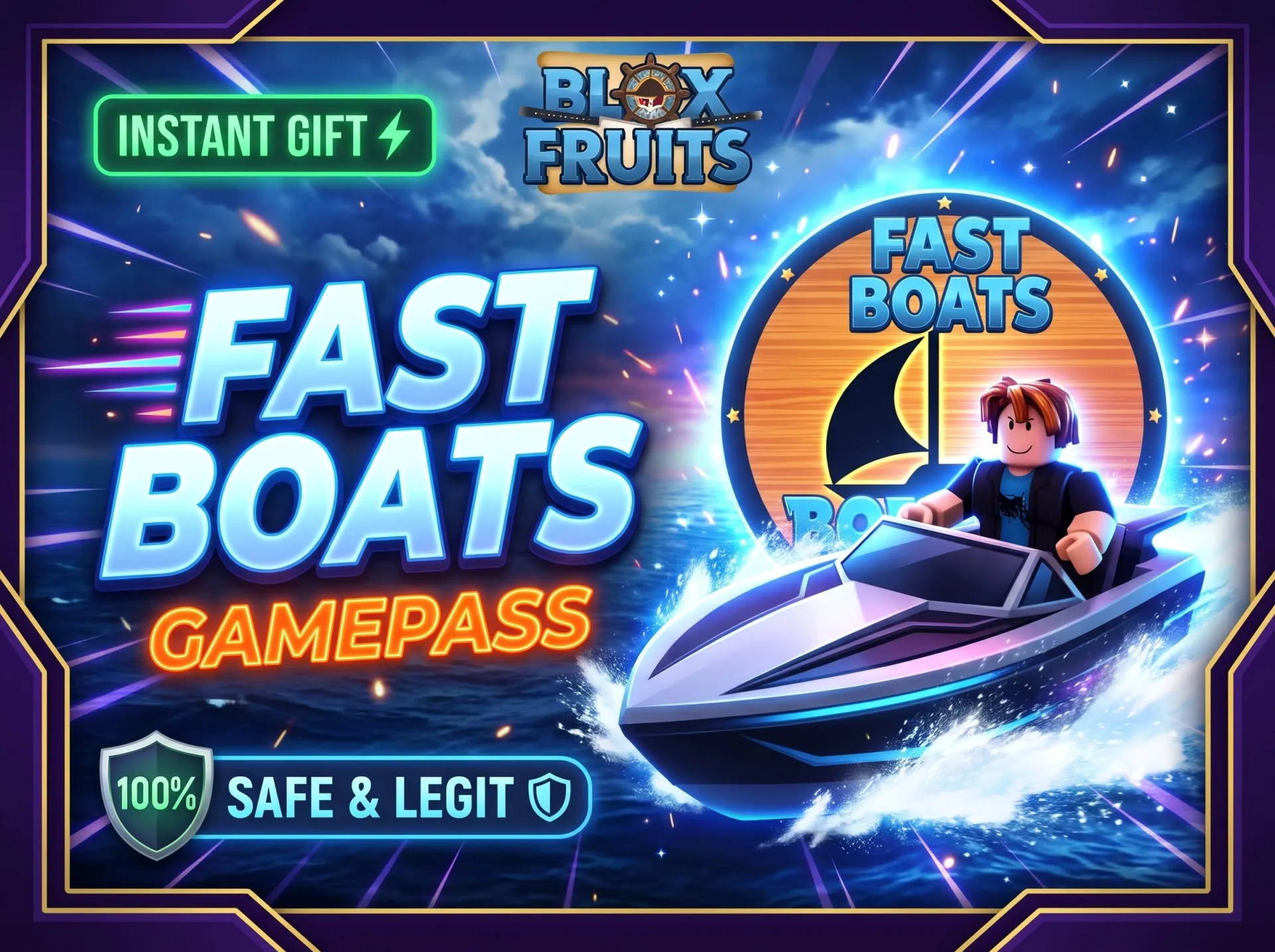
⚡ [INSTANT GIFT] Blox Fruits Fast Boats Gamepass
5 people are viewing this item
Quantity
99 in stock
Buyer protection
Your purchase on the Eloboost24 platform is fully protected by our Buyer Protection Policy.
- Refund to your balance if not delivered
- Secure payment
About seller
ZyroHub
Regular⚡ BLOX FRUITS - FAST BOATS GAMEPASS (IN-GAME GIFT) ⚡ Get the Fast Boats Gamepass delivered directly in-game! Travel across seas with the fastest boats in Blox Fruits. 📌 HOW IT ... WORKS: Complete your purchase on the platform. Send your exact Roblox Username in the order chat. I will join you in-game or add you to gift the Gamepass directly. ⚠️ IMPORTANT NOTICE: Correct Username Required: Double-check your username spelling! If you supply an incorrect or misspelled username, the gift will be sent to the wrong account and cannot be refunded or redelivered. 🔒 100% SAFE & LEGIT: Direct in-game gifting (No password or login needed). Safe, clean, and fast transaction. ⏱️ DELIVERY TIME: Orders are processed as quickly as possible once your username is provided!
Item type
Gamepass
Fruit type
Other
Rarity
Other
From the same seller
 Newcomer
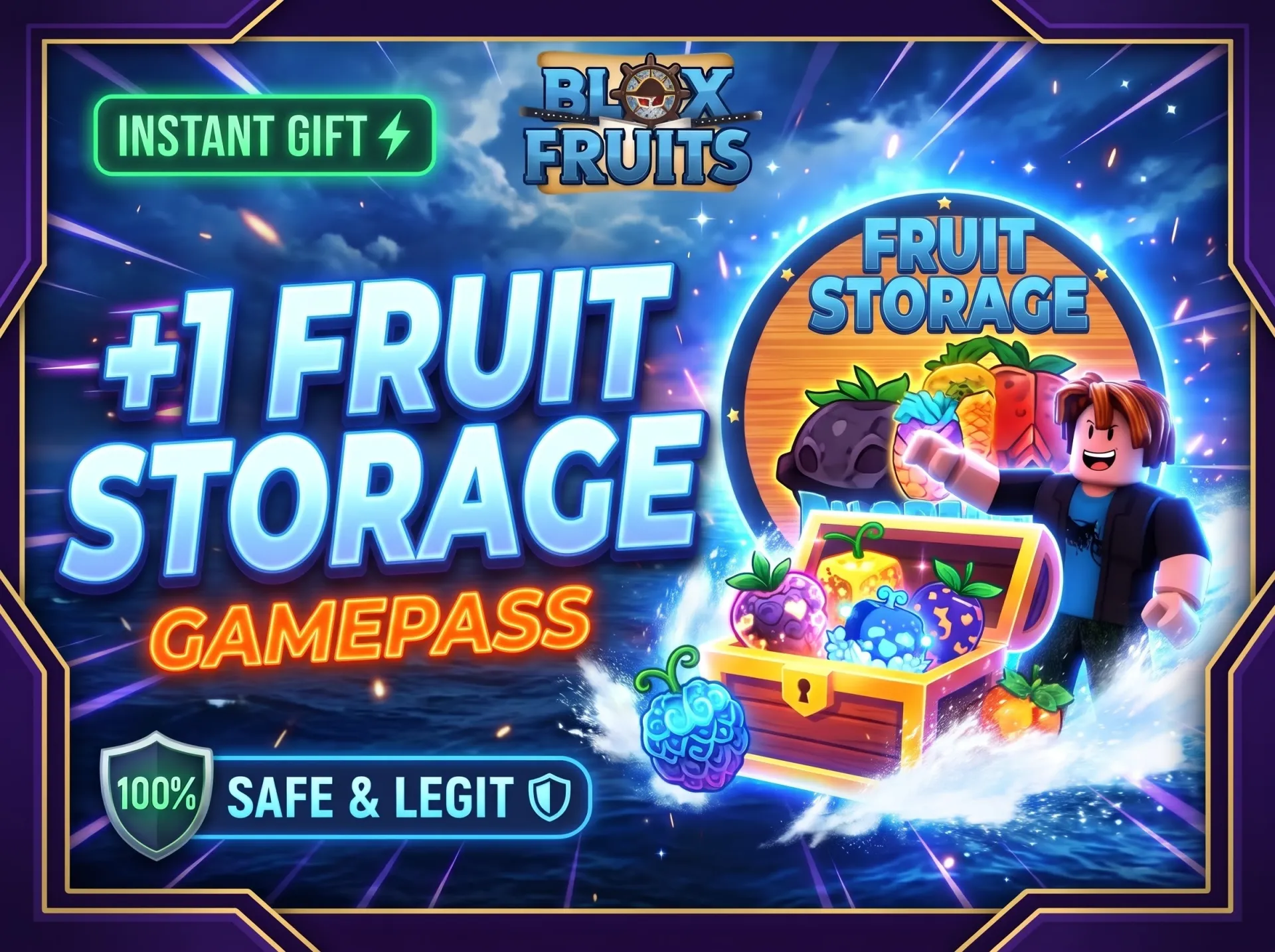
⚡ [INSTANT GIFT] Blox Fruits +1 Fruit Storage Gamepass
Seller
FAQs about Blox Fruits Items
How does buying items in Blox Fruits work on EB24?
Pick an item from the marketplace and complete your purchase. After checkout, you’ll receive delivery instructions inside your order panel. The process is strictly handled through in-game item transfer, so you must stay on your own account the whole time.
What kind of items can I buy?
Blox Fruits listings include Fruits, Gamepasses, and other progression-related items. Each of them clearly lists the item type and related attributes. This makes it easy to compare options before buying.
How does delivery work?
Delivery takes place directly in-game. Just follow the instructions shown in your order. No account access or credentials are required to do this.
How long does delivery take?
Delivery time is always displayed before checkout. These are offer-dependent. Delivery times may be instant or within a selected timeframe of up to a few hours.
What if there’s a problem with the delivery?
If an issue occurs, you can open an automated dispute directly from your order panel. The system is designed to help resolve delivery-related problems clearly and fairly. Meanwhile, your purchase protection remains until the matter is resolved.
How it works?
Buying items in Blox Fruits on EB24 is safe and fully in-game. Pick the item you want and complete checkout. You’ll receive it through a guided delivery process.

Choose Your Item Browse Blox Fruits for items like Fruits, Gamepasses, or other progression-related content. The listings are displayed according to item type, rarity, and relevant details.
Complete the Purchase After choosing an item, complete the purchase through EB24. It’ll appear in your user panel without delay.
Review Delivery Instructions Delivery instructions are available after the purchase of an item is completed. It’ll explain how the item will be transferred.
Receive the Item In-Game Follow the instructions and receive the item by in-game transfer while staying on your own account.
Order Protection Should something go awry, open an automated dispute from your order panel. The system is designed to clearly and fairly resolve delivery issues. Your purchase protection remains until the matter has been effectively resolved.