


🦉 Duolingo Super 12 Months | Instant Activation Link |
Subscription
11 people are viewing this item
Quantity
999 in stock
Buyer protection
Your purchase on the Eloboost24 platform is fully protected by our Buyer Protection Policy.
- Refund to your balance if not delivered
- Secure payment
About seller

Digiport
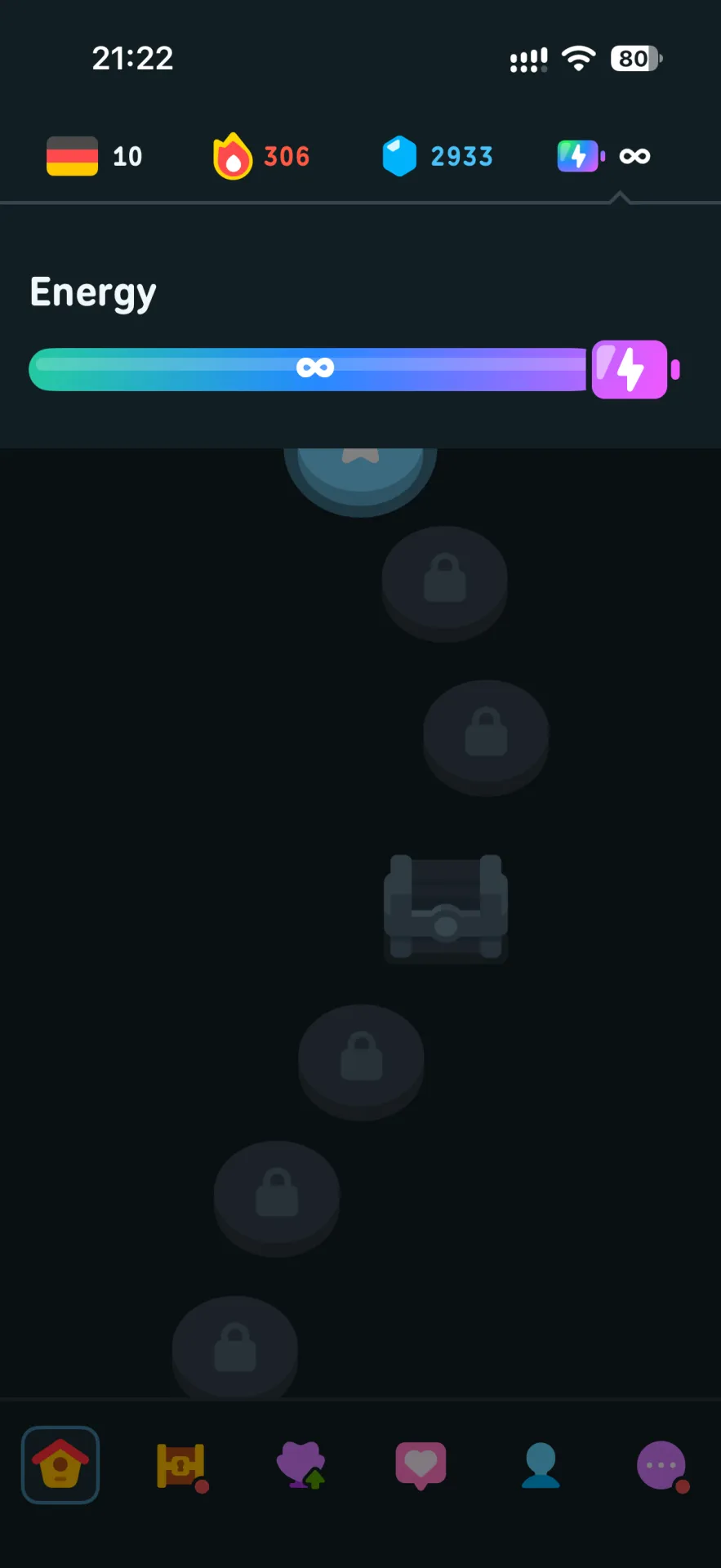
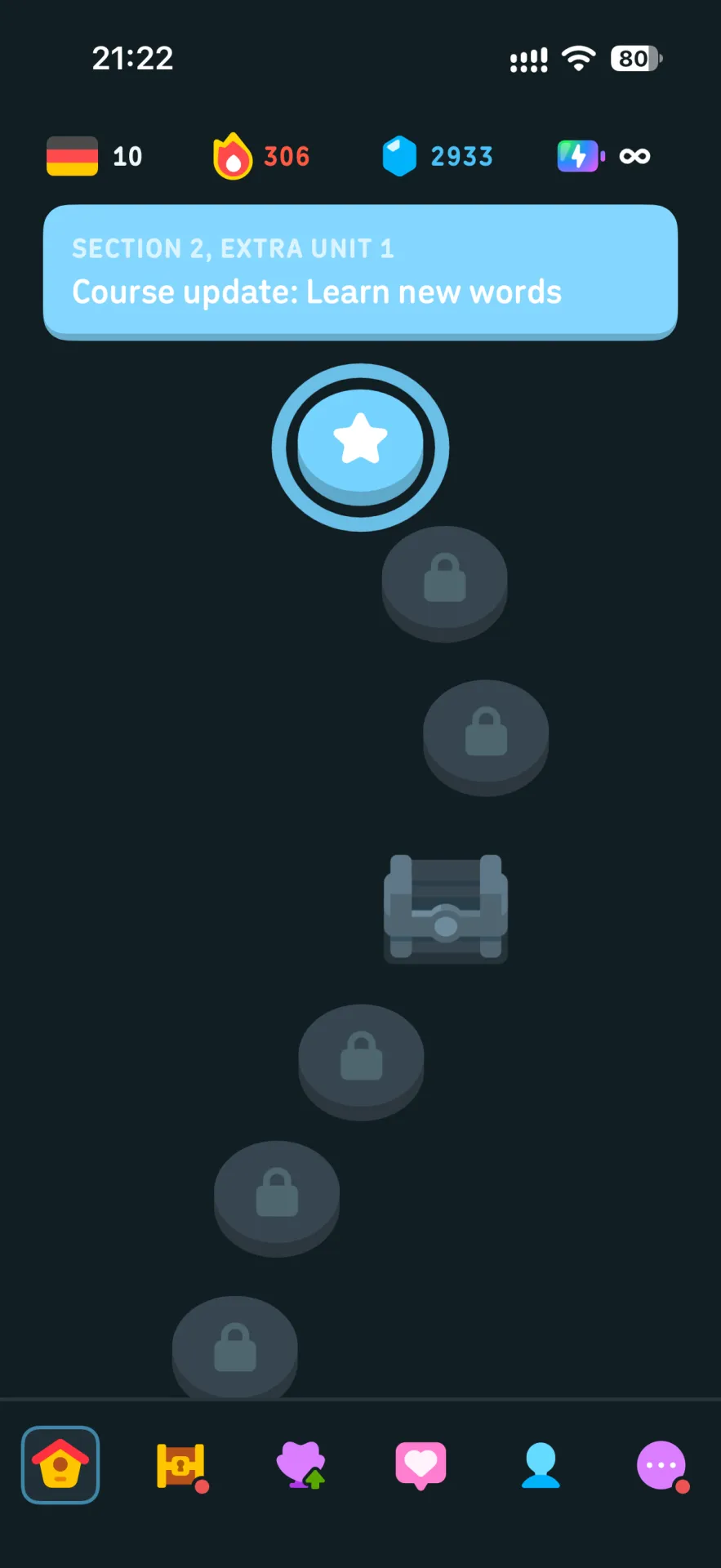
Regular🚀 Fast & Easy Activation Activate your Duolingo Super membership using a secure activation link. ✅ 12 Months Duolingo Super ✅ Global activation ✅ No password required ✅ Simply en ... ter your Duolingo username ✅ Fast activation ✅ After-sales support during the membership period 📌 How it works: Make sure your account has no active paid subscription. Go to Settings → Profile and copy your username. Open the activation link provided after purchase. Enter your username and confirm. Restart the Duolingo app and enjoy Super! 💬 If you need any help, feel free to contact us through the marketplace conversation.
Item type
Subscription
Plan
Duolingo Super
Duration
12 Months
From the same seller
 Newcomer
🦉Duolingo Max 12 Months | Activation Link
Seller
FAQs about Duolingo Items
Which Duolingo plans are on EB24?
Sellers list Duolingo Super and Duolingo Max, each for one month or twelve months, as a subscription or a gift card.
Do I keep my streak when the plan starts?
Yes. The plan is added to your existing Duolingo profile, so your streak, XP and course progress are unchanged.
Which Duolingo lengths can I buy?
Sellers list 1 and 12 month runs. Longer runs usually cost less per month, so compare offers by price per month.
How do I activate a Duolingo code?
Redeem a Duolingo gift code on the Duolingo website while signed in, or check the Super or Max badge in your profile after the seller applies the plan.
How long does Duolingo delivery take?
Each seller states a delivery time on the listing before you check out, and the code or delivery note always arrives in your EB24 order panel.
What if my Duolingo plan does not activate?
Do not confirm the order. Open a dispute from the order page with a screenshot of what Duolingo shows. The payment stays in escrow while support reviews the case.
How it works?
A Duolingo order on EB24 takes five steps. Pick the plan and months, check the item type, pay, then confirm the plan on your account.

Pick the Duolingo Plan and Length Filter by plan and months, then read the item type to see how the plan reaches your account.
Pick a Listing and Pay on EB24 Compare sellers offering the same Duolingo plan and complete the order through EB24 checkout so escrow covers it.
Follow the Delivery Note When the seller marks the order delivered, your order panel shows the Duolingo code or the steps the seller took. Your password is never part of a code delivery.
Activate and Check the Plan Redeem a Duolingo gift code on the Duolingo website while signed in, or check the Super or Max badge in your profile after the seller applies the plan.
Problem With the Plan? Open a Dispute A code that Duolingo rejects or a plan shorter than listed is grounds for a dispute. Raise it from the order before you confirm, and the seller is not paid until it is settled.