


ExpressVPN 1 Month Premium
Subscription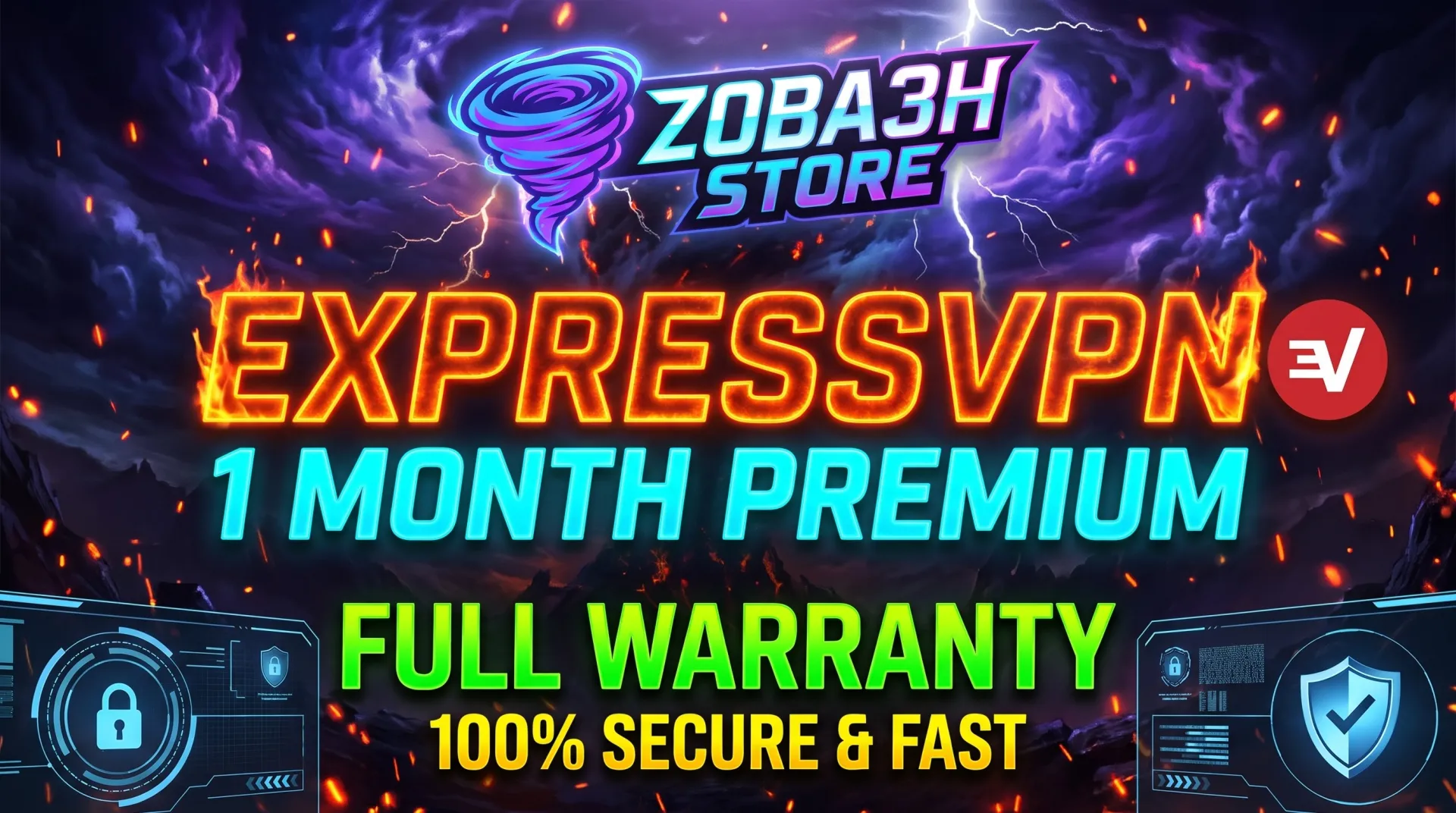
Welcome to Zoba3h Store! You will receive your ExpressVPN Subscription details immediately after purchase. 📦 Delivery Format: You will receive either (Email + Activation Code) OR ... (Email + Password). 🔑 How to Login: - For Mobile (Android/iOS): You can log in using (Email + Activation Code) OR (Email + Password). - For PC (Windows/Mac): You can log in using the Activation Code only. If the account is suspended for any reason, a replacement will be provided for the remainder of the subscription period. full guarantee is provided for the entire duration of the subscription ⚠️ IMPORTANT TERMS 1. This subscription is strictly for TWO (2) devices only. Do not attempt to use it on more devices. 2. Do not share the login details or code with anyone else. If you face any issues, please contact me through G2G chat before leaving feedback, and I will assist yo
Item type
Account
Plan
Basic
Duration
1 Month
2 people are viewing this item
Buyer protection
Your purchase on the Eloboost24 platform is fully protected by our Buyer Protection Policy.
- Refund to your balance if not delivered
- Secure payment
About seller

Zoba3h_Store
RegularFrom the same seller
 Newcomer
NBA League Pass 1 Month Account

Seller
NewcomerDAZN Premium Account - 1 Months German
Seller
NewcomerNord vpn Account 1 Month
Seller
NewcomerSuper Duolingo 1-Month Subscription
Seller
NewcomerCyberGhost VPN 7 Devices, 6 Month - Multi Device Accoun
Seller
NewcomerParamount Plus Standard Account 1 Month Subscription
Seller
NewcomerParamount Plus Premium Account 1 Month Subscription
Seller
NewcomerF1 TV Pro Account
Seller
NewcomerDeezer Premium Subscription 1 Month Account
Seller
NewcomerF1TV Premium Subscription1 Month
Seller
FAQs about ExpressVPN Items
Which ExpressVPN plans can I buy on EB24?
Sellers list Basic, Advanced and Pro, either as an activation key or as an account.
What is the difference between a key and an account?
A key activates the subscription on your own ExpressVPN login. An account is a ready login that the seller sends you in the order chat.
Which durations are available for ExpressVPN?
Listings run for 1 Month, 6 Months, 12 Months or 24 Months. Longer licenses usually cost less per month.
How fast is delivery?
The delivery time is on each listing. The key or login details arrive in the order chat on EB24.
What if the ExpressVPN key does not activate?
Do not confirm the order. Open a dispute with a screenshot of the error, and your payment stays in escrow while support checks it.
How it works?
Buying ExpressVPN on EB24 takes five steps. Choose a key or account, set the plan and duration, pay, then activate and check it.

Choose Key or Account Decide whether you want an activation key for your own ExpressVPN login or a ready account, then filter by plan and duration.
Order Through EB24 Checkout Compare verified sellers for the same ExpressVPN license and pay on EB24, so escrow holds the money.
Get the Key or Login in Chat The seller sends the activation key or the account details in the order chat once the order is delivered.
Activate and Check Enter the key in ExpressVPN or sign in with the account details, then check the license length and the plan and duration shown.
Key Not Working? Open a Dispute If ExpressVPN rejects the key or the license is shorter than listed, open a dispute before confirming. The seller is paid only after it is resolved.