


League of Legends 3625 RP - TURKEY Server | LOL TR 3625
Gift card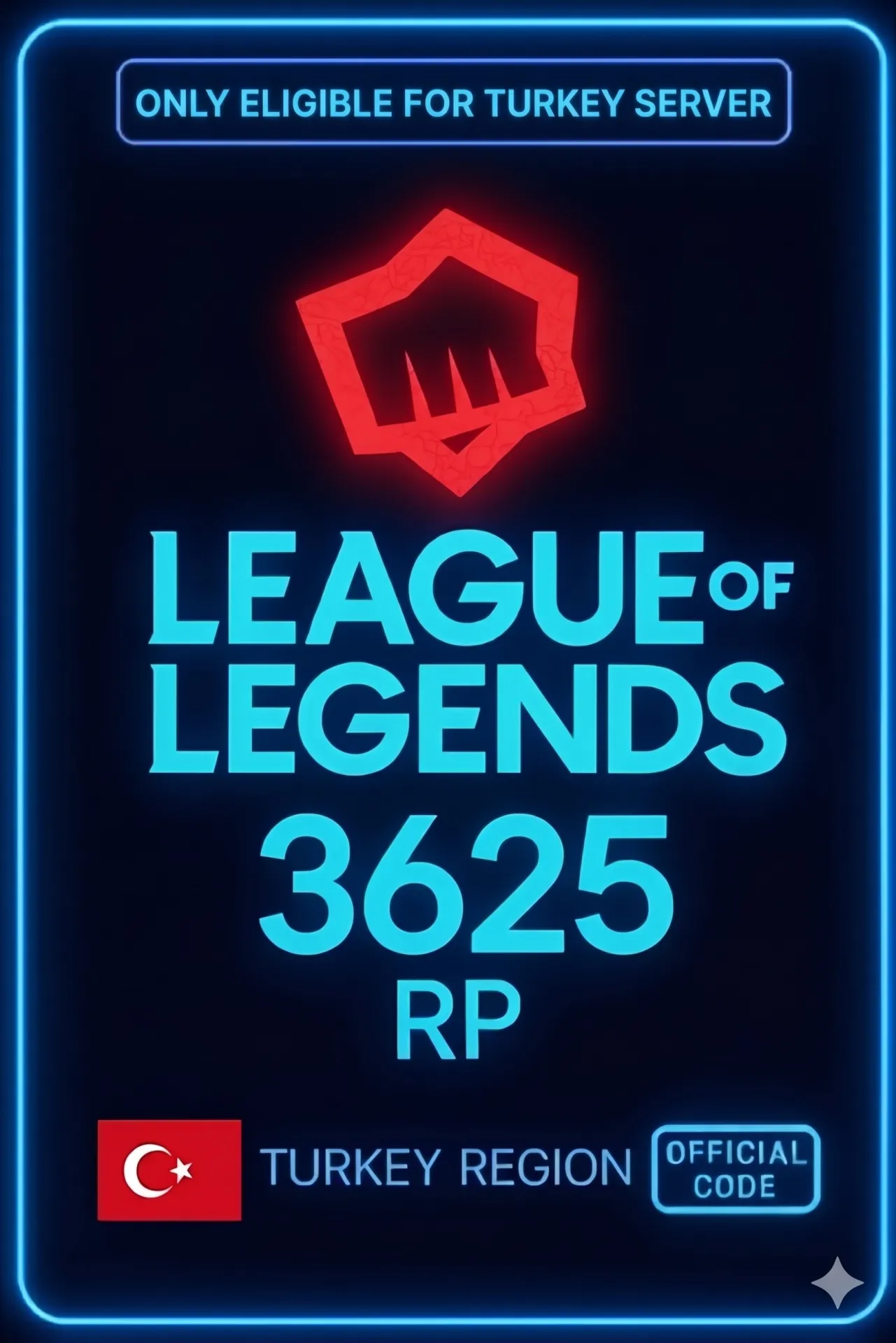
14 people are viewing this item
Buyer protection
Your purchase on the Eloboost24 platform is fully protected by our Buyer Protection Policy.
- Refund to your balance if not delivered
- Secure payment
About seller

PRODUCT INFORMATION - Game: League of Legends - Platform: PC - Region: Turkey Server Only - RP Amount: 3625 RP - Product Type: Digital Gift Code / Prepaid Code HOW TO REDEEM You c ... an redeem your code using the following methods: 1. Launch the League of Legends PC Client. 2. Open the Store and select "Purchase RP". 3. Choose "Prepaid Cards & Codes". 4. Enter your code and click "Submit". IMPORTANT – REGION RESTRICTION This product can only be redeemed on League of Legends accounts registered on the TURKEY server. Please confirm that your account is set to the correct region before purchasing. As this is a digital product, all purchases are final. Refunds or replacements cannot be provided for codes purchased for accounts registered in unsupported regions.
Region
Turkiye
FAQs about Items
Which regions can I buy League of Legends Gift Cards for?
Sellers on EB24 list League of Legends Gift Cards for these regions: United States, Europe, United Kingdom, Australia, Brazil, Canada, Poland, Turkiye, Mexico. Choose the one that matches your League of Legends account.
Can I redeem a League of Legends code from another region?
RP cards are tied to a server region: a European card works on EUW and EUNE accounts, a US card on NA. Check the server of your account before you buy.
What can I buy with a League of Legends code?
RP buy champions, skins, chromas, ward skins and event passes in League of Legends and Teamfight Tactics.
How do I redeem a League of Legends code?
In the League client open the Store, select Purchase RP, choose Prepaid Cards and enter the code.
How long does delivery of League of Legends Gift Cards take?
Each seller states a delivery time on the listing before you check out, and the code always arrives in your EB24 order panel.
What should I do if my League of Legends code does not work?
Do not confirm the order. Open a dispute from the order page with a screenshot of the error. The payment stays in escrow while support reviews the case.
How it works?
Buying a League of Legends code on EB24 means picking the listing for your region, paying at checkout and copying the code from your order panel.

Check Your League Of Legends Account Region Note the region and currency of your League of Legends account before you choose a listing. That is the region you filter by.
Pick a Listing and Pay on EB24 Filter League of Legends Gift Cards by region, compare offers and complete the order through EB24 checkout so escrow covers it.
Copy the Code From Your Order When the seller marks the order delivered, the code appears in your order panel. Your League of Legends account password is never part of the trade.
Redeem It on League of Legends In the League client open the Store, select Purchase RP, choose Prepaid Cards and enter the code.
Problem With the Code? Open a Dispute A code that is rejected or issued for another region is grounds for a dispute. Raise it from the order before you confirm, and the seller is not paid until it is settled.