


Microsoft Office Home & Business 2024 - Microsoft Key🌎
Subscription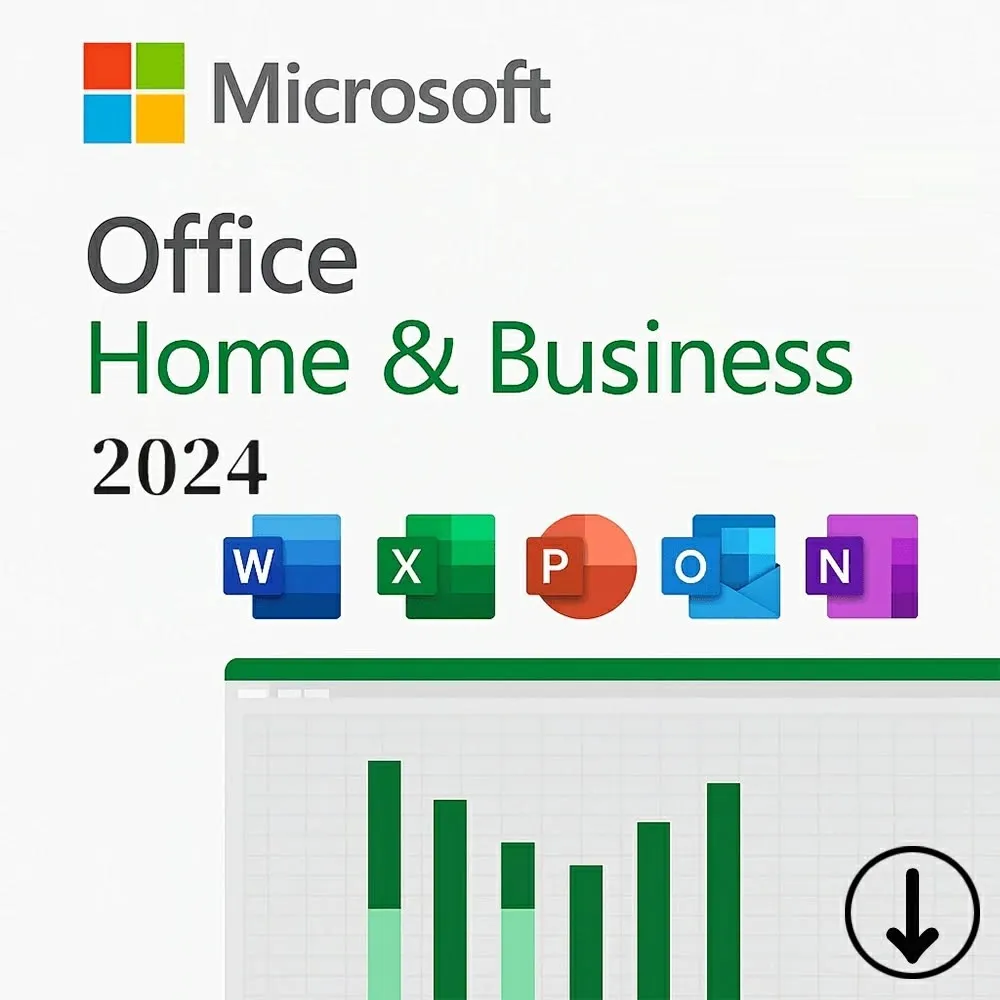
14 people are viewing this item
Quantity
343 in stock
Buyer protection
Your purchase on the Eloboost24 platform is fully protected by our Buyer Protection Policy.
- Refund to your balance if not delivered
- 450 sales by this seller
- Secure payment
About seller

Microsoft Office Home & Business 2024 - Microsoft Key🌎✅ License format: XXXXX-XXXXX-XXXXX-XXXXX-XXXXX You will receive a genuine Office 2024 Home & Business Retail product key f ... or Windows. This product key is valid for the Office 2024 Retail version only. Key features: * Genuine Office 2024 Home & Business Retail key * One activation per license * One-time purchase, no recurring payments * Instant digital delivery * A detailed step-by-step activation manual will be provided immediately after purchase IMPORTANT: If you currently have a MAK or LTSC version of Office installed, you must uninstall it and install the Retail version before activation. Activation is completed online using Microsoft's official **Microsoft Product Activation Portal**. * No phone call is required. * The activation process is completed through Microsoft's official online portal. * The detailed manual provided after purchase will guide you through the entire activation process.
Item type
Activation Key
Plan
Personal
Duration
15 Months
From the same seller
NordVPN Basic 💎🔥Account Details 12month💎✅
Seller
Tinder Gold - 12 Month Subscription Key NG nigeria
Seller
YouTube Premium 1 Month⚡️✅

Seller
Microsoft Project LTSC Professional 2024 🌎✅
Seller
Envato element 6month personnel 💎🔥👑

Seller
Windows 11 Enterprise - Retail Key (Global)
Seller
🚀 Envato Elements 12 Months | Fast Delivery + Key

Seller
Magnific 12Month Personal Panel🌎💎
Seller
Canva Pro 5 years 💎Upgrade Your Own Account ⚡
Seller
Windows 10 Enterprise - Retail Key (Global)🌎❤️✅
Seller
FAQs about Microsoft 365 Items
Which Microsoft 365 plans can I buy on EB24?
Sellers list Microsoft 365 Personal and Microsoft 365 Family as activation keys, for 1, 12 or 15 months.
Can I buy a shared Microsoft 365 account?
No. Microsoft 365 listings are keys only. Shared accounts and invites to another family plan are not allowed, so the key always goes on your own Microsoft account.
What is the difference between Personal and Family?
Personal covers one user. Family covers up to six people, each with their own apps and 1 TB of OneDrive storage.
Can I add a key to an active subscription?
Yes. Redeeming a key on an account that already has Microsoft 365 moves the renewal date by the months on the key.
How fast is delivery?
The delivery time is on each listing. The key arrives in the order chat on EB24.
What if the key does not activate?
Do not confirm the order. Open a dispute with a screenshot of the error, and your payment stays in escrow while support checks it.
How it works?
Buying Microsoft 365 on EB24 takes five steps. Choose the plan and duration, pay, then redeem the key on your own account and check it.
Choose Plan and Duration Pick Microsoft 365 Personal or Family, then filter by how many months you want to add.
Order Through EB24 Checkout Compare verified sellers for the same plan and pay on EB24, so escrow holds the money.
Get the Key in Chat The seller sends the activation key in the order chat once the order is delivered.
Redeem on Your Account Sign in to your Microsoft account, redeem the key and check the plan and renewal date.
Key Not Working? Open a Dispute If Microsoft rejects the key or the months are shorter than listed, open a dispute before confirming. The seller is paid only after it is resolved.