


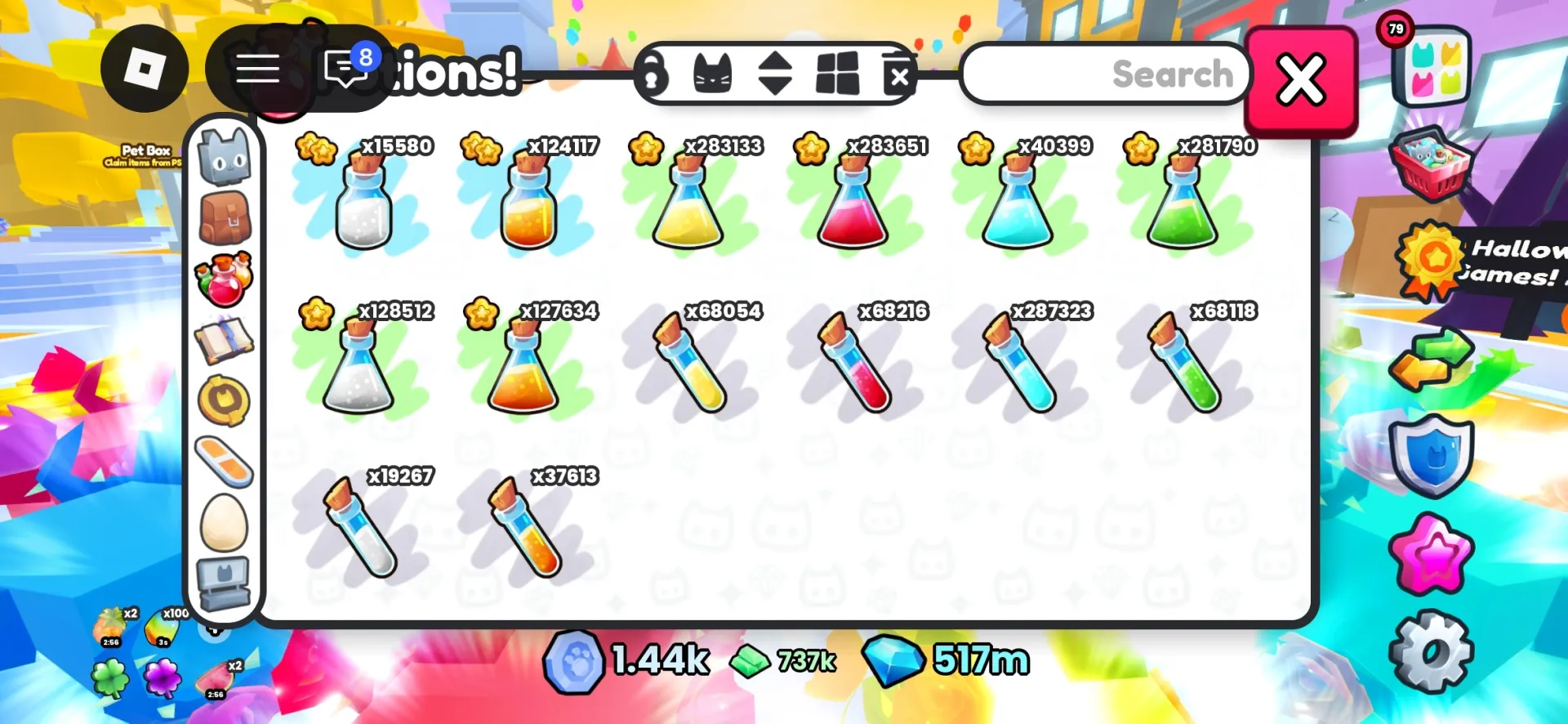
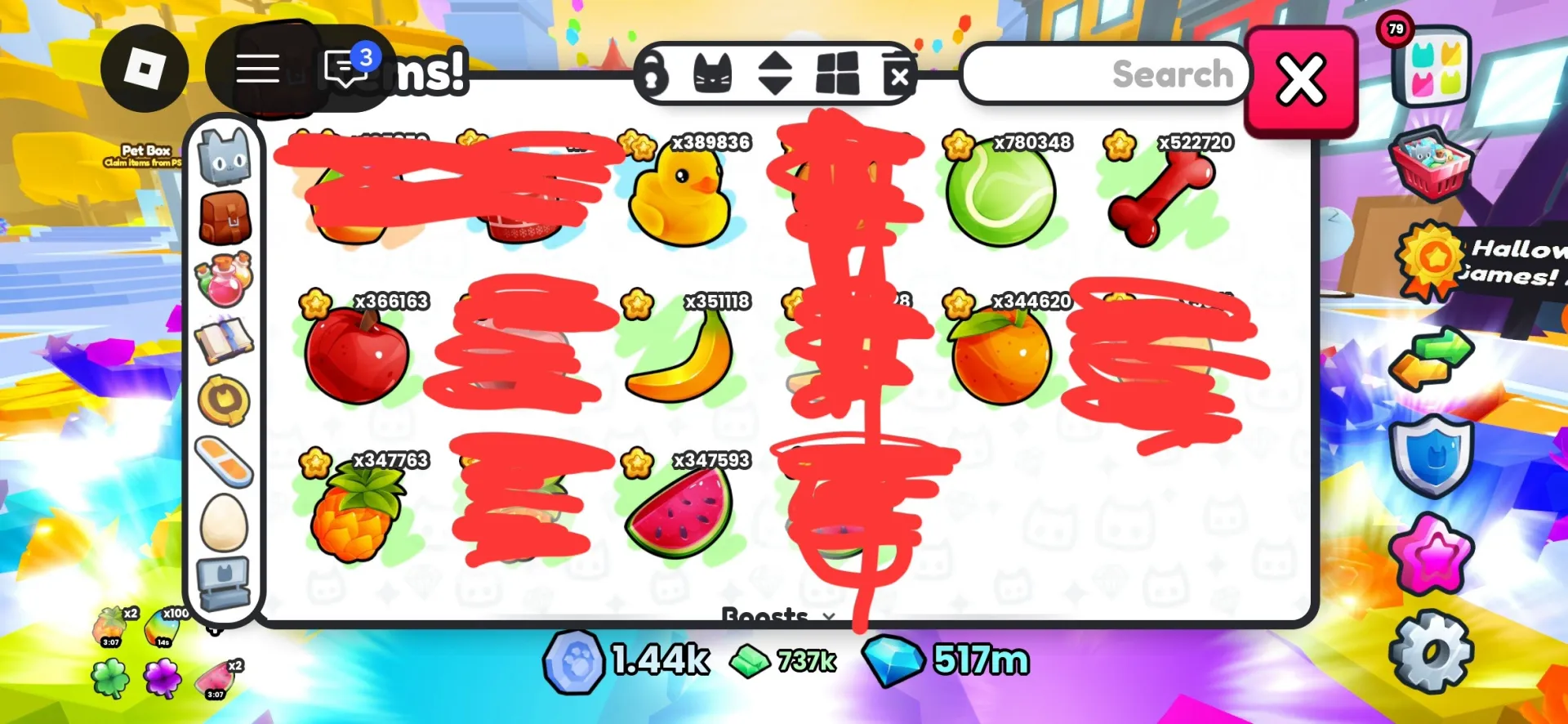
4000× Any fruit (no rainbow)
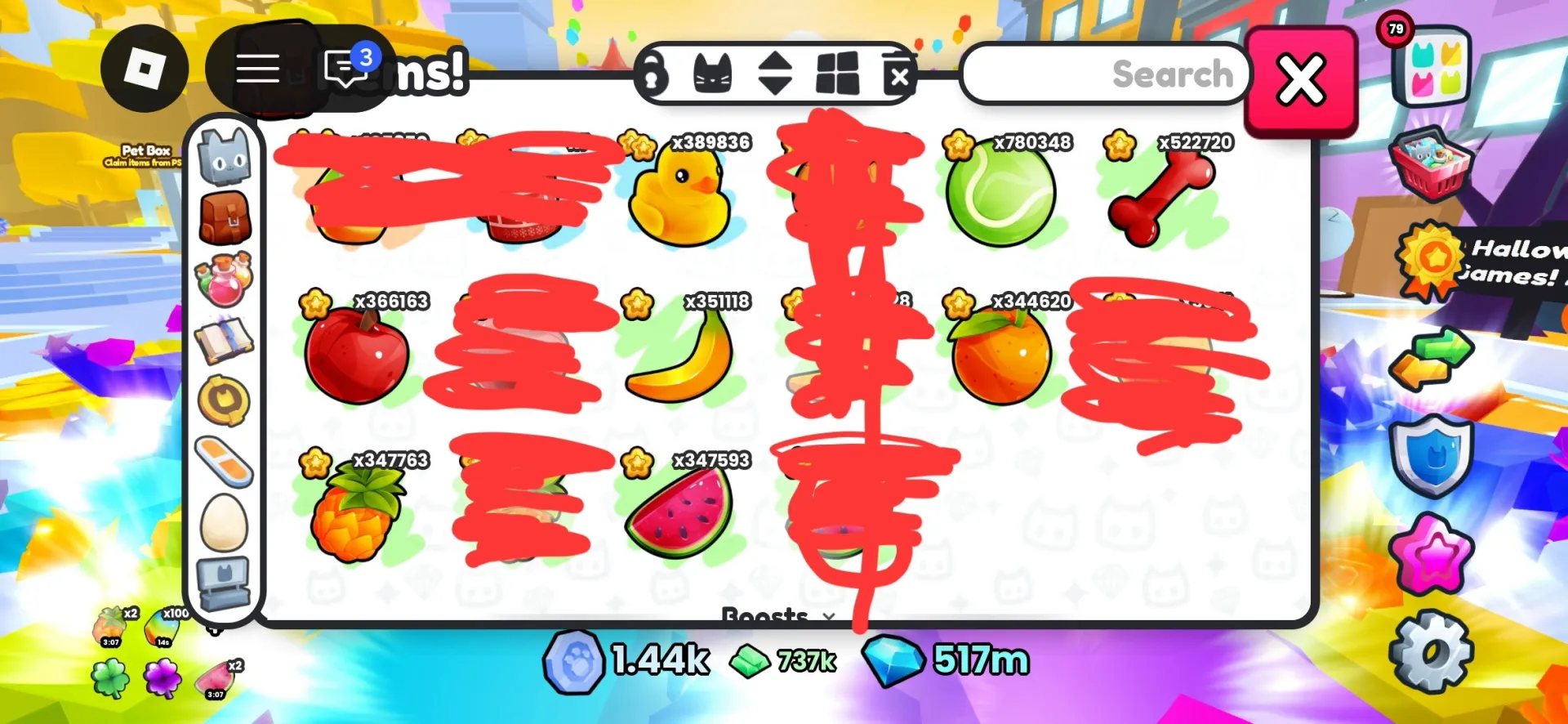
8 people are viewing this item
Quantity
5,000 in stock
Minimum order value is $ 1.13. Increase the quantity to at least 100.
Buyer protection
Your purchase on the Eloboost24 platform is fully protected by our Buyer Protection Policy.
- Refund to your balance if not delivered
- Secure payment
About seller

Oleg_201007
RegularANY FRUIT 4000× FOR 0.01€
Game
Pet simulator 99
From the same seller
 Newcomer
FAQs about Roblox Items
What are Roblox Items?
Roblox Items include a wide range of in-game goods across multiple Roblox titles, such as pets, resources, boosts, cosmetics, and game-specific items. Each listing shows the exact game, item type, and delivery time so you know precisely what you’re buying.
How are items delivered?
After completing your purchase, the seller provides a private delivery instruction explaining how the item will be transferred. This replaces account credential sharing and ensures the process is simple and secure.
Do I need to share my Roblox account?
No. Deliveries follow the seller’s described method and do not require the need to share your login details. Your Roblox account stays fully protected.
How long does delivery take?
Delivery time depends on the option displayed on the listing. You can choose Instant Delivery or timed delivery (1h, 3h, 6h, or 12h) based on seller availability.
What item types can I buy?
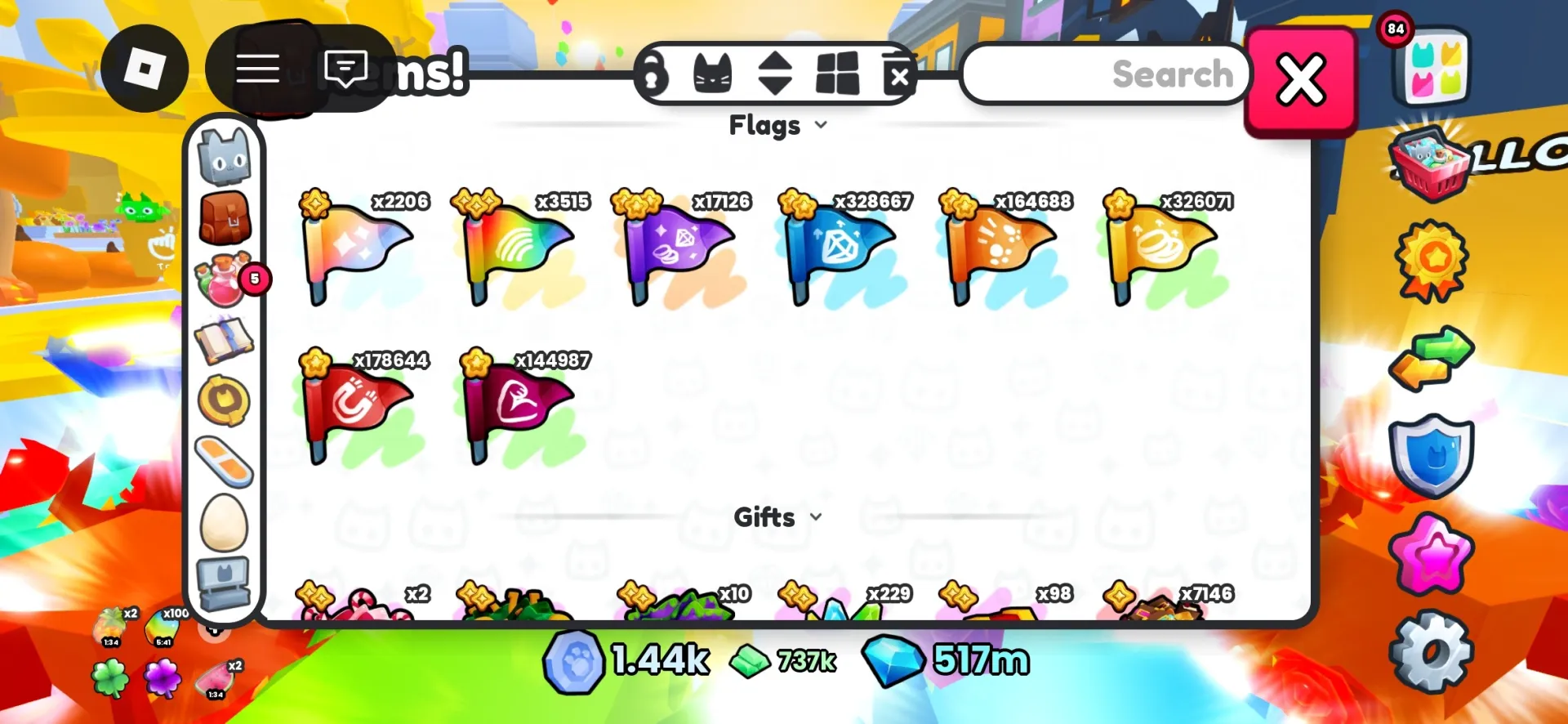
You can purchase items from many popular Roblox games, including Blox Fruits, Adopt Me, Anime Champions, King Legacy, and others. Each listing includes screenshots and a clear description to show exactly what will be delivered.
Are sellers verified?
Yes. All sellers must meet EB24’s verification criteria and maintain accurate, reliable listings. The marketplace monitors performance and removes listings that do not meet quality standards.
What if there is an issue with the delivery?
If the item is not delivered according to the listing’s description or timeframe, you can open a dispute. The system first connects you with the seller to find a solution. If no agreement is reached, the case can be escalated to an EB24 admin for final resolution.
How it works?
Ordering Roblox items across your favorite games is straightforward on EB24. Here’s how the process goes.

Choose Your Item Browse Roblox listings across various games and select the item you need. Each offer clearly shows the specific game, item type, delivery time, and screenshots, giving you a full understanding of what will be delivered.
Complete the Checkout Proceed with the purchase without sharing your Roblox account credentials. Your order is added to your EB24 profile, and you only provide the basic information required for the delivery method selected by the seller.
Receive Delivery Instructions After the order is confirmed, the seller sends a private delivery instruction. It outlines the exact delivery method and the steps needed to complete the transfer. The instruction must match the delivery approach shown in the listing.
Get Your Item Follow the delivery instructions to receive your item within the timeframe listed on the offer. If something does not match the description or timing, you can open a dispute. The system first connects you with the seller to resolve the situation, and if needed, you can escalate the case to an EB24 admin for final resolution.