


🎵 Spotify Premium Account | 1 Month Works Globally
Subscription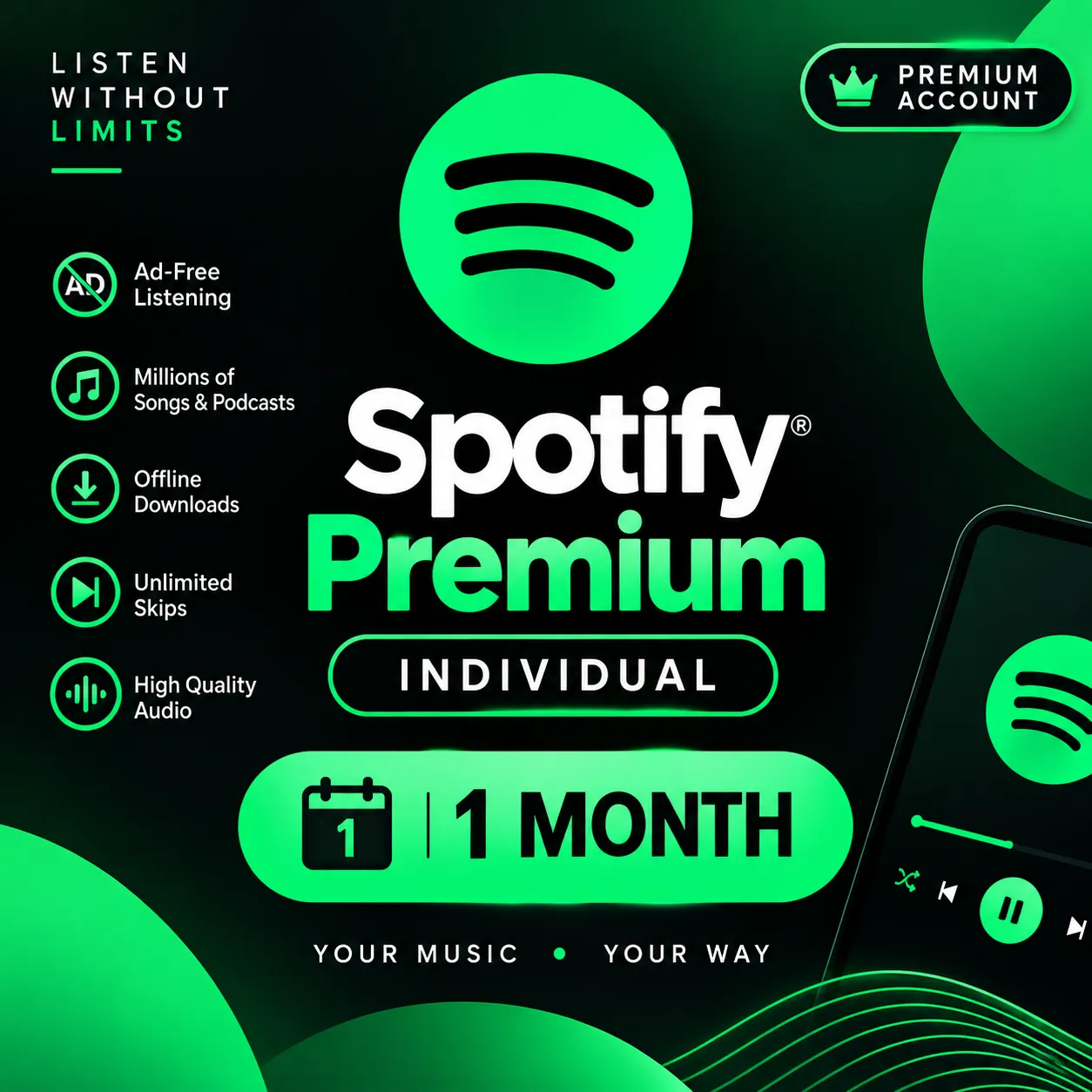
Enjoy the ultimate music experience with Spotify Premium! 🎧 Get 1 month of premium music streaming with worldwide access. Listen to millions of songs and podcasts without annoyin ... g ads. Enjoy your favorite music anytime, anywhere! ✨ Premium Features: ✅ 1 Month Spotify Premium 🌍 Global Access – Works Worldwide 🎵 Ad-Free Music Streaming 📥 Download Music for Offline Listening 🔊 High-Quality Audio ⏭️ Unlimited Skips 🎧 Millions of Songs & Podcasts 🚀 Smooth & Uninterrupted Music Experience 🎶 Enjoy Premium Music Anytime, Anywhere, Around the World!
Region
Europe
Item type
Subscription
Duration
1 Month
7 people are viewing this item
Quantity
989 in stock
Buyer protection
Your purchase on the Eloboost24 platform is fully protected by our Buyer Protection Policy.
- Refund to your balance if not delivered
- 10 sales by this seller
- Secure payment
About seller

Get_Subscriptions
RegularFrom the same seller
🎬 Netflix Premium Account – 1 MOnth
−32%
Seller
FAQs about Spotify
What kind of Spotify codes can I buy?
On EB24 you can buy Spotify Premium subscription codes and Spotify gift cards. Each listing describes the plan length, the gift card balance, and the region the code is issued for, so you know exactly what you redeem before you reach checkout. The offer also makes the format clear, whether it is a time-limited Premium plan or a stored balance, so there is no guesswork.
How does Spotify code delivery work?
After your order is confirmed, delivery instructions appear directly in your order panel. The subscription code or gift card is delivered for you to redeem on your own Spotify account, following a clear set of steps so you can apply it without confusion. Timing depends on the seller, and the listing shows an estimate, so you always know what to expect before you buy.
Why does the region matter for Spotify codes?
Spotify codes are issued per country and redeem on accounts set to that region. Listings name the region upfront, so you can match a US, EU, or other regional code to your account before you buy and avoid a code that will not apply. Checking the region against your own account settings first is the simplest way to make sure the code redeems.
Do I need to share my account access?
You do not need to hand over any login details. Spotify items are codes you redeem on your own account, which keeps your profile and password fully in your control throughout the process. Because nothing about your account is shared with the seller, you stay in charge of access, and you simply apply the code once the delivery details reach your order panel.
Are Spotify subscription codes and gift cards priced fairly?
Prices reflect the plan length, the gift card face value, and the regional pricing behind each code. Listings are organized across clear price levels, so you can compare a Premium subscription against a gift card and choose what fits your budget. Because every offer states what you receive upfront, it is easy to weigh value against cost before you commit to a purchase.
What if my Spotify code does not work?
If a code does not match the listing or fails to redeem, you have buyer protection. Open the automated dispute form from your order panel and the system reviews the case to resolve it clearly and fairly. It helps to keep your order details handy, since a quick description of the problem lets the review reach a sensible outcome faster.
How it works?
Buying Spotify upgrades on EB24 is straightforward. Pick the plan and confirm the region, then complete checkout. Delivery instructions then appear in your order panel.
Browse Available Codes Look through EB24 Spotify listings for Premium subscription codes and gift cards. Each listing details the plan length, the gift card balance, and the region the code is issued for so you know exactly what you redeem.
Complete the Purchase Once you finalize your order through EB24 secure checkout, all order details and the current status appear on your dashboard.
Review Delivery Instructions Delivery instructions appear in your order panel right after checkout. They explain how to redeem your subscription code or gift card on your own Spotify account.
Redeem the Code Your Spotify subscription code or gift card is delivered for you to redeem yourself, without handing over long-term account access. Follow the instructions to apply it to your account.
Order Protection If a code does not match the listing or fails to redeem, open an automated dispute from your order panel. It is part of your buyer protection, and the system resolves the issue fairly.