


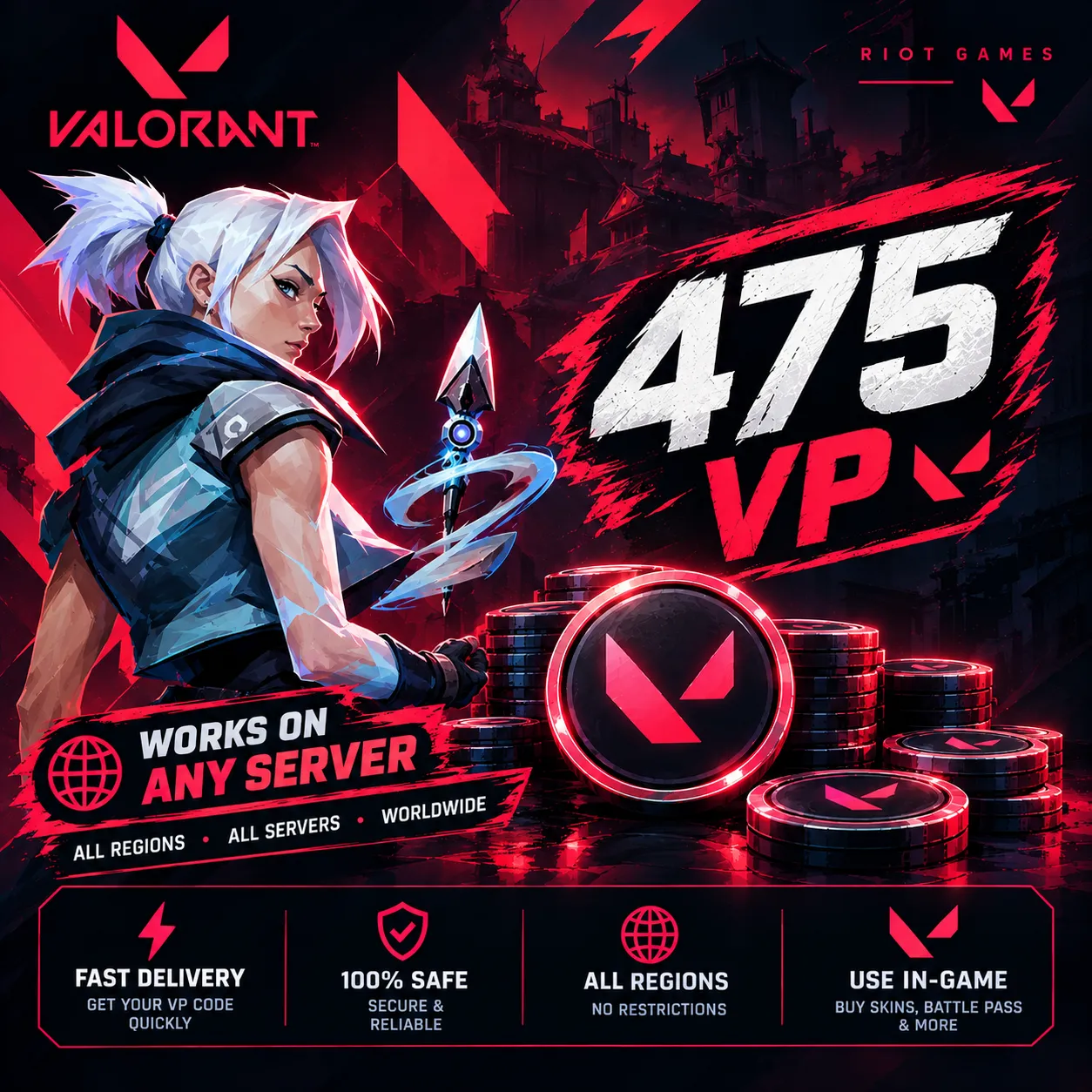
🎯 VALORANT Gift Card – 475 VP | Digital Code | Region
5 people are viewing this item
Quantity
Only 2 left
Buyer protection
Your purchase on the Eloboost24 platform is fully protected by our Buyer Protection Policy.
- Refund to your balance if not delivered
- 17 sales by this seller
- Secure payment
About seller

black-moon-3808
Regular🎮 VALORANT Gift Card – 475 VP 🔥 💎 Get 475 VALORANT Points (VP) with this digital gift card! ⚡ Product Details: 🎯 Game: VALORANT 💎 Value: 475 VP 📩 Delivery: Digital code 🌍 Re ... gion: Region Open, subject to Riot Games' redemption restrictions ✅ Important Information: Please check your account's eligibility before purchasing. Make sure the code is compatible with your account. If you have any questions or need assistance, contact me through the platform. 🔥 Get your VP and enjoy VALORANT! 🎮❤️
Item type
Points
From the same seller
🎮 League of Legends 575 RP Gift Card 🎮 🔥 Get 575 Rio
−2%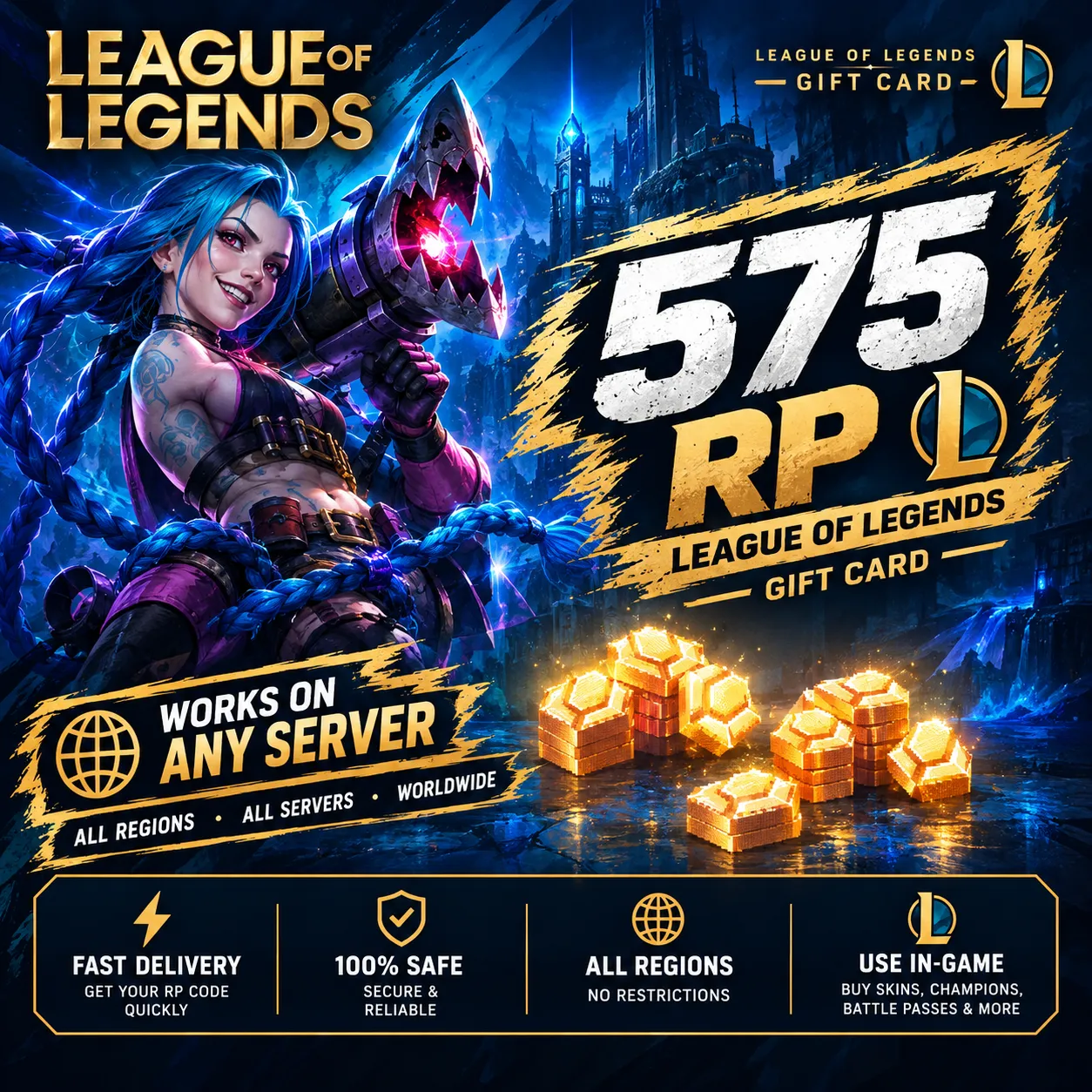

Seller
FAQs about Items
What kind of Valorant items can I buy?
On EB24 you can buy Valorant Points, weapon skins, capsules, and other cosmetic content. Each listing describes the skin line, any included variants or effects, and the quantity, so you know exactly what the offer contains before you reach checkout.
How does Valorant item delivery work?
After your order is confirmed, delivery instructions appear directly in your order panel. The skin, capsule, or Points package is delivered through the method listed for that item, following a clear set of steps so you can complete the exchange without confusion.
How long does delivery take?
Each listing shows an estimated delivery time, which depends on the type of Valorant item. Points top-ups and common cosmetics tend to be fast, while some bundles need extra coordination. The timeframe is always displayed before you buy so there are no surprises.
Do I need to share my account access?
You do not need to hand over long-term account access. Valorant items are delivered through the agreed method shown on the listing, which keeps your account in your control throughout the process.
Are Valorant Points and skins priced fairly?
Prices reflect skin rarity, bundle scope, and current demand. Offers are organized across clear price levels, so you can compare a single Points package against a full skin collection and pick what fits your budget.
What if my Valorant order goes wrong?
If a delivery does not match the listing or the stated time, you have buyer protection. Open the automated dispute form from your order panel and the system reviews the case to resolve it clearly and fairly.
How it works?
Buying Valorant skins, capsules, and Points on EB24 follows a clear path. Pick the cosmetic or Points package you want and complete checkout. Delivery instructions then appear in your order panel.
Browse Available Items Look through EB24 Valorant listings for skins, capsules, Valorant Points, and other cosmetics. Each offer details the skin line, included variants, and quantity so you know exactly what you are getting.
Complete the Purchase Once you finalize your order through EB24 secure checkout, all order details and the current status appear on your dashboard.
Review Delivery Instructions Delivery instructions appear in your order panel right after checkout. They explain the transfer method for your Valorant skins or Points and the steps to follow.
Receive the Item In-Game Your Valorant cosmetics or Points are delivered through the agreed method without handing over long-term account access. Follow the instructions to complete the exchange.
Order Protection If a purchase does not match the listing, open an automated dispute from your order panel. It is part of your buyer protection, and the system resolves the issue fairly.