


Microsoft Windows 11 Pro Retail – Genuine Activation
Subscription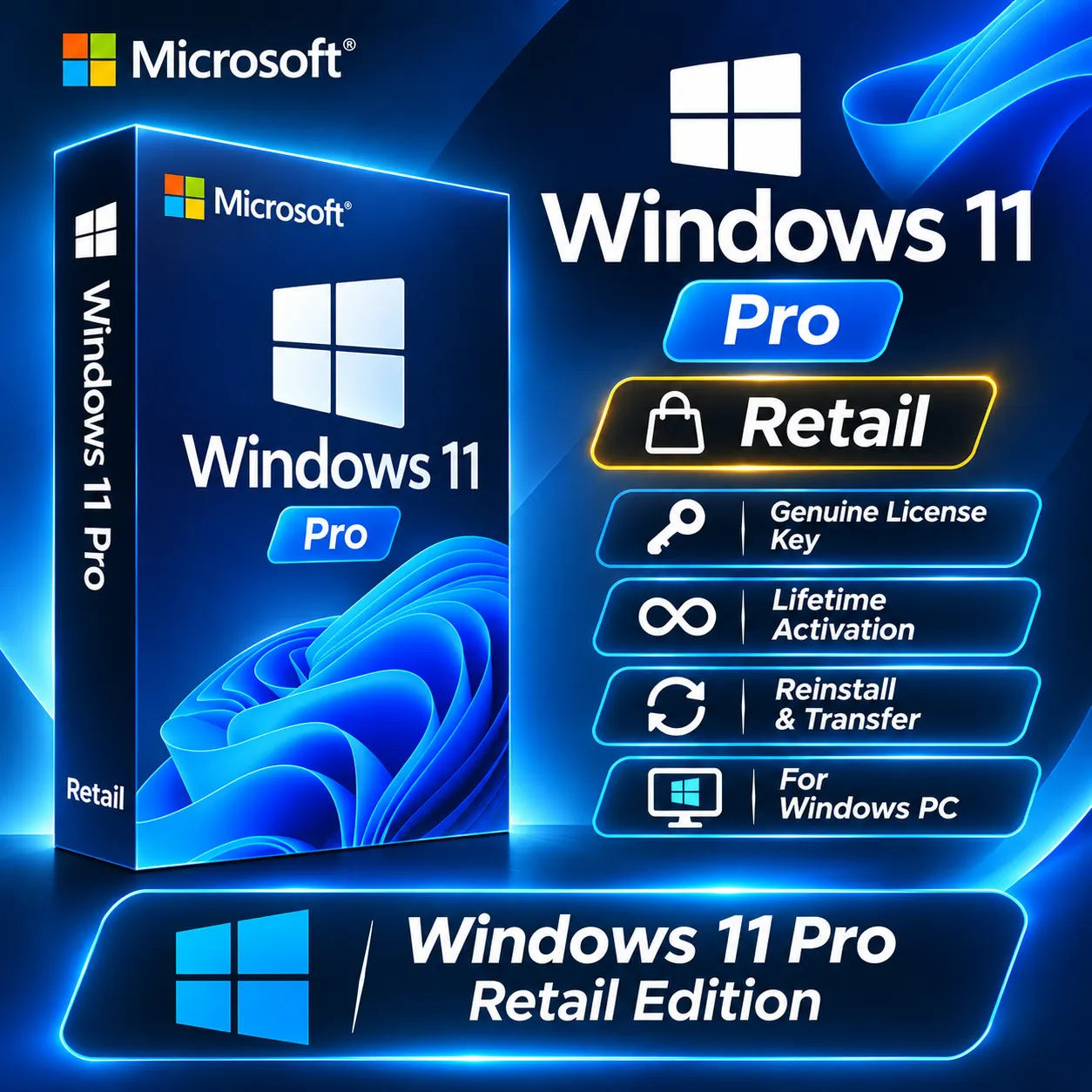
💻 **MICROSOFT WINDOWS 11 PRO – RETAIL KEY** Upgrade your PC with Microsoft Windows 11 Pro and enjoy powerful features designed for productivity, security, and professional use. ... ✨ **Product Features:** - 🪟 Microsoft Windows 11 Pro - 🔑 Retail Activation Key - 💻 64-Bit Operating System - 🛡️ Advanced Security Features - ⚙️ Professional Tools and Features - 📥 Digital License Key 🚀 **Activation:** 1. Open Windows Settings. 2. Go to **System → Activation**. 3. Select **Change product key**. 4. Enter your product key. 5. Follow the on-screen instructions to complete activation. 📝 **Important Information:** - Make sure your device meets Windows 11 system requirements. - This key is for Windows 11 Pro edition. - Check your current Windows edition before purchasing. Thank you for choosing our store!
Item type
Retail Key
Edition
Windows 11 Pro
Devices
1 Device
Duration
Lifetime
Region
Global
4 people are viewing this item
Quantity
3,255 in stock
Buyer protection
Your purchase on the Eloboost24 platform is fully protected by our Buyer Protection Policy.
- Refund to your balance if not delivered
- 14 sales by this seller
- Secure payment
About seller

instaagaming
RegularFrom the same seller
Roblox – 800 Robux Gift Card GLOBAL | All Regions
Seller
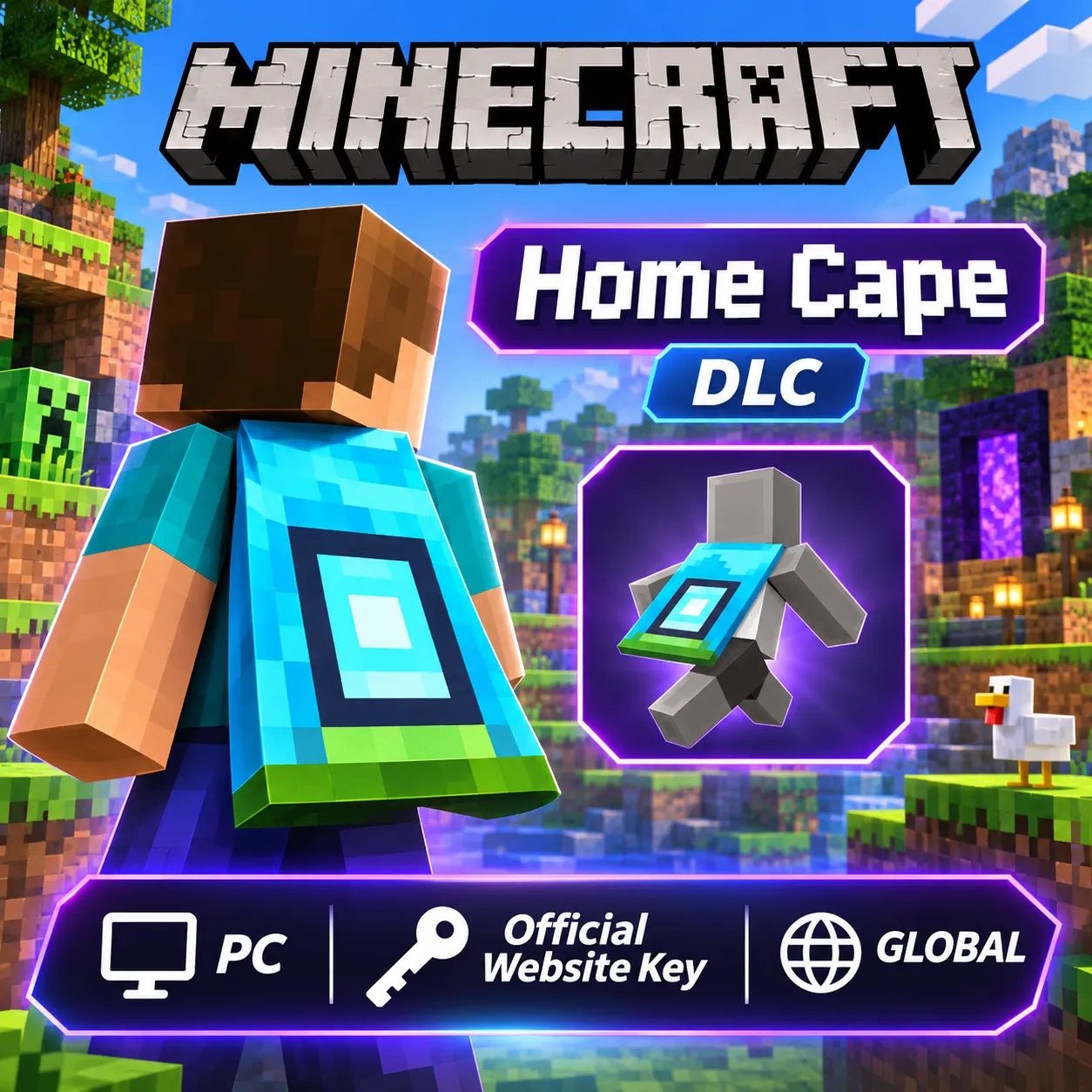
Minecraft Home Cape (DLC) – Official Website Key | PC
Seller
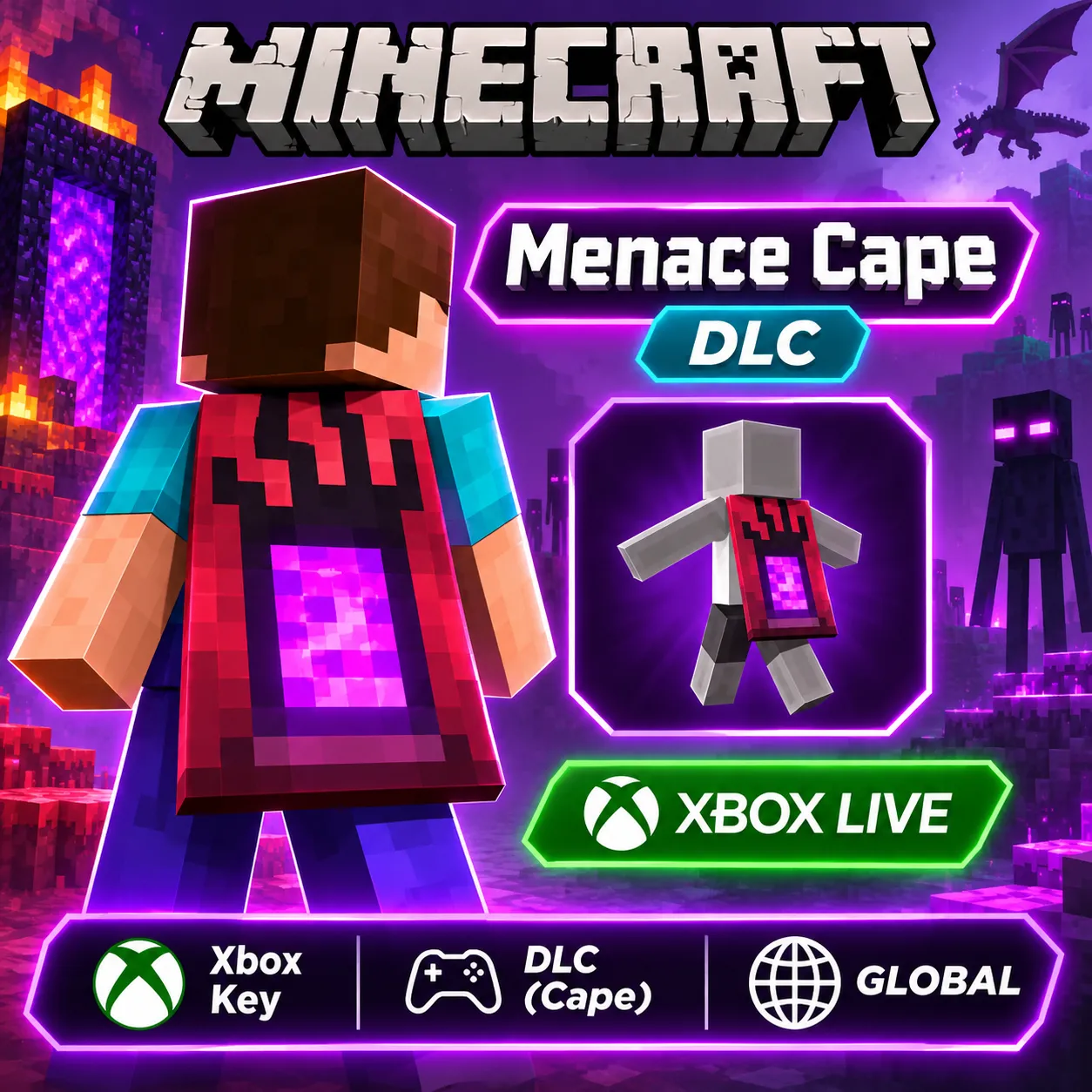
Minecraft Menace Cape (DLC) – Xbox Live Key | Global
Seller
Minecraft Bedrock Edition – Burberry Set (DLC) | Offici
Seller
Call of Duty: Modern Warfare 4 – 10 Hours Double XP
Seller
EA SPORTS FC 27 – 1050 FC Points | EA App PC Key
Seller
Fortnite Minty Legends Pack + 1000 V-Bucks | Xbox Live
Seller
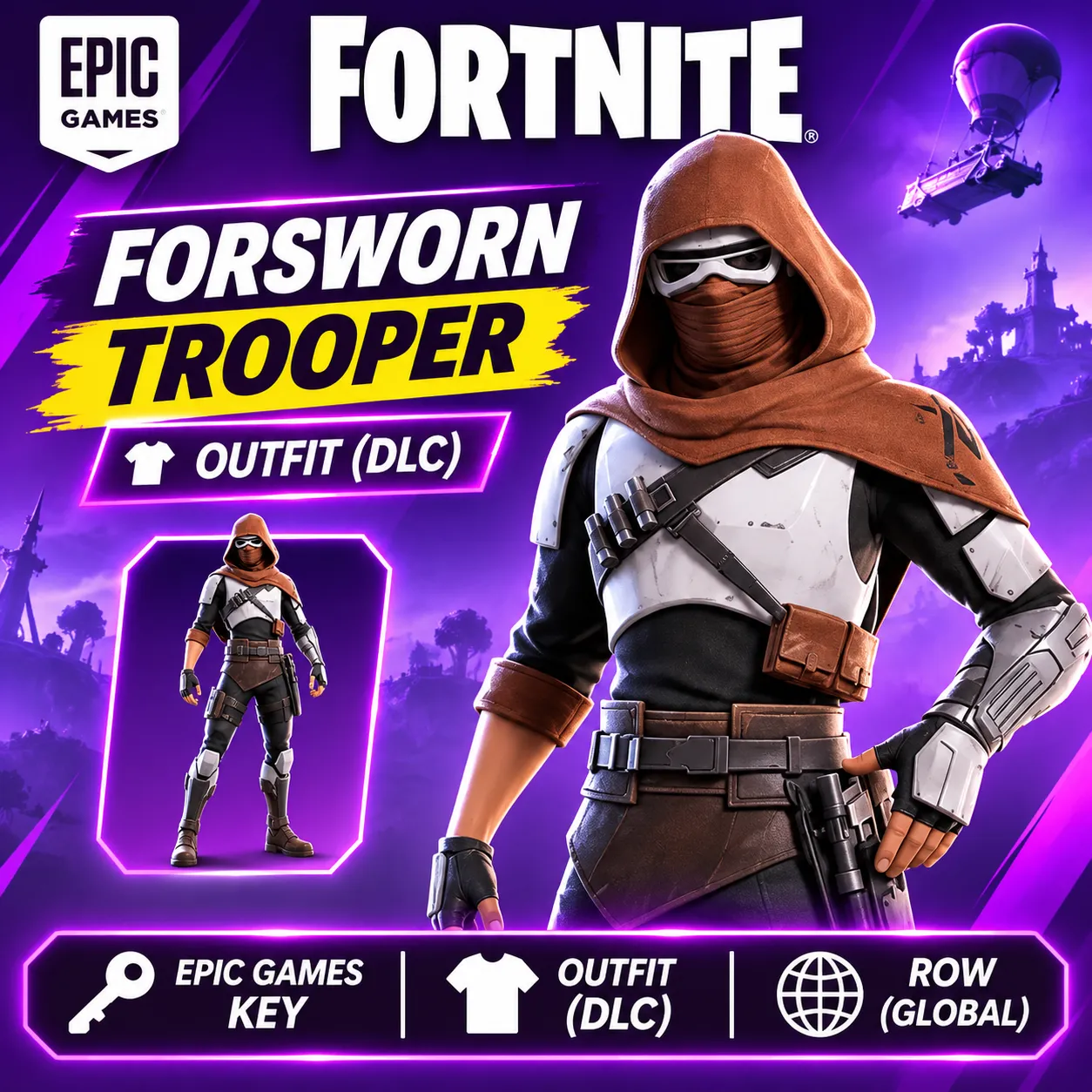
Fortnite – Forsworn Trooper Outfit (DLC) | Epic Games
Seller
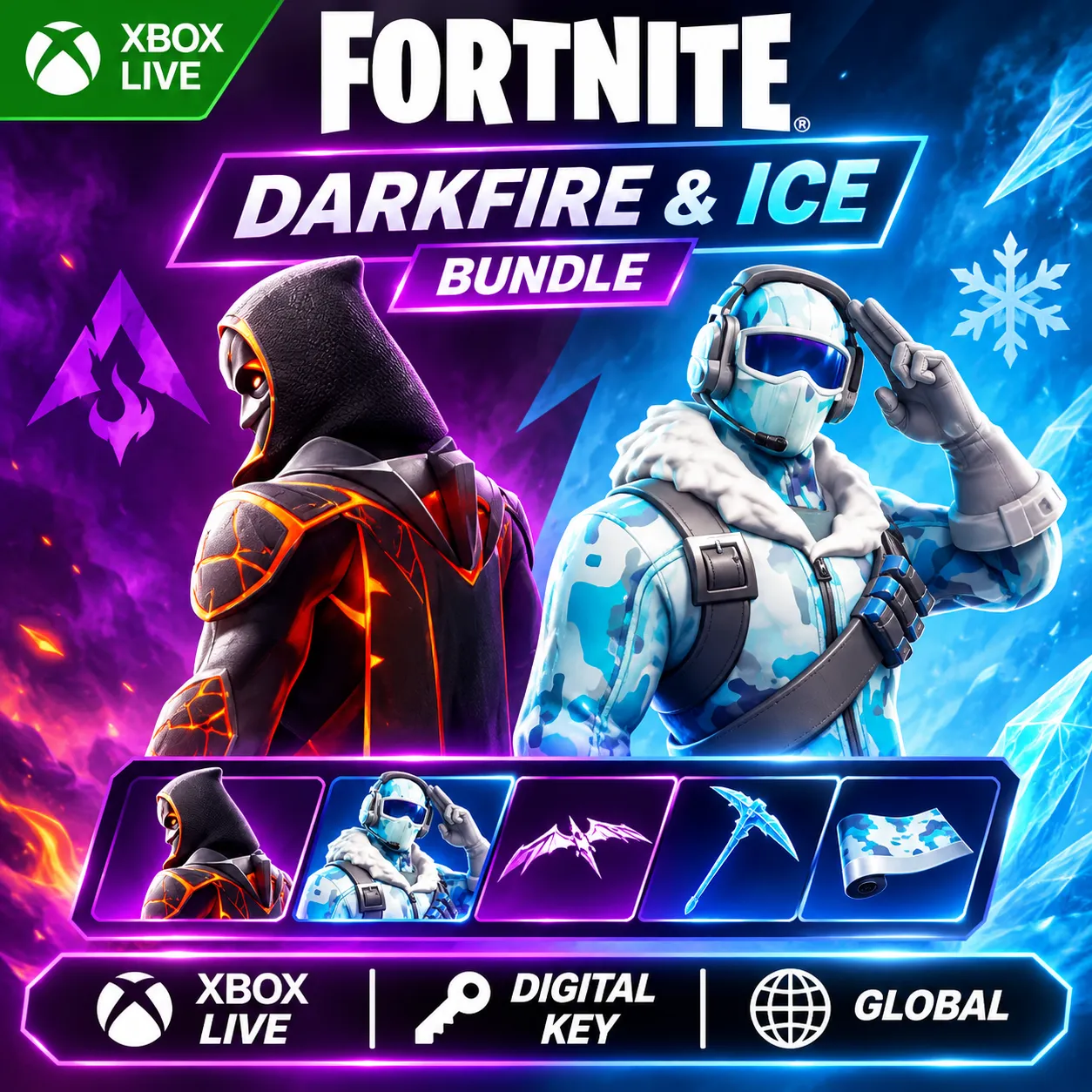
Fortnite – Darkfire & Ice Bundle (DLC) | Xbox Live Key
Seller
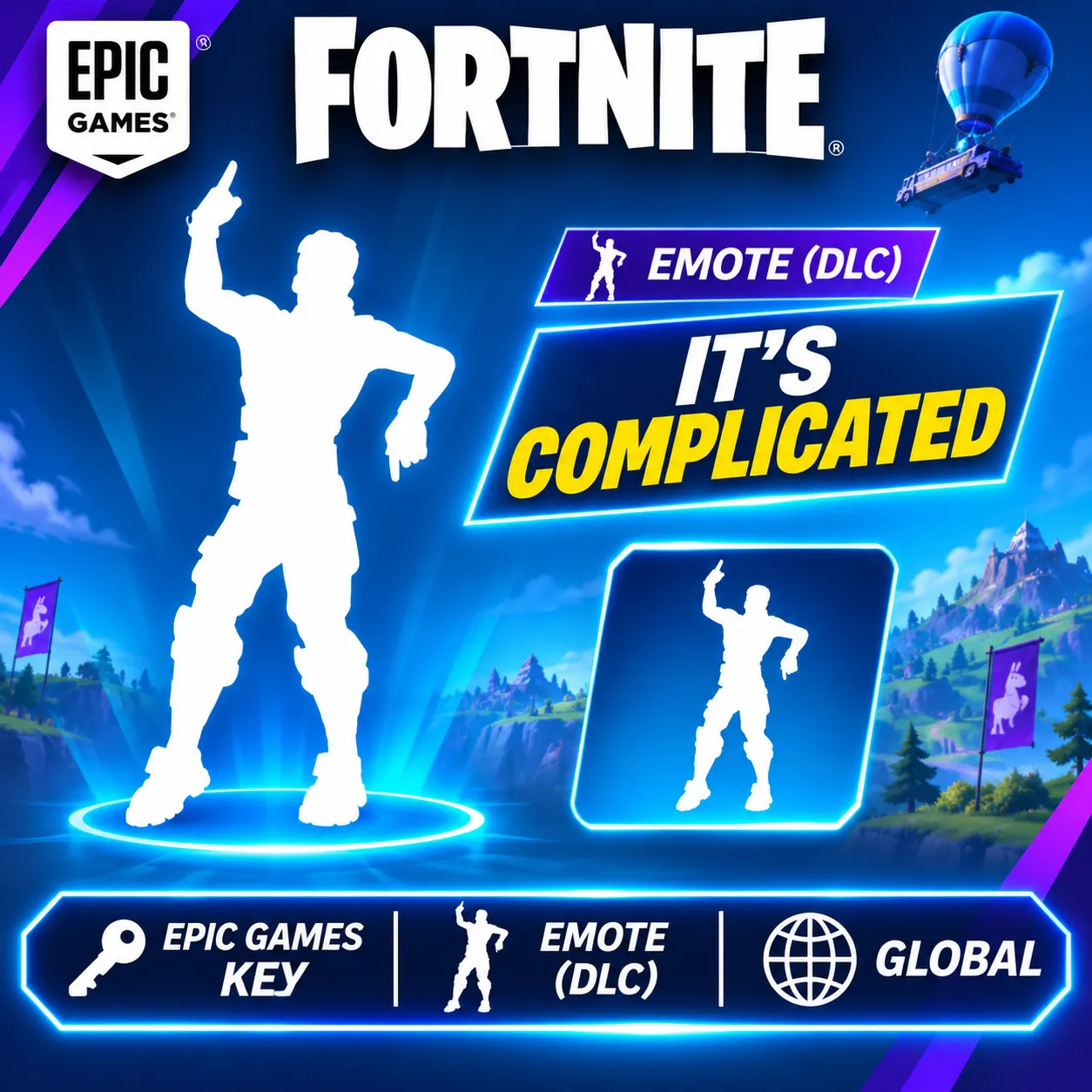
Fortnite – It's Complicated Emote (DLC) | Epic Games
Seller
FAQs about Windows Items
Which Windows editions can I buy on EB24?
Sellers list Windows 11 Home, Windows 11 Pro, Windows 10 Home, Windows 10 Pro, Windows Server 2022 Standard and Windows Server 2025 Standard as lifetime product keys for your own account.
Is a Windows key a shared account?
No. Every Windows listing is a lifetime product key activated on your own device and account. Sellers must deliver legitimate keys.
Does a Windows key expire?
No. Every Windows listing is Lifetime, so there is nothing to renew. Listings state Retail Key or OEM Key.
How many devices does a Windows key cover?
Every listing covers 1 Device. Check the Windows terms for how to move it to a new device.
Will a Windows key work in my country?
Check the region on the card. Global keys work in most countries. Listings for Europe and Other only activate where the card says, and the note names the country.
How fast is delivery?
The delivery time is on each listing. The key arrives in the order chat on EB24.
What if the Windows key does not activate?
Do not confirm the order. Open a dispute with a screenshot of the error, and your payment stays in escrow while support checks it.
How it works?
Activating Windows with a key from EB24 takes a few steps. Pick the edition and key type, pay and enter the key in Settings.

Pick the License You Need Filter Windows keys by edition, key type, device count and region, so only offers that fit your setup stay on the page.
Order Through EB24 Checkout Compare verified sellers for the same Windows license and pay on EB24, so escrow holds the money.
Get the Key in Chat The seller sends the Windows key in the order chat once the order is delivered.
Activate and Check Enter the key in Windows, then check that the license shown matches the edition, key type, device count and region on the listing.
Key Not Working? Open a Dispute If Windows rejects the key or the license is shorter than listed, open a dispute before confirming. The seller is paid only after it is resolved.