


Xbox Game Pass 12M Essential - INDIA (IN) | PIN
Subscription
14 people are viewing this item
Quantity
Only 5 left
Buyer protection
Your purchase on the Eloboost24 platform is fully protected by our Buyer Protection Policy.
- Refund to your balance if not delivered
- 27 sales by this seller
- Secure payment
About seller

Item: 12 Months Xbox Game Pass Essential. Region: India (IN). Platform: Xbox Series X|S, Xbox One, and PC. Delivery: Official 25-character digital PIN code. Notice: Your Microsoft ... account region must match India (IN). Digital subscription codes are region-locked and non-refundable once delivered. Cover image is generic; exact plan, duration, and region are listed in the title.
Item type
Subscription
Plan
Essential
Duration
12 Months
From the same seller
 Top Seller
Steam Wallet 500 PHP Gift Card - PHILIPPINES (PH) | PIN

Seller
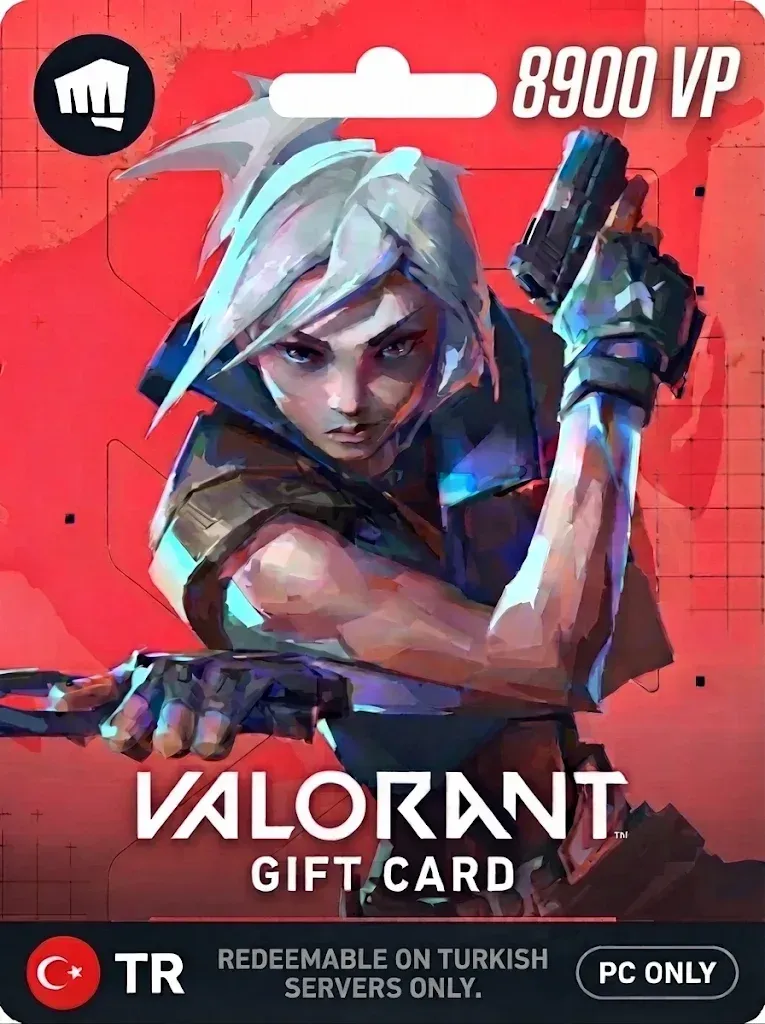
Top Seller Valorant 8900 VP Code - TURKEY (TR) | PC Direct PIN
Seller
Top Seller Steam Wallet 20 QAR Gift Card - QATAR (QA) | PIN
Seller
Top Seller Razer Gold 20 MYR - MALAYSIA (MY) | PIN
Seller
Top Seller Razer Gold 300 MYR - MALAYSIA (MY) | PIN
Seller
Top Seller Razer Gold 25 BRL - BRAZIL (BR) | PIN
Seller
Top Seller Razer Gold 750 MXN - MEXICO (MX) | PIN
Seller
Top Seller Razer Gold 5 SGD - SINGAPORE (SG) | PIN
Seller
Top Seller Razer Gold 30 SGD - SINGAPORE (SG) | PIN
Seller
Top Seller Razer Gold 20 CAD - CANADA (CA) | PIN
Seller
FAQs about Xbox Game Pass Items
Which Xbox Game Pass plans are on EB24?
Sellers list Game Pass Essential, Premium, Ultimate and PC Game Pass, each for 1, 3 or 12 months or as a 14 day trial, as a subscription or a redeem code.
What happened to Game Pass Core and Standard?
Microsoft renamed them in 2025: Core is now Game Pass Essential and Standard is now Game Pass Premium. Older listings that still say Core or Standard are shown under the new names.
Can I stack Game Pass codes?
Microsoft lets you add codes to an active membership up to a maximum total length, and codes for a different tier may be converted at a different rate. Check your Microsoft account before redeeming several codes.
Which Xbox Game Pass lengths can I buy?
Sellers list 1, 3 and 12 month runs and 14 day trial codes. Trial codes usually work only on accounts that never had Game Pass, so read the listing notes. Longer runs usually cost less per month.
How do I activate a Xbox Game Pass code?
Redeem a Game Pass code at redeem.microsoft.com or in the Microsoft Store on your Xbox, then check Services in your Microsoft account for the end date.
How long does Xbox Game Pass delivery take?
Each seller states a delivery time on the listing before you check out, and the code or delivery note always arrives in your EB24 order panel.
What if my Xbox Game Pass plan does not activate?
Do not confirm the order. Open a dispute from the order page with a screenshot of what Xbox Game Pass shows. The payment stays in escrow while support reviews the case.
How it works?
A Xbox Game Pass order on EB24 takes five steps. Pick the plan and months, check the item type, pay, then confirm the plan on your account.
Pick the Xbox Game Pass Plan and Length Filter by plan and months, then read the item type to see how the plan reaches your account.
Pick a Listing and Pay on EB24 Compare sellers offering the same Xbox Game Pass plan and complete the order through EB24 checkout so escrow covers it.
Follow the Delivery Note When the seller marks the order delivered, your order panel shows the Xbox Game Pass code or the steps the seller took. Your password is never part of a code delivery.
Activate and Check the Plan Redeem a Game Pass code at redeem.microsoft.com or in the Microsoft Store on your Xbox, then check Services in your Microsoft account for the end date.
Problem With the Plan? Open a Dispute A code that Xbox Game Pass rejects or a plan shorter than listed is grounds for a dispute. Raise it from the order before you confirm, and the seller is not paid until it is settled.