


🌾⛏️ Albion Online Gathering Boost | T1 to T5 Level Up
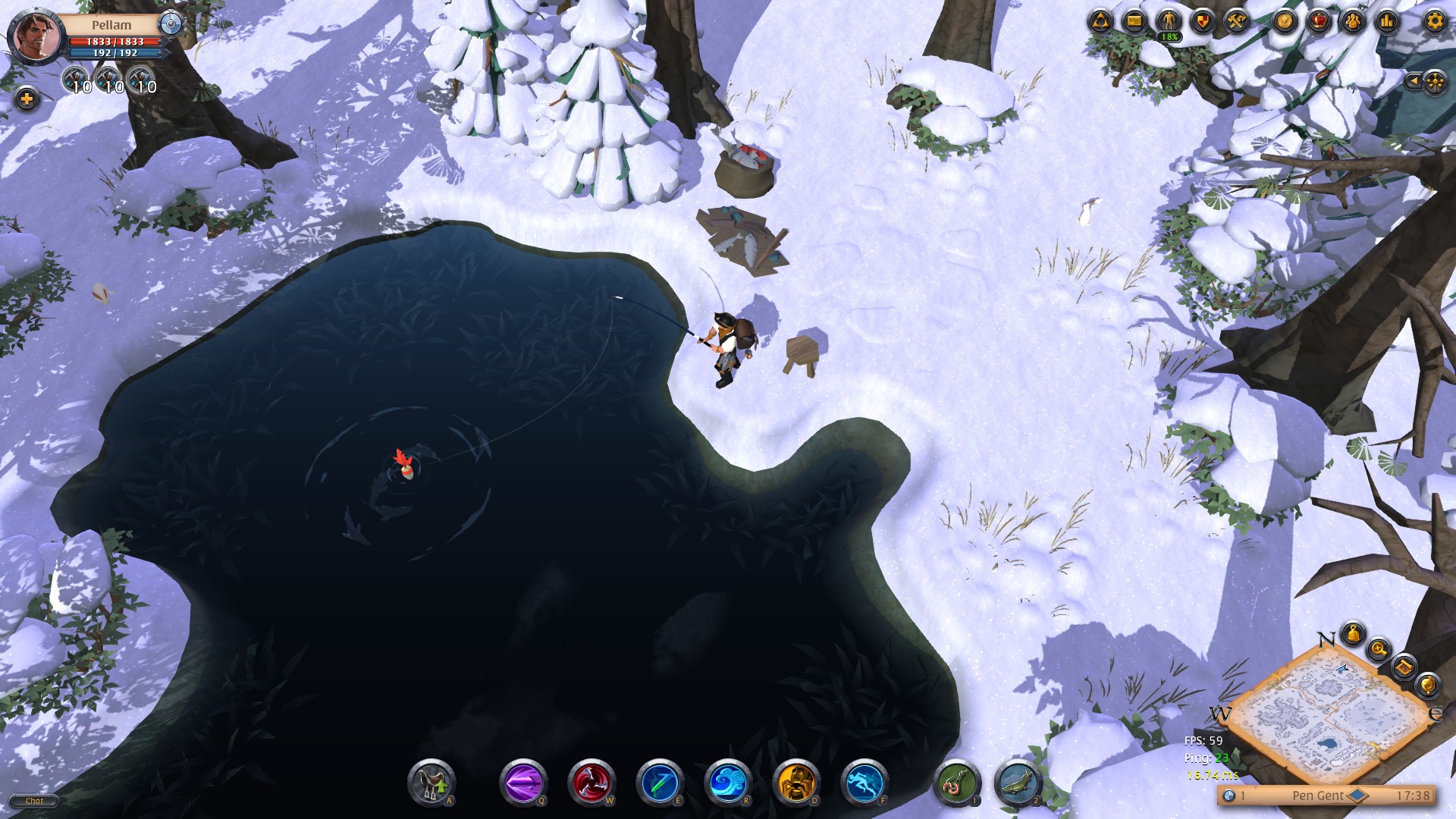
🌾⛏️ Albion Online Gathering Boost | T1 to T5 Leveling 🪵🪨 Looking to unlock T5 Gathering tools quickly and safely? I've got you covered! I will level up any gathering tool of you ... r choice! 🚀 🔹 Professions Covered: Fiber, Ore, Wood, Hide, Stone 🛠️ 🔹 100% Hand-Leveled: Fully manual gameplay (Zero bots/macros, completely safe for your account) 🛡️ 🔹 Bonus: All resources harvested during the boost stay on your character! 🎒💰 📌 Requirements: • Premium Active (Recommended for faster exp) ⚡ • Learning Points (LP) optional for faster completion 🎓 💬 Message me if you have any questions or need a custom package!
Server
Albion Europe
Item type
Other
4 people are viewing this item

About seller

cool-lake-6683
Online RegularFrom the same seller
⚔Runes Farm • Bosses • Map Exploration • (Steam/Coop)

Seller
FAQs about Albion Online Items
What kind of items can I buy?
Albion Online game-related items available on the EB24 marketplace potentially features silver, gear, and other resources. Every listing details what’s included. This should help you understand what you’re buying before making that purchase.
How does delivery work?
The delivery instructions are displayed in your order panel immediately after checkout. Items are transferred using the in-game trade methods mentioned in the listing. Just follow the steps to safely and securely complete the transfer.
How long does delivery take?
Each item listing will always show the estimated delivery time before payment. Some are quick and some require a bit of time to complete.
Is account access required?
No, you don’t need to provide any account info. Each delivery is handled solely through the game’s secure in-game process.
What if something goes wrong?
Open the automated dispute from your order panel if a delivery issue takes place. It’s part of your purchase protection, and will remain as such until the matter is clearly and fairly resolved.
How it works?
When buying items in Albion Online on EB24, the process is quick and straightforward. Pick the item you want and complete the purchase. You’ll then receive it directly in-game.

Browse Available Items Check out the Albion Online listings to review detailed descriptions of gear, silver, crafting materials, or other game-related items. Every offer details what you’ll get. This includes server or faction information.
Complete the Purchase Finish your order through EB24’s secure payment system. After confirmation, you’ll receive order details in your dashboard so you can keep track of its progress.
Review Delivery Instructions Delivery instructions appear instantly after checkout. You’ll find this in your order panel. Follow them as they’ll explain how the in-game trade procedure will take place.
Receive the Item In-Game The transfer is completed through the game’s standard trading system. There’s no login details to worry about here. You simply need to follow the instructions to safely receive what you bought.
Order Protection Open the audtomated dispute from your dashboard if there’s a problem with your order. The system is designed to resolve issues clearly and fairly as part of our purchase protection policy.