


Xbox Apex Legends 1,000 Coins (Global)
Gift card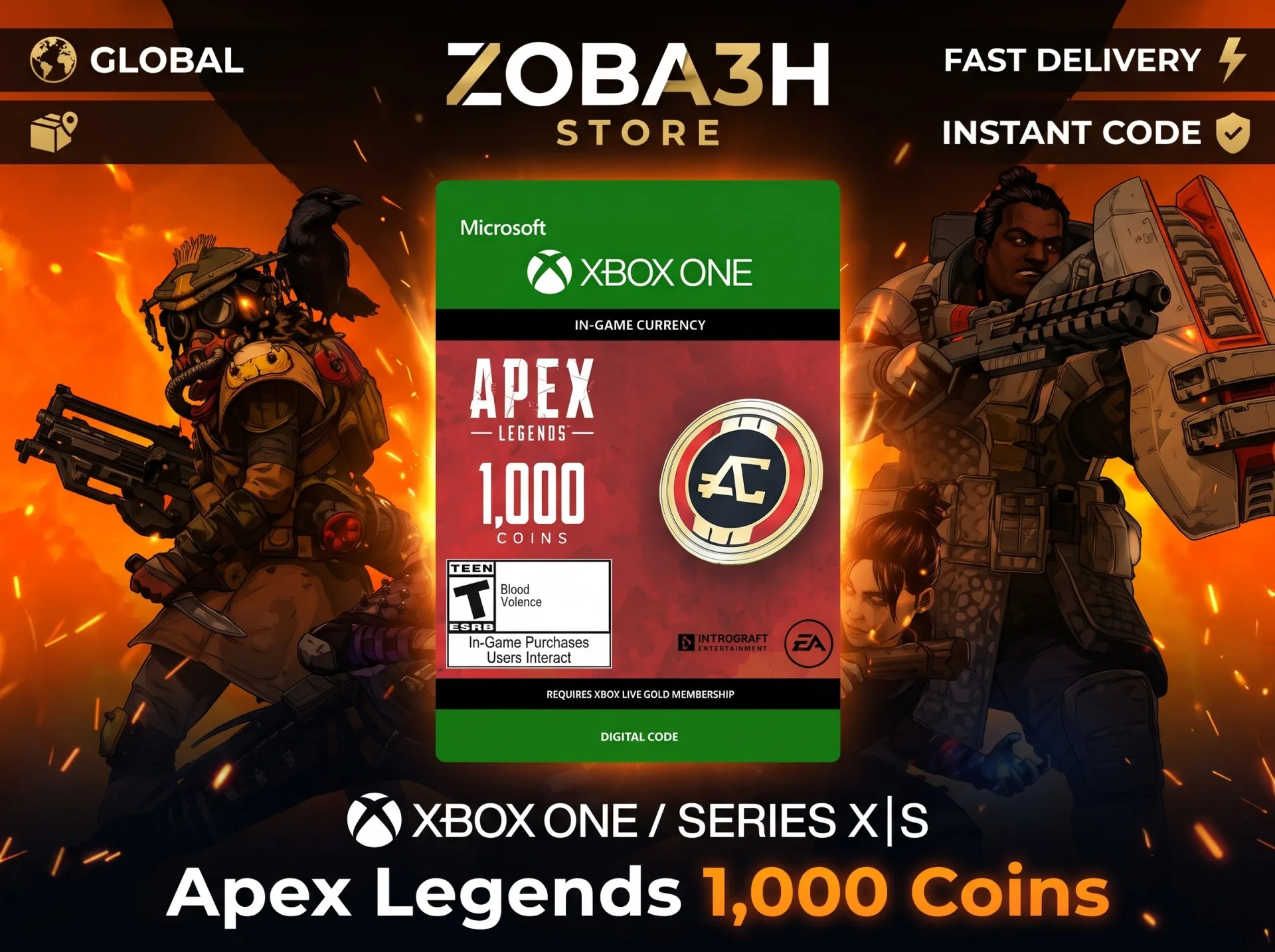
12 people are viewing this item
Buyer protection
Your purchase on the Eloboost24 platform is fully protected by our Buyer Protection Policy.
- Refund to your balance if not delivered
- 39 sales by this seller
- Secure payment
About seller

Zoba3h_Store
RegularWelcome to Zoba3h Store! You are purchasing a digital code for 1,000 Apex Coins for Apex Legends (Xbox). What you get: - 1x Digital Code for 1,000 Apex Coins. - Platform: Xbox (G ... lobal / Region Free). Delivery & Rules: - The code will be delivered directly to you in the immediately after purchase. - Please redeem the code on your Microsoft/Xbox account as soon as you receive it. - This is a digital add-on code. Please make sure you have the base game "Apex Legends" installed. - Please start a screen recording before opening the code and while redeeming it to ensure full warranty in case of any issues. How to redeem your code: 1. Go to or open the Store on your Xbox console. 2. Sign in to your Microsoft account. 3. Enter the 25-character code and click Next to confirm. If you have any questions or need help, feel free to contact us via chat!
Product
1000 Apex Coins
Platform
Xbox
Region
Global
From the same seller
Throne & Liberty - Golden Masquerade Outfit Xbox Code

Seller
Super Duolingo 1-Month Subscription
Seller
ExpressVPN 1 Month Premium
Seller
Nord vpn Account 1 Month
Seller
Paramount Plus Standard Account 1 Month Subscription
Seller
F1 TV Pro Account
Seller
F1TV Premium Subscription1 Month
Seller
CapCut Pro Subscription 1 Month Web version only
Seller
crunchyroll premium 1 month Shared account
Seller
ExpressVPN Premium Account 6 Month (Global)
Seller
FAQs about Items
Which platforms can I buy Apex Coins codes for?
Sellers on EB24 list codes for PC, PlayStation and Xbox. Pick the platform you play Apex Legends on.
Can I move Apex Coins between platforms?
No. Coins stay in the store they were redeemed in, even with cross progression turned on.
Which coin packs can I buy?
Sellers list 1000, 2150, 4350, 6700 and 11500 Apex Coins.
How do I redeem an Apex Coins code?
Redeem the code in the store of your platform while logged in to the account you play on, then open Apex Legends. The coins show in your balance.
How long does delivery of Apex Legends Gift Cards take?
Each seller states a delivery time on the listing before you check out, and the code always arrives in your EB24 order panel.
What should I do if my Apex code does not work?
Do not confirm the order. Open a dispute from the order page with a screenshot of the error. The payment stays in escrow while support reviews the case.
How it works?
Buying Apex Coins on EB24 means picking the amount and your platform, paying at checkout and redeeming the code from your order panel in your platform store.

Check Your Apex Platform Note whether you play on PC, PlayStation or Xbox. That is the platform you filter by.
Pick a Listing and Pay on EB24 Filter Apex Legends Gift Cards by platform and coins, compare offers and complete the order through EB24 checkout so escrow covers it.
Copy the Code From Your Order When the seller marks the order delivered, the code appears in your order panel. Your EA or console login is never part of the trade.
Redeem It in Your Store Redeem the code in the store of your platform while logged in to the account you play on, then open Apex Legends. The coins show in your balance.
Problem With the Code? Open a Dispute An Apex code that is rejected or issued for another platform is grounds for a dispute. Raise it from the order before you confirm, and the seller is not paid until it is settled.