


PSN Gift Card 1000 INR - India Region -Instant Delivery
Gift card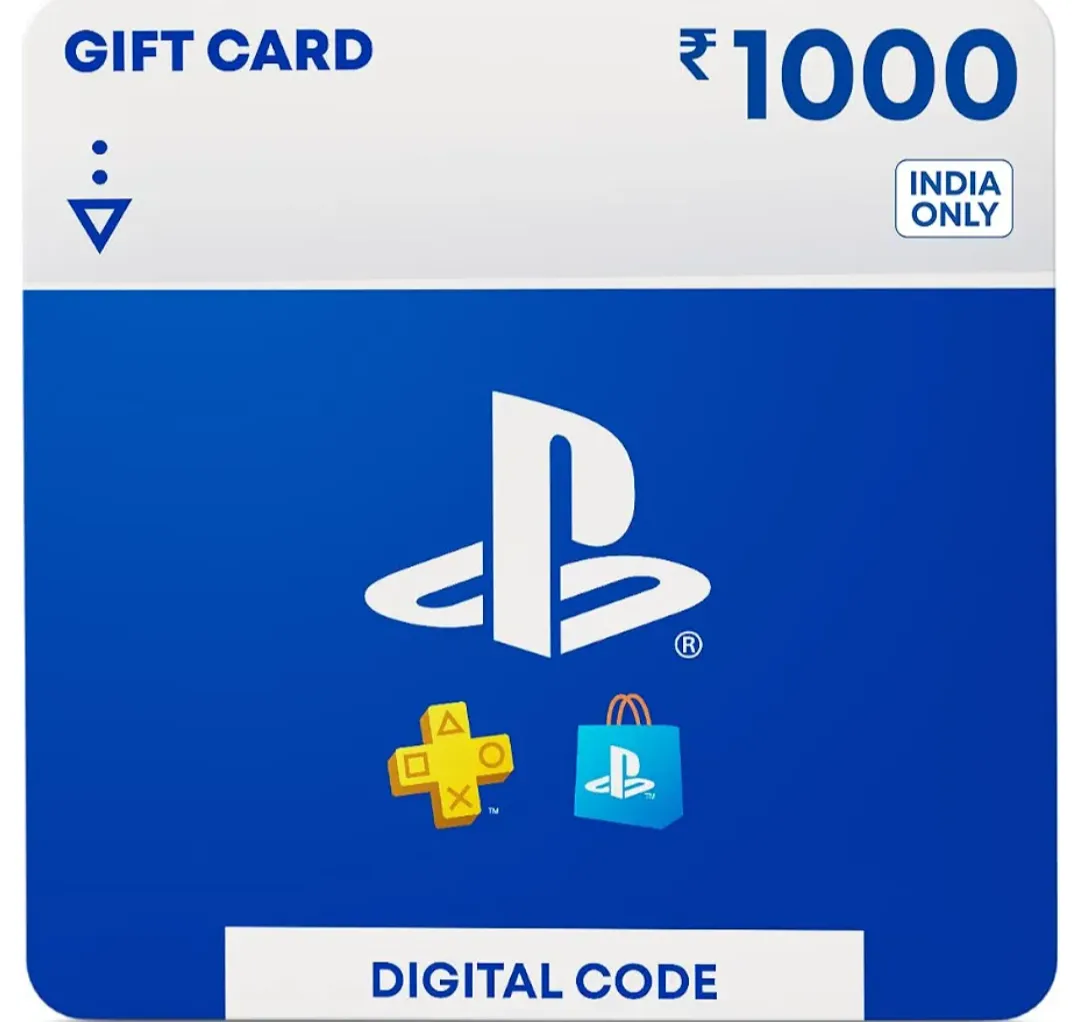
11 people are viewing this item
Buyer protection
Your purchase on the Eloboost24 platform is fully protected by our Buyer Protection Policy.
- Refund to your balance if not delivered
- Secure payment
About seller

royal-bird-5998
RegularInstant Delivery! Get your Indian PSN Gift Card code immediately after purchase. Product Details: · Value: 1000 INR · Region: India (INR) Only · Delivery: Instant · Condition: 10 ... 0% Fresh & Unused Code Important Notes: · This code will ONLY work on Indian PSN accounts. · It will NOT work on US, UK, EU, or any other region accounts. · Please make sure your account region is India before buying. · No refunds or exchanges after the code is delivered. How to Redeem: 1. Login to your Indian PSN account. 2. Go to PlayStation Store and select "Redeem Code". 3. Enter the 12-digit code to add the balance to your wallet. Message me if you need any help. I am online and ready to assist you. Thank you!
Region
United States
From the same seller
 Newcomer
Steam Wallet Card INR 2500 (India Region) - Instant
−3%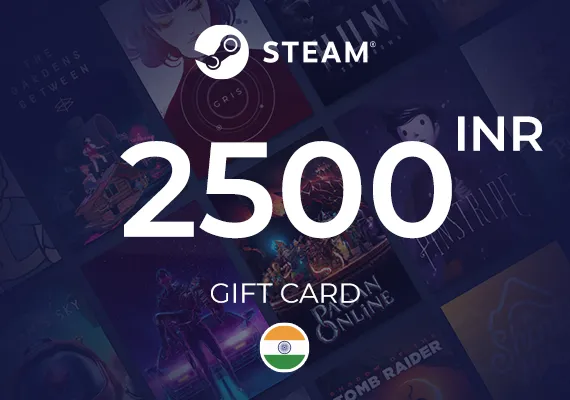
Seller
FAQs about Items
What regions can I buy PlayStation Gift Cards for?
EB24 lists codes for 43 regions, ranging from the US, UK and most of the EU to the UAE, Saudi Arabia, India and Thailand. Every listing names the exact region the code belongs to.
Why isn't there a wallet amount filter?
PlayStation Gift Cards on EB24 are single fixed-value codes rather than a lineup of subscription tiers, so sellers write the wallet amount into the listing title and price instead of a separate field.
How is a PlayStation Gift Card delivered?
You get a redemption code for the region stated on the listing, sent to you after checkout. Your PSN login is never required by the seller at any stage.
Does the code have to match my PSN account region?
Yes. A code issued for one region won't redeem on a PSN account set to another, so check your account's store region against the listing before buying.
How fast is delivery after I buy?
Turnaround is stated on each listing before checkout, and codes from active sellers typically arrive the same day the order is placed.
What if my PlayStation code doesn't redeem?
Raise a dispute from your order panel and the seller has to provide a working replacement or a refund before the order is marked closed.
How it works?
Buying a PlayStation Gift Card on EB24 starts with matching the listing to the region your PSN store is set to, then checking out to collect the code from your order panel.
Find Your PSN Region Browse PlayStation Gift Card listings and find the region your own PSN account and store are set to, out of the 43 regions EB24 covers.
Check Out on EB24 Complete payment through EB24 instead of arranging it privately with the seller, so the order and escrow hold are tracked from the moment you pay.
Receive the Wallet Code The seller delivers a redemption code for the exact region and wallet amount listed, sent through your order panel with no PSN password ever requested.
Add It to Your Own Wallet Sign in to your own PlayStation Network account set to the matching region, redeem the code, and check the wallet balance updates by the listed amount.
Raise a Dispute If It Fails Open a dispute from the order panel if the code is rejected as belonging to the wrong region or the balance doesn't match, and the payment stays held until it's resolved.