How to Enable Fortnite 2FA (Two-Factor Authentication) - EB24
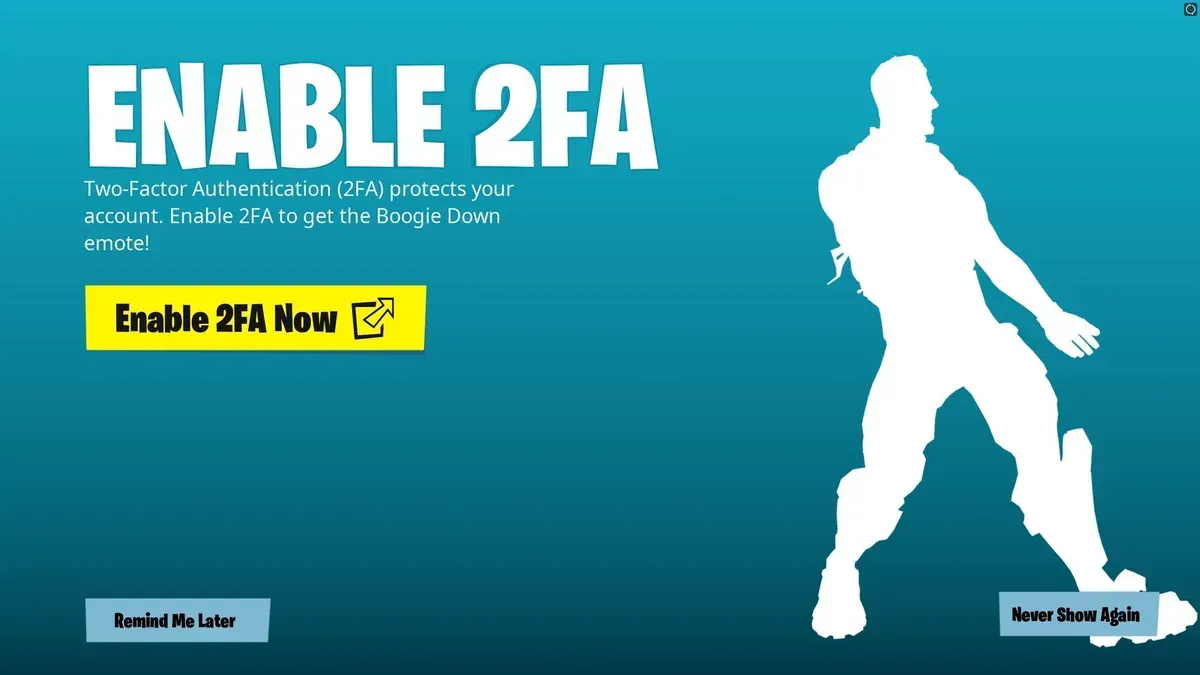
How do you get 2FA on Fortnite for your Epic Games account, and how do you enable it? Our guide will help you understand what Fortnite two-factor authentication means. Also, learn how to enable two-factor authentication on Fortnite (and how to disable it).
What is 2FA in Fortnite?
What does 2FA mean in Fortnite? 2FA stands for two-factor authentication. It's a multi-factor authentication security measure to protect your Epic account from unauthorized access. With so many scammers and hackers prowling the internet, knowing how to get 2FA on Fortnite (and how to turn on 2FA) is essential if you want to protect yourself from prowlers like these.
Why Enable Fortnite 2FA (Two-Factor Authentication) on My Epic Games Account
It is vital to protect your account from hackers and thieves. Turning on Fortnite 2FA enables additional account security. This way, it's only you who can log into your Epic account, access Fortnite, and other games you may have already purchased from the Epic Games store.
There's also an extra perk when you turn 2FA on. 2FA Fortnite gifting grants the exclusive Boogie Down dance emote. However, the ultimate goal is to apply extra security to your account. This is very important, especially if you want to protect the content you're investing in the game. This includes people who use trading platforms like EB24 Marketplace to buy and sell Fortnite accounts.
How to Buy Fortnite Accounts
How to Sell Fortnite Accounts
How to Enable Two-Factor Authentication on Your Fortnite Account
How to activate 2FA (or set up 2FA in Fortnite) starts with your browser. You have to log into your account on Epic's official site from the web browser and select the platform your Fortnite account is assigned to. Fortnite is available on Android, iOS, macOS, Nintendo Switch, PC Windows, PlayStation 4, PlayStation 5, Xbox One, and Xbox Series X/S.
Step-by-step, here's how to do 2FA Fortnite activation:
From your Account Page, select Password & Security from the page's left-side menu.
Under Two-Factor Authentication, choose your preferred method.
The Authenticator App option requires you to download a third-party authenticator app from the app store. (We recommend either Fortnite Authy, Google Authenticator, Lastpass Authenticator, or the Microsoft Authenticator.) From here, you must scan the QR Code to enable the authenticator app to finish setting up on Epic to secure your account.
The SMS Authentication method requires you to provide a phone number to which it can send texts. From here, you can create an Epic 2FA as your boosted method to save the world (Fortnite style) from harm.
To enable Email Authentication, your account's email address will be used. Epic will have a verification code sent to your email.
After using your chosen 2FA method, you'll need to provide a security code whenever you access Fortnite from a new device.
How to Disable 2FA on Fortnite
Should you wish to disable your Fortnite 2FA, enter your Epic Games login and go to Password & Security. From there, turn it off. This can be done from Epic's official site or the Fortnite launcher. Although this is an option, it's not recommended, as you will lose that second layer of security that protects you from tech-savvy hackers. They're constantly on the hunt to find "easy to hack" account settings.
For gamers who possess the rarest skins in Fortnite, ensuring you have 2FA turned on is vital if you want to protect yourself from theft. Believe it or not, it does happen. If you've turned this off, don't worry. You can enable 2FA in Fortnite using the same methods we explained.
How to Enable 2FA On Fortnite: Conclusion
You can activate Fortnite's 2FA via email, a reliable authenticator, and by SMS. It is highly recommended that you do so, as this provides extra protection to your account. Once you enter your email into any game, product, or service online, it's something talented hackers can access if there isn't a multi-layered security system in place.
Even if you're new to Fortnite's gaming platform, don't assume that your newbie account will fly under a scammer's radar. In fact, you'll be considered "easy prey" to them. Should you access Free Skins in Fortnite (and learn Fortnite Basics for Beginners), con artists who pay attention may try to target you. They're going to do everything they can to turn you into their next victim. Don't give them the satisfaction. Your best line of defence starts by protecting yourself with 2FA (and don't share any personal information they can use to harm you).
You might also like