


Steam Wallet Card INR 2500 (India Region) - Instant
礼品卡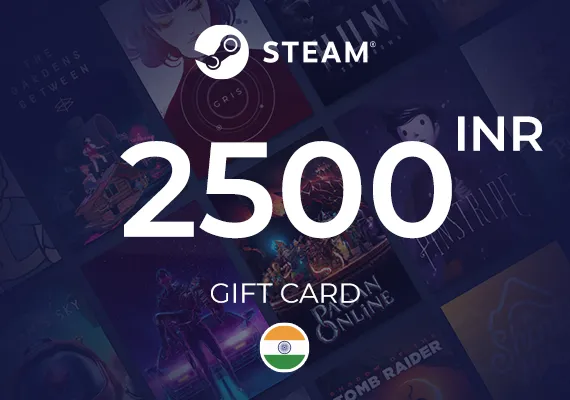
4 人正在查看此物品
暂不可用
在下方浏览类似物品,新货每天上架
买家保障
你在 Eloboost24 平台的购买均受我们的买家保护政策保障。
- 未发货则退款至你的余额
- 安全支付
关于卖家

royal-bird-5998
普通卖家Get instant funds for your Steam account! Buy games, DLCs, or items without waiting. Product Details: · Value: INR 2500 · Platform: Steam · Region: India Only (INR Wallet) · Deli ... very: Instant Code Why buy from us? · 100% Genuine Code · Fast Delivery via Order Chat · Secure Transaction IMPORTANT (Please Read): 1. Region Locked: ONLY works on Steam accounts registered in India (INR currency). Will NOT work on US, UK, or other regions. 2. How to Redeem: Open Steam > Games > Activate a Product on Steam > Enter Code. 3. No Refunds: Once the code is delivered, it cannot be refunded. Ensure you have an India account. Contact me via platform chat for any help. Thank you!
区服
印度
来自同一卖家
 新手
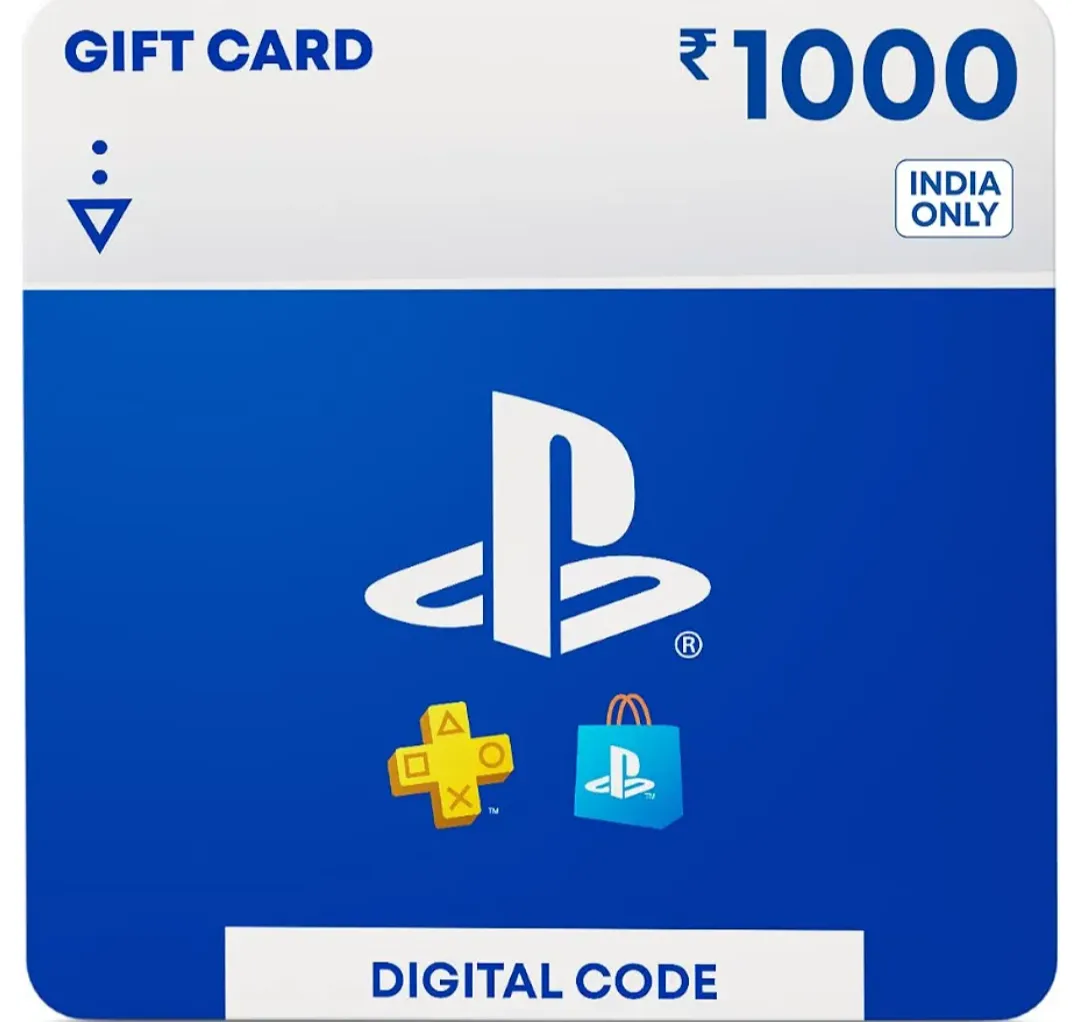
PSN Gift Card 1000 INR - India Region -Instant Delivery
卖家
关于物品的常见问题
Steam Gift Cards 支持购买哪些地区的产品?
EB24 将 Steam 钱包码分为 43 个地区,包括全球、美国、欧洲、英国、波兰、巴西、加拿大、澳大利亚、印度以及拉美和中东北非美元区。请选择与你的 Steam 钱包货币相符的地区,再在其中比较卖家。
其他地区的 Steam 钱包代码能在我的账号上使用吗?
地区代码仅针对单一钱包货币发行,如果与你的货币不匹配,Steam 可能会拒绝。全球商品适用于卖家表明无论货币类型都可兑换的代码,因此选择前请先阅读商品备注。
如何查看我的 Steam 钱包货币?
登录 Steam 并打开“账户详情”,或查看商店中你名字旁边显示的余额。那里的货币符号就是你的代码必须匹配的货币。从未充值过的钱包会采用其首次购买的货币。
为什么 Steam Gift Cards 商品没有面额下拉菜单?
卖家自行设定想要出售的钱包金额,因此该数字会写在商品标题中,并体现在价格上。你只需依次浏览标题,就能比较同一地区的商品。
Steam 钱包代码多久能发货?
每位卖家都会设定自己的发货时间,并在结账前显示在商品页面上。代码发出后会出现在你的 EB24 订单中;如果超过标注时间仍未收到,可以在订单中提出催促。
如果 Steam 提示我的钱包代码无效怎么办?
如果代码已被兑换、卖家输错,或是为其他货币发行的,请在订单中发起纠纷,不必放弃这笔钱。EB24 会冻结这笔款项,直到卖家修正或案件处理完毕。
如何运作?
在 EB24 购买 Steam 礼品卡,先选择你的 Steam 钱包所用的货币,然后结账,再在 Steam 客户端的订单面板中兑换代码。
查看你的 Steam 钱包货币 在 Steam 中打开“账户详情”,查看你的钱包使用的货币,然后将 EB24 商品筛选为以该货币结算的地区。
通过 EB24 结账付款 请在 EB24 上购买代码,而不是向站外卖家付款。结账时,你的付款会由平台托管,直到订单结算完成。
在订单中领取兑换码 卖家交付后,钱包代码会显示在你的订单中。你的 Steam 登录信息和 Steam 令牌验证码始终由你自己保管。
在你的 Steam 账号中兑换 在 Steam 客户端中依次选择“游戏”和“兑换 Steam 钱包代码”,或在浏览器中打开 store.steampowered.com/account/redeemwalletcode 并将代码粘贴进去。
代码被拒绝?发起纠纷 如果 Steam 拒绝该代码,或代码的货币与商品标注不符,请在订单中发起纠纷。纠纷处理期间,卖家不会收到款项。