




Lost Ark Twitch Drops | 157 Items: 44 Chests #C2495
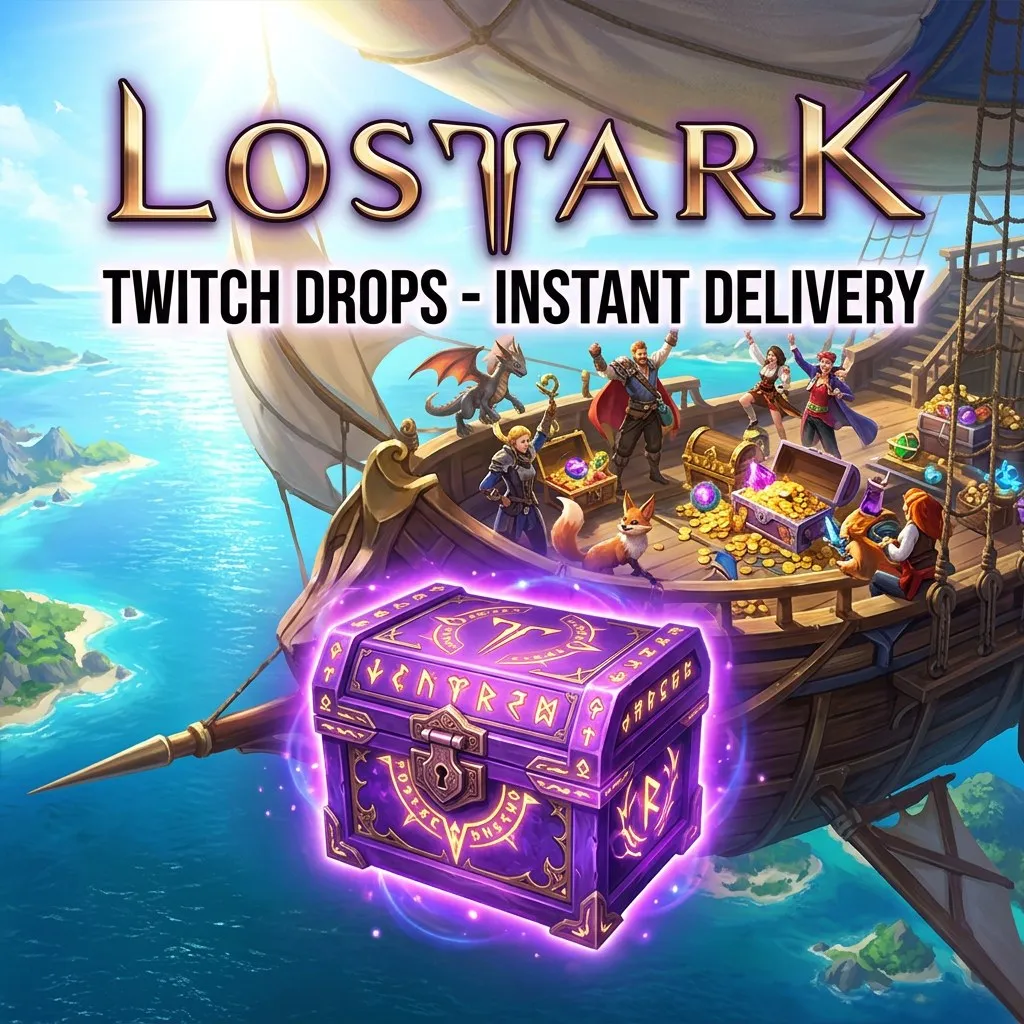
INSTANT DELIVERY You will receive a Twitch account with Lost Ark Twitch Drops rewards. Link it to your game account to receive them. Rewards: - 44 chests: 4x Epic Rapport, 3x Leg ... endary Rapport, Punikan Clothing, Pixel Glasses, Honing Selection, Honing Support, 2x Battle Items, Honing Shard, Honing Leapstone, Petit Saydon Pet Chest, Beer Headwear, New Halo Selection, Winter Chamkuri, Honing Material Chest, 2x Collective Battle Chest, 4x Mokoko, 2x Tiger Pet Selection Chest, Turtle Skin Chest, Pumpkin Mask Chest Set, Helgaia Pet Chest, 4 Battle Item Chest, Legendary Rapport Chest, Rapport Chest Set, Leaf Ornamental Chest, High Seas Coin Chest, Argos Skin Chest, Battle Item & Meal Chest, Headband Selection, Longleg Squawkie, 10x Evergreen Bundle, Kazeros Battle Chest and more - Stones: Protection, Obliteration - 18 packs: Pheon, Event Card Pack, Regulus' Light Currency, Powder of Sage, Legendary Card Pack Set, Gear Honing Material, Engraving Recipe & Coupon, Chaos Stones Pack, Transcendence Tickets, Kazeros Card Pack, Valkyrie T1/T2/T3 Bundles, Day of Prophecy T1/T2/T3 - The Witcher Mokoko Skin, 2x Armor Restoration Ticket, Weapon Ticket & Coupon, Card Packs I / II & Coupon - Pets: Brave Vivi, Summer Pet, Calm Boo, Mochi - 18,000 Amethyst Shards - 60 Pheons - Anniversary Headband, June Bloom Surprise, Fruit Dragon Skin, Pixel Glasses, Rainbow Mokoko Headband, Swim Cap & Goggles, Halloween Candy Bag, Anniversary Cotton Gift, Angel Wing Photo Zone Note: Rewards can be received only once per game account: you will get only the items you have not received before. Note: Works only with the Steam version of Lost Ark. Note: To receive the items, unlink your old Twitch account from your game account. Note: Activate right after purchase: the claim time may be limited. How to redeem: 1. Log in to the Twitch account from the order. 2. Link it to your Lost Ark (Steam) account. 3. Check the rewards in the game.
Item type
Other
13 people are viewing this item
Add more items
300 items available

About seller

Gamehalla
Online Mythic SellerFrom the same seller
Once Human Twitch Drops | 3 items #C3234

Seller
Lost Ark Twitch Drops | 49 Items: Pets, Chests #C2491
Seller
ARC Raiders Twitch Drops #C2506
Seller
Dune: Awakening Twitch Drops | All Possible #C2510
Seller
World of Warcraft Twitch Drops | Sorcerer's #C2522
Seller
Dark and Darker Twitch Drops | EA Season 10 #C2527
Seller
Dark and Darker Twitch Drops | EA Season 10 #C2528
Seller
Dark and Darker Twitch Drops | 10 Reward Tokens #C2530
Seller
Escape from Tarkov Twitch Drops | Streamers #C4419
Seller
Guild Wars 2 Twitch Drops | All Possible Items #C2534
Seller
FAQs about Twitch Drops
How do Twitch Drops purchases work?
After you select a drop and complete checkout, delivery instructions appear inside your EB24 order panel. The seller coordinates the reward to the game account you choose, with no password sharing involved at any point. You simply provide the details needed to link the drop to your account, and the reward is delivered without handing over your login credentials.
Which games are covered by Twitch Drops listings?
Listings cover titles such as Rust, Rainbow Six Siege, PUBG, Delta Force, Escape from Tarkov, Apex Legends, Sea of Thieves, Albion Online, Rocket League, Warframe, The Finals, ARC Raiders and more. Each offer names the exact game and reward, so you can confirm precisely which drop you are buying and where it will apply before you reach checkout.
How is a Twitch Drop delivered?
Delivery is coordinated through the seller to the game account you specify. You follow the instructions shown in your order panel and receive the reward without giving anyone your password. The drop is linked to your chosen account using the details the listing asks for, so the reward arrives where you want it while your login stays private.
How long does delivery usually take?
Each listing shows its delivery time before checkout, since it depends on the campaign and the seller. Many drops arrive quickly, while others complete within a few hours. Factors such as how the reward is processed and seller availability can affect timing, so checking the stated estimate on the listing gives you a realistic idea before you buy.
Can I still get a drop from a campaign that has ended?
Yes. Sellers list rewards from closed campaigns that can no longer be earned by watching. The listing states the campaign and reward, so you know what you are buying before checkout. This lets you pick up a drop you missed during the live event, with the offer making the exact item and its source clear before you commit.
What happens if something goes wrong during delivery?
If an order does not arrive as described, open an automated dispute from your order panel. The case is reviewed and resolved fairly, and your buyer protection stays active until the matter is settled. Adding a short note about what went wrong, along with your order details, helps the review understand the situation quickly and reach a clear outcome.
How it works?
Buying Twitch Drops items on EB24 is straightforward. Choose the offer you want and complete checkout. Delivery instructions then appear in your order panel.

Choose Your Drop Browse Twitch Drops listings by game and campaign across titles such as Rust, Rainbow Six Siege and Apex Legends. Each offer carries enough detail to help you compare value before you pick one.
Complete the Purchase Finish checkout with EB24. Your order is stored automatically and stays visible in your dashboard for reference.
Review Delivery Instructions Once payment clears, delivery instructions appear in your order panel. They explain how the seller coordinates the reward to your game account.
Receive the Reward Follow the instructions and receive the drop on the game account you choose. No password is ever shared during delivery.
Order Protection Buyer protection keeps your order covered from start to finish. If anything goes wrong, open an automated dispute from your order panel and the case is resolved fairly before protection is released.