




Rust - Twitch Drops – Twitch Rivals Spooky Collection
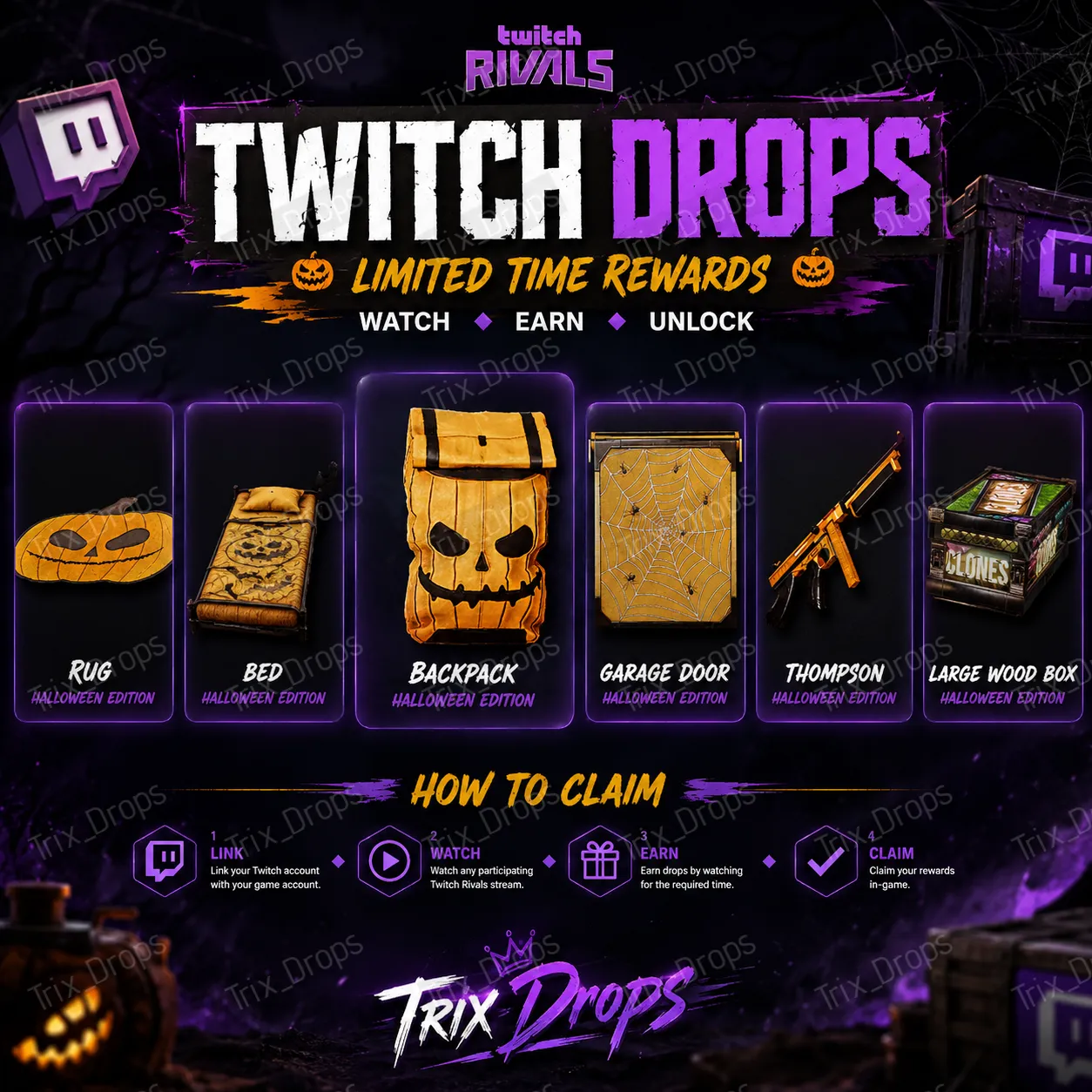
Hi, you will receive the following Twitch Drop for the game RUST: • Rustoria Clones Box • Twitch Rivals Spooky Bed • Twitch Rivals Spooky Door • Twitch Rivals Spooky Rug • Twitch ... Rivals Spooky Thom • Twitch Rivals Spooky BP
Item type
Other
14 people are viewing this item
Quantity
100 in stock
Buyer protection
Your purchase on the Eloboost24 platform is fully protected by our Buyer Protection Policy.
- Refund to your balance if not delivered
- 51 sales by this seller
- Secure payment
About seller

Trix_Drops
RegularFrom the same seller
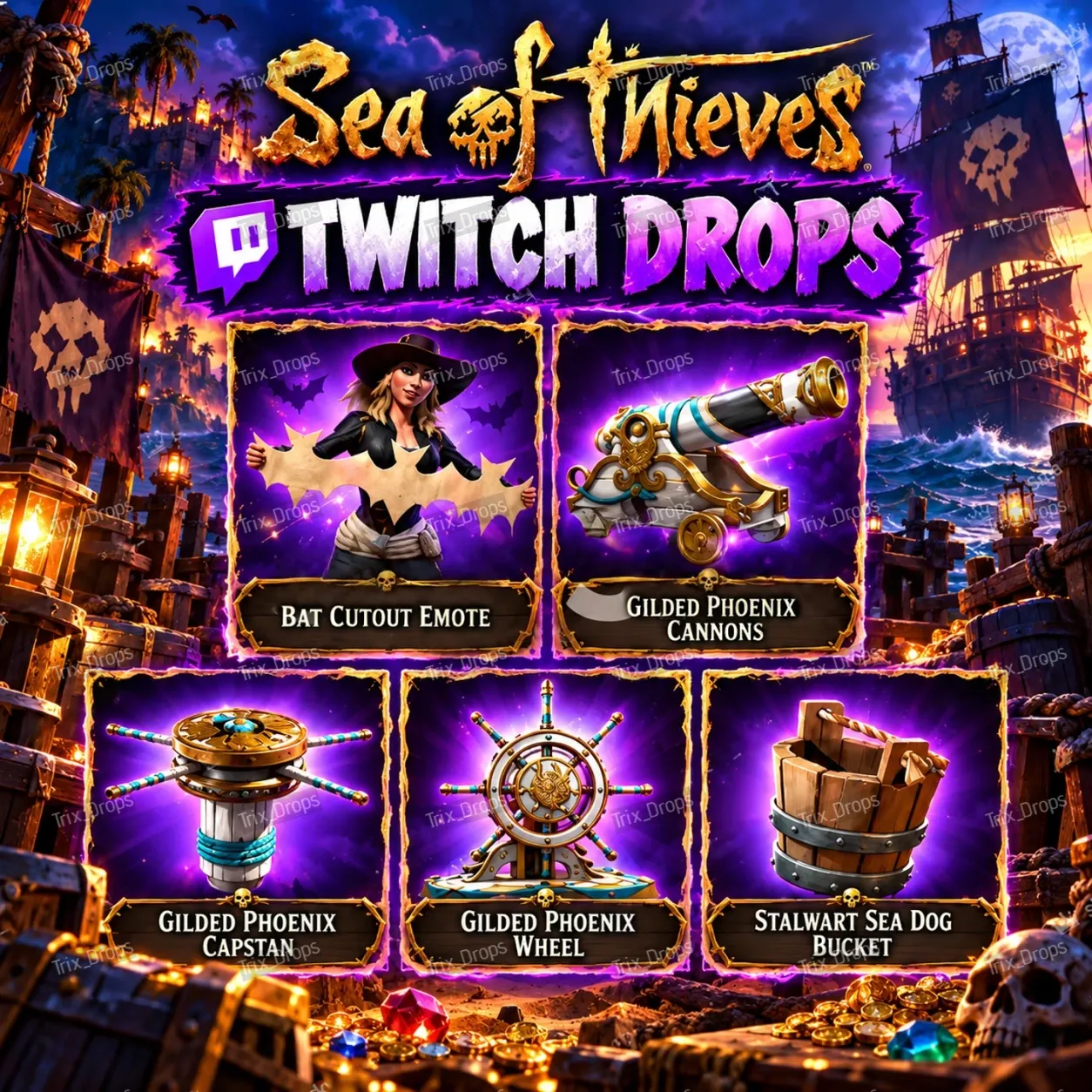
Sea of Thieves Twitch Drops | 3 Gilded Phoenix skins +

Seller
Warframe Twitch Drops — Dante + Mesa Prime + Haalvu + m
Seller
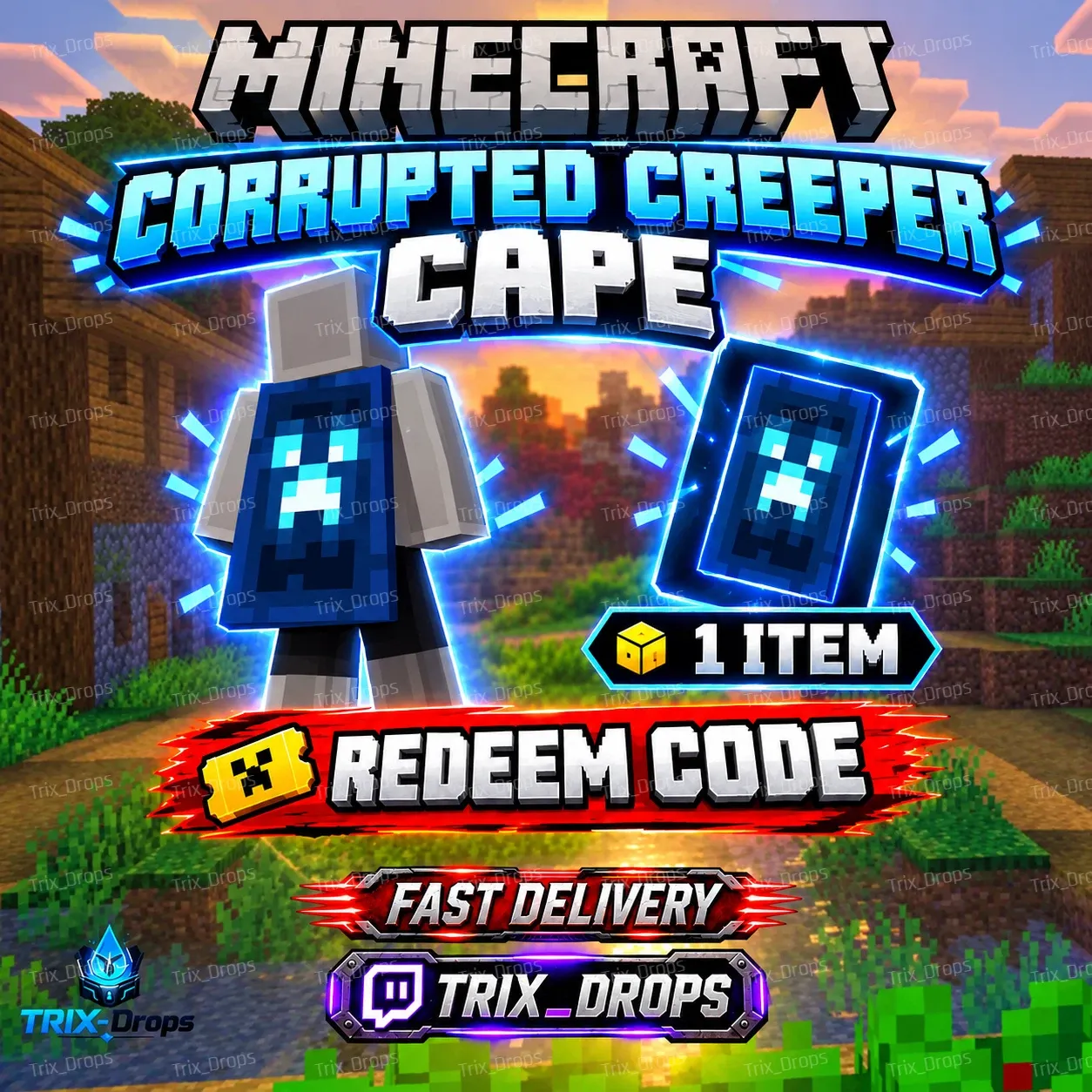
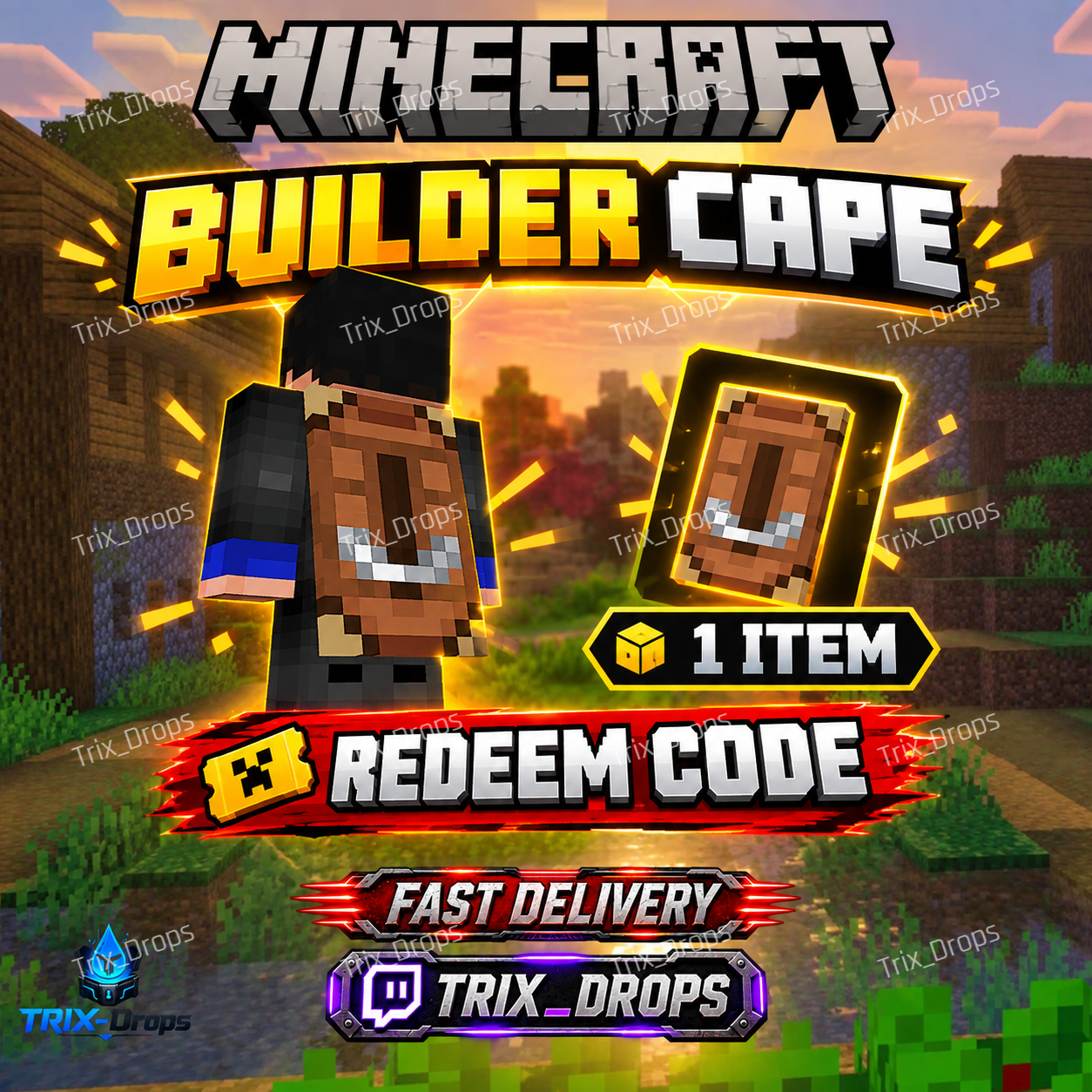
Minecraft Builder Cape Code 2026 | Java & Bedrock|
Seller
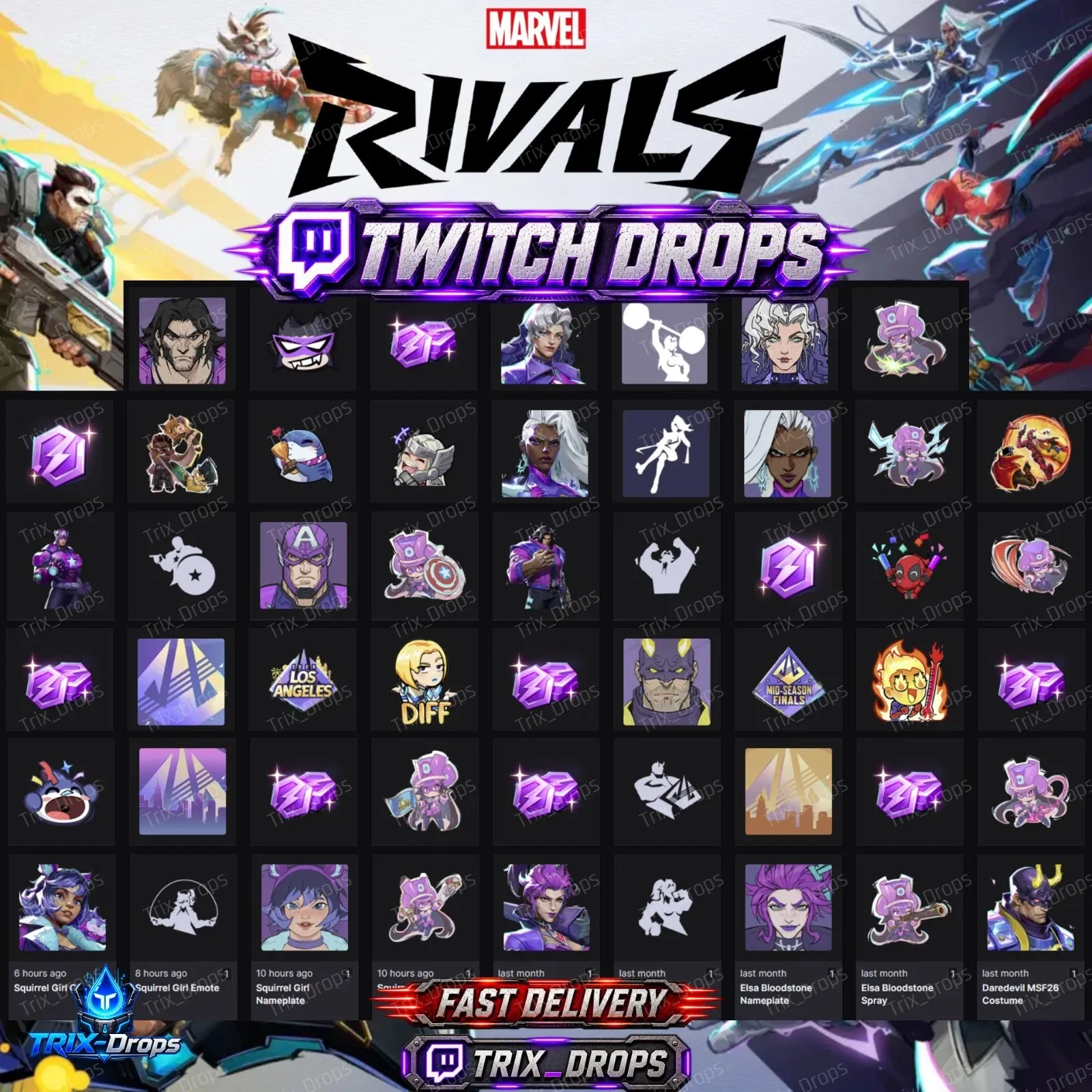
Marvel Rivals Twitch Drops - Costumes Emotes - 58 Items
Seller
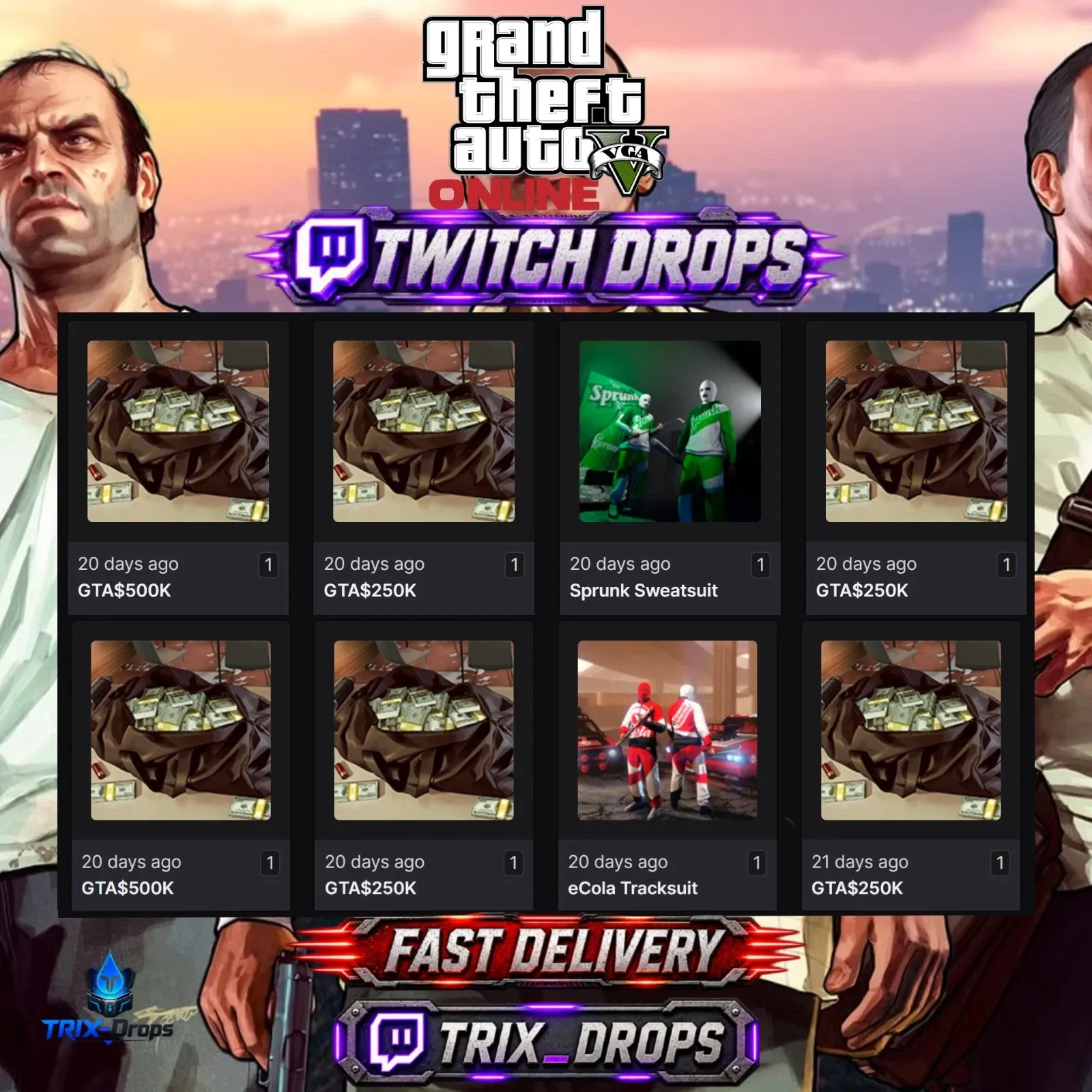
GTA 5 Online Twitch Drops - 2 suit + $2M
Seller
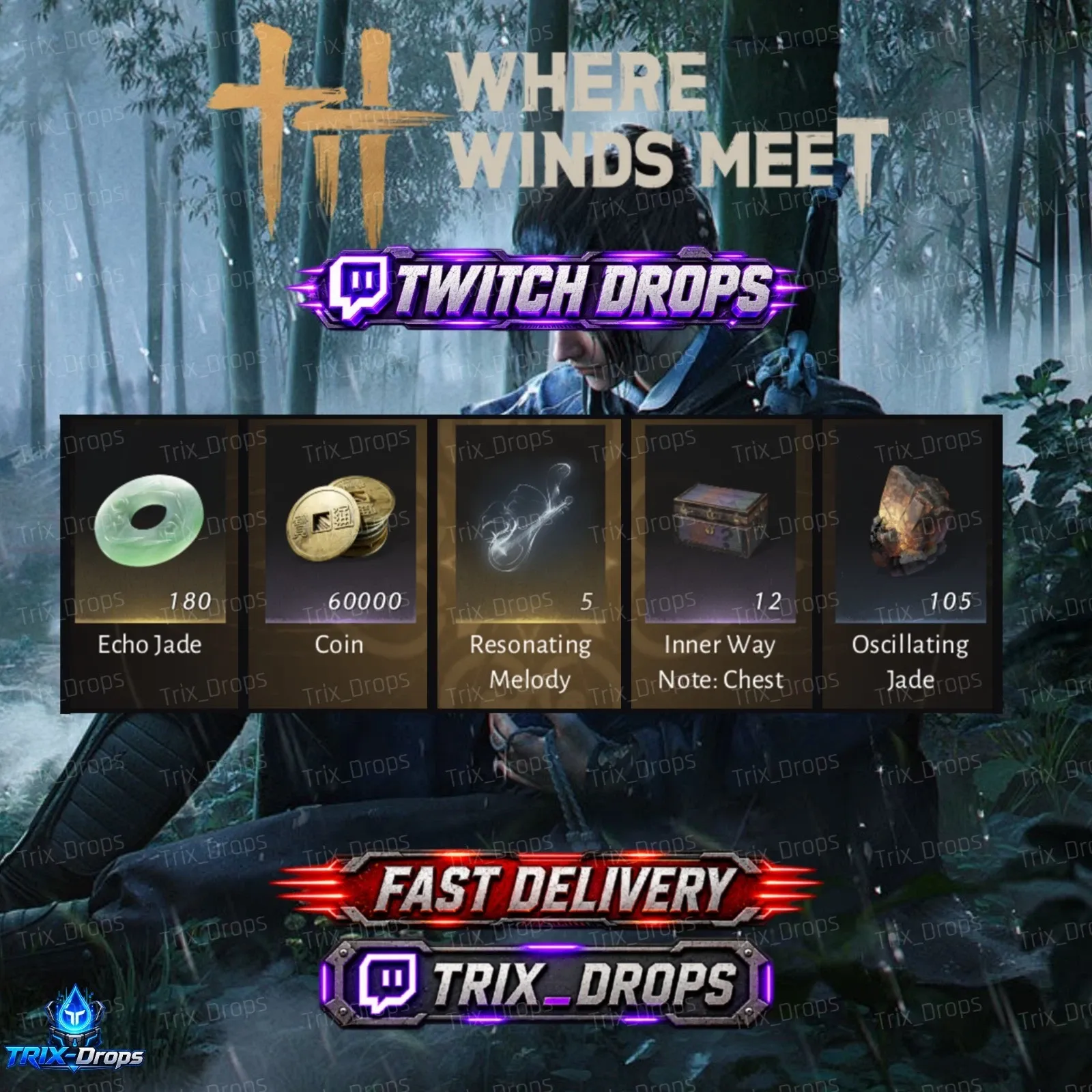
Where Winds Meet Twitch Drops — 60000 Coin-24/24 items
Seller
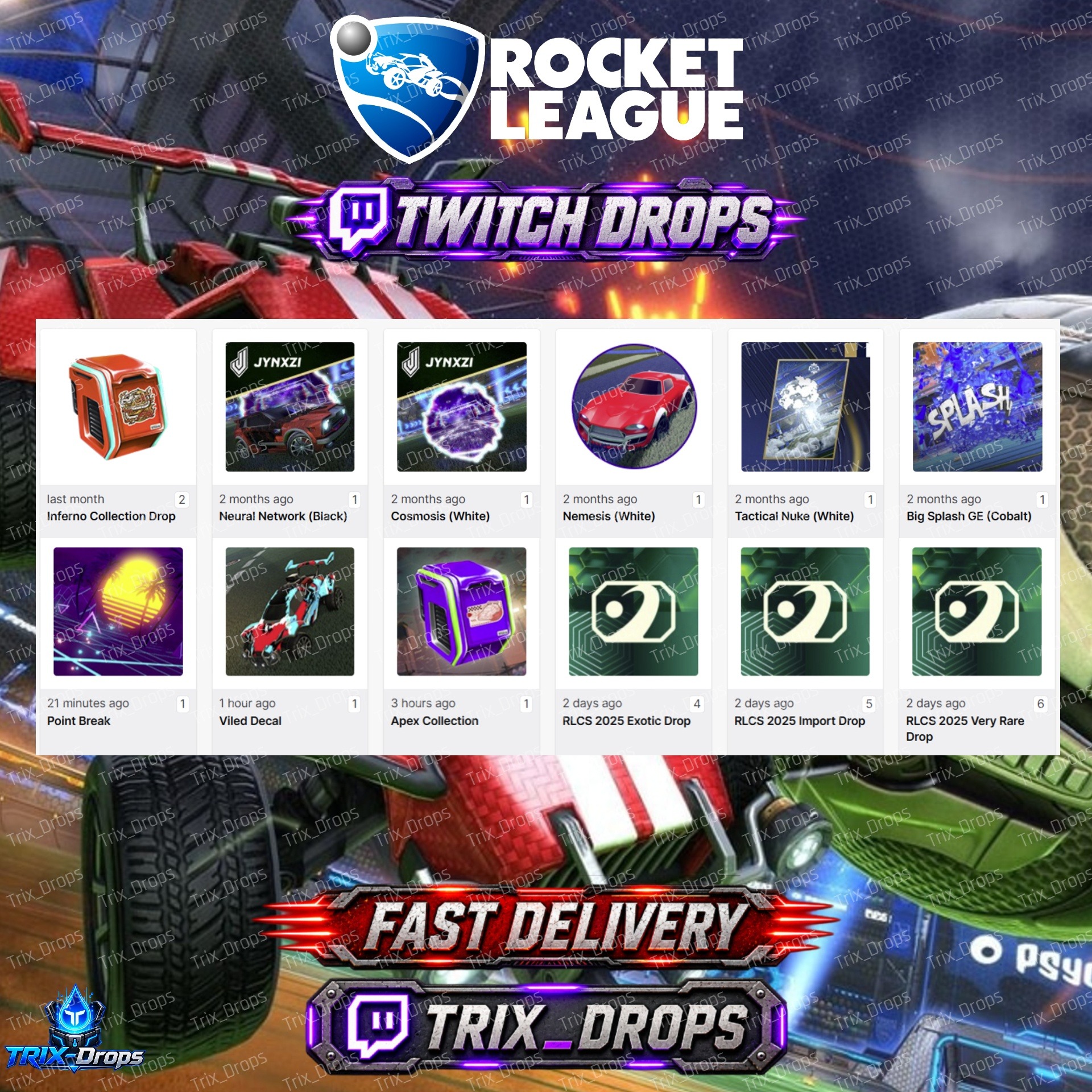
Rocket League Twitch Drops -41/41 Items - RLCS x Jynxzi
Seller
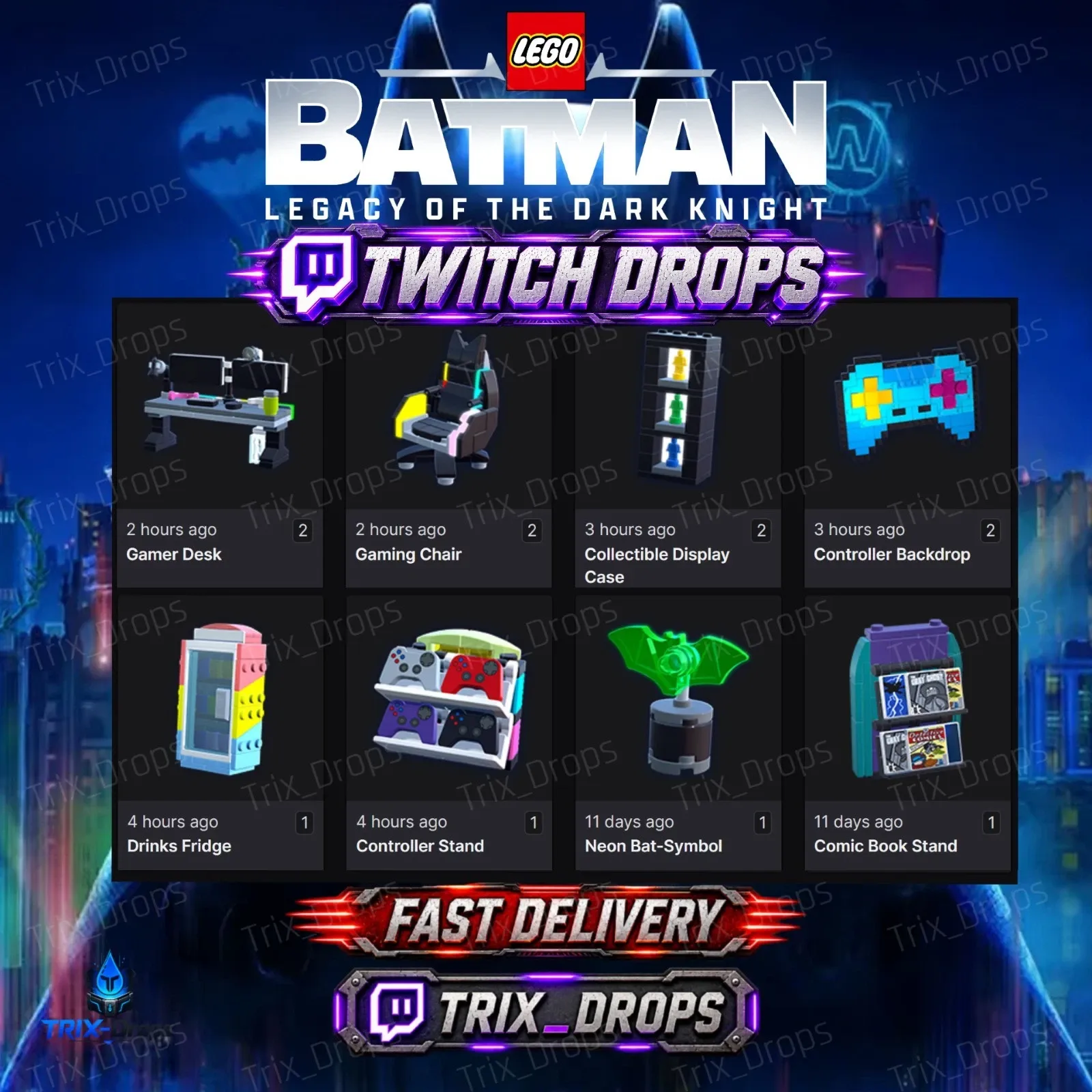
LEGO Batman: Legacy of the Dark Knight - ALL 8/8 Items
Seller
FAQs about Items
What Rust items can I buy on EB24?
Rust offers are grouped into Weapon Skins, Armor & Clothing Skins, Deployable Skins, Tool Skins, DLC & Packs and Other. Each card names the skin and the item it fits.
How is a Rust skin delivered?
Through a Steam trade offer. Share your Steam trade URL in Order Chat and the seller sends the skin to your inventory. The Rust buying guide covers each step.
What is the 7 day trade hold on Rust skins?
Steam Trade Protection locks items received in a trade for 7 days. During that time you can use the skin in game, but you cannot trade it again or list it on the Steam Market.
Can a seller take a skin back after the trade?
Steam lets a trade be reversed during the protection window. If that happens, open a dispute from the order page within your warranty. The payment stays on hold until the case is settled.
Do I need to share my Steam account?
No. Sellers only need your trade URL. Never give out your password or Steam Guard codes, and report any seller who asks for them.
Why could my trade be held by Steam?
Steam holds trades when the Steam Guard Mobile Authenticator has not been active long enough on your account. Turn it on before you buy so the offer goes through without delay.
What if the trade offer does not match my order?
Decline it and tell the seller in Order Chat. If it is not fixed, open a dispute from the order page. The payment stays on hold until the case is closed.
How do I sell Rust skins on EB24?
Verify your payout details, then publish a listing with the right item type and the skin name in the title. Browse current Rust skins for pricing ideas.
How it works?
Pick a weapon, armor or deployable skin, pay into escrow, then accept the Steam trade offer the seller sends to your trade URL.
Filter By Item Type Choose Weapon Skins, Armor & Clothing Skins, Deployable Skins or another type to narrow the Rust offers.
Check The Skin Name Each card names the skin and the item it applies to, so compare like with like.
Pay Into Escrow EB24 holds the payment. Share your Steam trade URL with the seller in Order Chat.
Accept The Trade Offer Check the skin in the Steam trade window, accept, then confirm the order so the seller is paid.