




10 USD Xbox Gift Card - United States
Gift card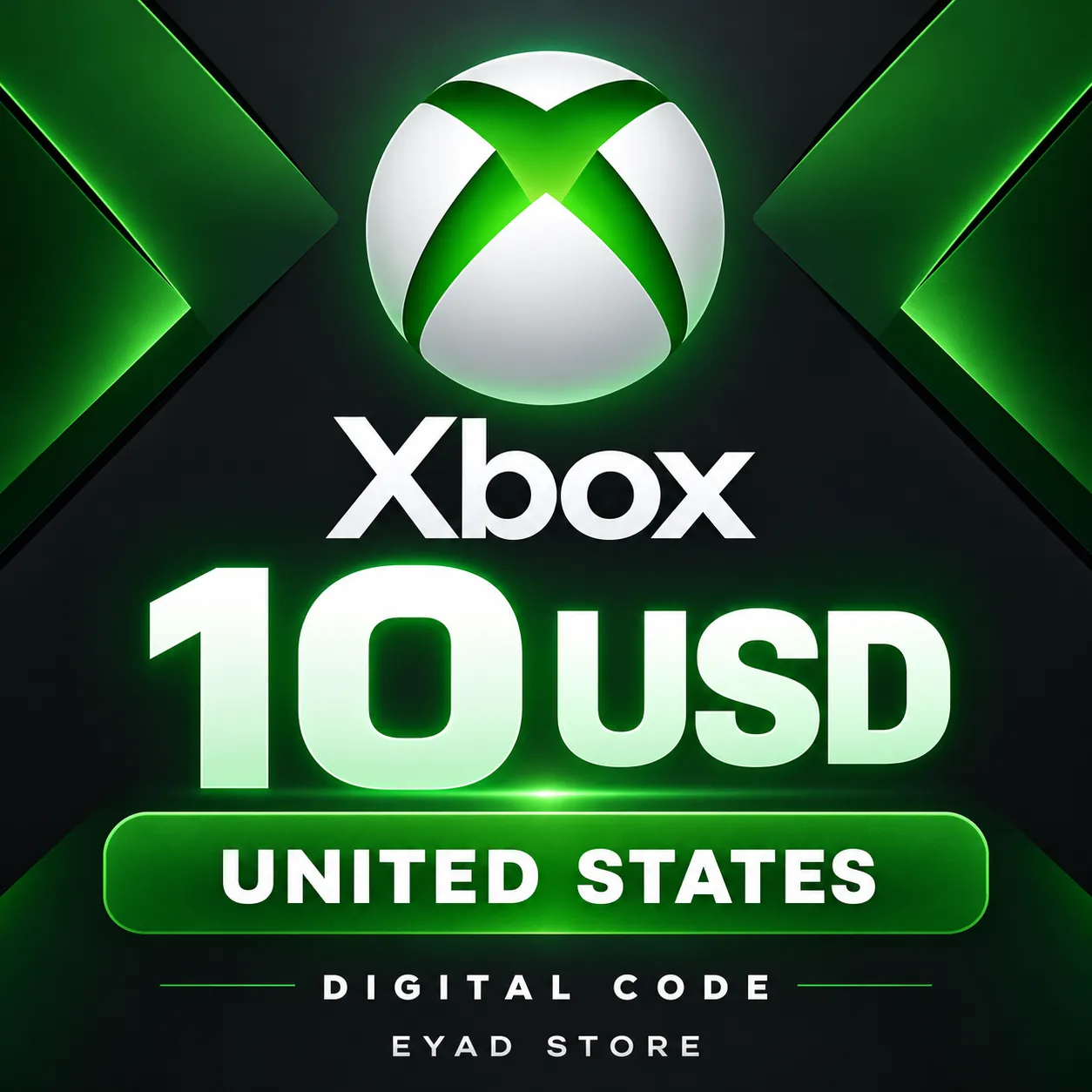
Xbox gift card with a face value of USD10. United States region only. Confirm your Microsoft / Xbox account is eligible to redeem a US USD balance code before ordering. You redeem ... the code yourself; no account password is requested. The code is delivered privately in your EB24 order within 12 hours.
Region
United States
11 people are viewing this item
Buyer protection
Your purchase on the Eloboost24 platform is fully protected by our Buyer Protection Policy.
- Refund to your balance if not delivered
- 68 sales by this seller
- Secure payment
From the same seller
1 YEAR SUBSCRIPTION 🟣NITRO PREMIUM 🟪 FAST DELIVERY✔️

Seller
Razer Gold 20 USD PIN - Global
Seller
PlayStation 15 USD Gift Card - US
Seller
10 USD Nintendo eShop Gift Card - United States
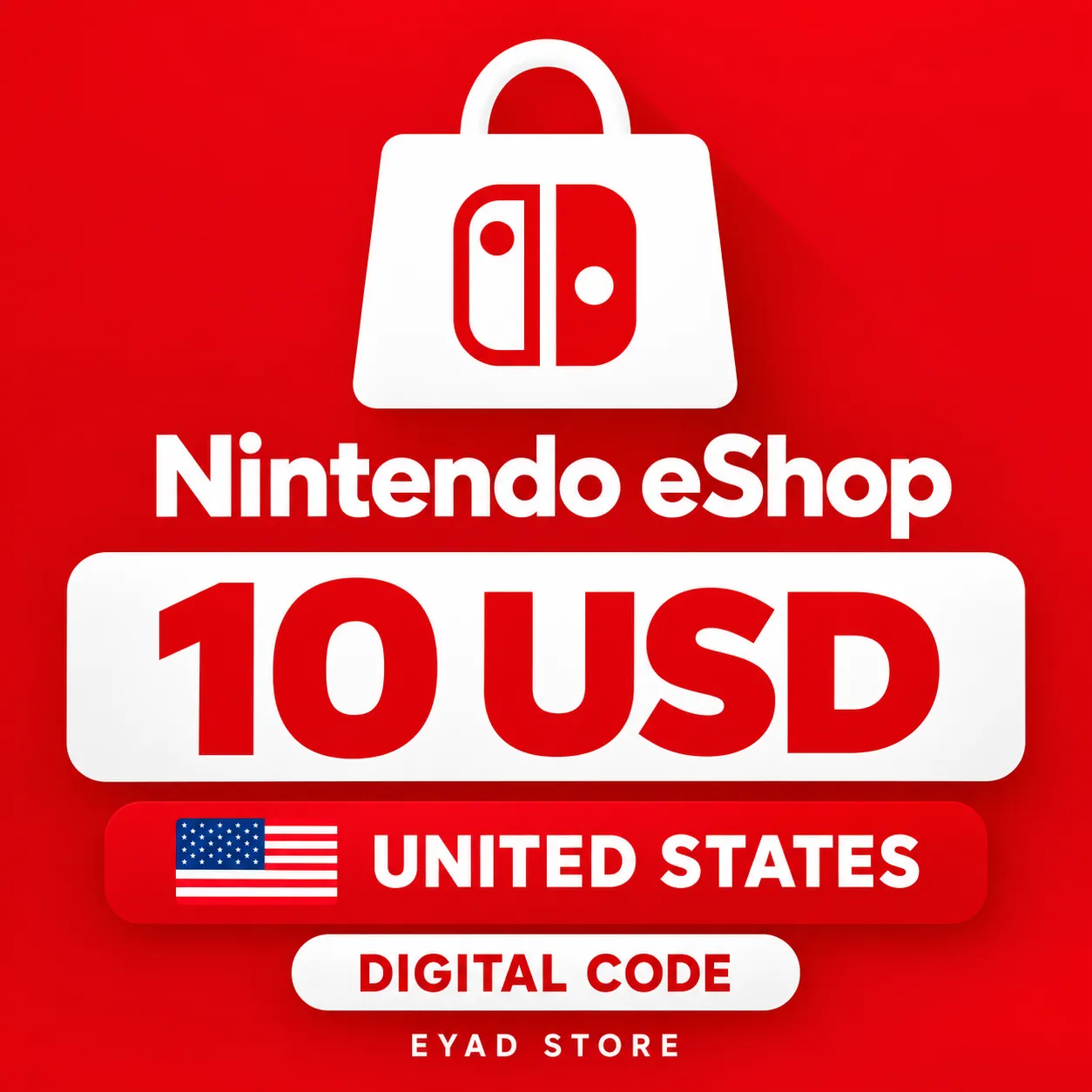
Seller
20 USD Blizzard / Battle.net Gift Card - United States
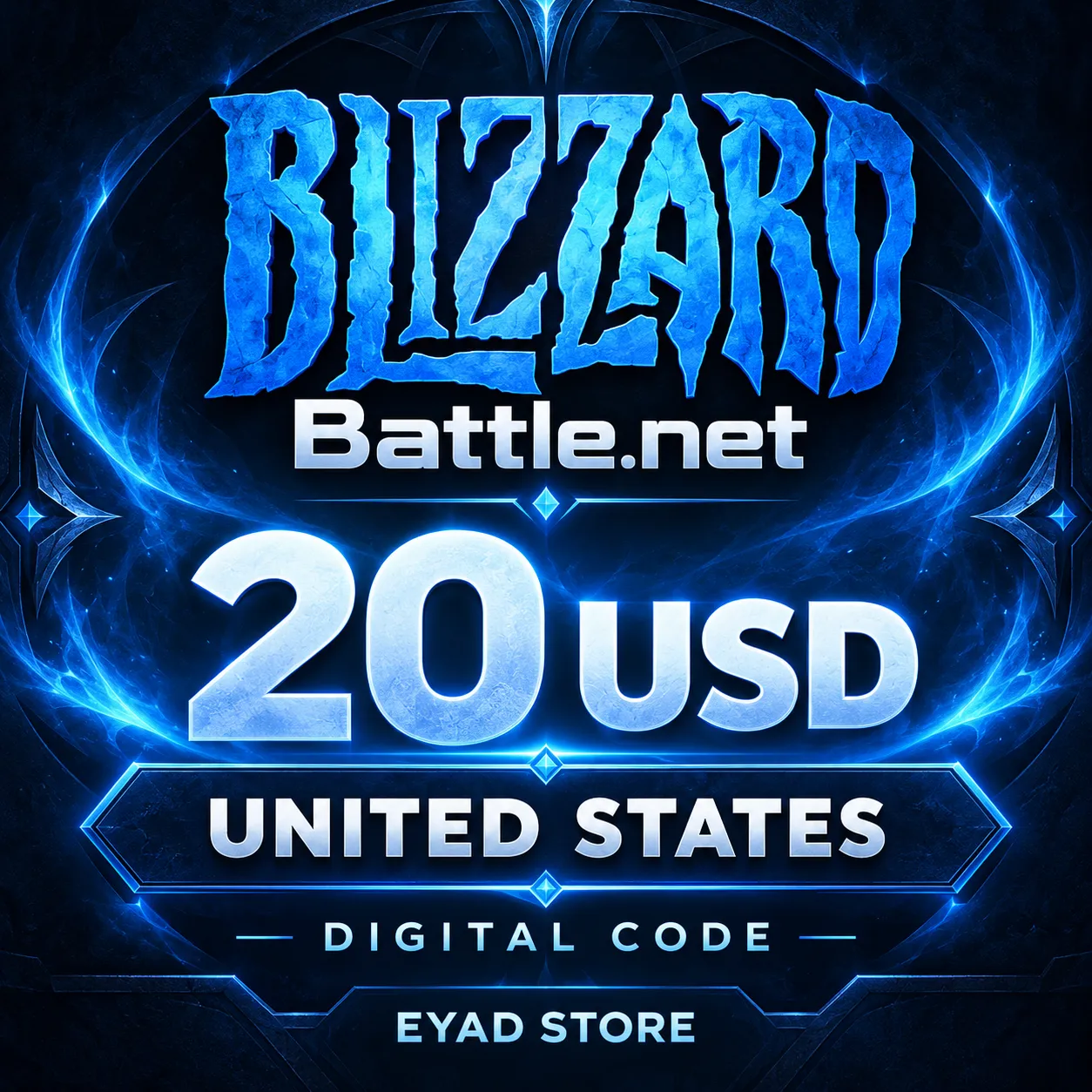
Seller
Razer Gold 100 USD PIN - Global
Seller
Valorant 11000 VP - Indonesia Top Up
Seller
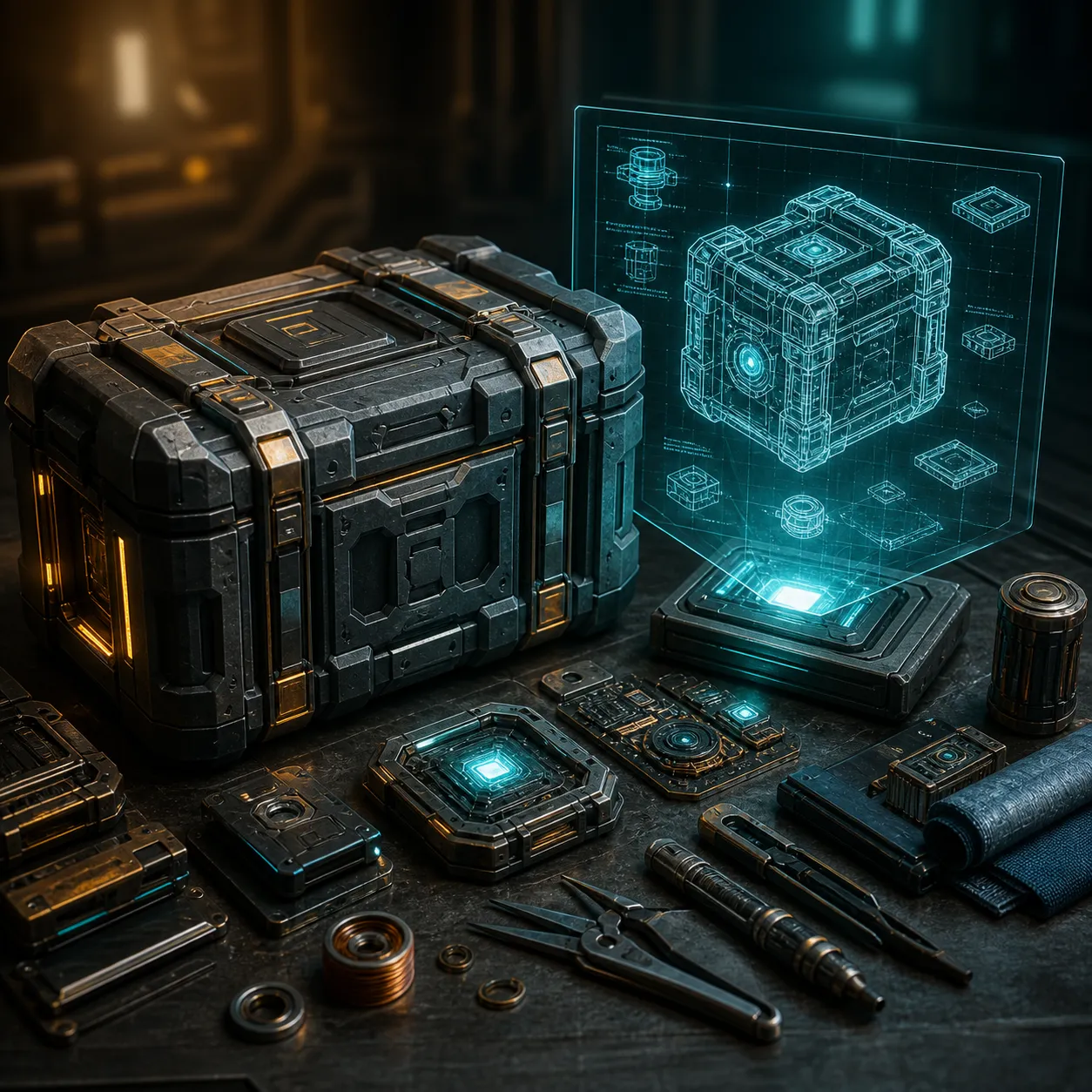
ARC Raiders - VULCANO II
Seller
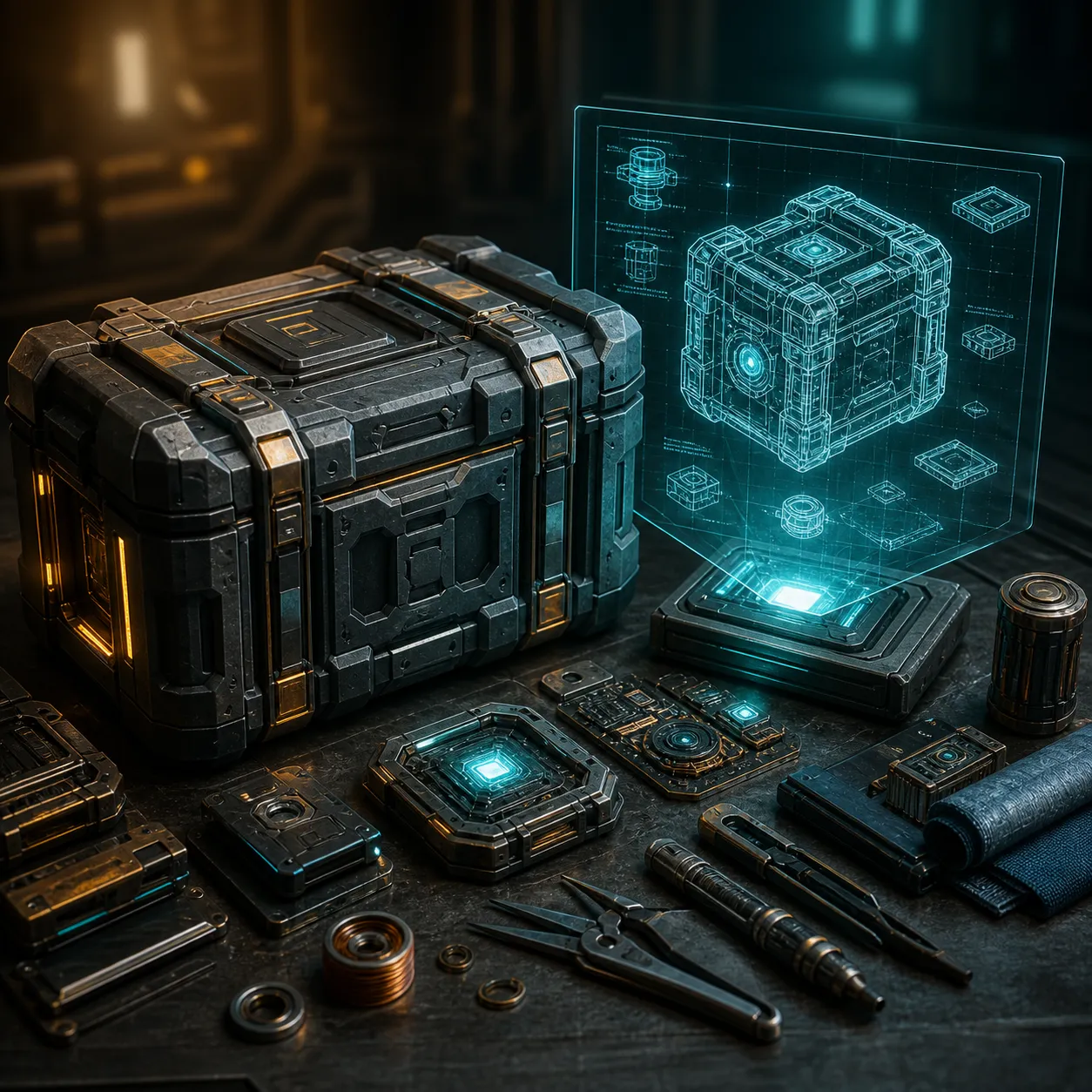
ARC Raiders - SHOWSTOPPER BLUEPRINT
Seller
Roblox 11,000 ROBUX Gift Card - Global
Seller
FAQs about Items
Which regions can I buy Xbox Gift Cards for on EB24?
Listings cover 43 regions, among them Global, United States, Europe, United Kingdom, Germany, Poland, Turkiye, Brazil, Canada and Argentina. Pick the one that matches the country on your Microsoft account, because a code issued for another country is normally refused at redemption.
Will a Global Xbox Gift Card work on my account?
A Global listing is a code the seller sells without a single-country label. Read the listing description for the account countries the seller confirms it works with, and ask through the order chat before paying if your country is not mentioned.
Can I use an Xbox Gift Card for Game Pass?
Yes. The code adds money to your Microsoft account balance, and that balance can pay for a Game Pass membership as well as games, add-ons and apps on the Xbox Store and Microsoft Store, as long as the account country matches the code.
How do I redeem an Xbox Gift Card code?
On an Xbox console, open the Store, choose Redeem and type the 25-character code. On a computer or phone, sign in at redeem.microsoft.com with the Microsoft account you want to top up and enter the code there.
How long does delivery take after I pay?
Each seller states a delivery time on the listing, and you can see it before checkout. Active sellers usually send the code within the same day, and the order panel shows the code as soon as it is marked delivered.
What if Microsoft says my Xbox code is invalid?
Open a dispute from the order instead of buying another code. Whether it was already redeemed or issued for a different country than listed, EB24 keeps the seller payment on hold until the case is resolved.
How it works?
Buying an Xbox Gift Card on EB24 starts with the country of your Microsoft account, then checking out and redeeming the code from your order panel at redeem.microsoft.com or on the console.

Look Up Your Microsoft Account Region Sign in at account.microsoft.com and open Your info to see the country on your profile, then narrow the EB24 listings to that region before comparing offers.
Pay Through EB24 Checkout Complete the purchase on EB24 rather than paying the seller elsewhere. The checkout is what places your money in escrow until the code is confirmed.
Collect the Code in Your Order When the seller marks the order as delivered, the 25-character code appears in your order panel. Your Microsoft account password stays with you the whole time.
Redeem on Console or Web On Xbox, open Store and choose Redeem, or enter the code at redeem.microsoft.com. The balance shows on your Microsoft account right after it is accepted.
Code Rejected? Open a Dispute If Microsoft reports the code as used, invalid or meant for another country, open a dispute from the order. The seller is not paid while the case is open.