




3 people are viewing this account
Buyer protection
Your purchase on the Eloboost24 platform is fully protected by our Buyer Protection Policy.
- Refund to your balance if not delivered
- Secure payment

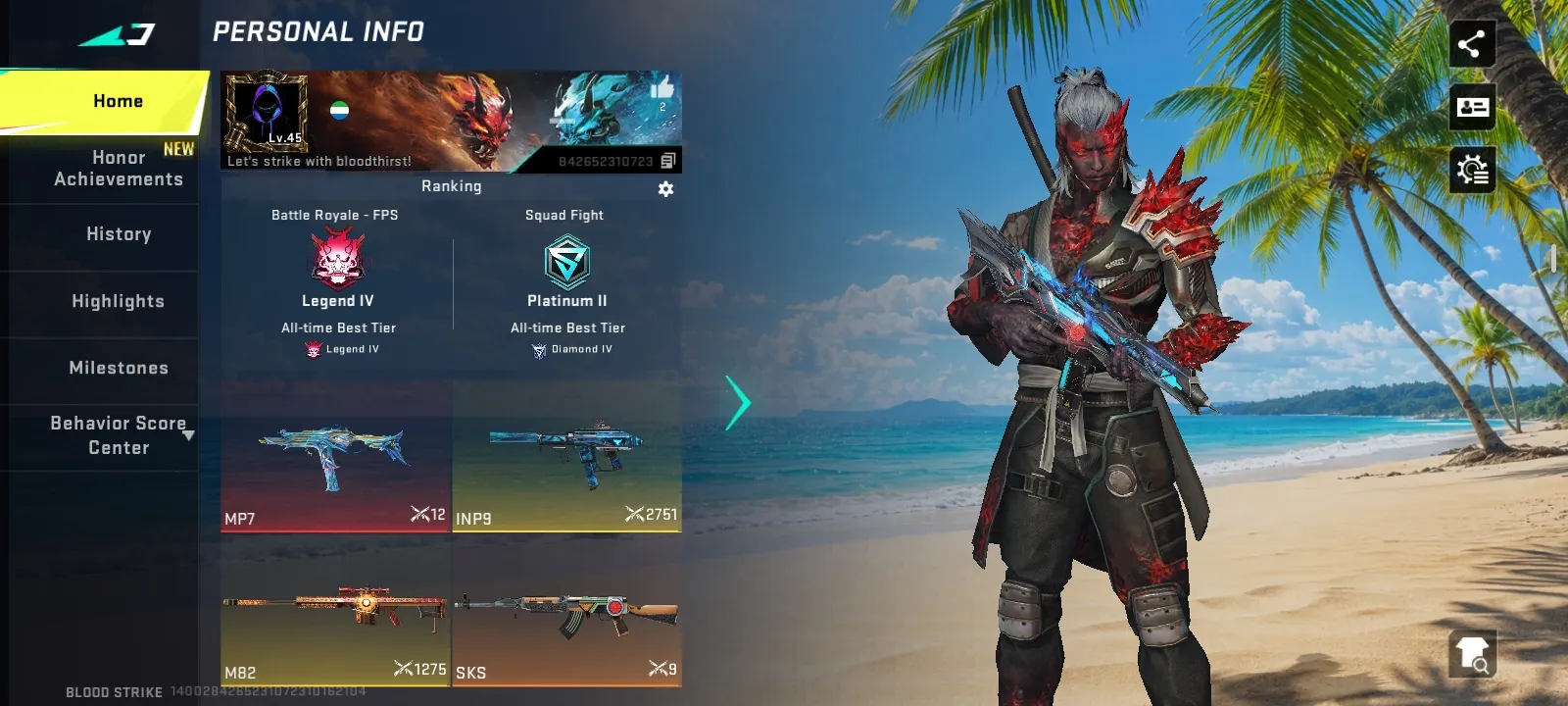
My account level.45
I want sell my account
Delivery format
Phone number login
Premium active
Yes
Warranty
2 days
From the same seller
 Newcomer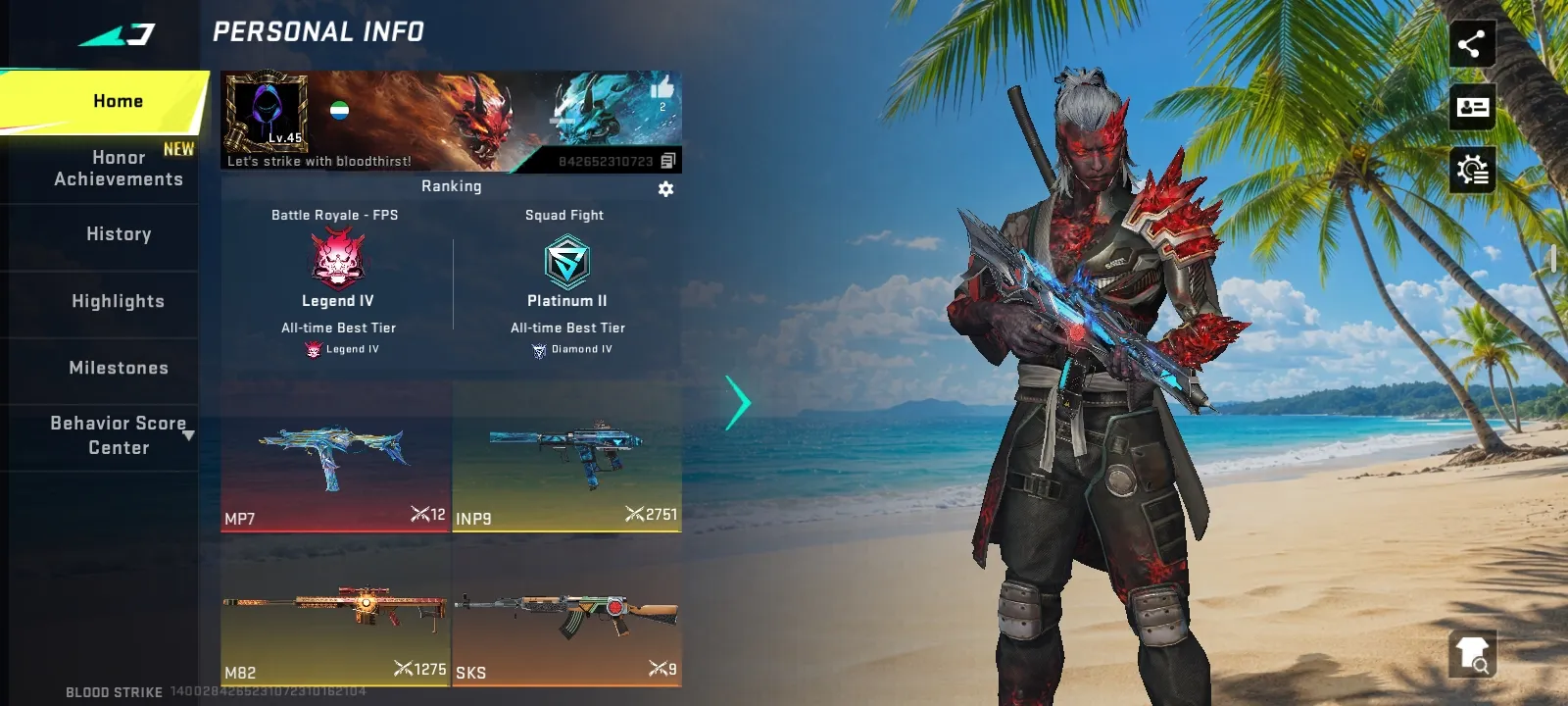
FAQs about Telegram EB24 Sellers
What do I receive when I buy a Telegram account?
You receive access in the format the card states, either a phone number login or a tdata session, plus the linked email and its password. The card also shows whether Telegram Premium is active and any seller warranty days. Read the seller notes for anything extra, such as channels or groups the profile owns.
What is the difference between phone number login and tdata?
With phone number login you sign in on any device using the code the seller relays to you. A tdata session is a folder from Telegram Desktop that you copy into your own installation to open the profile without a code. Choose the format that matches the device you plan to use.
Does Premium stay active after I buy the account?
Premium runs until its paid period ends, then Telegram stops it unless someone renews it. The card shows only whether Premium is active at handover. After you sign in, open the Premium page in settings to see the renewal or expiry date, and compare it with the seller notes before you confirm.
How do I secure a Telegram account after delivery?
Open Settings, then Privacy and Security, and end every other active session. Set a cloud password for two step verification and add your own recovery email. If the profile uses phone login, keep in mind the number stays tied to it, so read the seller notes about the number before you confirm.
Is buying a Telegram account on EB24 safe?
EB24 holds your payment until you confirm that the profile works as described. The delivery format, Premium status and warranty are fixed on the card at listing time, and a dispute is checked against them. Sign in and secure the profile while the money is still held.
Do Telegram accounts include a warranty?
A seller can offer warranty days counted from delivery, shown on the card. If the session drops or the login fails within that period, you can open an EB24 dispute. For more protection, pick the EB24 Warranty during checkout or filter out uncovered listings.
How do I sell a Telegram account on EB24?
Select Telegram in the sell account form, choose the delivery format, say whether Premium is active and add any warranty days. Provide the access details for that format together with the linked email and its password. A verified email is required for Telegram listings on EB24.
How it works?
A Telegram account purchase on EB24 starts with the delivery format, then Premium and any seller cover. The steps are:

Pick a Delivery Format Choose phone number login or a tdata session, depending on how you want to open the profile.
Filter for Premium Turn on the Premium filter when you want the paid Telegram tier already running.
Read the Seller Cover See whether the card includes warranty days and how long they last.
Pay With Funds Held Checkout on EB24 keeps your payment parked until you approve the delivery.
Log In and Secure It Open the profile, end other active sessions, set a cloud password, then confirm the order.