




AUTO DELIVERY | Fallout 76 Steam Gift | Turkey
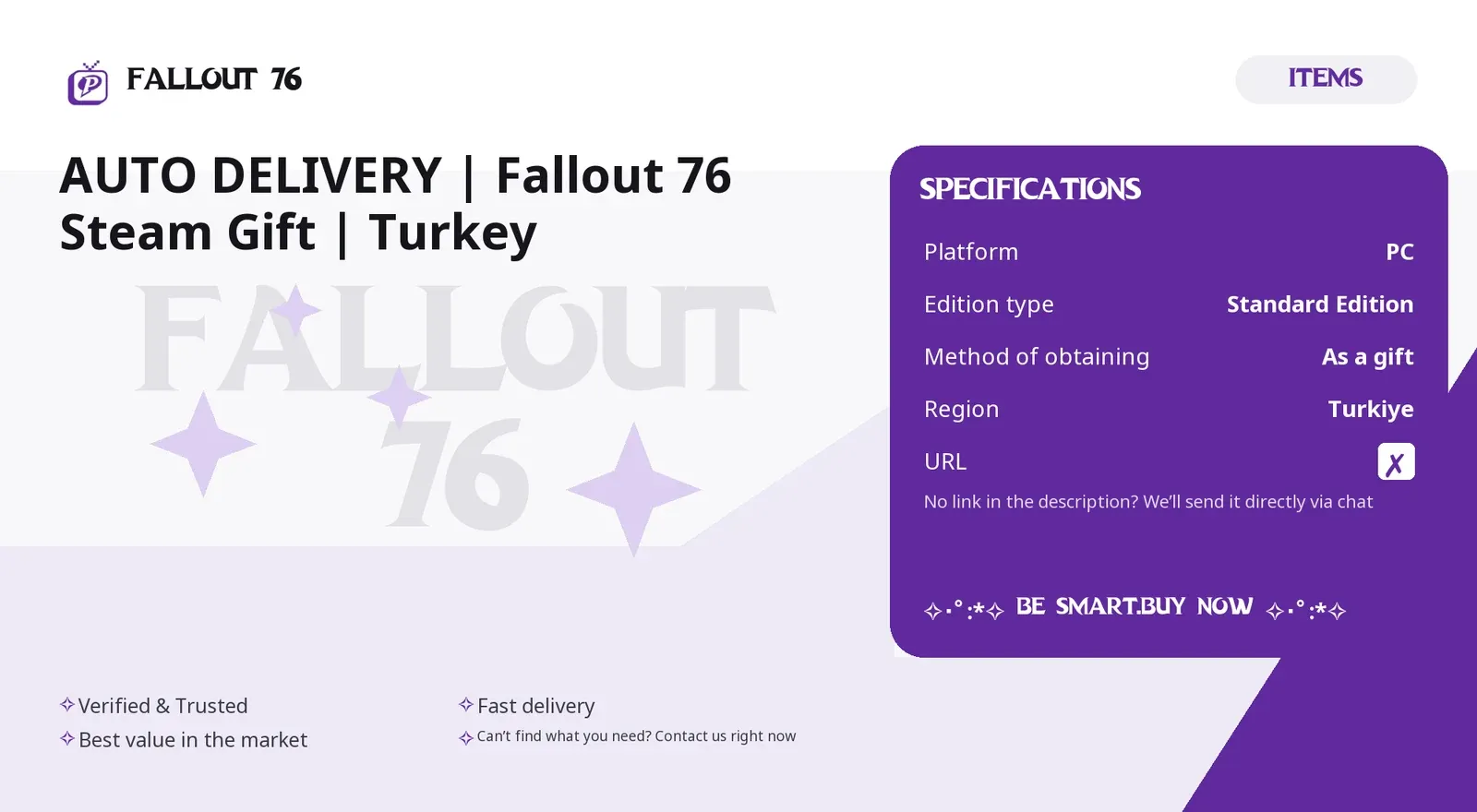
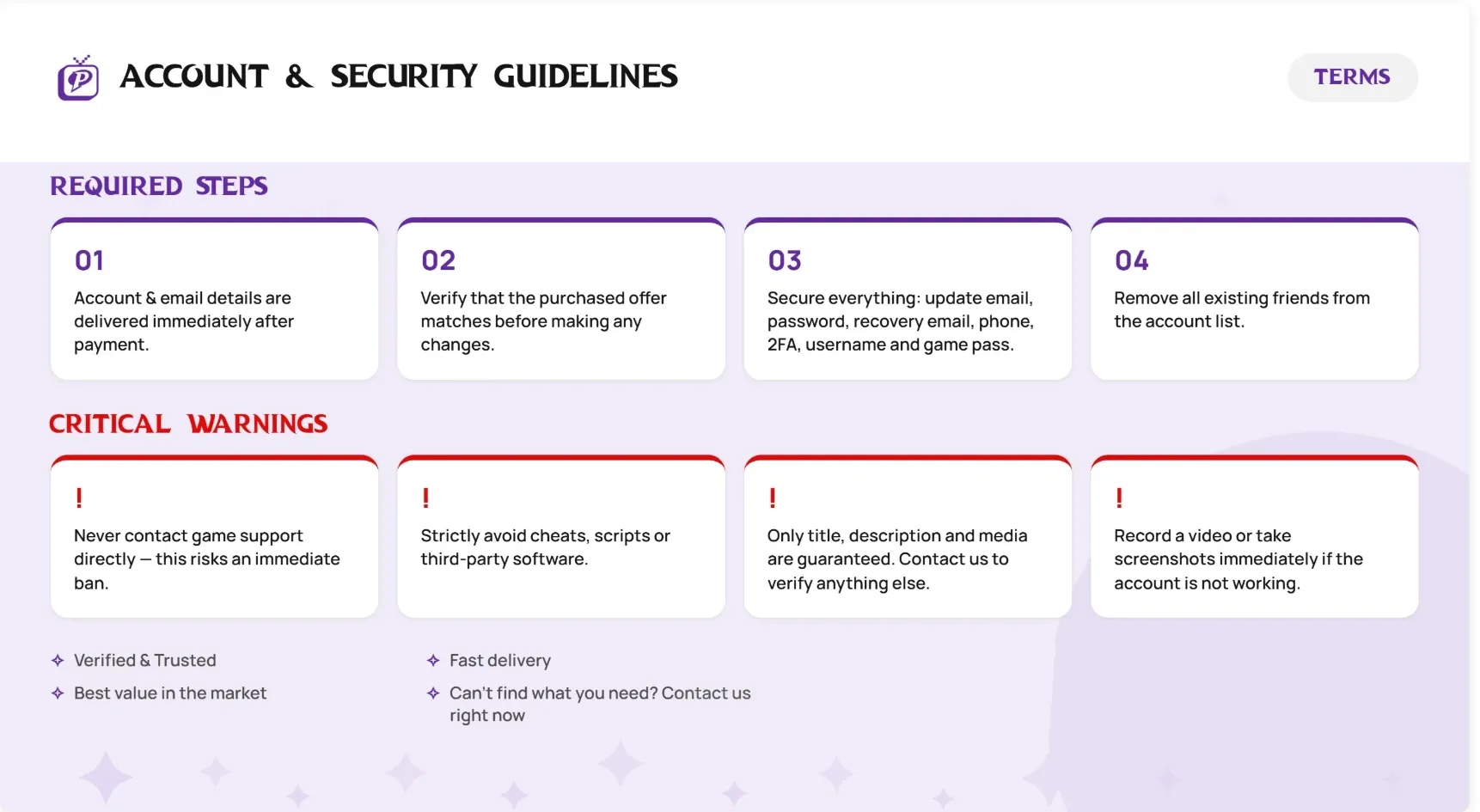
☆.。.:*・°☆.。.:*・°☆ M A R T ☆.。.:*・°☆.。.:*・° ✧⋆。°✩ Only the Title, Description & Gallery are accurate. For anything else, contact us and we'll confirm it in the store. ✧⋆。°✩ ✧・゚: *✧ ... ・゚: * D E T A I L S ✧・゚: *✧・゚: * - Platform: PC (Steam) - Edition: Standard Edition - Method of obtaining: As a gift - Region: Turkey All orders processed automatically. Refunds are not possible once the item is delivered. Terms & conditions: see the attached image.
Platform
PC
Item type
Other
3 people are viewing this item
Add more items
5 items available

About seller

Makkii
Online RegularFrom the same seller
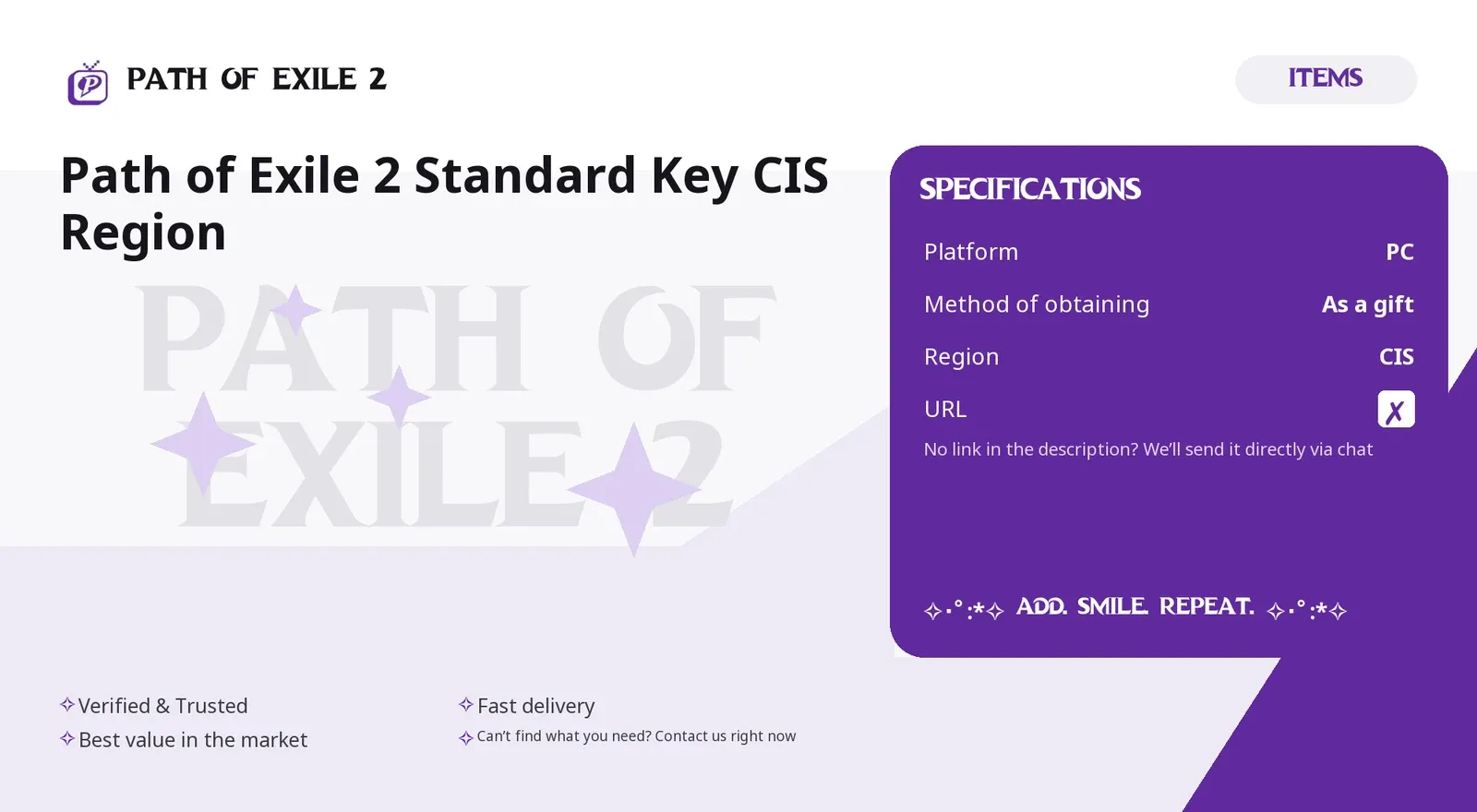
Path of Exile 2 Standard Key CIS Region

Seller
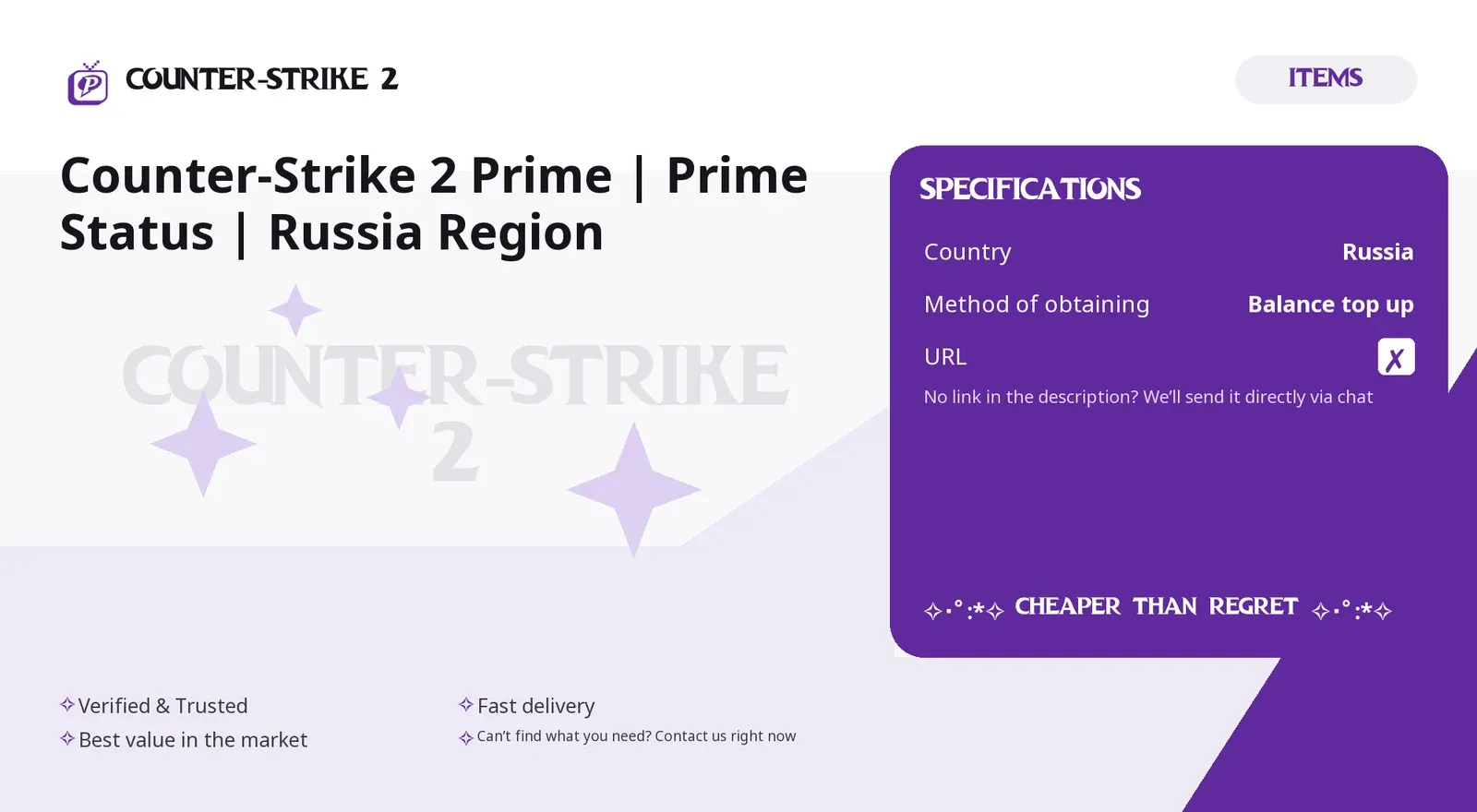
Counter-Strike 2 Prime | Prime Status | Russia Reg
Seller
Path of Exile 2 Builds - Ranger Deadeye Annihilati
Seller

Path of Exile 2 Builds - Monk Martial Artist Leagu
Seller
Path of Exile 2 Build Management - Event League Wi
Seller
Path of Exile 2 Builds - Huntress Amazon T18 Farme
Seller
Path of Exile 2 Builds: Whirling Martial Artist Fu
Seller
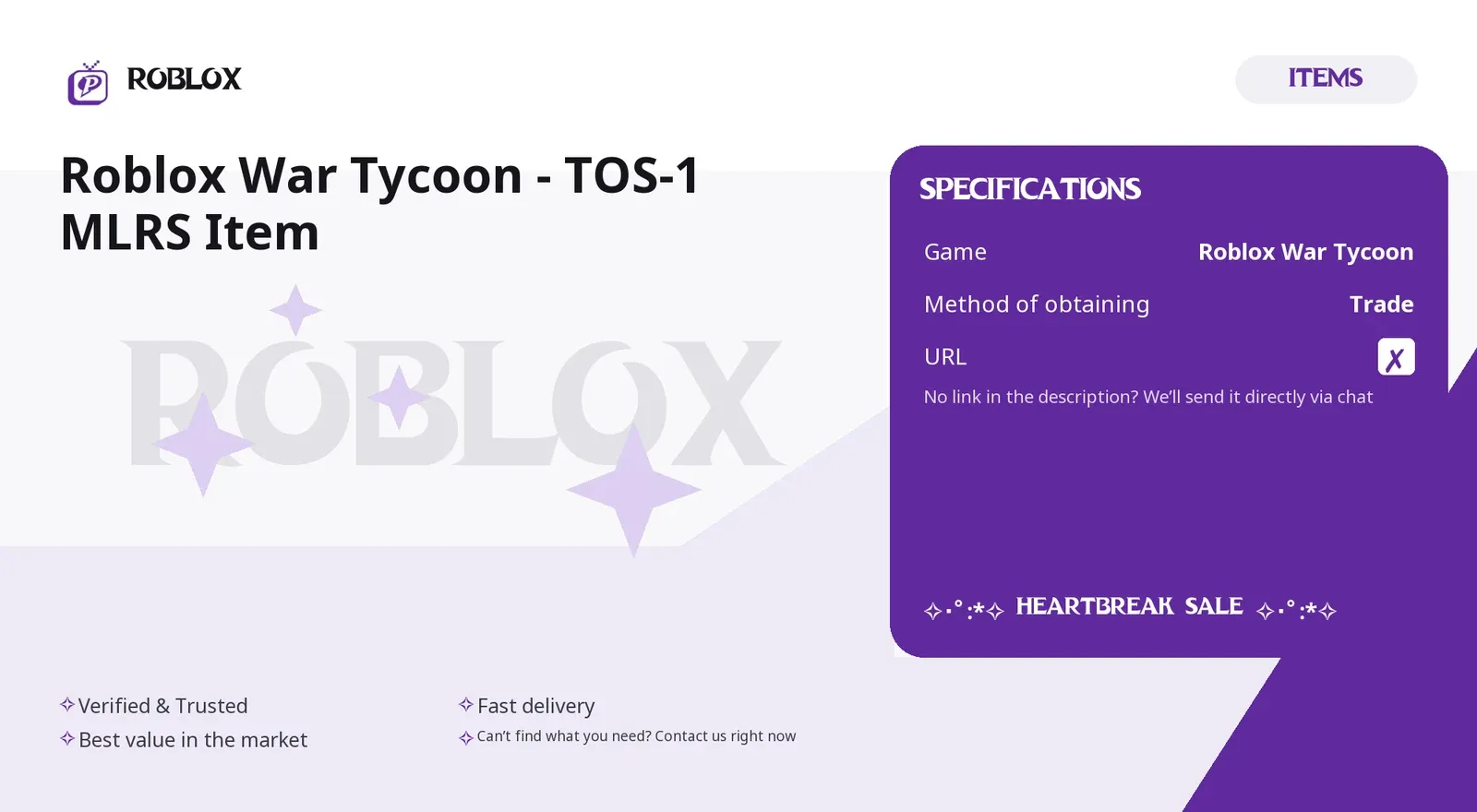
Roblox War Tycoon - TOS-1 MLRS Item
Seller
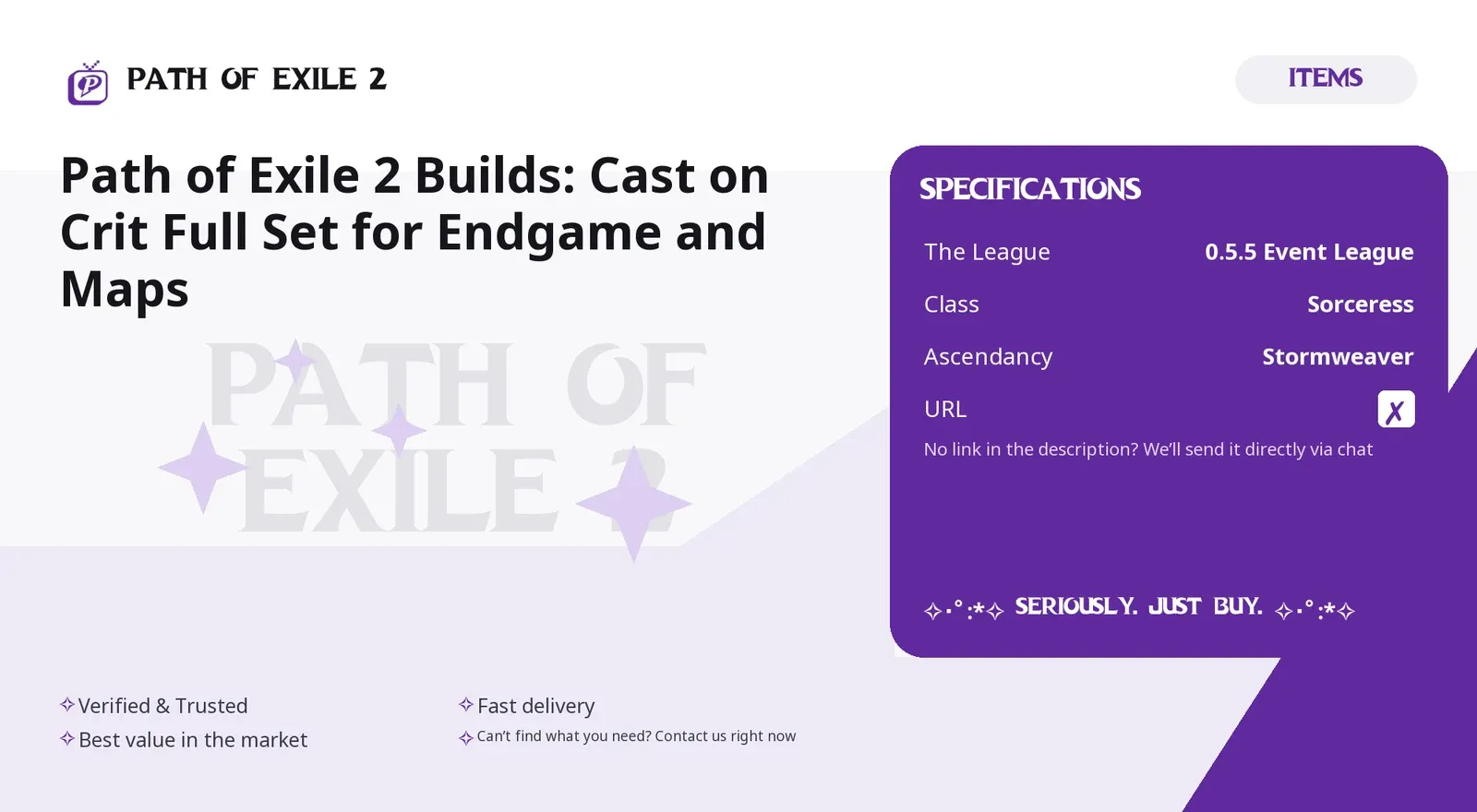
Path of Exile 2 Builds: Cast on Crit Full Set for
Seller
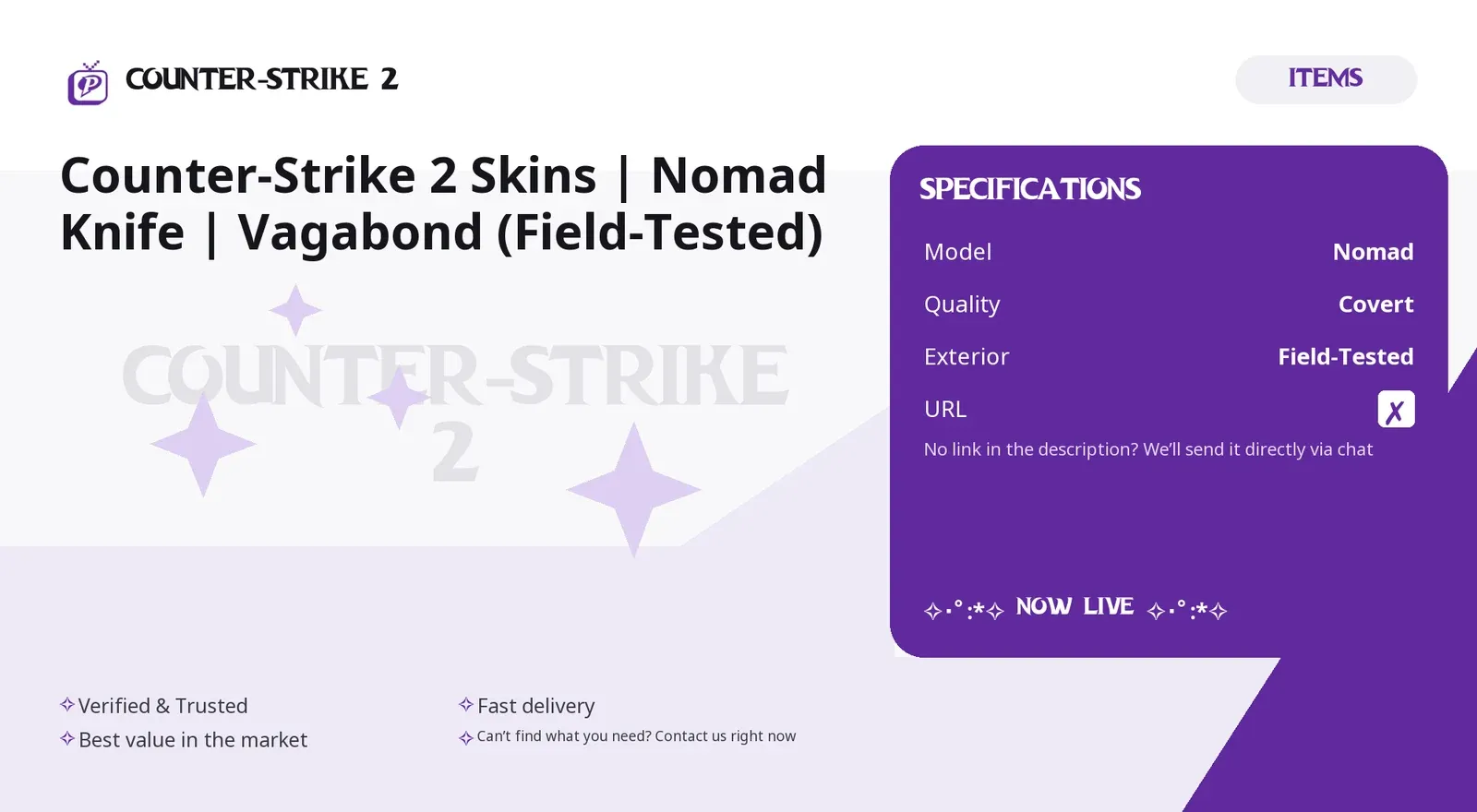
Counter-Strike 2 Skins | Nomad Knife | Vagabond (F
Seller
FAQs about Fallout 76 Items
What kind of Fallout 76 items can I buy?
On EB24 you can buy caps, weapons, armor, ammunition, plans, apparel, and junk. Each listing describes the item, the platform it applies to, and what is included, so you know exactly what the offer contains before you reach checkout. Reading these details and the seller rating first helps you compare offers and choose the one that fits your character and platform.
How does Fallout 76 item delivery work?
After your order is confirmed, delivery instructions appear directly in your order panel. The caps, weapon, or plan is handed over through the method listed for that offer, following a clear set of steps so you can complete the exchange without confusion. The trade takes place in game between characters, so you stay logged in and keep full control of your account.
How long does delivery take?
Each listing shows an estimated delivery time, which depends on the type of Fallout 76 offer and the platform. Caps and ammunition tend to be fast, while rare plans or full armor sets can need extra coordination with the seller. The timeframe is always displayed before you buy, so you know what to expect and can plan the handover.
Does the platform matter when buying Fallout 76 items?
Yes. Offers apply to a specific platform, so each listing states whether it is PC, PlayStation, or Xbox. Make sure the listed platform matches yours before you buy so the in game handover can be completed without issues. A mismatch means the trade cannot take place, so checking the platform first saves time and keeps the delivery smooth.
Do I need to share my account access?
No. Fallout 76 items are traded in game between characters, so there is no account sharing and no login details handed over. Each listing states the handover method clearly before you buy. You meet the seller in game with your own character and receive the items through a normal trade, which keeps your account secure and entirely under your control.
What if my Fallout 76 order goes wrong?
If a delivery does not match the listing or the stated time, you have buyer protection. Open the automated dispute form from your order panel and the system reviews the case to resolve it clearly and fairly. Keep any screenshots or details from the in game handover so the review has clear evidence and can reach an accurate outcome quickly.
How it works?
Buying Fallout 76 caps, gear, and resources on EB24 is straightforward. Pick the item and confirm your platform, then complete checkout. Your order is delivered through safe in-game methods.

Browse Available Items Look through EB24 Fallout 76 listings for caps, weapons, armor, ammunition, plans, apparel, and junk. Each listing details the item, platform, and what is included so you know exactly what reaches your stash.
Complete the Purchase Once you finalize your order through EB24 secure checkout, all order details and the current status appear on your dashboard.
Review Delivery Instructions Delivery instructions appear in your order panel right after checkout. They explain the handover method for your Fallout 76 caps, weapons, or plans, including the platform, and the steps to follow.
Receive the Item In-Game Your Fallout 76 content is delivered through the agreed method shown on the listing. Follow the instructions and make sure the platform matches to complete the exchange.
Order Protection If a purchase does not match the listing, open an automated dispute from your order panel. It is part of your buyer protection, and the system resolves the issue fairly.