




30000 PUBG POPULARITY | PUBG MOBILE
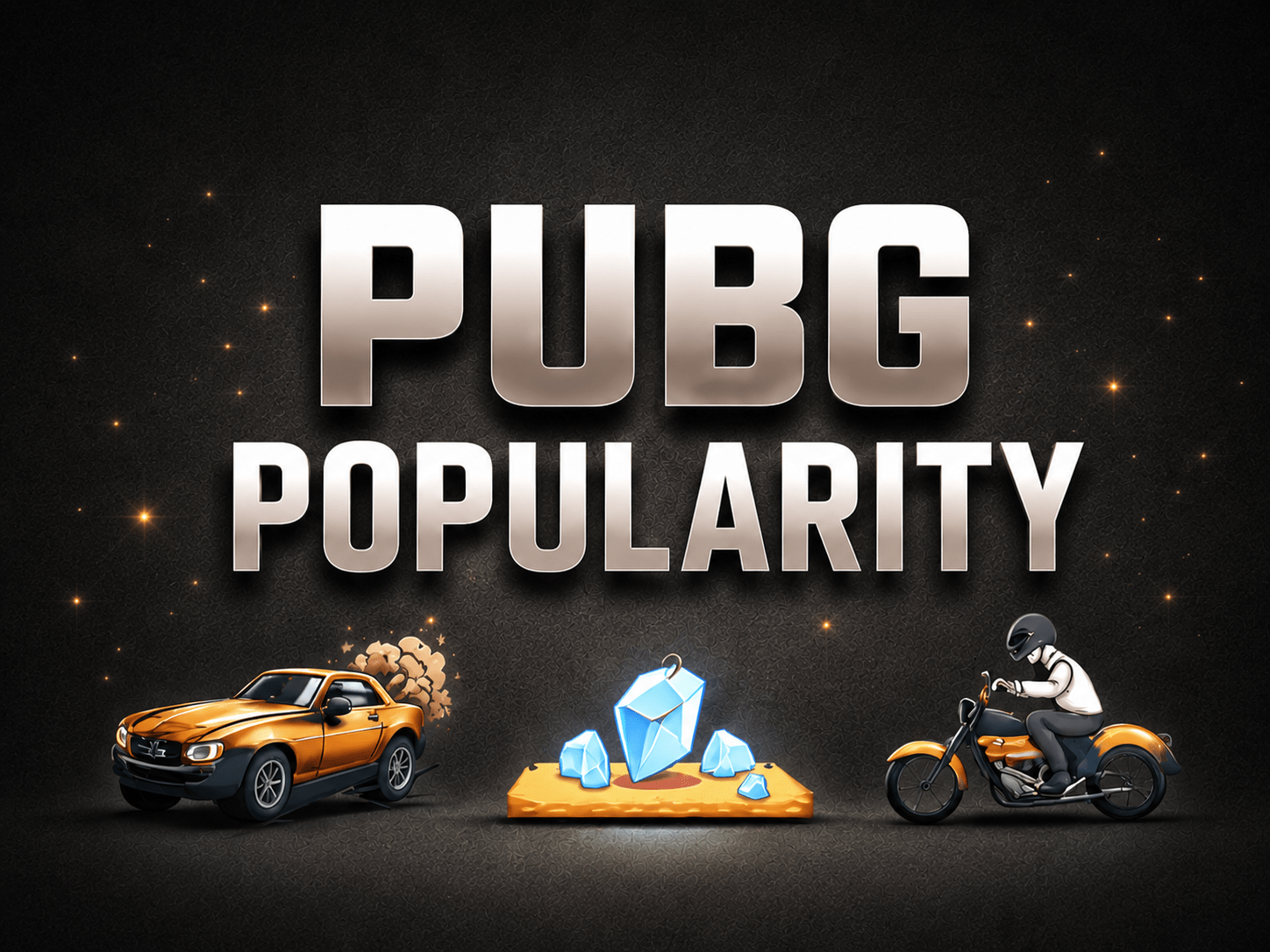
❕Please be patient, i will deliver it as soon as possible. ❕If you have any question, you can ask.
Τύπος αντικειμένου
Popularity
12 άτομα βλέπουν αυτό το αντικείμενο
Ποσότητα
99 σε απόθεμα
Προστασία αγοραστή
Η αγορά σου στην πλατφόρμα Eloboost24 προστατεύεται πλήρως από την Πολιτική Προστασίας Αγοραστή.
- Επιστροφή στο υπόλοιπό σου αν δεν παραδοθεί
- 15 πωλήσεις από αυτόν τον πωλητή
- Ασφαλής πληρωμή
Σχετικά με τον πωλητή

MAX
Τακτικός πωλητήςΑπό τον ίδιο πωλητή
🃏Nine-Tails Card🃏 instant delivery🔥
−43%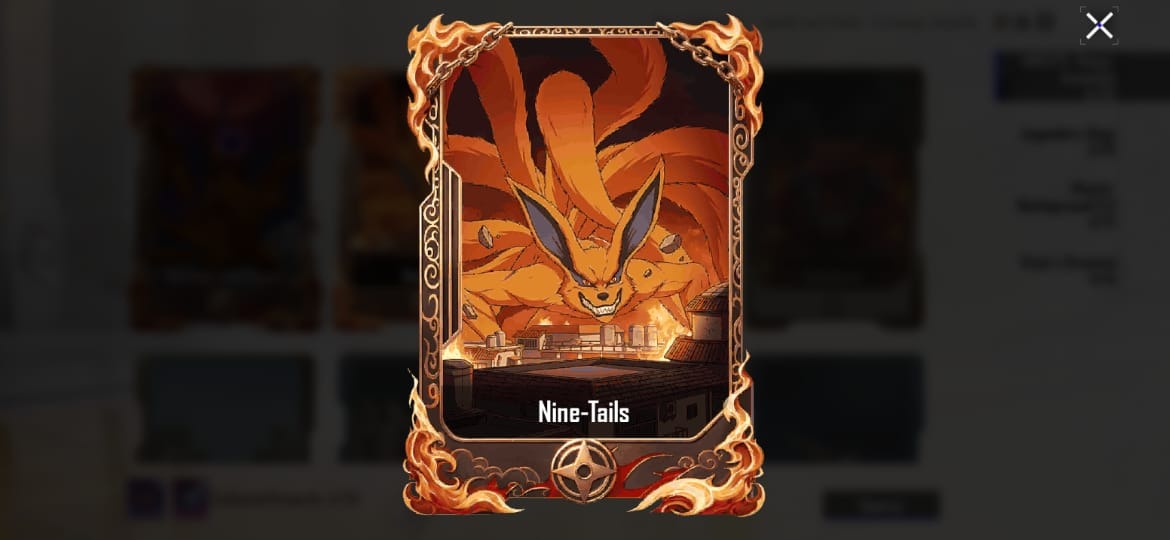

Πωλητής

🃏Nine-Tails Tailed Beast Card🃏 instant delivery🔥
−43%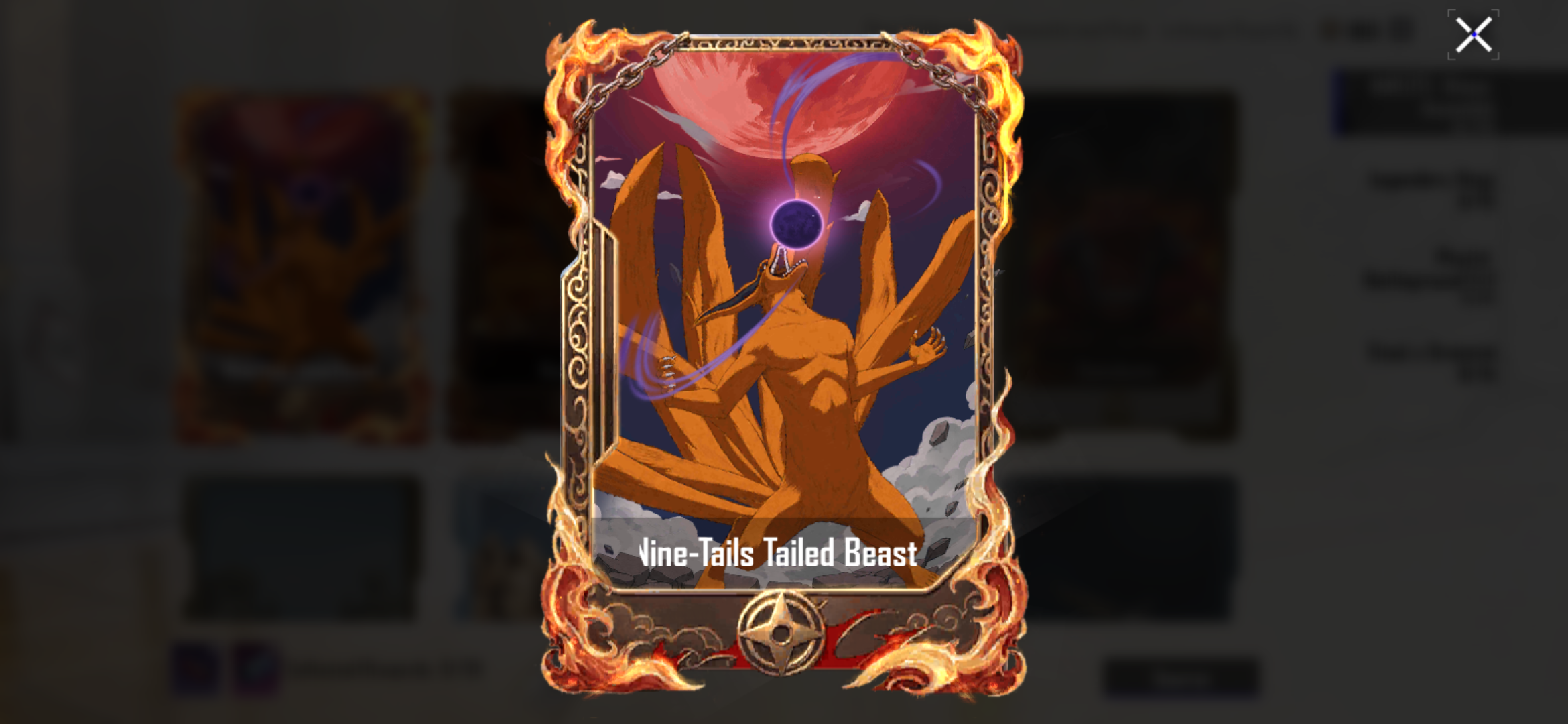
Πωλητής


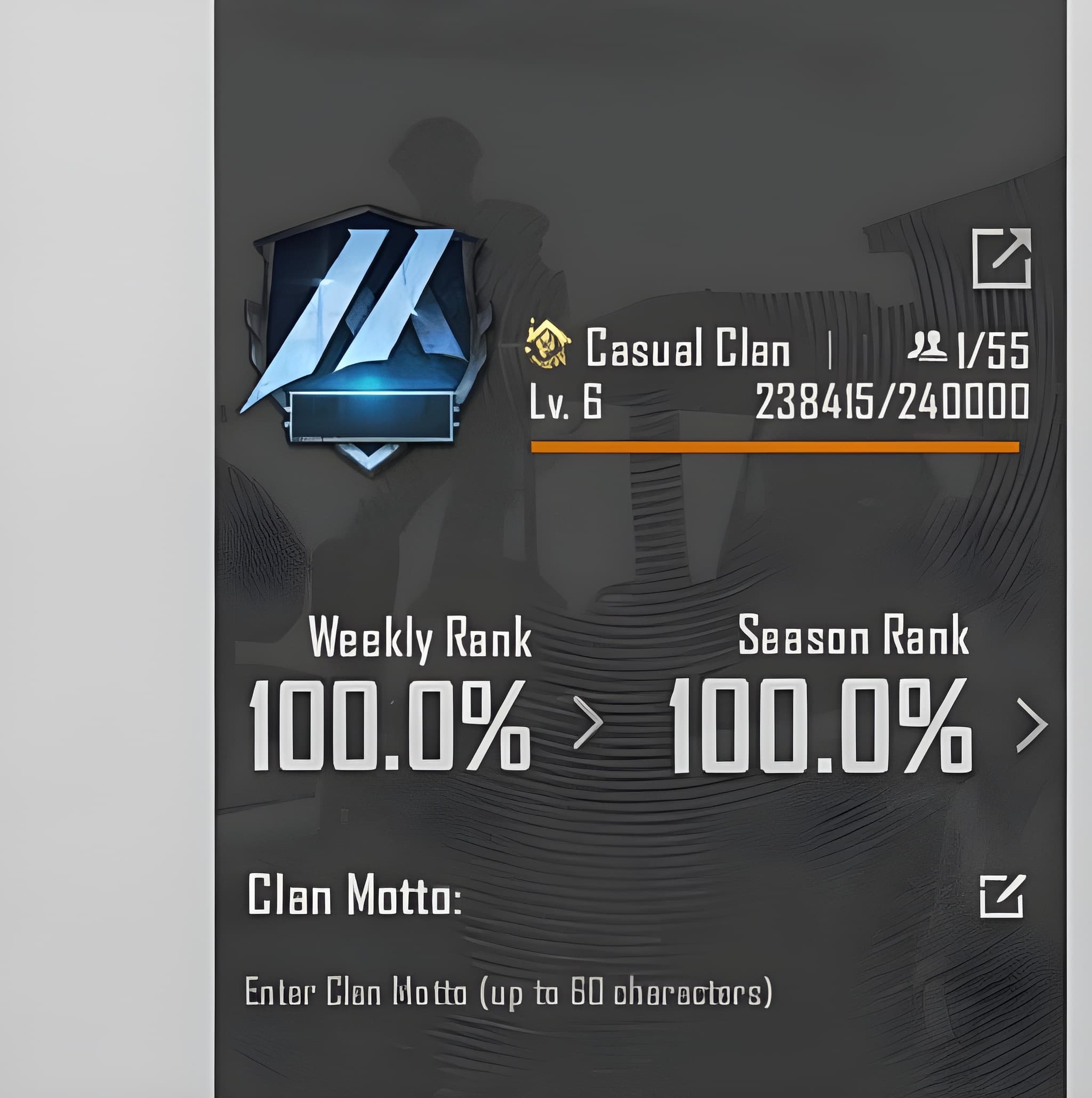
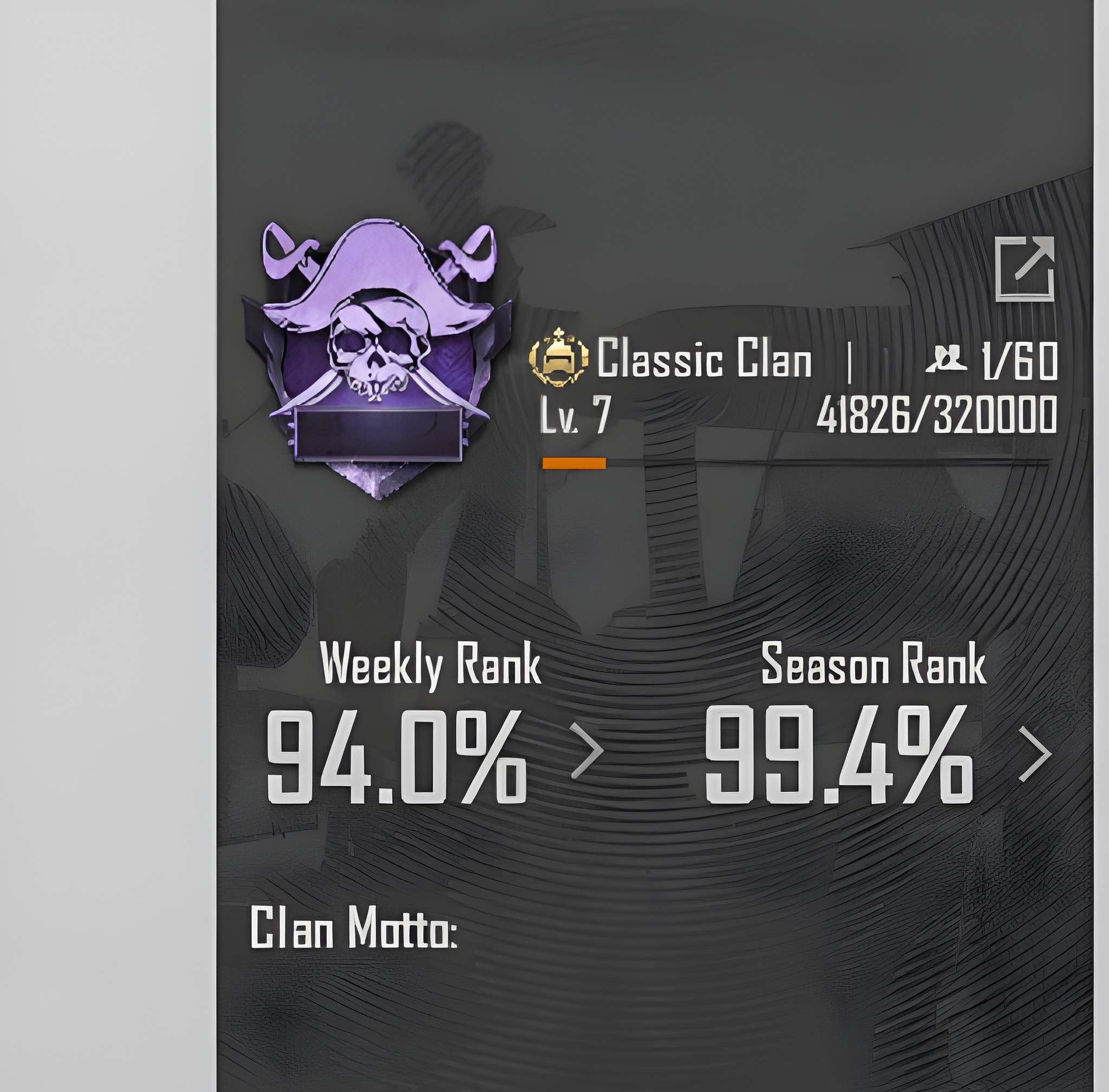
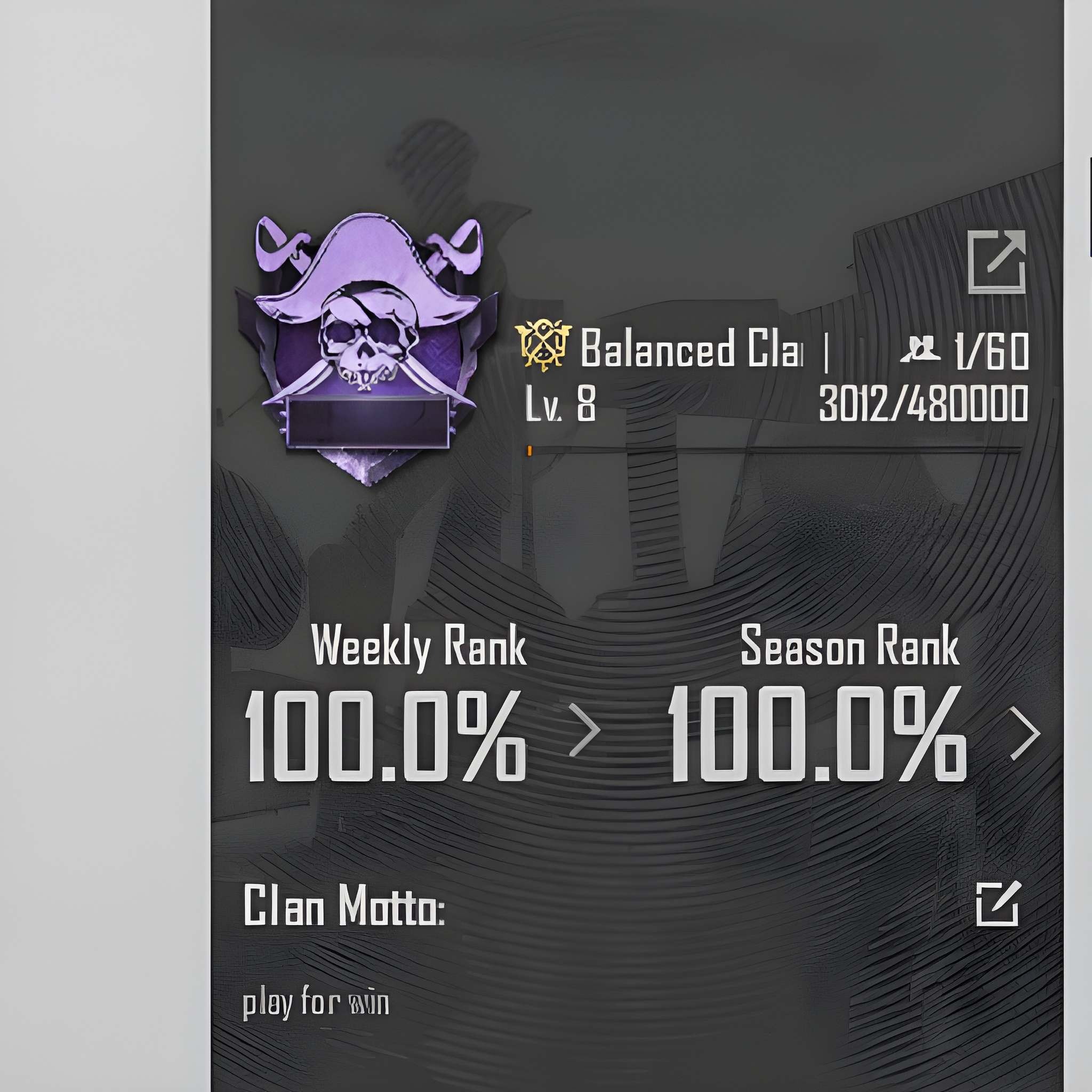
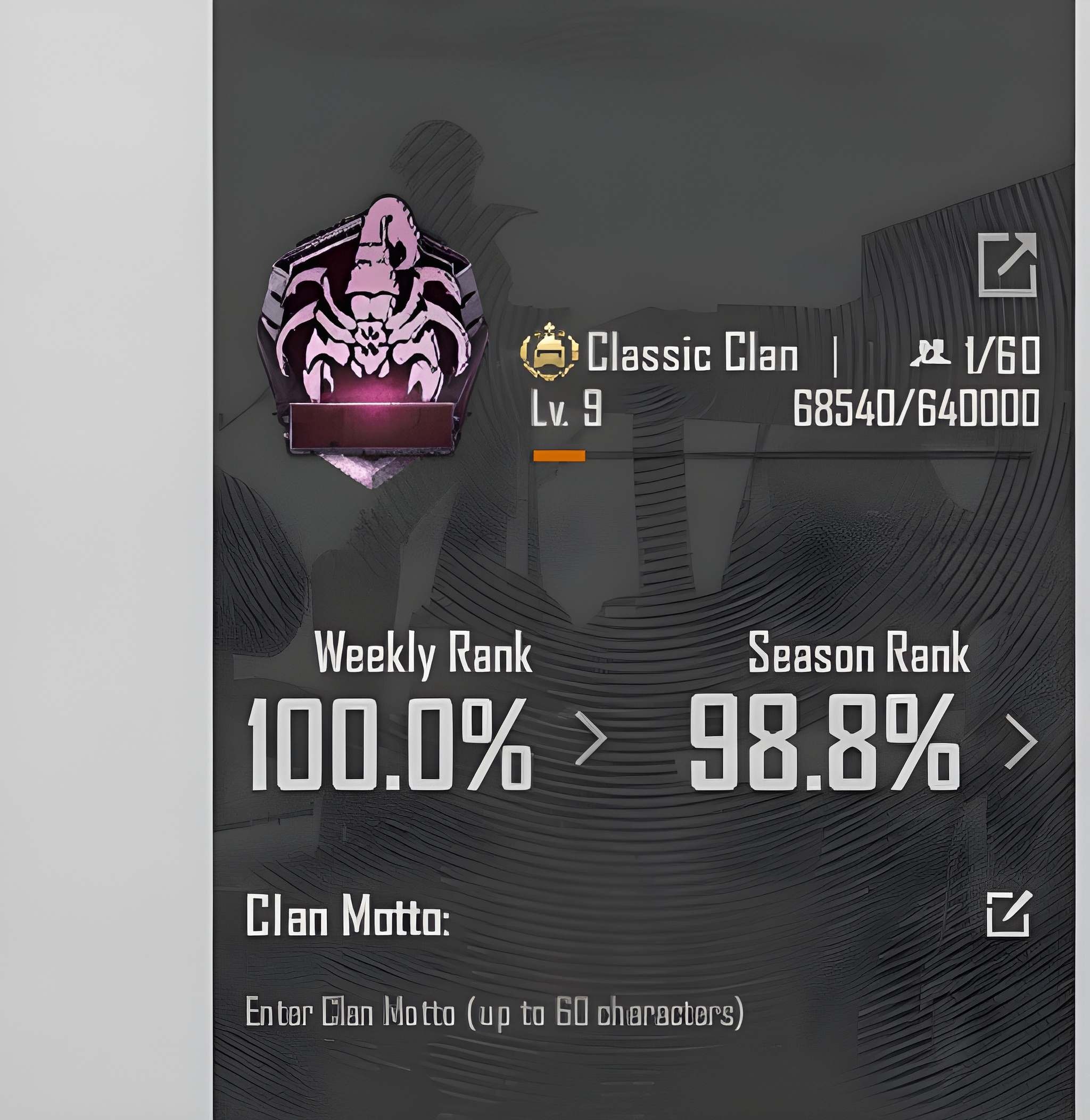
Συχνές ερωτήσεις για τα αντικείμενα
Τι είδους αντικείμενα PUBG Mobile μπορώ να αγοράσω;
Στο EB24 μπορείς να αγοράσεις weapon skins, car skins, ρούχα, αλεξίπτωτα, popularity, προσφορές home vote, περιεχόμενο clan, UC και άλλα. Κάθε αγγελία περιγράφει τον τύπο αντικειμένου, τη σπανιότητα και την ποσότητα, ώστε να ξέρεις ακριβώς τι περιέχει η προσφορά πριν ολοκληρώσεις την αγορά.
Πώς λειτουργεί η παράδοση αντικειμένων στο PUBG Mobile;
Αφού επιβεβαιωθεί η παραγγελία σου, οι οδηγίες παράδοσης εμφανίζονται απευθείας στον πίνακα παραγγελίας σου. Το skin, το πακέτο UC ή άλλο περιεχόμενο παραδίδεται με τη μέθοδο που αναγράφεται για το συγκεκριμένο αντικείμενο, με σαφή βήματα ώστε να ολοκληρώσεις την ανταλλαγή χωρίς σύγχυση.
Πόσο διαρκεί η παράδοση;
Κάθε αγγελία δείχνει εκτιμώμενο χρόνο παράδοσης, που εξαρτάται από τον τύπο του αντικειμένου PUBG Mobile. Οι φορτίσεις UC και τα κοινά cosmetics τείνουν να παραδίδονται γρήγορα, ενώ ορισμένες προσφορές χρειάζονται επιπλέον συντονισμό. Ο χρόνος παράδοσης εμφανίζεται πάντα πριν αγοράσεις, ώστε να μην υπάρχουν εκπλήξεις.
Πρέπει να μοιραστώ την πρόσβαση στον λογαριασμό μου;
Η παράδοση εξαρτάται από το αντικείμενο. Πολλά cosmetics του PUBG Mobile χρησιμοποιούν μεθόδους μεταφοράς εντός παιχνιδιού, ενώ ορισμένες προσφορές μπορεί να απαιτούν βήματα που αναγράφονται στην αγγελία. Κάθε αγγελία δηλώνει σαφώς τον τύπο παράδοσης, ώστε να ξέρεις τι περιλαμβάνεται πριν αγοράσεις.
Είναι δίκαιες οι τιμές των skins και των UC;
Οι τιμές αντανακλούν τη σπανιότητα των αντικειμένων, την αξία των cosmetics και τη ζήτηση. Οι αγγελίες οργανώνονται σε σαφή επίπεδα τιμών, ώστε να συγκρίνεις μια φόρτιση UC με ένα σπάνιο skin όπλου ή μια προσφορά popularity και να διαλέξεις ό,τι ταιριάζει στον προϋπολογισμό σου.
Τι γίνεται αν η παραγγελία μου PUBG Mobile πάει στραβά;
Αν μια παράδοση δεν ταιριάζει με την αγγελία ή με τον αναφερόμενο χρόνο, έχεις προστασία αγοραστή. Άνοιξε τη φόρμα αυτόματης διένεξης από τον πίνακα της παραγγελίας σου και το σύστημα εξετάζει την υπόθεση για να την επιλύσει με σαφήνεια και δικαιοσύνη.
Πώς λειτουργεί;
Η αγορά skins, UC και άλλου περιεχομένου PUBG Mobile στο EB24 είναι απλή. Επίλεξε το αντικείμενο που θέλεις και ολοκλήρωσε την αγορά. Οι οδηγίες παράδοσης εμφανίζονται μετά στον πίνακα της παραγγελίας σου.
Δες διαθέσιμα αντικείμενα Δες τις αγγελίες PUBG Mobile στο EB24 για skins όπλων, skins αυτοκινήτων, ρούχα, αλεξίπτωτα, UC και άλλο περιεχόμενο. Κάθε αγγελία αναλύει τον τύπο αντικειμένου, τη σπανιότητα και την ποσότητα, ώστε να ξέρεις ακριβώς τι παίρνεις.
Ολοκλήρωσε την αγορά Μόλις οριστικοποιήσεις την παραγγελία σου μέσω της ασφαλούς ολοκλήρωσης αγοράς του EB24, όλα τα στοιχεία της παραγγελίας και η τρέχουσα κατάστασή της εμφανίζονται στον πίνακα ελέγχου σου.
Έλεγχος οδηγιών παράδοσης Οι οδηγίες παράδοσης εμφανίζονται στον πίνακα παραγγελίας σου αμέσως μετά την ολοκλήρωση αγοράς. Εξηγούν τη μέθοδο μεταφοράς για τα skins, τα UC ή άλλο περιεχόμενό σου στο PUBG Mobile και τα βήματα που πρέπει να ακολουθήσεις.
Λάβε το αντικείμενο στο παιχνίδι Το περιεχόμενο PUBG Mobile παραδίδεται με τη συμφωνημένη μέθοδο, χωρίς να παραχωρήσεις μακροχρόνια πρόσβαση στον λογαριασμό. Ακολούθησε τις οδηγίες για να ολοκληρώσεις την ανταλλαγή.
Προστασία παραγγελίας Αν μια αγορά δεν ταιριάζει με την αγγελία, άνοιξε αυτόματη διένεξη από τον πίνακα της παραγγελίας σου. Αποτελεί μέρος της προστασίας αγοραστή και το σύστημα επιλύει το θέμα δίκαια.