




Google Gemini AI Pro | 12 Months | Premium AI Access |
Subscription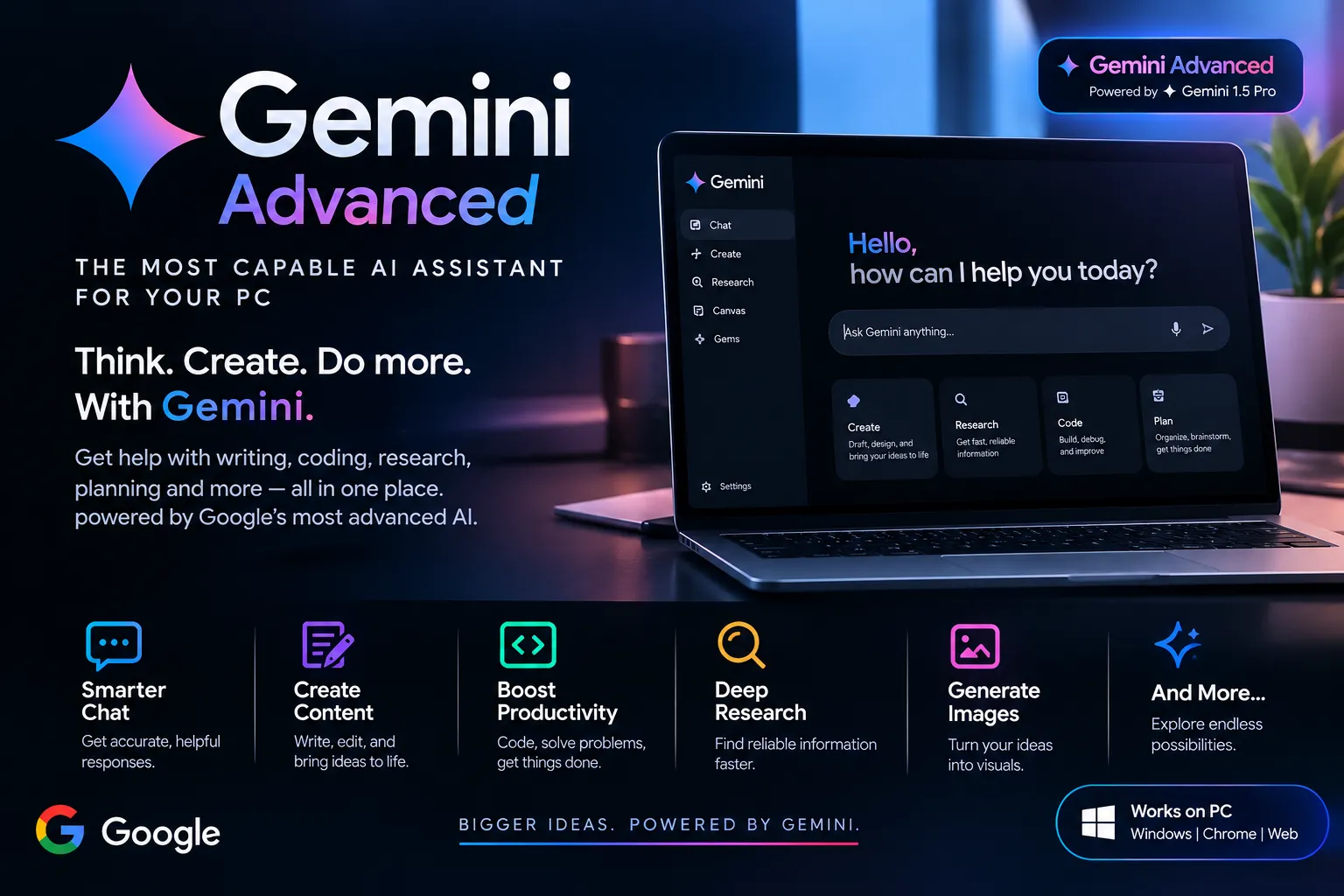
🚀 Google Gemini AI Pro — 12-Month Subscription Boost your productivity with Google Gemini AI Pro for 12 months! Get AI-powered assistance for writing, coding, research, brainstor ... ming, content creation, and everyday tasks. 📦 What You Get 🤖 Google Gemini AI Pro access 📅 12-month subscription ✍️ AI writing and content creation assistance 💻 Coding help and problem-solving 🔍 Research and information support 🎨 Creative tools and image generation, where available ⚡ Fast delivery after payment 🛠️ Customer support if needed ✨ Key Features 🧠 Advanced AI assistance for everyday tasks 📝 Write, rewrite, and improve content 💻 Get help with programming and debugging 📚 Summarize documents and explore ideas 🚀 Save time and improve productivity 🌐 Access Gemini through a compatible PC browser and supported devices 📌 Important Information Subscription validity: 12 months, according to the selected offer. Available features depend on the plan, account, and region. Please
Item type
Activation Link
Plan
Google AI Pro
Duration
12 Months
7 people are viewing this item
Add more items
9999 items available
- Refund to your balance if not delivered
- Secure payment
About seller

Safe-and-Cheap
RegularFrom the same seller
 Newcomer
Netflix 4K UHD Premium - 1 Month
−26%
Seller
FAQs about Gemini Items
What Gemini items can I buy on EB24?
Gemini items come as a Subscription or an Activation Link, and each one names its plan, Google AI Pro or Google AI Ultra. Both put the plan on a Google account you already own instead of selling you a new login. The filters at the top of the page split offers by item type, plan and duration.
How does a Gemini activation link work?
An activation link opens a Google offer page. Sign in to the Google account you want the plan on, accept the offer and the plan starts on that account. Some links only work on accounts that have never had a paid Google plan, so read the seller notes and the delivery note before you open it.
Which plan should I choose, Pro or Ultra?
Google AI Pro suits most people who use Gemini daily for writing, coding or research, and it includes extra Google storage. Google AI Ultra is aimed at heavy users who keep hitting the Pro limits or need the newest research tools. Ultra costs far more, so compare both plan filters on this page before you decide.
Will I keep my own Google account and data?
Yes. Nothing on the Gemini items page is an account sale. The plan is added to the Google login you already use, so your Gmail, Drive, Photos and Gemini history stay exactly where they are. You never need to hand your password to a seller for an activation link order.
How long does a Gemini plan from EB24 last?
Many offers list a run of 1, 3, 6 or 12 months in the duration field. Where that field is empty, the seller notes explain how long the plan stays paid. After it starts, Google One shows the next billing date, and that date should match the run on the card before you confirm the order.
What happens if the plan does not appear on my account?
Your payment is held by EB24 until you confirm the order. If Google One does not show the plan, shows the wrong plan or a shorter run than listed, open a dispute from the order panel. The item type, plan and duration on the card are the record the case is checked against.
How do I sell Gemini items on EB24?
Choose Gemini in the sell item form, pick Subscription or Activation Link, set the plan and add the duration if the offer has a fixed run. Write a delivery note that explains how the buyer receives the plan, including any condition on the Google account, and set a delivery time you can keep.
How it works?
A Gemini plan order on EB24 takes five steps. Choose Subscription or Activation Link, pick Pro or Ultra and the run, read the delivery note, pay, then check Google One.

Choose the Item Type Pick Subscription to have the seller apply the plan, or Activation Link to accept it on your Google account yourself.
Set the Plan and Run Filter to Google AI Pro or Google AI Ultra, then to 1, 3, 6 or 12 months where the offer lists a run.
Read the Delivery Note Check the delivery time and any condition such as a Google account that has never had a paid plan.
Pay on EB24 Complete checkout on the platform so the payment is held until you confirm.
Confirm in Google One Once the plan is active, open Google One and check the plan name and next billing date before you release the order.