


Discord Account
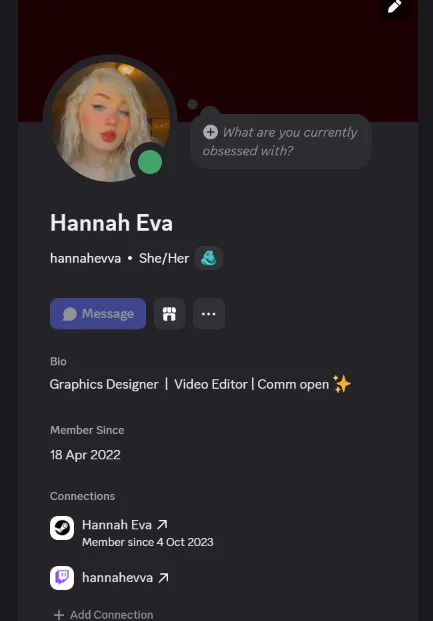
3 Personen sehen sich diesen Account an
Käuferschutz
Dein Kauf auf der Plattform Eloboost24 ist durch unsere Käuferschutz-Richtlinie vollständig abgedeckt.
- Rückerstattung auf dein Guthaben, falls nicht geliefert wird
- Sichere Zahlung
Über den Verkäufer
sami01
Normaler VerkäuferDiscord Account 4 Years 6 Months Old With No Restrictions
Erstellungsjahr
2022
Nitro
No Nitro
Telefonnummer bestätigt
Ja
Das könnte dir auch gefallen
 Top-Verkäufer
Discord 2017 Account Nitro No Phone #C11487
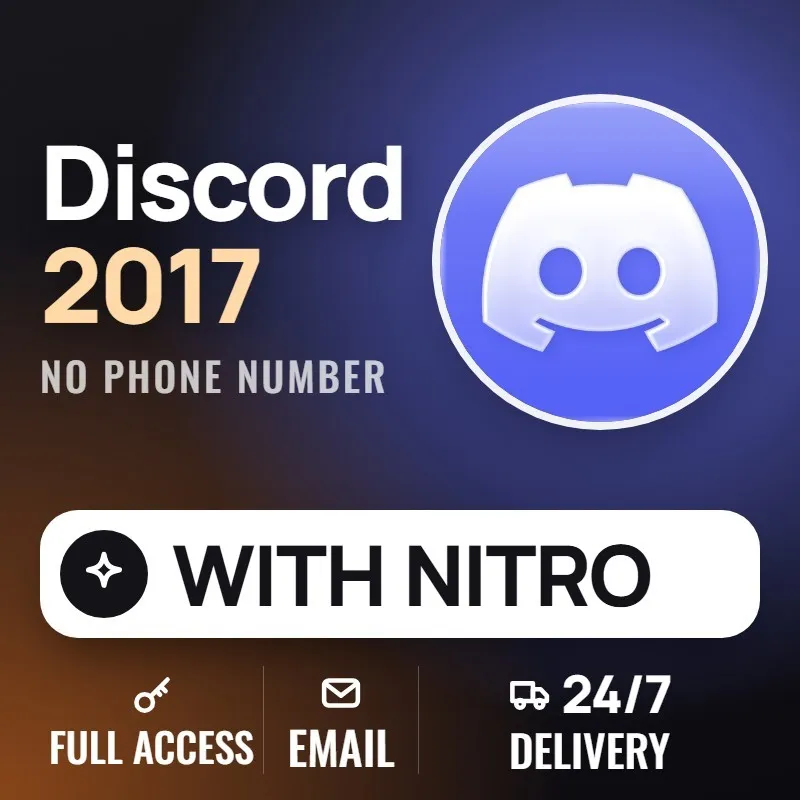

Verkäufer Lieferung: Sofort
FAQ zu den EB24-Verkäufern
Ist es sicher, einen Discord-Account auf EB24 zu kaufen?
Ja, wenn du per Treuhand bezahlst. EB24 hält das Geld, bis Login und E-Mail in deinem Bestellbereich ankommen, und Erstellungsjahr und Nitro-Status werden vor der Veröffentlichung erfasst.
Warum kosten ältere Discord-Accounts mehr?
Das Erstellungsjahr lässt sich weder ändern noch nachträglich hinzufügen, und Accounts von 2015 bis 2018 sind am seltensten. Eingestellte Abzeichen und kurze Namen treiben den Preis weiter nach oben.
Kann ich das Early-Supporter-Abzeichen noch auf einem neuen Account bekommen?
Nein. Discord vergab es an Accounts, die vor Oktober 2018 für Nitro bezahlt hatten, und hat das Fenster geschlossen; ein bestehender Account ist der einzige Weg dazu.
Ist Nitro beim Account dabei?
Nur wenn das Angebot es sagt. Jedes Discord-Angebot nennt, ob bei der Übergabe Nitro, Nitro Basic oder kein Nitro läuft.
Was soll ich tun, wenn der Account ankommt?
Ändere die E-Mail auf eine, die nur du kontrollierst, lege ein neues Passwort fest, aktiviere die Zwei-Faktor-Authentifizierung und prüfe Erstellungsdatum, Abzeichen und Nitro im Profil, bevor du die Bestellung bestätigst.
Kann ich hier einen Discord-Account verkaufen?
Ja. Wähle Discord im Verkaufsformular, gib Erstellungsjahr und Nitro-Status an, hake die Abzeichen im Profil an und reiche den Login mit seiner E-Mail ein.
Wie funktioniert es?
Der Kauf eines Discord-Accounts auf EB24 beginnt mit dem Erstellungsjahr, dann folgen die gewünschten Abzeichen und Nitro. So funktioniert es:
Wähle das Erstellungsjahr Lege zuerst den Jahresbereich fest: 2015 bis 2018 für die ältesten Accounts, aktuelle Jahre für einen günstigeren Neustart.
Nach Abzeichen und Nitro filtern Grenze die Liste auf die gewünschten Abzeichen wie Early Supporter ein und wähle, ob Nitro laufen soll.
Über die EB24-Treuhandzahlung bezahlen Deine Zahlung wird gehalten, bis Login und E-Mail in deinem Bestellbereich ankommen und du bestätigst, dass sie funktionieren.
E-Mail und Passwort ändern Übertrage die E-Mail in dein eigenes Postfach, lege ein neues Passwort fest und aktiviere die Zwei-Faktor-Authentifizierung.
Bestätigen oder Streitfall eröffnen Weichen Erstellungsjahr, Abzeichen oder Nitro vom Angebot ab, eröffne vor der Bestätigung einen Streitfall; der Verkäufer wird erst nach der Klärung bezahlt.