💜X14 BOOST💜1 MONTH💜LEVEL 3💜
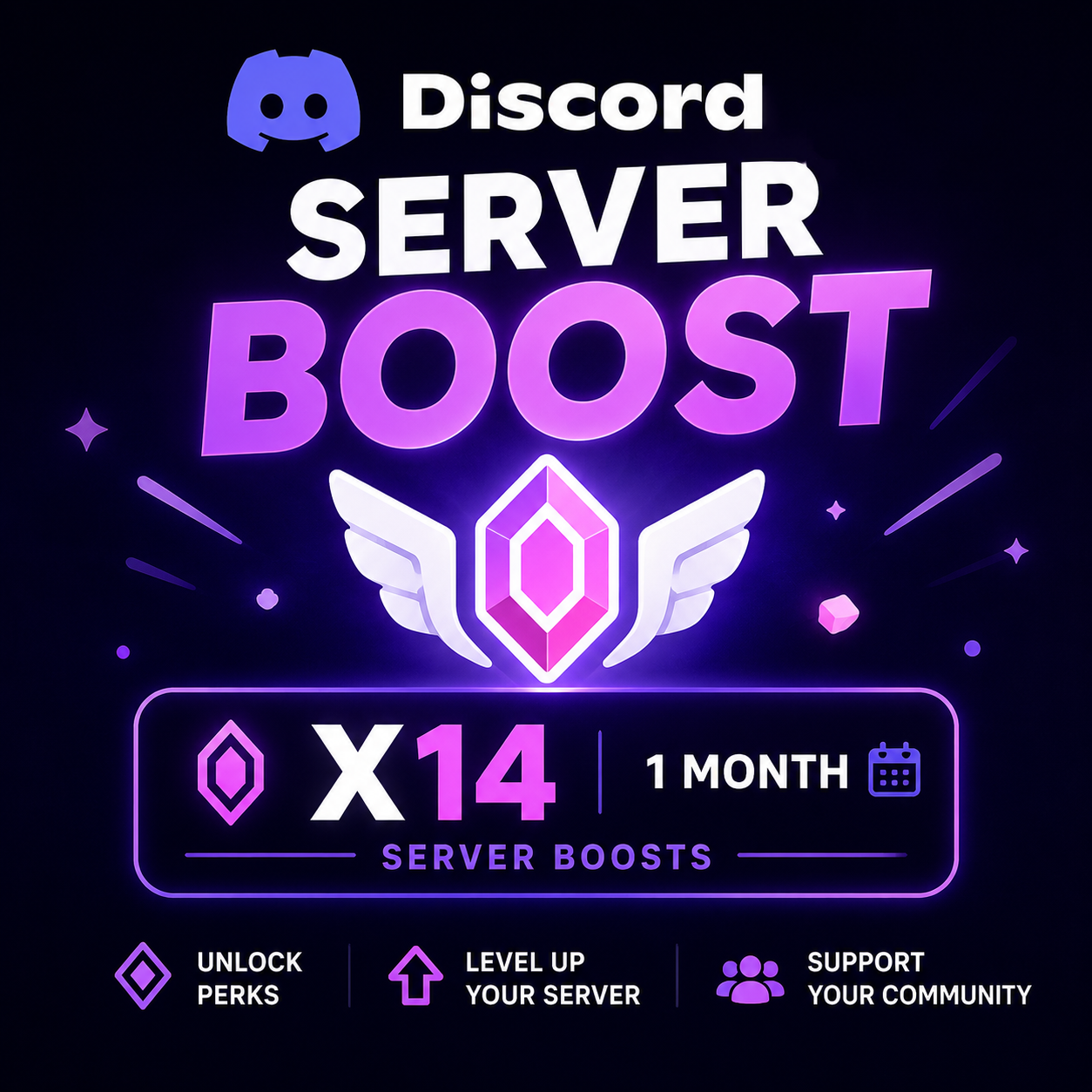
✅Delivery Process: 🎯 Send your server's permanent invite link. 🎯Purchase the required quantity (14 if you want 14 boosts). 🎯Once your order is processed, the boosts will be app ... lied automatically. 🎯 No action is required from your side. 🎯Fast and hassle-free process. 🎯 Boosts cannot be transferred.
Item type
Server Boosts
11 people are viewing this item
Add more items
100 items available

About seller

Sara
RegularFrom the same seller
 Newcomer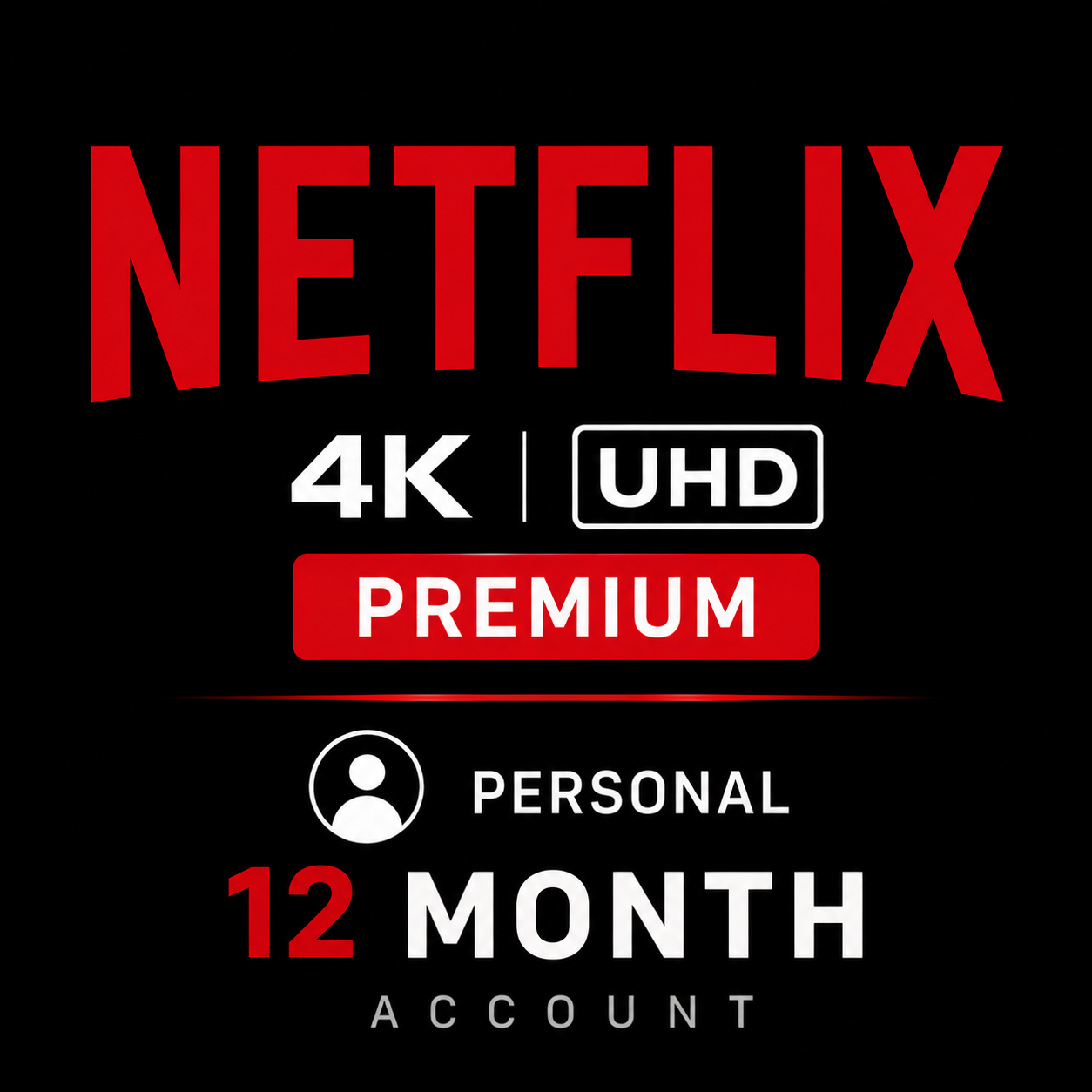
🎬 Netflix 🎬Premium🎬4K UHD🎬 12Month ACCOUNT🎬

Seller
Newcomer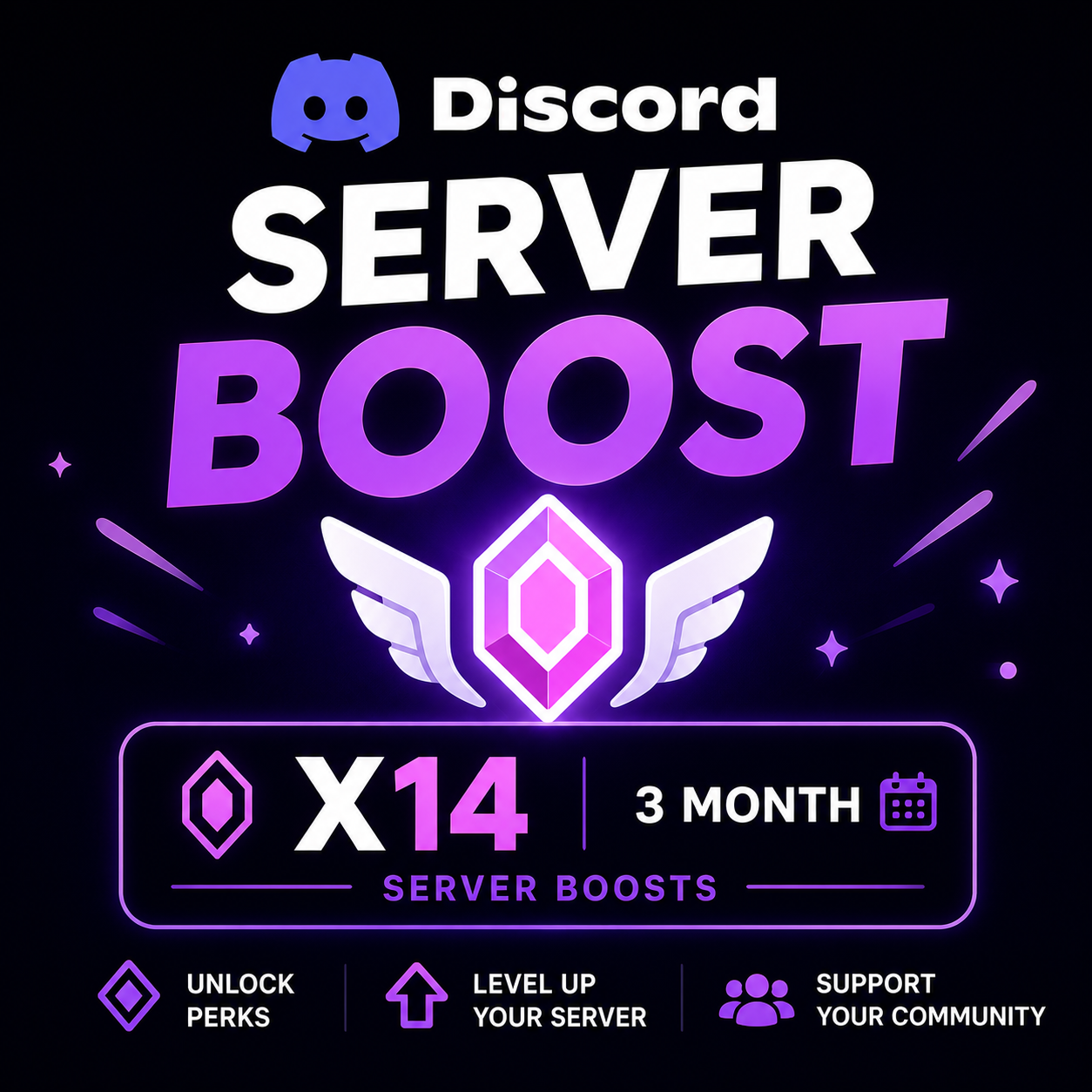
💜X14 BOOST💜1 MONTH💜LEVEL 3💜
Seller
FAQs about Discord
How do item purchases work for Discord?
After you select an item and complete checkout, delivery instructions appear inside your EB24 order panel. Follow the steps to receive the item on your own account through gifting, with no account sharing involved at any point. The seller sees only the details needed to send your gift, your login stays private, and buyer protection covers the order until you confirm the perk has landed.
What types of Discord items can I buy?
Listings cover Nitro Premium, Nitro Basic, server boosts, avatar decorations and Nitro Premium trials. Each offer includes a clear description of the term or quantity, such as how many months of Nitro or how many boosts are included, so you can judge value and compare offers before buying. Check the listing details and seller rating so the perk matches what you expect.
How is a Discord item delivered?
Delivery happens through gifting to your own account. You follow the instructions shown in your order panel and receive the perk or boost without giving anyone access to your account. The seller sends the gift or redeem link using the agreed method, and once you accept it the item is applied to your profile while your password remains entirely private.
How long does delivery usually take?
Each listing shows its delivery time before checkout, since it depends on the offer and the seller. Many items arrive instantly through a gift link, while others complete within a few hours once the seller is online. Timing can also vary with the type of perk, so always read the stated estimate so you know what to expect before you buy.
Do I need to share my account to receive items?
No. Discord items are delivered through gifting, so your login stays private. Sellers never need your password or account access to complete an order. You simply accept the gift or redeem code on your own profile, which means the perk is applied directly to your account while you stay in full control of your security the entire time.
What happens if something goes wrong during delivery?
If an order does not arrive as described, open an automated dispute from your order panel. The case is reviewed and resolved fairly, and your buyer protection stays active until the matter is settled. Keep any gift links or screenshots from the exchange so the review has clear evidence, which helps reach an accurate outcome as quickly as possible.
How it works?
Buying Discord upgrades on EB24 is straightforward. Choose the offer you want and complete checkout. Delivery instructions then appear in your order panel.

Choose Your Item — Browse Discord listings for Nitro Premium, Nitro Basic, server boosts, decorations or trials. Each offer carries enough detail to help you compare value before you pick one.
Complete the Purchase — Finish checkout with EB24. Your order is stored automatically and stays visible in your dashboard for reference.
Review Delivery Instructions — Once payment clears, delivery instructions appear in your order panel. They explain how the item reaches your Discord account through gifting.
Receive the Item — Follow the instructions and receive the item on your own account through gifting. No account details are ever shared during delivery.
Order Protection — Buyer protection keeps your order covered from start to finish. If anything goes wrong, open an automated dispute from your order panel and the case is resolved fairly before protection is released.