




~Oakley ridge farmhouse build~
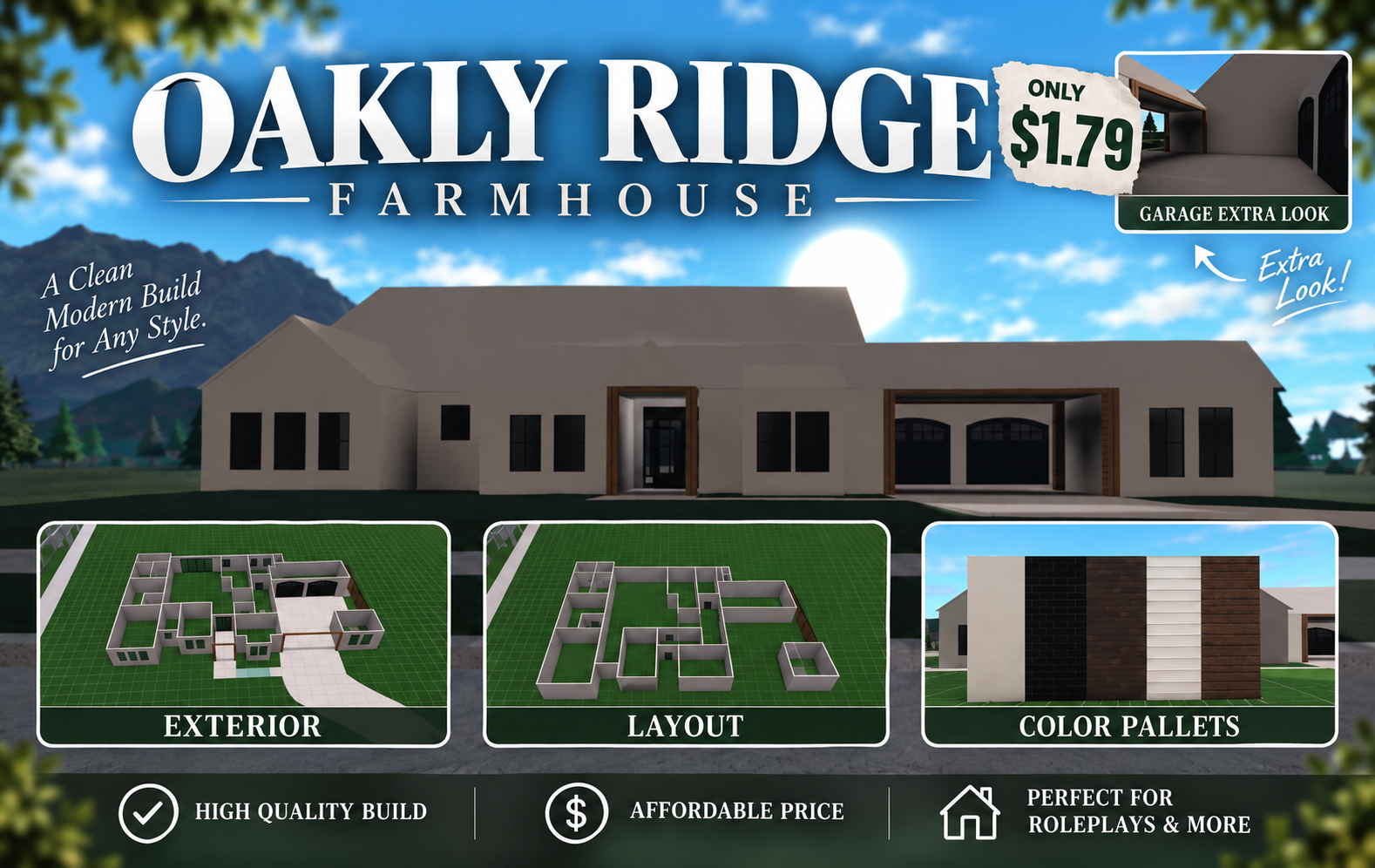
It’s amazing one of a kind Bloxburg build is perfect for role-playing and for a nice farmhouse seat interior all the way into a coastal interior. The options are endless. All items ... go on sale frequently ~TYSM FOR ANYONE WHO HAS BOUT OR IS ABOUT TO BUY MY SERVICES/ITEMS~
Item type
House / Build
11 people are viewing this item

- Refund to your balance if not delivered
- Secure payment
About seller

Theiabloxburgbuilds
RegularFrom the same seller
 Newcomer
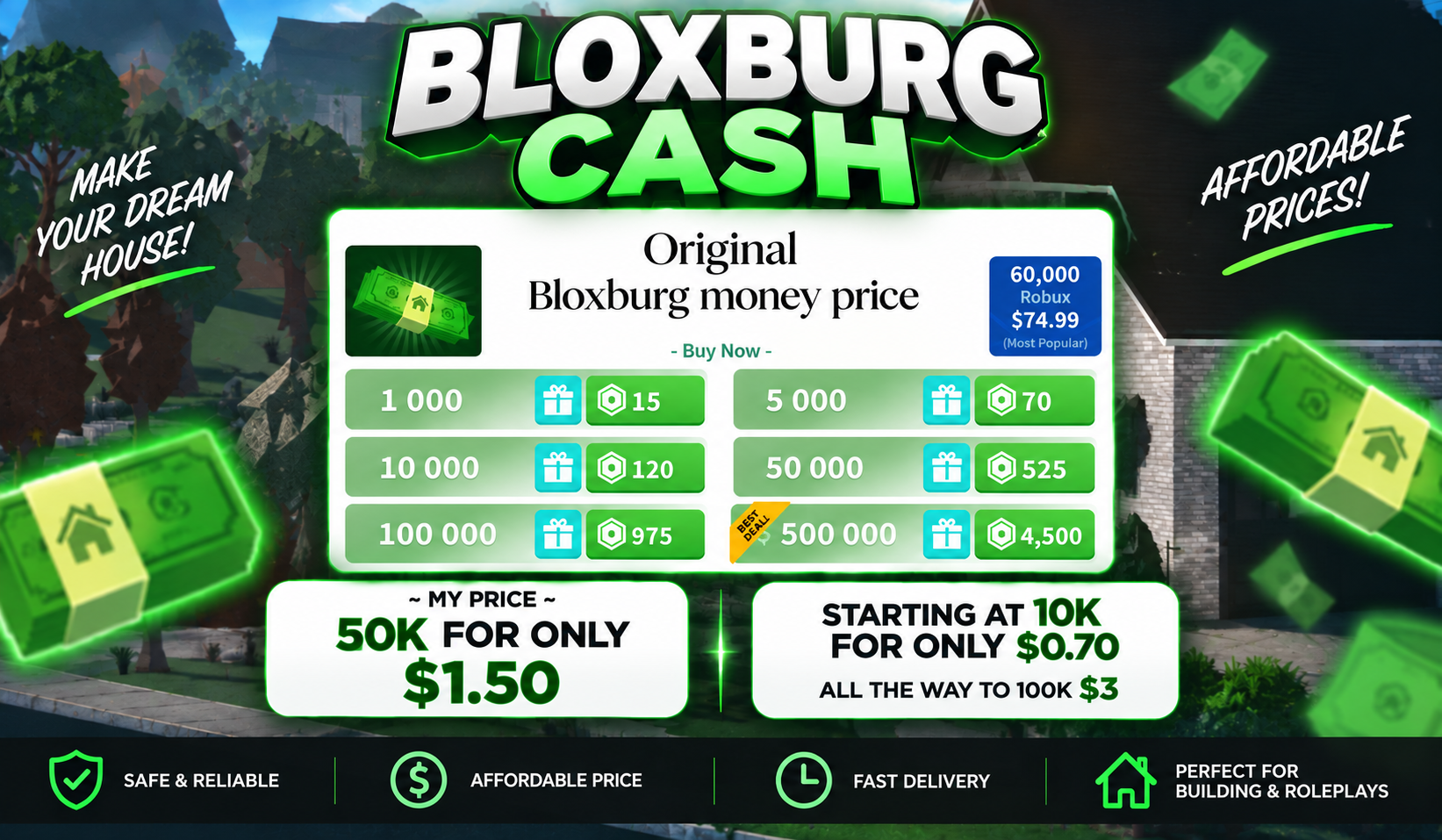
Welcome to Bloxburg in game currency

Seller
FAQs about Items
What kinds of Welcome to Bloxburg items can I buy?
Seven types are listed: Cash, Blockbux, Gamepass, House / Build, Vehicle, Furniture & Decor and Other. Every listing declares one of them, and the same field drives the filter on the results page. Choosing the type first keeps a currency bundle from being weighed against a finished family home.
How does a Bloxburg item order work on EB24?
You choose a listing, pay through the platform, and the delivery instructions appear on your order. From there you join the experience on your own Roblox account and the seller completes the handover the way the card set out. The payment stays held until you confirm what arrived.
What is the difference between Cash and Blockbux?
Cash is the money your character earns from working shifts, and it pays for plots, walls, most furniture and many of the vehicles. Blockbux is the premium currency and reaches what Cash cannot. Listings state which of the two they deliver, so read that line before comparing two prices.
What is included in a House / Build listing?
Whatever the seller writes into the description, which is why those cards carry the longest ones. A build listing should say how many floors and rooms it covers and whether furniture is part of the handover. Ask in order chat before paying if either point is missing, because a shell and a furnished home are different purchases.
Can I buy a Gamepass on this page?
Yes, Gamepass is one of the seven types. The card names which unlock it covers and how the seller gets it onto your account. Read that method before checkout, since a permanent unlock reaches your profile in a different way from a Cash handover made on a plot.
Do I have to hand over my Roblox login to receive an item?
No. Bloxburg item deliveries happen inside the experience against the account you already play on, with no password changing hands. A seller asking for your login is working outside how the marketplace operates, and the listing should be reported instead of the order carrying on.
Why do two Bloxburg listings of the same type cost different amounts?
On Cash and Blockbux the quantity explains most of it, and the card states how much the offer covers. On builds, vehicles and decor the gap is usually the volume of work delivered, since a furnished multi floor home stands for far more placing time than a single finished room.
What happens if the delivery falls short of the listing?
Open an automated dispute from your order panel. The payment stays held while the case is reviewed, so keep screenshots of the plot, the balance or the unlock, along with any chat about what was agreed. Evidence from both sides is what lets a review reach an outcome.
How it works?
A Welcome to Bloxburg order starts with the item type and finishes on your own plot. These are the five steps between picking a card and confirming what arrived.

Pick the Item Type Set the Welcome to Bloxburg results to Cash, Blockbux, Gamepass, House / Build, Vehicle, Furniture & Decor or Other before a single price is worth reading.
Read the Quantity and the Window Check how much the offer covers and how soon the seller can meet you. A currency bundle and a built house call for very different amounts of time on the plot.
Pay Through EB24 Finish checkout on the platform so the order is recorded against your account and the money is held rather than sent straight to the seller.
Meet the Seller in Game Delivery instructions appear on your order once the payment clears. You join Bloxburg on your own Roblox account and the handover happens there, with no login details passed across.
Confirm or Raise a Dispute Confirm when the delivery matches the card. If anything is short or missing, open an automated dispute from your order panel while your buyer protection is still holding the payment.