
Roblox Account Safety Guide – Avoid Scams, Phishing & Trade Traps Like a Pro
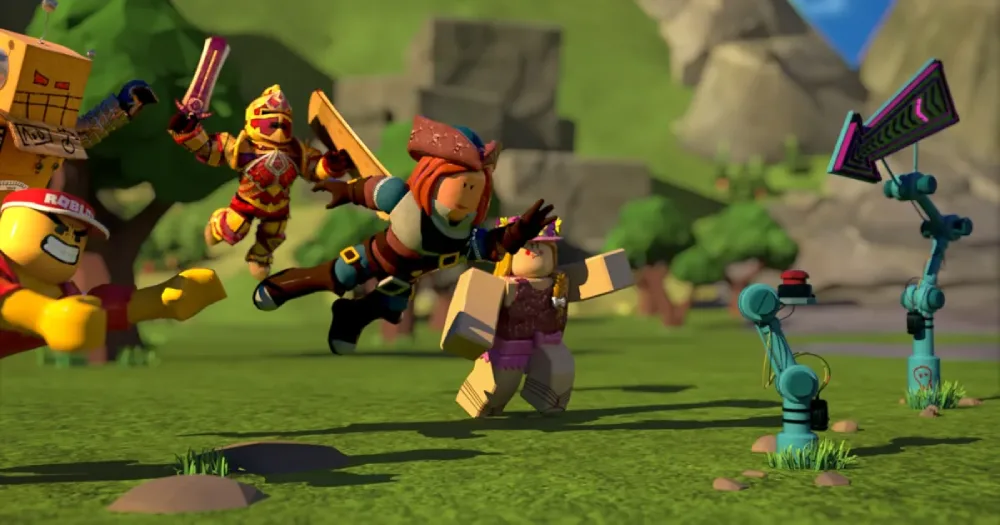
Roblox is more than a game-it's a whole universe where you trade, create, and flex your avatar in front of millions. But where there's hype, there are scammers waiting to strike.
If you've ever been tempted by "free Robux" offers or sketchy trades, it's time to wise up. This guide is your armor. We'll break down common scam tactics, security tips, platform verification tools, and what to do if you've already been scammed. Let's lock down your account and keep your trades legit.

Common Scam Tactics in Roblox
Scammers in Roblox are getting smarter-but so can you. Here's what to watch for:
Deceptive Links (Phishing)
They'll send you a link that looks like Roblox.com but leads to a fake site. If you log in, they get your info.
👉 Always check the URL and don't click links from strangers.
Fake Robux Generators
"Just log in and get 5,000 Robux!" Sounds amazing-because it's fake.
👉 Legit Robux can only be bought or earned within Roblox's systems.
Bogus Giveaways
"You've won a Dominus!"-but only if you click this shady link or share your account info.
👉 Stick to official Roblox events and ignore random DMs.
Account Recovery Scams
They'll offer to "recover" your hacked account-for a fee.
👉 Never trust third-party recovery services. Go through Roblox Support.
Impersonators
Some scammers pretend to be staff, influencers, or devs offering trades.
👉 Roblox employees will never DM you for login info or items.
Trade Exploits
They'll show off rare items, then pull a switch at the last second.
👉 Use the official in-game trading system, and double-check values.
Malware & Keyloggers
That "FPS booster" or "auto Robux tool" might be stealing your info.
👉 Download only from trusted sources like Roblox.com or your device's app store.
Social Engineering
Scammers might play on your emotions-urgency, fear, or even kindness.
👉 Slow down. Question everything.
Roblox's Built-in Security Features You Should Use
Roblox actually gives you some solid tools to stay safe-you just need to turn them on:
Email Verification
Verifies your identity and helps with password recovery.
Two-Factor Authentication (2FA)
Adds an extra layer-send a code to your phone or email when logging in.
Account PIN
Prevents major settings (like 2FA) from being changed without your PIN.
Developer Verification
Required for devs who want to monetize. Good devs = verified devs.
Parental Controls
Parents can restrict who their kids chat with, friend, or buy from.
In-Game Reporting Tools
See something shady? Report it directly from the game.

Age and Reputation Checks Explained
Roblox uses age gates and a reputation system to keep its community clean:
🎂 Age Verification
Underage accounts get limited chat and features.
Parents can fine-tune settings to match the user's age.
🌟 Reputation System
Good behavior = better standing.
Developers with solid rep get more visibility (and more players).
Bad actors? They get flagged, restricted, or banned.
🔁 What to Do If You Get Scammed on Roblox
Already fell for a scam? It happens-but don't panic. Here's your recovery plan:
Take Action Now
Change your Roblox password
Enable 2FA
Secure your email account
Check and Report
Look through your inventory for missing items or weird trades.
Use in-game report tools and include screenshots.
Contact Roblox Support with full details.
Learn and Prevent
Don't repeat the mistake. Share the info with friends.
Use parental controls if you're managing a kid's account.
🧭 TL;DR: Roblox Scam Protection Cheat Sheet
✅ Do This | ❌ Avoid This |
|---|---|
Enable 2FA | Clicking unknown links |
Use official trade system | Logging into third-party sites |
Use verified marketplaces like EB24 | Deals with 3rd party sellers from FB or Discord, etc. |
Report scams in-game | Believing free Robux offers |
Verify staff identities | Sharing your password |
Secure your email | Downloading shady "boosters" |
🔗 Want More Roblox Content?
You might also like