


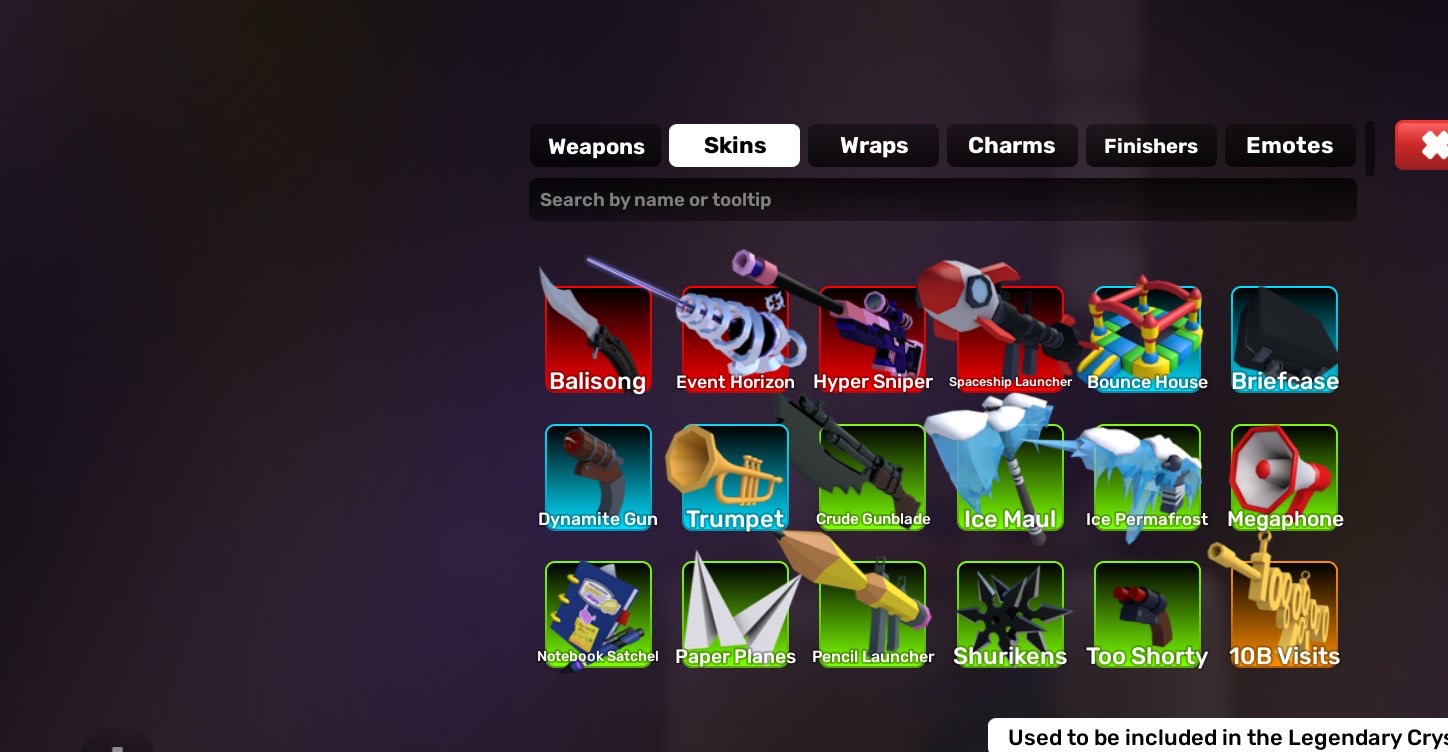
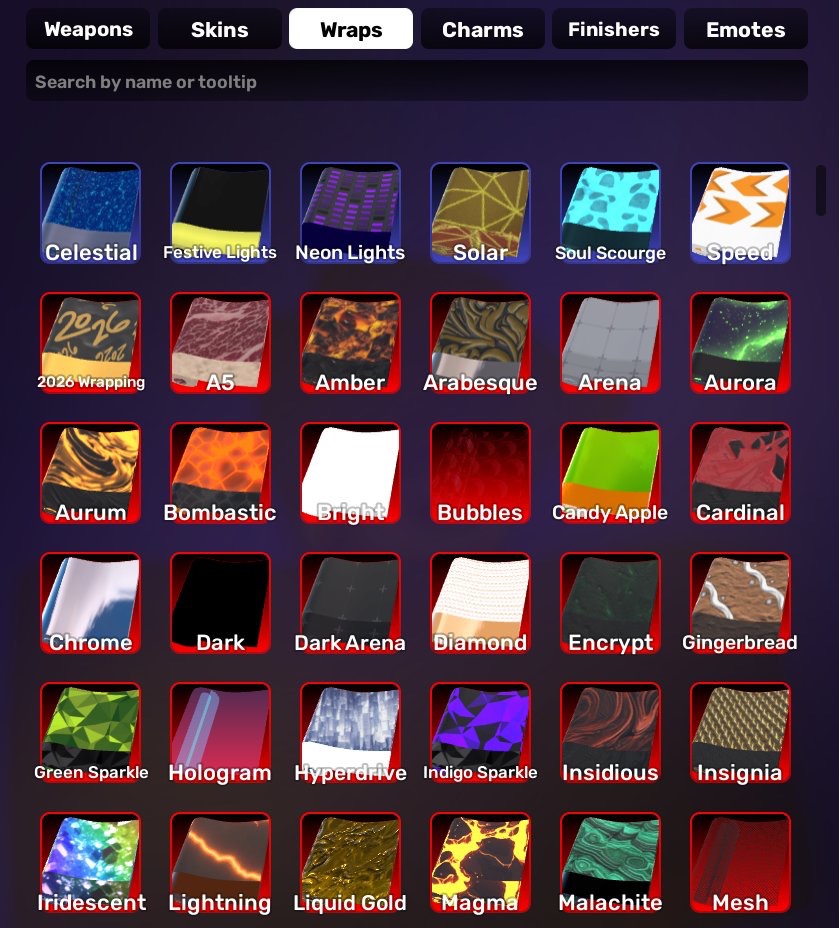
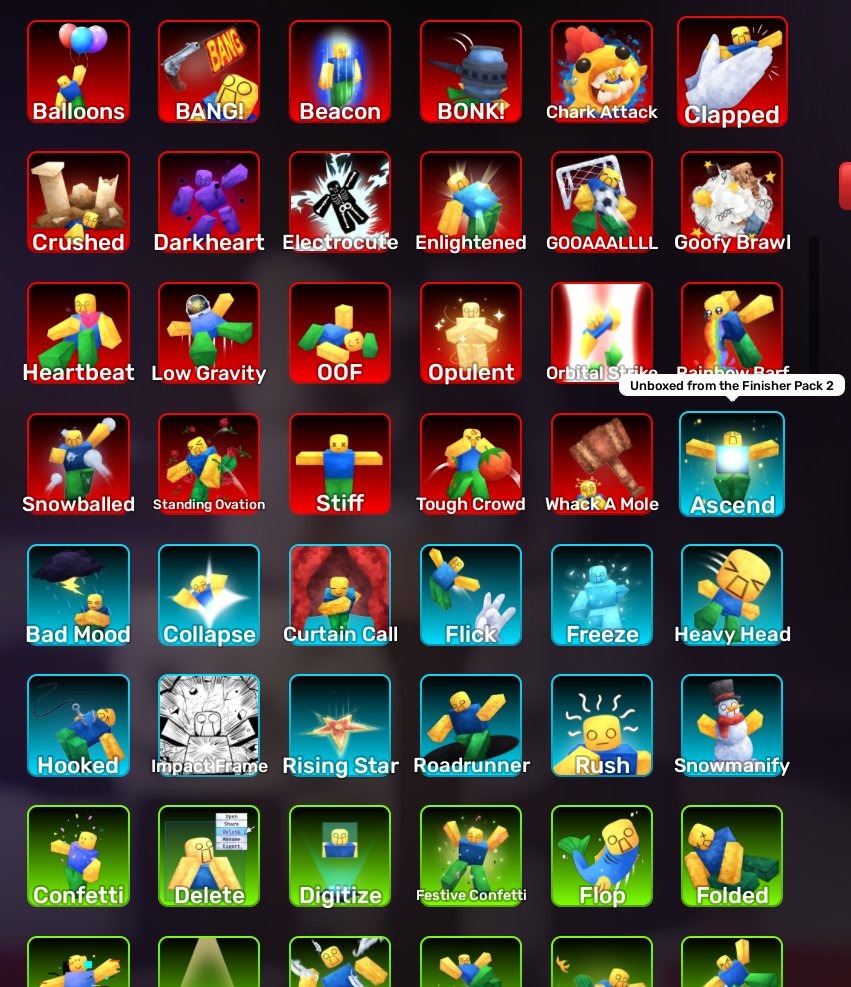
ROBLOX1919//ACCOUNT WITH LVL 163 /3 DONATION WEAPONS /
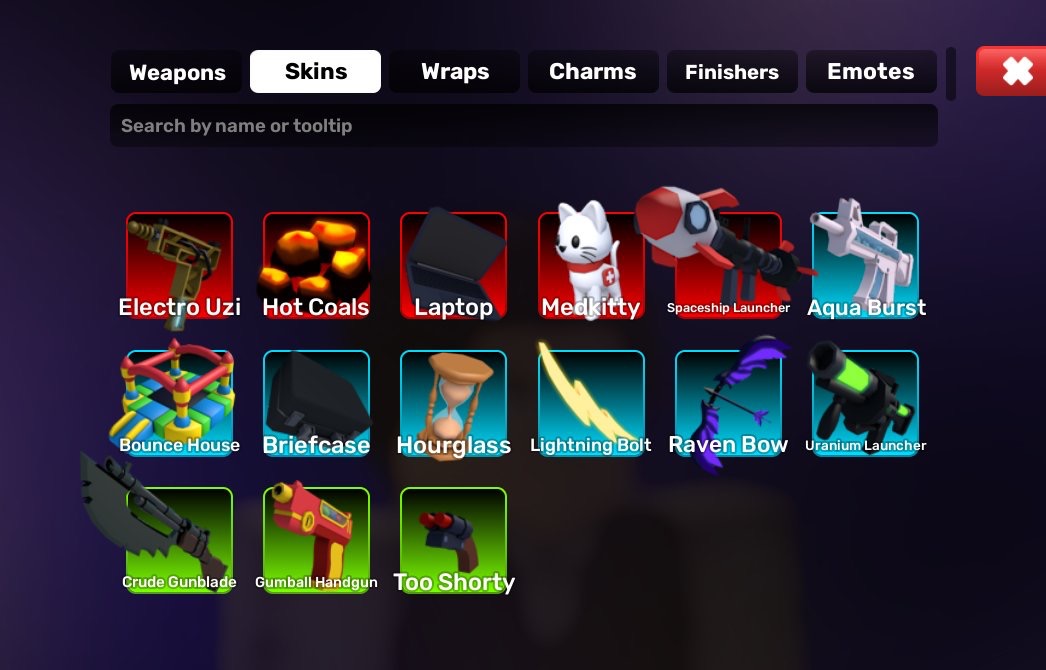
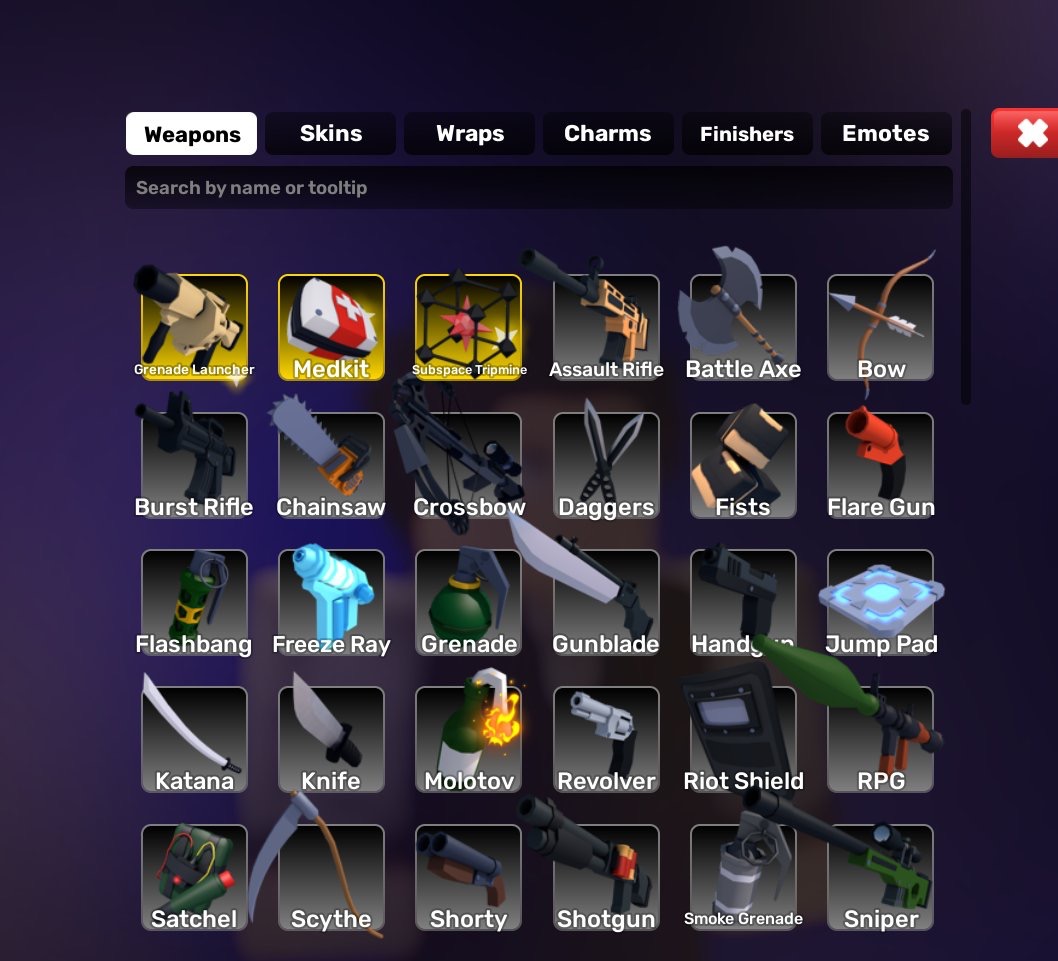
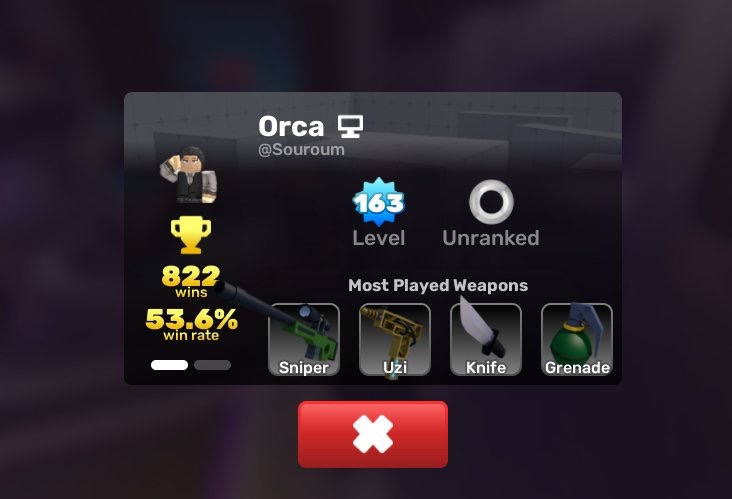
ROBLOX1919//ACCOUNT WITH LVL 163 /3 DONATION WEAPONS / 15 SKINS (MEDKITTY AND OTHERS LVL 163 /3 DONATION WEAPONS / 15 SKINS (MEDKITTY AND OTHERS
Level
163
13 people are viewing this account

About seller

Empire
Marketplace transactions: 156
You may also like
From the same seller
Roblox1845//KEYSHOT KEYBLADE FULL DONATION ACCOUNT A LO

Seller
ROBLOX1410//ACCOUNT WITH SANJU/OKAZU/YOKAI//EXTRA TOUCH
Seller
DBL56 Global ULTRA Turles 0-9 LL/LF ULTRA Goku Android
Seller
ML108 Legendary Lunox; Collector Granger; Kof Gossen; K
Seller
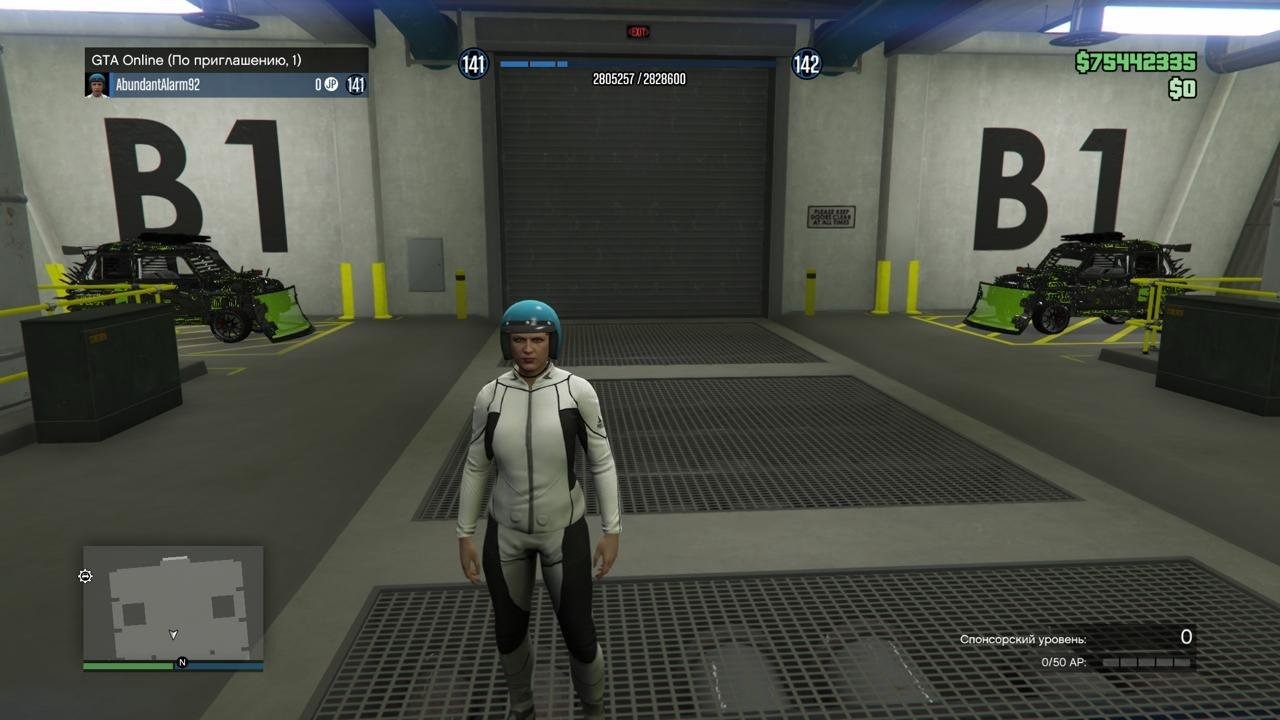
GTA20 Xbox XBOX SERIES XBOX ONE PS5 75.OOO.OOO$ CASH 13
Seller
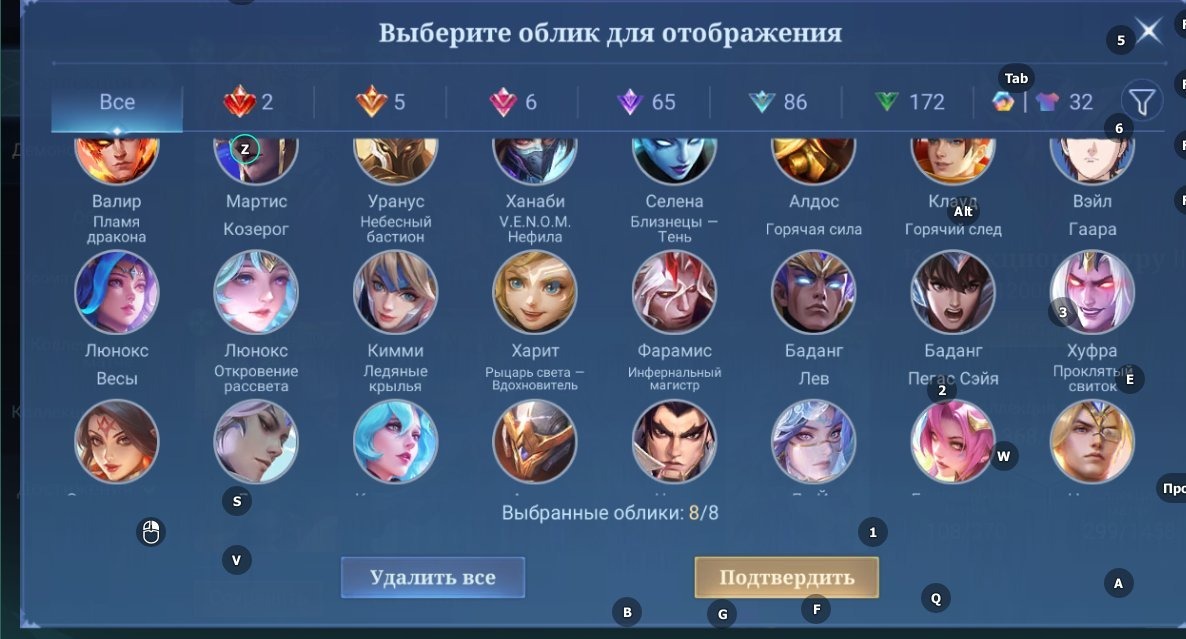
ML150//Level 88 368 Skins Rank Legend Legendary Layla J
Seller
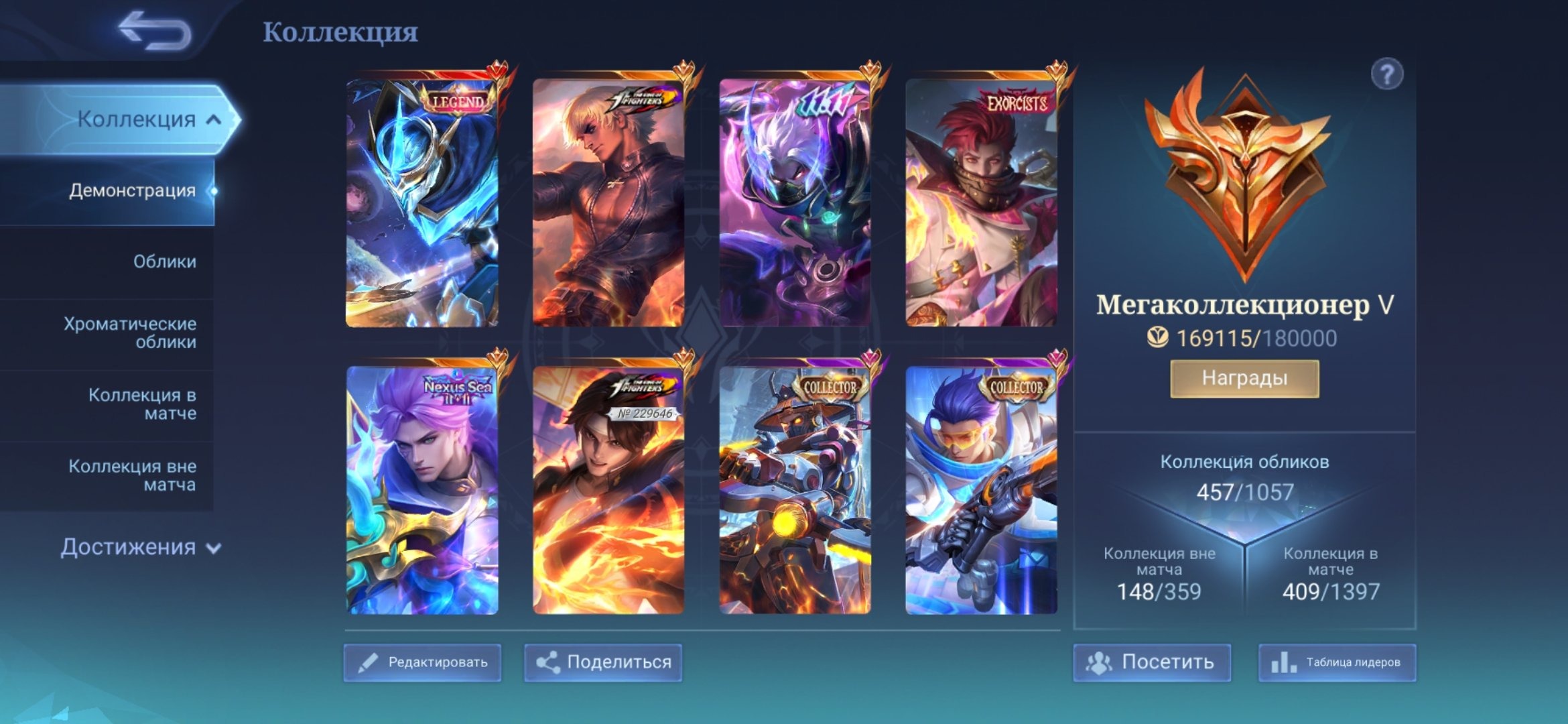
ML84 Lega/Coffee Goose; Set for Toast; 11.11 Hayabusa,
Seller
FAQs about Rivals EB24 Sellers
How do I buy a Rivals account on Eloboost24?
Find a listing with the level, skins, and wins you want, then pay through the protected checkout. Once payment clears, the Roblox login details appear in your EB24 dashboard and inbox, so you can sign in and pick up the same Rivals progression without waiting on the seller.
What exactly do I get when I buy a Rivals account?
You receive a Roblox account that owns the Rivals progress shown in the listing. That covers the account level, the skin collection, unlocked weapons, the keys balance, and the win count. Rivals progress lives on the Roblox profile, so the whole account transfers to you on purchase.
How does Eloboost24 keep Rivals account purchases safe?
Every purchase runs through escrow that holds the seller payout until the Roblox account is confirmed in your hands. Combined with verified sellers and trusted payment options, this protects both sides for the full handover, not only the moment you pay for the Rivals account.
What makes a Rivals account valuable?
A high account level, a large skin collection, a wide set of unlocked weapons, and a strong win count drive most of the value. Keys let you open cases for more cosmetics. Each listing shows these stats so you can compare what a Rivals account actually carries before you buy.
What should I do right after I get my Rivals account?
Change the Roblox password, switch the registered email to one you control, and turn on two-factor authentication straight away. Doing this immediately locks the previous owner out and keeps full ownership of the Roblox account and its Rivals progression in your hands.
Does the EB24 Warranty cover Rivals accounts?
Yes. The EB24 Warranty covers seller-side issues for as long as you hold the account, with an extended window right after purchase. If anything about the Rivals account does not match the listing, support reviews the case and steps in within the scope they control.
Can I sell my Rivals account on Eloboost24?
You can list any Rivals account you own, from a high-level one with a big skin collection to a lighter starter account. Low seller commissions, the rewards program, and a steady flow of buyers make it straightforward to turn a finished Rivals account into value on EB24.
How it works?
Getting a Rivals account on EB24 follows a short, guided path. Here is how the process works:
Browse and Choose an Account — Filter EB24’s Rivals listings by level, skins, weapons, and wins until you find an account that matches how you want to play.
Secure Your Purchase — Complete payment through our protected checkout. Funds stay in escrow until the Roblox account is confirmed in your hands.
Receive Your Account Details — Once payment clears, EB24 delivers the Roblox credentials to your dashboard and inbox so you can log in and continue the Rivals progression.
Dedicated Support — Our team stays with you through the handover and the warranty period to keep the whole transaction smooth.