



🔥 Sunset🔥MM2

🔥 Fast Delivery 🔥Sunset
Item type
Other
Weapon type
Knives
Rarity
Godly
2 people are viewing this item
Add more items
100000 items available

About seller

StoreGoodMan
Marketplace transactions: 112
From the same seller

 Top Seller
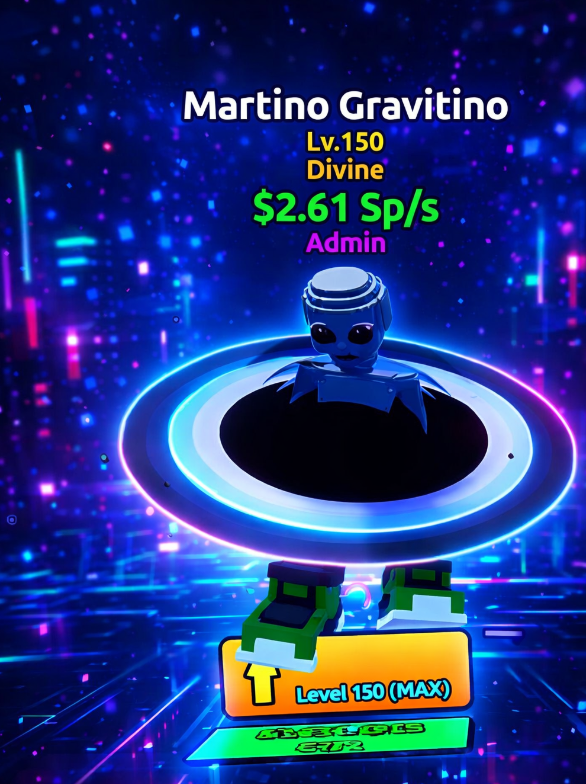
 💝 Admin Martino Gravitino 💝 Level 150 💝 2.61 Sp/s

Seller
Top Seller 💝 Bo7 Bot Lobby 💝 15X [ Bot Lobby HIGH PRIORITY] + 15
Seller
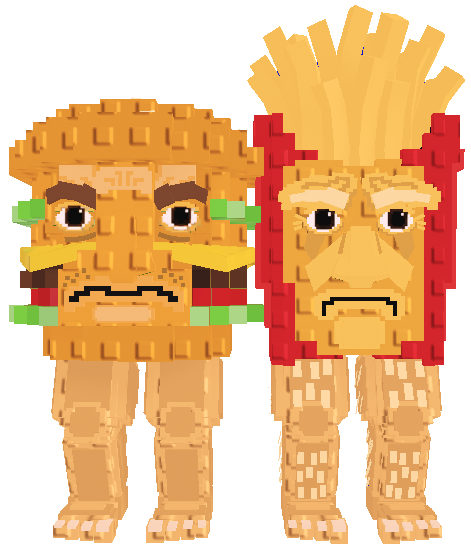
Top Seller 💫 Burguro and Fryuro 💫 Random Mutation 💫 Steal A Bra
Seller
Top Seller 💝 Medkit Bundle 💝 Rivals 💝 249R

Seller
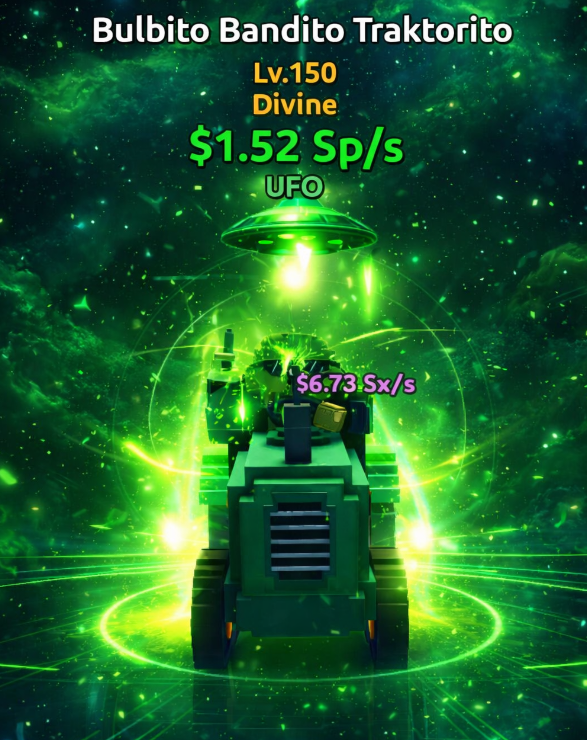
Top Seller 💝 Admin Bulbito Bandito Traktorito 💝 Level 150 💝 1.7
Seller
 Top Seller
 💝 Bo7 Bot Lobby 💝 1X [ Bot Lobby HIGH PRIORITY] -Bot
Seller
Top Seller 💫 Chicleteira Noelteira 💫 Steal A Brainrot

Seller
Top Seller 💝 Admin Galactio Fantasmafor 💝 Level 150 💝5.16 Sp/s
Seller
FAQs about Murder Mystery 2 Items
How does buying MM2 items work on EB24?
First, you browse available Murder Mystery 2 items. Then, choose the offer you prefer and complete the purchase. Delivery instructions will appear in your EB24 dashboard after checkout. From there, follow the guidelines through the in-game item transfer process.
What items are available in Murder Mystery 2?
All MM2 listings feature items such as Knives, Guns, Chromas, FX and other collectible weapons. Every offer shows the item type and rarity, enabling you to know exactly what you’re potentially buying.
Do I need to share my account to receive items?
No, you don’t. All item deliveries go through normal in-game trades or transfers. You’ll remain logged into your own account at all times.
How fast is delivery?
Delivery time depends on the listing. Also, it’s always shown before purchase. Some items are delivered instantly. Others may take a few hours. Choose whatever best fits your timing preferences.
What if there’s a problem with the delivery?
If an issue arises, open an automated dispute directly from your order panel. It’s designed to help resolve delivery-related problems clearly and fairly. Your purchase protection remains until the dispute is completely resolved.
How it works?
Buying items in Murder Mystery 2 on EB24 is simple and in-game. Select the desired item and complete the purchase. You’ll receive it through a smooth delivery process without sharing account details.

Choose Your Item — Browse the Murder Mystery 2 items currently available in the marketplace. Each listing is labeled according to item type and rarity. This makes it easy to locate precisely what you’re looking to find.
Complete the Purchase — After you make your item selection, go through the checkout process via EB24. Your order is automatically saved and will be visible in your user panel.
Review Delivery Instructions — The delivery instructions will appear after your purchase order is completed. Follow the instructions as it explains how the item will be transferred to you in-game.
Receive the Item In-Game — Receive your item through in-game trade by following the delivery instructions provided. You must stay logged in to your account throughout the process for this transaction to succeed without any hiccups.
Order Protection — Did something go wrong? If so, open an automated dispute from your order panel. It’s designed to effectively resolve delivery issues with utmost fairness. Meanwhile, your purchase protection remains until the dispute is resolved.