





Itens de Hay Day
Entrega de itens segura e rápida, com vendedores verificados e proteção do comprador.

 Vendedor Top
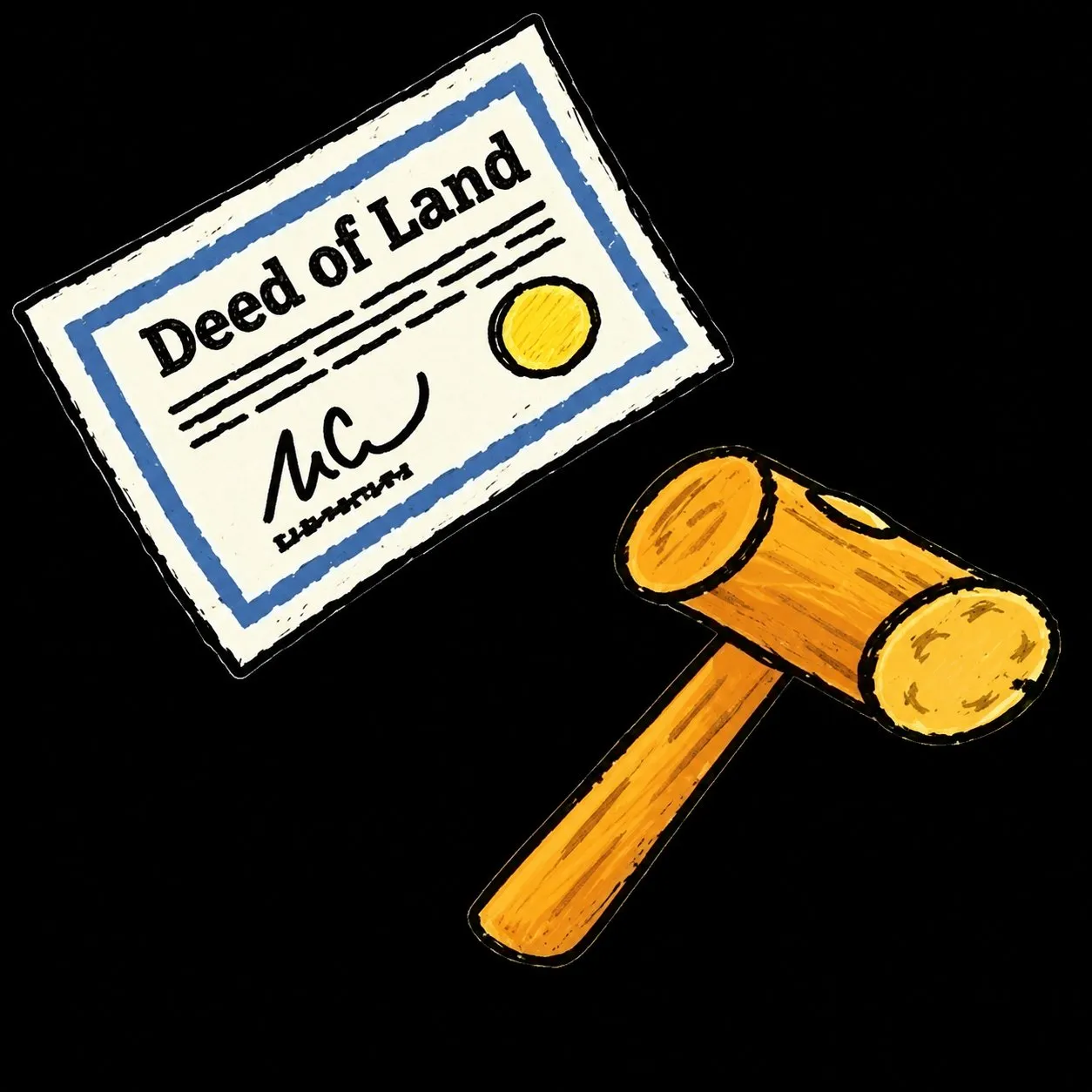
 💝Hay day 💝20x Land Deed | 20x Mallet💝Fast Delivery

Vendedor
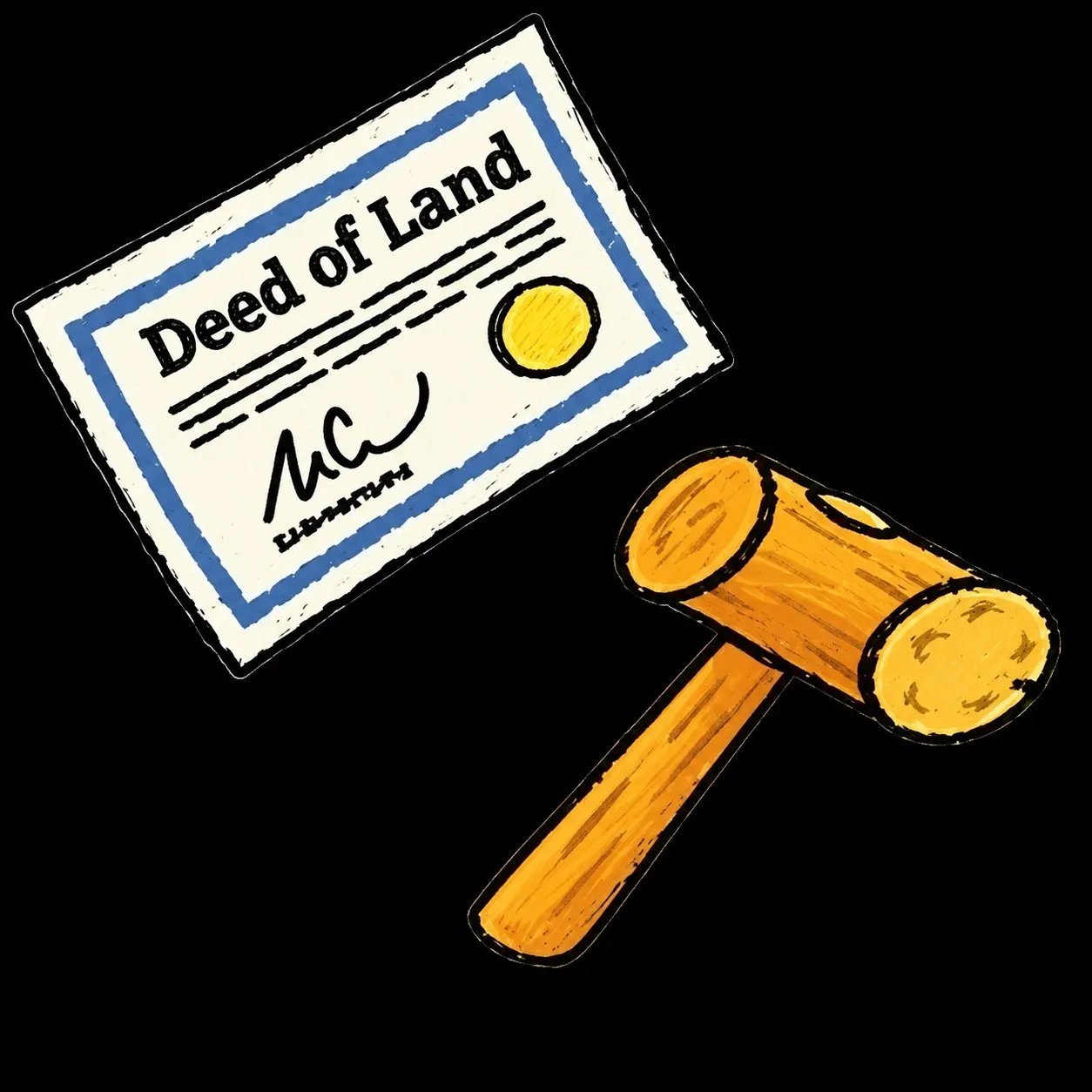
Vendedor Top 💝Hay day 💝40x Land Deed | 40x Mallet💝Fast Delivery
Vendedor
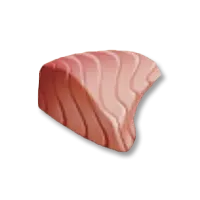
Vendedor Top 💝Hay day 💝 100X Fish Fillet 💝Fast Delivery
Vendedor
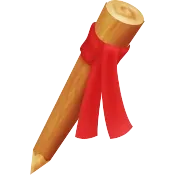
Vendedor Top 💝Hay day 💝 89x Marker Stake 💝Fast Delivery
Vendedor
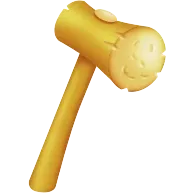
Vendedor Top 💝Hay day 💝 89x Mallet 💝Fast Delivery
Vendedor
Vendedor Top 💝Hay day 💝 300x Cream💝Fast Delivery

Vendedor
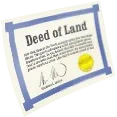
Vendedor Top 💝Hay day 💝 89x Land Deed 💝Fast Delivery
Vendedor
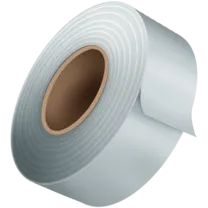
Vendedor Top 💝Hay day 💝 89x Duct Tape💝Fast Delivery
Vendedor
Vendedor Top 💝Hay day 💝 89x Screw 💝Fast Delivery

Vendedor
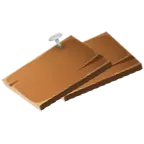
Vendedor Top 💝Hay day 💝 89x Wood Panel 💝Fast Delivery
Vendedor
Vendedor Top 💝Hay day 💝 89x Bolt 💝Fast Delivery
Vendedor
Vendedor Top 💝Hay day 💝 200x Syrup💝Fast Delivery

Vendedor
Vendedor Top 💝Hay day 💝 300X Bacon 💝Fast Delivery

Vendedor
 Principiante
300 Hay Day Saws – fast delivery

Vendedor
Vendedor Top 💝Hay day 💝 89x Plank 💝Fast Delivery

Vendedor
Vendedor Top 💝Hay day 💝 300X Lobster tail 💝Fast Delivery

Vendedor
Vendedor Top 💝Hay day 💝 100x PickAxe 💝Fast Delivery
Vendedor
Vendedor Top 💝Hay day 💝 Coins 💝 100K Coin Need to be Level 21+

Vendedor
Vendedor Top 💝Hay day 💝 1000x Axe 💝Fast Delivery

Vendedor
Vendedor Top 💝Hay day 💝 1000x Shovel💝Fast Delivery

Vendedor
Vendedor Top 💝Hay day 💝 1000x Saw 💝Fast Delivery
Vendedor
Vendedor Top 💝Hay day 💝Coins 💝 1 Million Coin Need to be Level

Vendedor
Vendedor Top 💝Hay day 💝 89x Map piece 💝Fast Delivery

Vendedor
Vendedor Top 💝Hay day 💝Coins 💝 3 Million Coin Need to be

Vendedor
Vendedor Top 💝Hay day 💝 Coins 💝 2 Million Coin Need to be Level

Vendedor
Vendedor Top 💝Hay day 💝 Coins 💝 5 Million Coin Need to be

Vendedor
Vendedor Top 💝Hay day 💝 Coins 💝 10 Million Coin Need to be

Vendedor
Ofertas em direto
Deixa os vendedores chegarem a ti
Descreve o que queres e os vendedores de Hay Day enviam-te ofertas em minutos. Compra uma ou oferece um preço mais baixo.
Itens de Hay Day à venda
O mercado da EB24 lista itens de Hay Day à venda de vendedores reais, com cada oferta descrita à partida. Vês o tipo de item e a quantidade antes de pagar, em vez de adivinhares a partir de um banner.
Quer queiras um anúncio de diamantes quer um anúncio de melhoria do celeiro específico, os itens são entregues no jogo, na tua própria conta, sem troca de credenciais.
O que podes comprar
Os anúncios de Hay Day abrangem diamantes, melhorias do celeiro, decoração, animais e conjuntos. Saber de que tipo precisas torna a leitura de um anúncio mais rápida:
Diamantes
Melhorias do celeiro
Deco
Animais
Como escolher o item certo de Hay Day
Decide se os diamantes, uma melhoria do celeiro ou a decoração importam mais para a tua quinta. As melhorias do celeiro servem a quem está preso no armazenamento, enquanto os diamantes encaixam em compradores que querem despachar temporizadores ou compras na loja sem um longo farm.
Itens de Hay Day por tipo
O tipo de item define a base de valor. Um anúncio de diamantes negocia-se pela quantidade e pelo momento, enquanto um anúncio de melhoria do celeiro se negocia pelo armazenamento que desbloqueia.
O que determina o valor dos itens de Hay Day
Os anúncios a que os compradores recorrem primeiro tendem a partilhar alguns sinais:
- Tipo de item, porque os diamantes, as melhorias do celeiro e a decoração servem objetivos diferentes na quinta.
- Reservas de diamantes que dispensam ganhos diários lentos.
- Melhorias do celeiro que eliminam gargalos de inventário.
- Instruções de entrega claras indicadas após a compra.
Tipos de itens de Hay Day mais populares
A maioria dos anúncios na EB24 enquadra-se em alguns formatos. Saber o tipo que queres torna a comparação de preços mais rápida.
- Diamantes - moeda da loja entregue com a quantidade indicada no anúncio.
- Melhorias do celeiro - expansões de armazenamento que eliminam um gargalo da quinta.
- Deco - conjuntos de decoração que completam um visual sem semanas de trocas.
Outros anúncios
Os itens que não se encaixam em diamantes, melhorias do celeiro, decoração ou animais ficam em Outros. Lê com atenção o título e a descrição antes de comprares.
O que determina os preços dos itens de Hay Day
Os preços na EB24 seguem o tipo de item e a utilidade para a quinta. Um anúncio de decoração e um anúncio de diamantes ficam em faixas diferentes por razões claras:
Tipo de item
Utilidade da quinta
Quantidade e stock
Prazo de entrega
O armazenamento e os diamantes definem a faixa de topo
Uma melhoria do celeiro ou uma grande reserva de diamantes que elimina um verdadeiro gargalo da quinta pede mais do que um pequeno pacote de decoração. Ao comparares dois anúncios de Hay Day do mesmo tipo, a utilidade e a quantidade separam uma oferta normal de uma premium.
Ler o valor antes de comprares
Dois anúncios de Hay Day do mesmo tipo podem ainda assim diferir no preço por razões que se leem com clareza quando sabes o que verificar na EB24.
A utilidade e a quantidade alteram a faixa de preço
Uma melhoria de armazenamento vale mais do que um anúncio só com cosméticos, mesmo que ambos melhorem a quinta. Compara a melhoria ou a quantidade de diamantes indicada antes de pores duas ofertas lado a lado.
A quantidade e o stock mexem na faixa
Lotes maiores de diamantes ou stock limitado de decoração ficam em faixas de preço diferentes. Lê o que o vendedor indica sobre quantidade e stock antes de comparares duas ofertas do mesmo tipo de item.
Entrega segura de itens de Hay Day na EB24
Os itens de Hay Day são trocados no jogo, no teu próprio início de sessão, por isso não há partilha de conta nem palavra-passe para entregar. Algumas verificações mantêm a compra limpa:
- Os itens de Hay Day são trocados no jogo, na tua conta, sem entregar dados de início de sessão.
- Confirma com o vendedor o tipo de item, o valor e a quantidade antes de pagares.
- Verifica a quantidade e o stock indicados para que a entrega corresponda ao anúncio.
- O pagamento em custódia da EB24 e o tratamento automático de disputas cobrem qualquer divergência dentro do teu período de garantia.
Antes de confirmares uma compra de Hay Day
Uma verificação rápida face ao anúncio mantém a entrega de Hay Day limpa. Percorre estes pontos com o vendedor antes de pagares para que o item chegue à quinta certa.
- Confirma que o tipo de item, o montante e a quantidade correspondem ao anúncio.
- Combina o método de troca no jogo e um horário que sirva aos dois.
- Mantém todo o chat e pagamento na EB24 para que o pagamento em custódia e as disputas se apliquem.
A custódia da EB24 e o tratamento automático de disputas cobrem problemas do lado do vendedor após a compra. Podes continuar a ver itens de Hay Day ou ler o nosso guia do mercado para conheceres todo o âmbito da garantia.
Dicas para compradores de itens de Hay Day
Comprar itens de Hay Day na EB24 corre bem quando lês primeiro o anúncio na totalidade. Os diamantes, as melhorias do celeiro e a decoração indicam cada um o seu tipo com clareza, por isso uma verificação rápida antes de pagares evita uma entrega que não corresponde.
- Decide se precisas de diamantes, de uma melhoria do celeiro, de decoração ou de animais para a tua quinta.
- Compara anúncios semelhantes para saberes a faixa habitual para esse tipo de item.
- Lê a quantidade e o stock indicados para que a entrega corresponda ao anúncio.
- Combina previamente com o vendedor o método e o horário da troca.
Como a EB24 protege a tua compra de Hay Day
A custódia da EB24 retém o teu pagamento até confirmares que o item de Hay Day chegou como descrito. Se o item não corresponder ao anúncio, o tratamento automático de disputas intervém dentro do prazo da tua garantia, por isso uma divergência é resolvida e não fica contigo.
Mantém tudo na plataforma
Mantém a conversa e o pagamento na EB24 desde a primeira mensagem até à entrega final. Passar uma troca para um contacto externo elimina a retenção da custódia e a cobertura de disputas que protegem uma compra de Hay Day se algo correr mal.
Podes continuar a ver itens de Hay Day ou ler o nosso guia do mercado para conheceres todo o âmbito da garantia.
Hay Day Calculadora de valor de itens
Antes de comprares um anúncio desta página, ou de publicares um teu, passa o item pela calculadora de valor de itens de Hay Day. Como cada anúncio de Hay Day é um conjunto diferente de itens, ainda não há dados de vendas comparáveis suficientes para uma tabela de preços fixa, por isso a calculadora lê a tua descrição em texto livre com um modelo de preços e devolve uma faixa indicativa baixa, esperada e alta.
Nunca pede credenciais do jogo. Só descreves o item, a sua raridade, a quantidade e a procura que tem, o que mantém justa a questão de quanto valem os itens de Hay Day para ambas as partes da troca. Usa-a quantas vezes quiseres enquanto comparas os itens de Hay Day desta página.
O que faz variar o Hay Day estimativa
O modelo pondera cada detalhe que descreves. Quanto mais específicos forem o item, a quantidade e a raridade, mais estreita é a gama que consegue devolver.
Raridade e escassez
Quantidade e tamanho da pilha
Procura atual
Entrega limpa
Quando usar o Hay Day calculadora
- Antes de publicares um item, para definires um preço pedido realista em vez de adivinhares.
- Antes de comprares, para verificares se um anúncio desta página tem um preço justo.
- Ao comparares dois anúncios do mesmo item com quantidades ou níveis diferentes.
Quanto mais Hay Day itens são trocados na EB24, o motor aproxima-se de preços baseados em vendas comparáveis reais. O centro de calculadoras de valor de itens acompanha todos os títulos suportados e é o marcador certo se compras ou vendes em vários jogos.
Vende Hay Day itens ou junta-te à equipa
Transforma o teu Hay Day itens em rendimento com pagamento em custódia e compradores verificados, ou vê todas as vagas de gaming para as quais a EB24 está a contratar.


Perguntas frequentes sobre itens
Que itens de Hay Day posso comprar na EB24?
As ofertas incluem Diamantes, Melhorias do celeiro, Deco, Animais, Conjuntos e Outros. Cada cartão indica o tipo e a quantidade para saberes se estás a comprar reservas de diamantes, melhorias de armazenamento ou decorações da quinta. Filtra por tipo de item e preço para fazeres uma pré-seleção.
Hay Day está dividido por plataforma no mercado de itens?
Não. Os anúncios de itens de Hay Day na EB24 não usam filtro de plataforma. Restringe por tipo de item, quantidade, tempo de entrega e avaliação do vendedor. Lê a descrição para ver notas de troca no jogo antes de confirmares.
Como funciona a entrega de itens de Hay Day?
Depois do pagamento, o painel da encomenda mostra os passos do vendedor e a janela escolhida. As trocas combinam-se através do Chat da encomenda enquanto ficas na tua própria conta de Hay Day. Os vendedores não devem pedir a tua palavra-passe de início de sessão para entregar itens.
Quanto tempo demora uma entrega de Hay Day?
Os anúncios mostram Entrega imediata ou janelas como 1h, 3h, 6h ou 12h antes do pagamento. Os pacotes de diamantes costumam sair mais depressa do que grandes conjuntos de decoração ou animais, por isso escolhe uma janela em que consigas encontrar o vendedor no jogo.
Como devo comparar os preços de Hay Day?
Filtra Diamantes, Melhorias do celeiro ou Deco e depois compara quantidades semelhantes. A calculadora de valor de itens de Hay Day dá uma faixa indicativa de mínimo, esperado e máximo a partir da tua descrição. Confirma essa faixa com as ofertas ativas do mercado antes de gastares.
Partilho a minha palavra-passe de Hay Day para comprar itens?
Não. Mantém o controlo da tua conta da quinta e segue as notas de entrega no painel da encomenda. Denuncia anúncios que peçam credenciais e mantém o pagamento e a conversa na EB24 para teres a cobertura da custódia.
Como vendo itens de Hay Day na EB24?
Configura os pagamentos da Carteira e depois publica Diamantes, Melhorias do celeiro, Deco, Animais, Conjuntos ou Outros com quantidades claras. Define primeiro o preço com a calculadora de valor de itens de Hay Day. Após a revisão, a oferta fica online e vende com pagamento em custódia até a entrega ser confirmada.
E se uma entrega de Hay Day não corresponder?
Envia capturas de ecrã no Chat da encomenda a comparar a entrega com o anúncio. Se não ficar resolvido, abre uma Disputa na página da encomenda dentro do prazo da garantia. O pagamento em custódia retém os fundos até a EB24 analisar o caso.
Como funciona?
When buying items in Hay Day on EB24, the process is quick and straightforward. Pick the item you want and complete the purchase. You’ll then receive it directly in-game.

Escolhe a categoria da quinta Filtra Hay Day por diamantes, melhorias do celeiro, decoração, animais ou conjuntos e depois afina o preço.
Ajusta o stock à necessidade Lê a quantidade e a janela de entrega para um pacote de diamantes ou uma melhoria do celeiro se encaixar quando estás online.
Pagamento protegido na compra Os fundos ficam bloqueados até o item de Hay Day corresponder ao anúncio. Mantém as mensagens no Chat da encomenda.
Conclui a troca da quinta Segue as notas de entrega no painel da encomenda na tua própria conta de Hay Day.
O que oferecemos
Diamantes Reservas de diamantes para compras na loja e temporizadores, com a quantidade indicada em cada oferta.
Celeiro e decoração Melhorias do celeiro e conjuntos de decoração que expandem o armazenamento ou enfeitam a quinta sem semanas de trocas.
Animais e bundles Pacotes de animais e conjuntos mistos da quinta com o tipo e a quantidade indicados à partida.
Formato pensado para a quinta Os anúncios de Hay Day mantêm o tipo de item, o stock e o tempo de entrega num único formato legível.
Trocas de quintas seguras As notas de entrega ficam disponíveis depois do pagamento. O pagamento em custódia e as disputas protegem a venda até à confirmação.
Todas as necessidades
Garantia básica
- Desenhado para compras a vendedores habituais
- Oferece proteção de curto prazo durante os primeiros 7 dias
- Ideal para compradores casuais que querem uma cobertura simples e leve
Garantia alargada
- Disponível em ofertas de vendedores top ou em anúncios verificados da EB24
- Protege a tua compra durante 14 dias
- Uma excelente opção para compradores frequentes que querem tranquilidade extra
Garantia EB24
- Melhoria opcional para proteção a longo prazo, com um pequeno custo adicional
- As ofertas têm cobertura vitalícia, sem limite de tempo
- Indicado para utilizadores ativos que preferem segurança completa e contínua
o melhor sítio para comprar itens de LoL
Na Eloboost24, procuramos oferecer a melhor plataforma para os gamers comprarem itens de LoL, com um processo simples e seguro. Eis porque é que a EB24 é a escolha principal para todas as tuas necessidades de itens de LoL

Faz crescer a quinta sem farm
Os anúncios de Hay Day abrangem diamantes, melhorias do celeiro, decoração, animais e conjuntos, com as quantidades escritas com clareza. Começa no mercado de itens de Hay Day e filtra pela melhoria da quinta de que realmente precisas.Cartões legíveis em todos os vendedores
Cada oferta de Hay Day mostra o tipo de item, o stock e a janela de entrega no mesmo formato. Comparar pacotes de diamantes ou conjuntos de decoração fica simples.Entrega no jogo depois de pagares
As instruções de entrega de Hay Day ficam disponíveis no painel da encomenda assim que o pagamento termina. Consulta o guia de como comprar se esta for a tua primeira troca de uma quinta.As disputas ficam dentro do pagamento protegido
Quando uma entrega de Hay Day não corresponde ao anúncio, abre uma disputa na página da encomenda. O pagamento continua protegido até que a revisão termine.Avaliações de compradores de itens
Uma troca de itens fecha em minutos, e a avaliação chega assim que o item estiver no jogo. A Trustpilot avalia os mesmos vendedores de forma independente.
trusted sellver gj
good
Fast and Real
GOOD AND FAST
nice gift card works
Cheap and fast!
421 ratings on completed item orders
Lê as avaliações no Trustpilot