Stay Secure How to Set Up 2-Factor Authentication (2FA) on EB24

Securing your online accounts has never been more important. To protect your Eloboost24 account, we're introducing mandatory Two-Factor Authentication (2FA). This adds an extra layer of security by requiring a second form of verification in addition to your password. Here's how you can set it up:
Step-by-Step Guide to Setting Up 2FA
1. Download the Authenticator App
Before you begin, make sure you have an authenticator app on your mobile device. We recommend Google Authenticator, which is available for free on both the Android and iOS app stores.
2. Log In to Our Website
Visit Eloboost24 and log in using your username and password, or connect via Google, Facebook, or Discord. Once logged in, a popup window will appear with a QR code for verification. Zrzut ekranu 2024-07-25 o 12.14.28.png 412.37 KB
3. Scan the QR Code
Once you're logged in, you’ll see a QR code for 2FA. Open your authenticator app, tap the plus (+) sign or 'Add Account', and select 'Scan a barcode'. Use your mobile device’s camera to scan the QR code on your screen.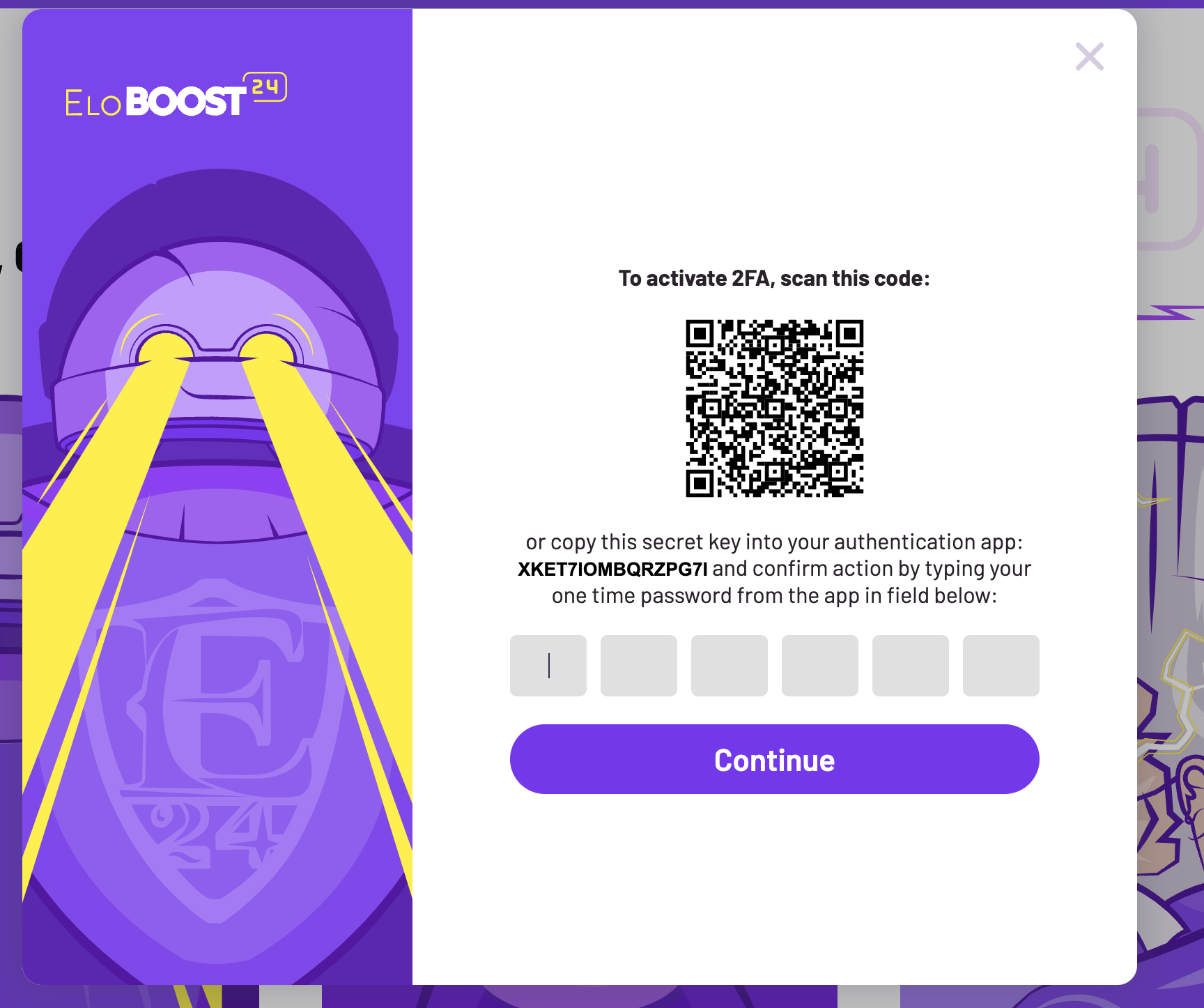 Zrzut ekranu 2024-07-25 o 12.16.55.png 347.85 KB
4. Enter the Verification Code
After scanning the QR code, your authenticator app will generate a 6-digit code. Enter this code in the designated field on our website to verify and complete the setup.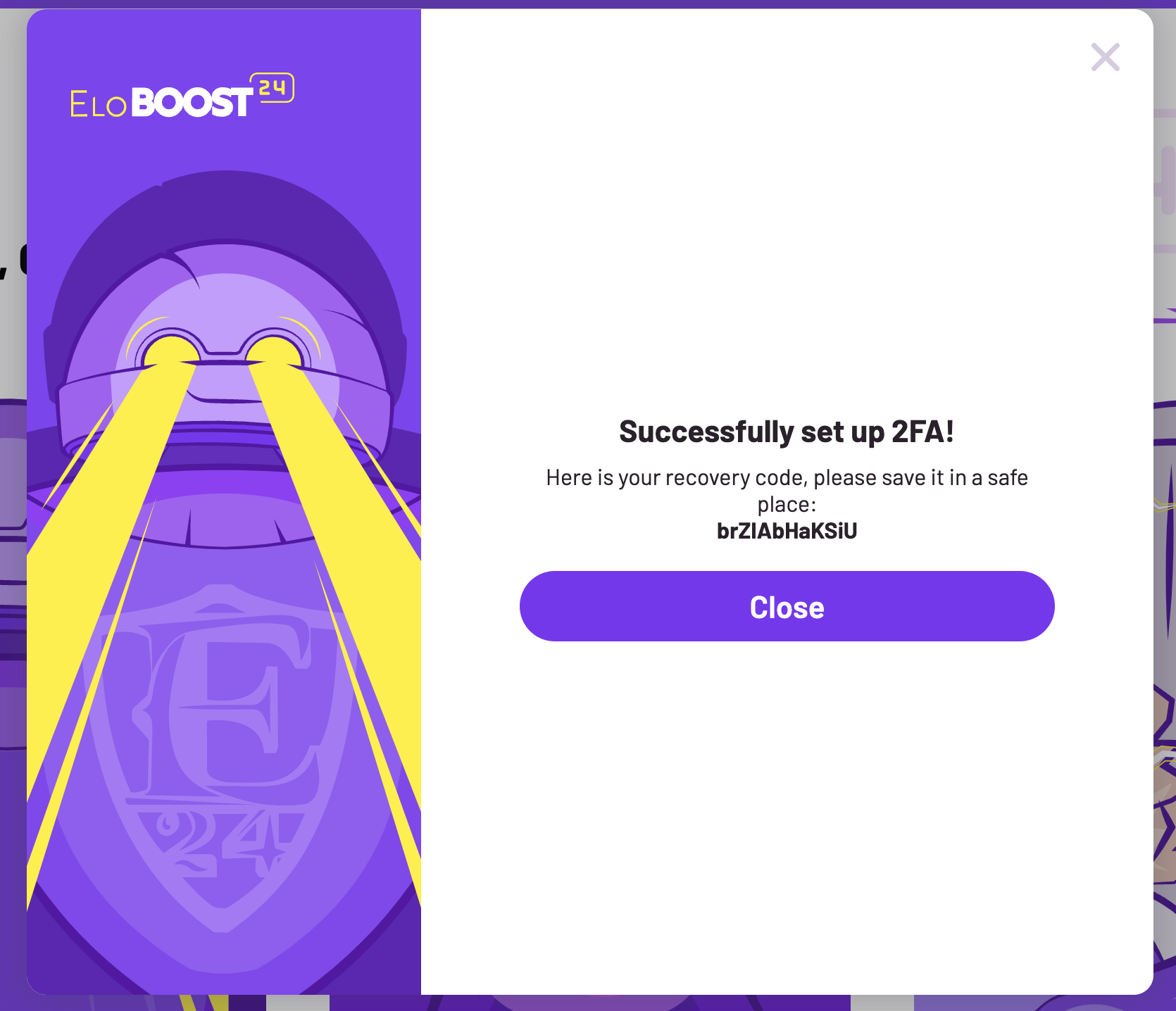 Zrzut ekranu 2024-07-25 o 12.17.24.png 272.19 KB
5. Complete the Setup
Once you’ve entered the verification code, your 2FA will be activated. You'll receive a confirmation message and the popup will close, indicating the setup is complete.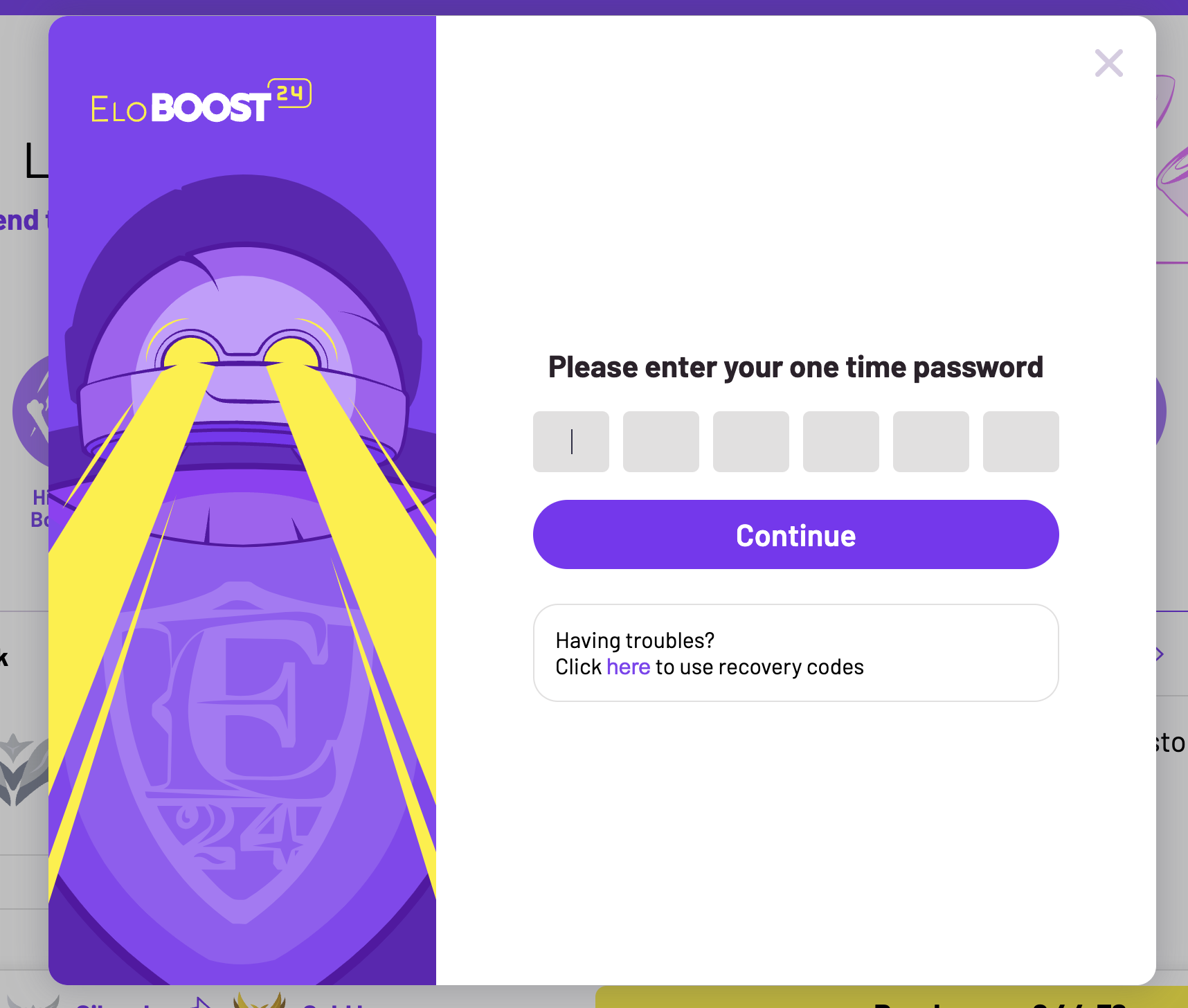 Zrzut ekranu 2024-07-25 o 12.14.50.png 290.95 KB
6. Save Your Recovery Code
After setting up 2FA, you will receive a one-time recovery code. This code is crucial if you ever lose access to your authenticator app. Be sure to save it in a secure location.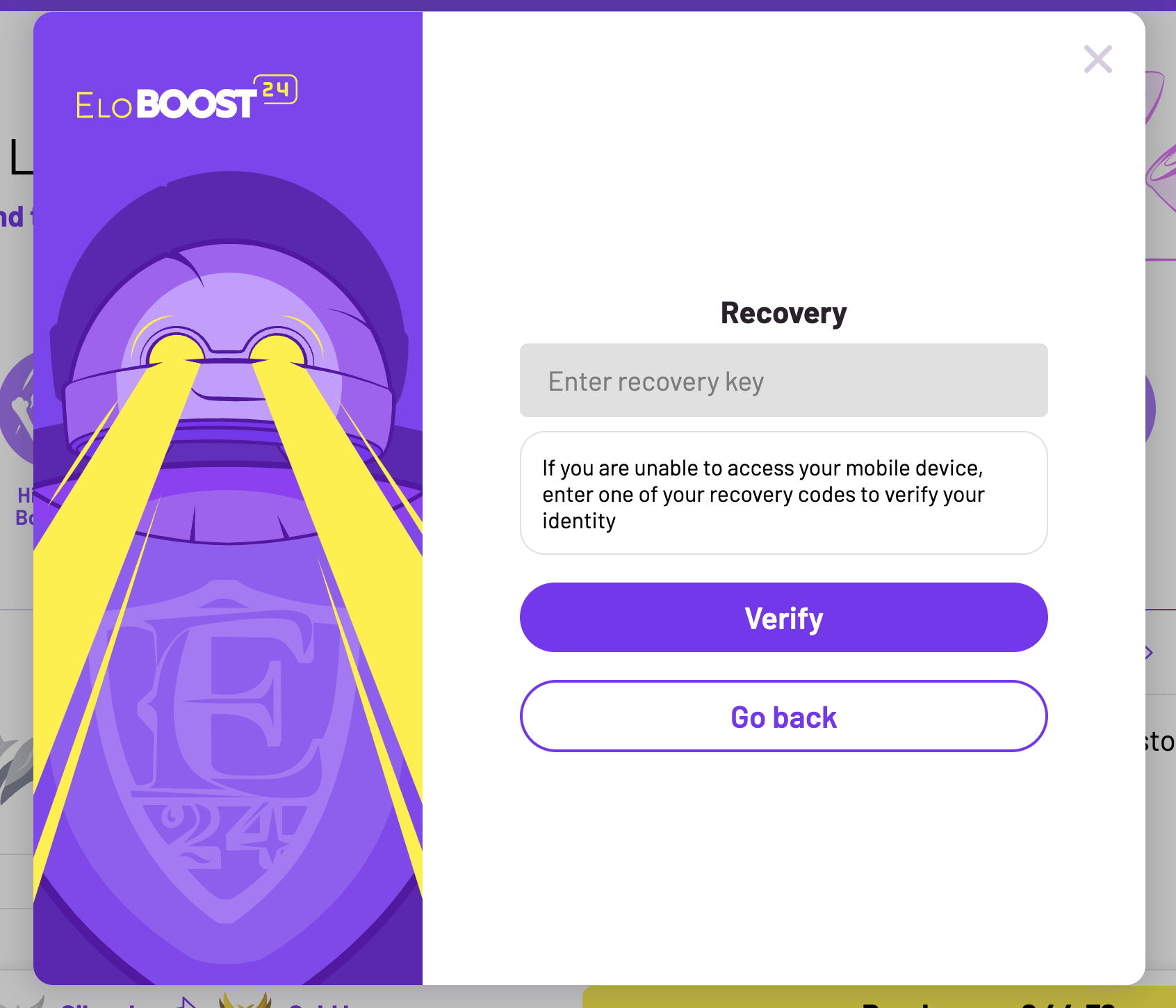 Zrzut ekranu 2024-07-25 o 12.14.57.png 294.73 KB
Why Enable 2FA?
Two-Factor Authentication significantly boosts the security of your account. Even if someone steals your password, they won't be able to access your account without the verification code from your authenticator app. This extra layer of security helps protect your personal information and gaming progress.
By following these steps, you can ensure your Eloboost24 account stays secure. If you have any questions or run into any issues, our support team is here to help. Stay safe and happy gaming!
Troubleshooting Tip
If you encounter issues with your 2FA not working, it might be because your phone's time is out of sync. Please visit time.is from your phone. It's crucial to access this website from your phone, not your computer.
For more information, you can check Google's support page on 2FA.
By following these steps, you can ensure your Eloboost24 account stays secure. If you have any questions or run into any issues, our support team is here to help. Stay safe and happy gaming!
You might also like