What Is a HUD in Video Games?
What Is a HUD in Video Games?
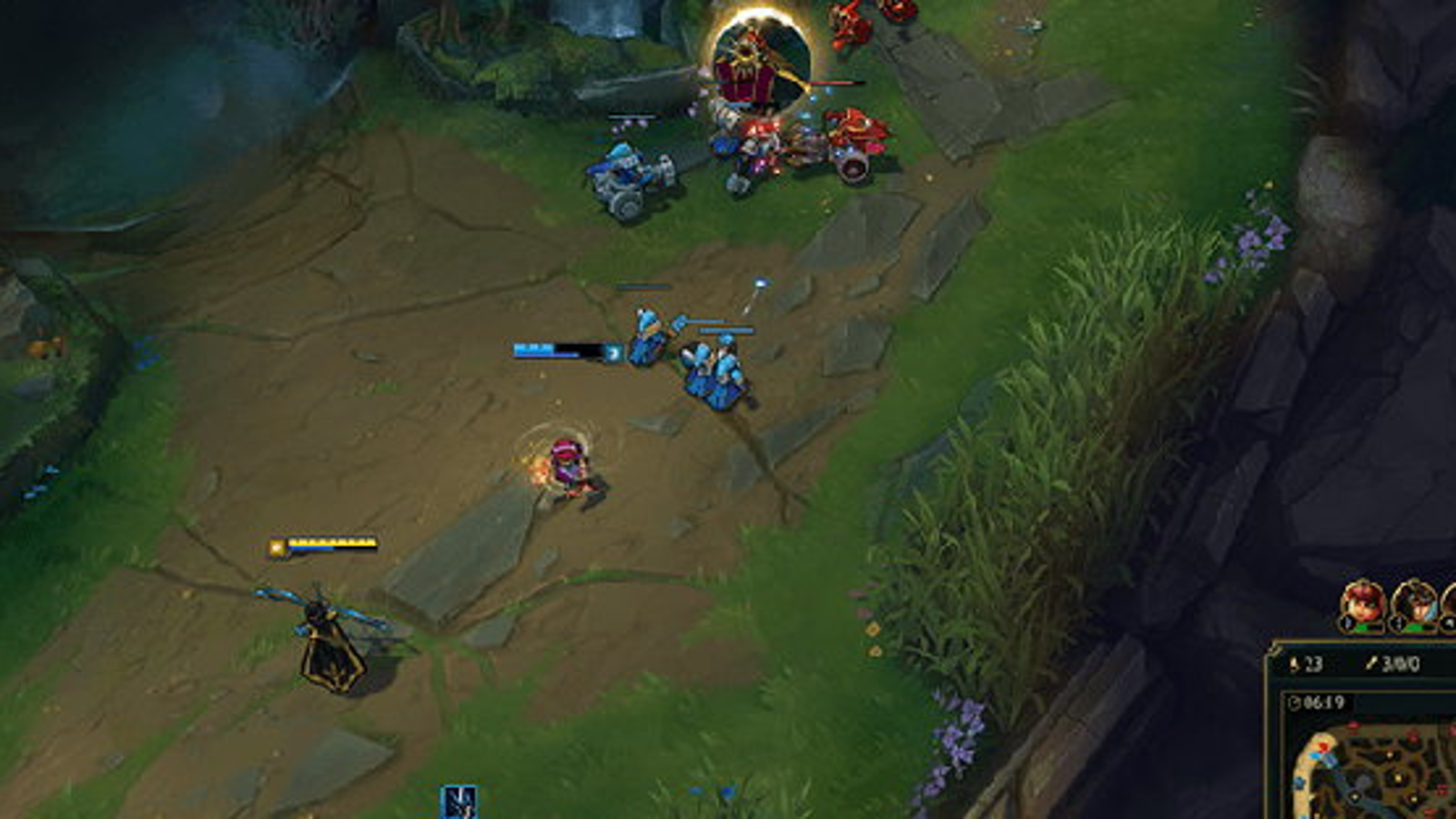
HUD stands for heads up display, the layer of information permanently on screen while you play: health, ammo, minimap, abilities, timers and scores. The name comes from aviation, where flight data is projected onto a pilot's line of sight, and games borrowed both the term and the idea of reading information without looking away.
Attribute | Value |
|---|---|
Term type | Interface / technical term |
Game | Almost every genre |
Full name | Heads up display |
Typical elements | Health, ammo, minimap, cooldowns, score, timers |
Also called | UI, interface, overlay |
Can you customise it | Yes in most games, from scale to full element toggles |
How does a HUD work in games?
A HUD renders on top of the game world and updates in real time, so the information it carries never requires opening a menu. Placement follows the same logic everywhere: critical survival data sits close to the centre or bottom where peripheral vision catches it, and secondary information such as scoreboards and timers sits at the edges.
Competitive games treat HUD design as a performance question. Valorant lets you resize the minimap, switch it between rotating and fixed, and change how much of the map it shows. League of Legends allows scaling and repositioning of nearly every panel. The reason is attention: every element you have to look at directly costs a fraction of a second of screen focus, so pros trim the HUD down to what they actually read, which is the same principle behind turning off post processing effects like bloom in the video settings.
How does your HUD affect your gameplay and rank?
More than most players expect. A minimap set too small means missed rotations, a fixed map orientation costs a mental rotation on every glance, and an oversized HUD physically covers the part of the screen where enemies appear. These are single digit percentage improvements that apply to every round you play.
Getting them right is a fifteen minute job that most players never do, and unlike aim it costs nothing to fix. Once the interface stops being the limiting factor, the remaining gap is match knowledge, which is where a Valorant rank boost or a League of Legends division boost closes the distance faster than more hours in the same lobbies.
HUD vs UI: what is the difference?
UI covers the entire interface, including menus, shops, settings screens and loading screens. The HUD is the part of the UI that stays on screen during active gameplay. Every HUD is UI, but the store page, the agent select screen and the post match summary are UI that is not HUD. The distinction matters when a game offers a HUD scale option separately from a general UI scale, since the two sliders control different things.
FAQ
Can you turn the HUD off in games? Yes. Many titles include a HUD toggle for screenshots and cinematic recording, though competitive games usually limit how much can be hidden.
Does a smaller HUD improve performance? No. HUD size has almost no effect on frame rate, and the benefit is entirely about visibility and where your attention goes.
What does a HUD show in most games? Health and resources, ammunition or ability cooldowns, a minimap, and the score or timer, with genre specific additions such as a compass or quest tracker.
Amplía tus conocimientos con estas definiciones relacionadas de General:
Definiciones de GeneralDefiniciones relacionadas

BM
BM stands for bad manners. In gaming it describes any action meant to disrespect, mock or humiliate another player rather than to win the game, from emote spamming over a corpse to...
F2P
F2P stands for free to play. It describes a game you can download and play in full without buying it, with the revenue coming from optional purchases instead of a price tag. League...
Frag
Frag means a kill in a shooter. One frag is one enemy eliminated, and the word doubles as a verb, so fragging is the act of getting kills. It comes from military slang and entered...