




Warframe Twitch Drops | 7 Forma + Gold Mod #C4403
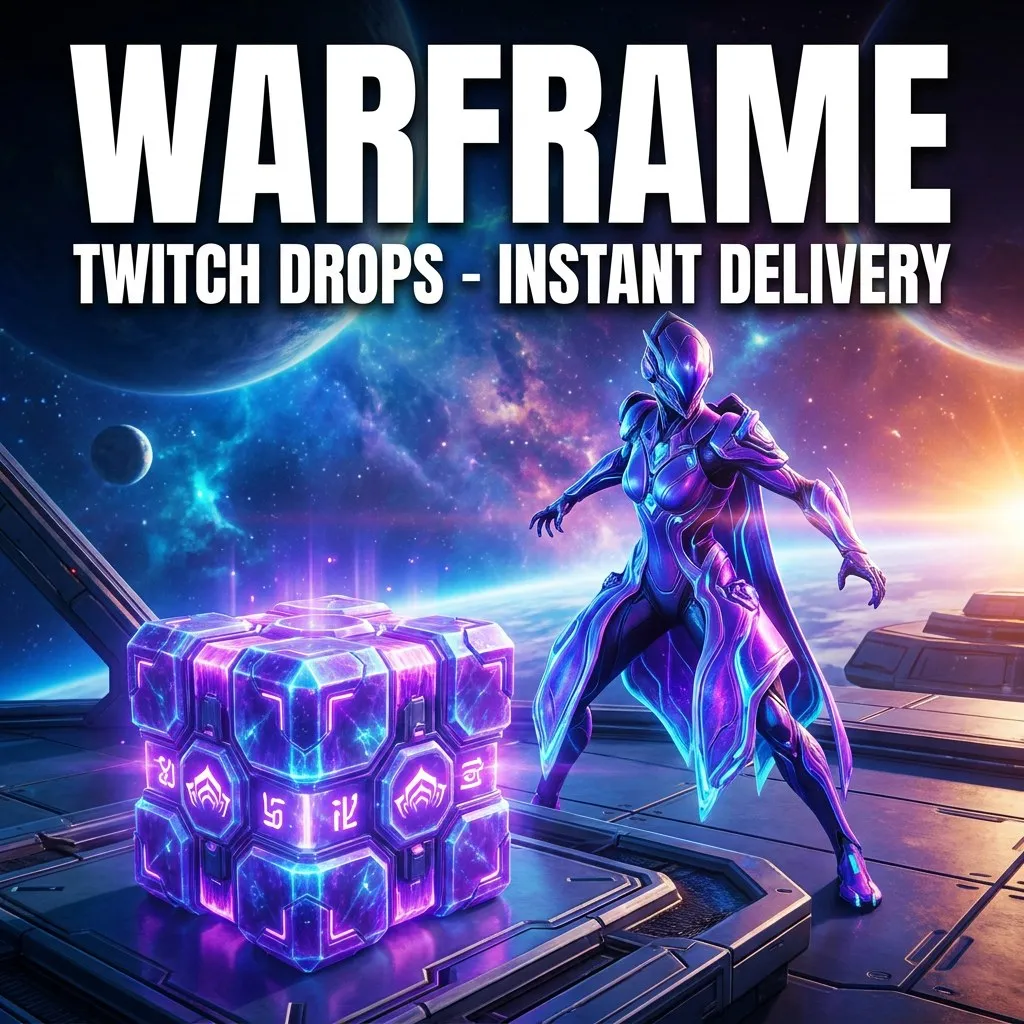
INSTANT DELIVERY You will receive a Twitch account with Warframe Twitch Drops already collected. Link it to your Warframe account and the rewards are delivered in-game. Rewards: ... - Forma: Umbra Forma Blueprint x2, Forma x4, Aura Forma x1 - 1 random gold mod (Saryn, Nova, Frost, Rhino, Trinity, Arcane or Requiem) - Resources: Tennobaum gift x3, Relic x5, Requiem Relic III, Ultimate Requiem - Decorations: Techrot, Lotus, Snow Frost, The New War, Rhino, Warframe articula - Tauforged Archon Shard x1 - On-Lyne Glyph x12 - 3 random pets / decorations from the campaign list, M-09 Tank Domestik Drone Note: Warframe allows linking a new Twitch account only once every 7 days: do not buy more than one account per week. Warframes and weapons come with their slots. How to redeem: 1. Log in to the Twitch account from the order (if Twitch asks for an email code, choose 'Remind me later'). 2. Link the Twitch account to your Warframe account (warframe.com account page > Twitch link, or Twitch Settings > Connections). 3. Launch the game. Rewards usually arrive within minutes, sometimes up to 24 hours. Important: Twitch shows only drops from the last 6 months, older ones are still delivered after linking. Unique rewards can be received once per game account. Redeem right after purchase.
Platform
PC
Item type
Other
12 people are viewing this item
Add more items
300 items available

About seller

Gamehalla
Online Mythic SellerFrom the same seller
Enshrouded Twitch Drops | 4 ITEMS | Enhanced #C3187

Seller
Ravendawn Twitch Drops | 6 UNIQUE REWARDS #C3312
Seller
Ravendawn Twitch Drops | 6 UNIQUE REWARDS #C3315
Seller
Tarisland Twitch Drops | 2 UNIQUE REWARDS #C3323
Seller
Arena Breakout Twitch Drops | x15 Box + 5 Reward #C3361
Seller
Party Animals Twitch Drops | UNIQUE REWARD #C3394
Seller
Palia Twitch Drops | FRIGHTS & DELIGHTS #C3251
Seller
Rocket League Twitch Drops | 55 Items: Car #C4398
Seller
Escape from Tarkov Twitch Drops | Streamers #C4418
Seller
Active Matter Twitch Drops | 12 Unique Rewards #C3353
Seller
FAQs about Items
What kind of Warframe items can I buy?
On EB24 you can buy platinum, prime sets, prime parts, riven mods, primed mods, arcanes, syndicate items, and resources. Each listing describes the item, its stats where relevant, and the quantity, so you know exactly what the offer contains before you reach checkout.
How does Warframe item delivery work?
After your order is confirmed, delivery instructions appear directly in your order panel. The platinum or item is delivered through an in-game trade, following a clear set of steps so you can complete the exchange without confusion.
How long does delivery take?
Each listing shows an estimated delivery time, which depends on the type of Warframe item. Platinum and common parts tend to be fast, while rolled riven mods can need extra coordination. The timeframe is always displayed before you buy so there are no surprises.
How do riven mod stats work on a listing?
Riven mods carry their own stat rolls, so each riven listing states the relevant stats and the weapon it applies to. Review those details before you buy so the mod matches the build you have in mind.
Do I need to share my account access?
You do not need to hand over long-term account access. Warframe platinum and items are delivered through in-game trades, which keeps your account in your control throughout the process.
What if my Warframe order goes wrong?
If a delivery does not match the listing or the stated time, you have buyer protection. Open the automated dispute form from your order panel and the system reviews the case to resolve it clearly and fairly.
How it works?
Buying Warframe platinum, prime sets, and mods on EB24 is straightforward. Pick the item you want and complete checkout. Your order is delivered through an in-game trade.

Browse Available Items Look through EB24 Warframe listings for platinum, prime sets, prime parts, riven mods, primed mods, arcanes, syndicate items, and resources. Each listing details the item, stats, and quantity so you know exactly what you are getting.
Complete the Purchase Once you finalize your order through EB24 secure checkout, all order details and the current status appear on your dashboard.
Review Delivery Instructions Delivery instructions appear in your order panel right after checkout. They explain the in-game trade method for your Warframe platinum or items and the steps to follow.
Receive the Item In-Game Your Warframe platinum and items are delivered through in-game trades without handing over long-term account access. Follow the instructions to complete the exchange.
Order Protection If a purchase does not match the listing, open an automated dispute from your order panel. It is part of your buyer protection, and the system resolves the issue fairly.