




9 people are viewing this account
Buyer protection
Your purchase on the Eloboost24 platform is fully protected by our Buyer Protection Policy.
- Refund to your balance if not delivered
- 241 sales by this seller
- Secure payment

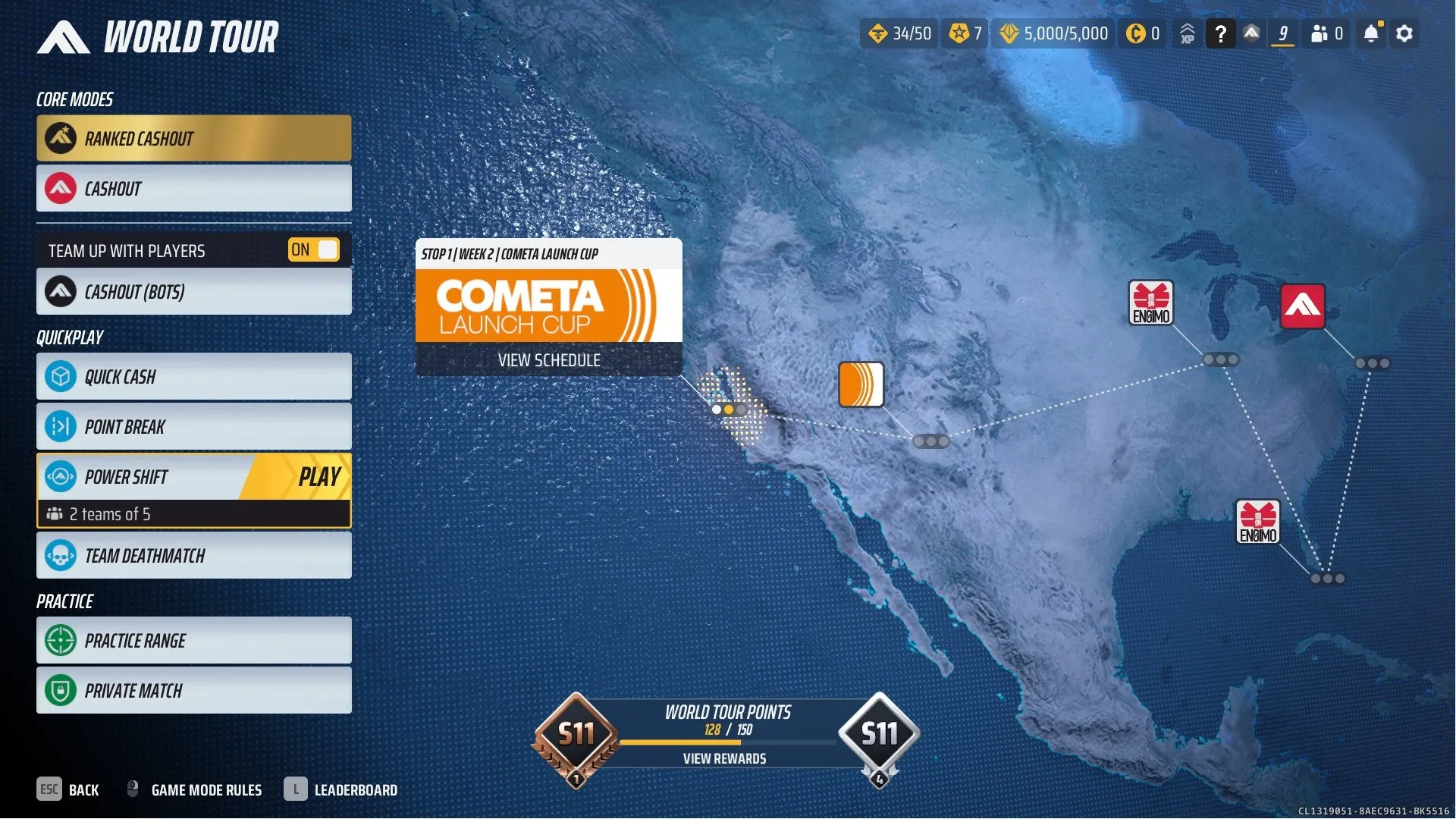
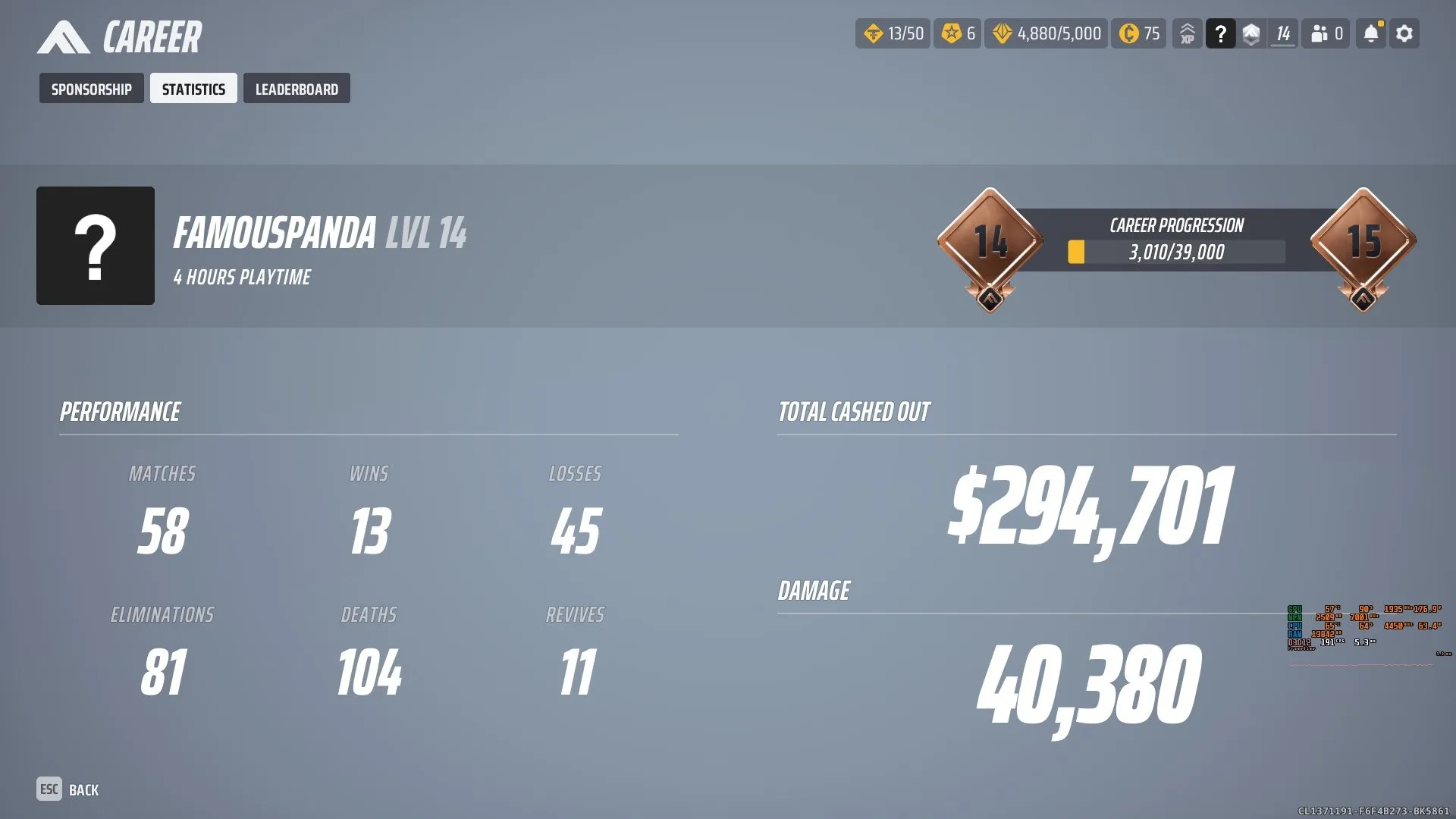
TF1002 // Rank Ready // Ranked Cashout Unlocked //5k VR
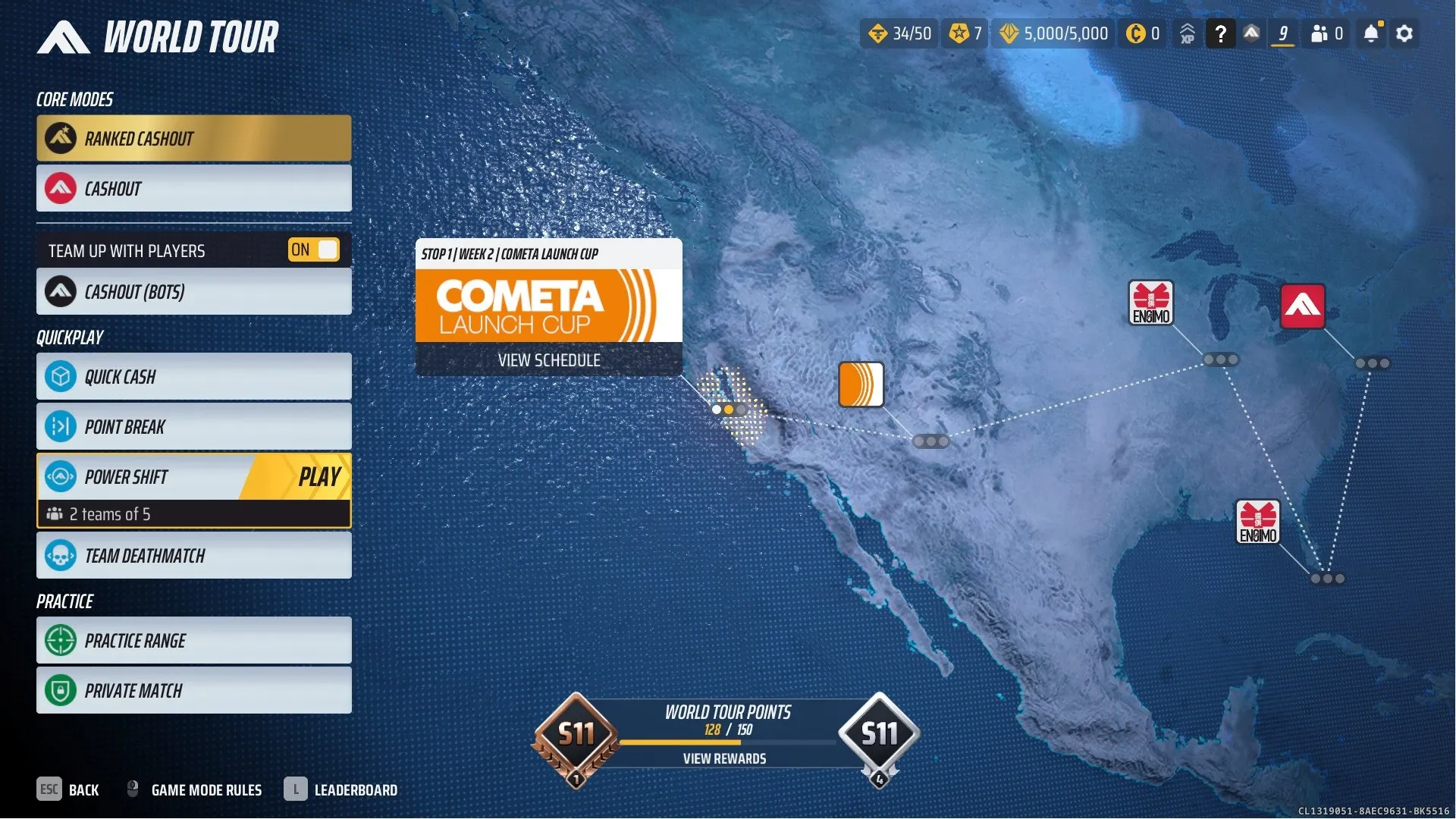
TF1002 // Rank Ready // Ranked Cashout Unlocked //5k VR Max // World Tour (K) Competitive Status: Ranked Cashout Mode Unlocked & Ready! Currencies: 5,000 VR Max Capacity Reac ... hed Event Progression: World Tour Rewards & Progress Unlocked Equipment & Loadouts: VR Currency Maxed to Buy Any Gadgets or Weapons
You may also like
 Top Seller
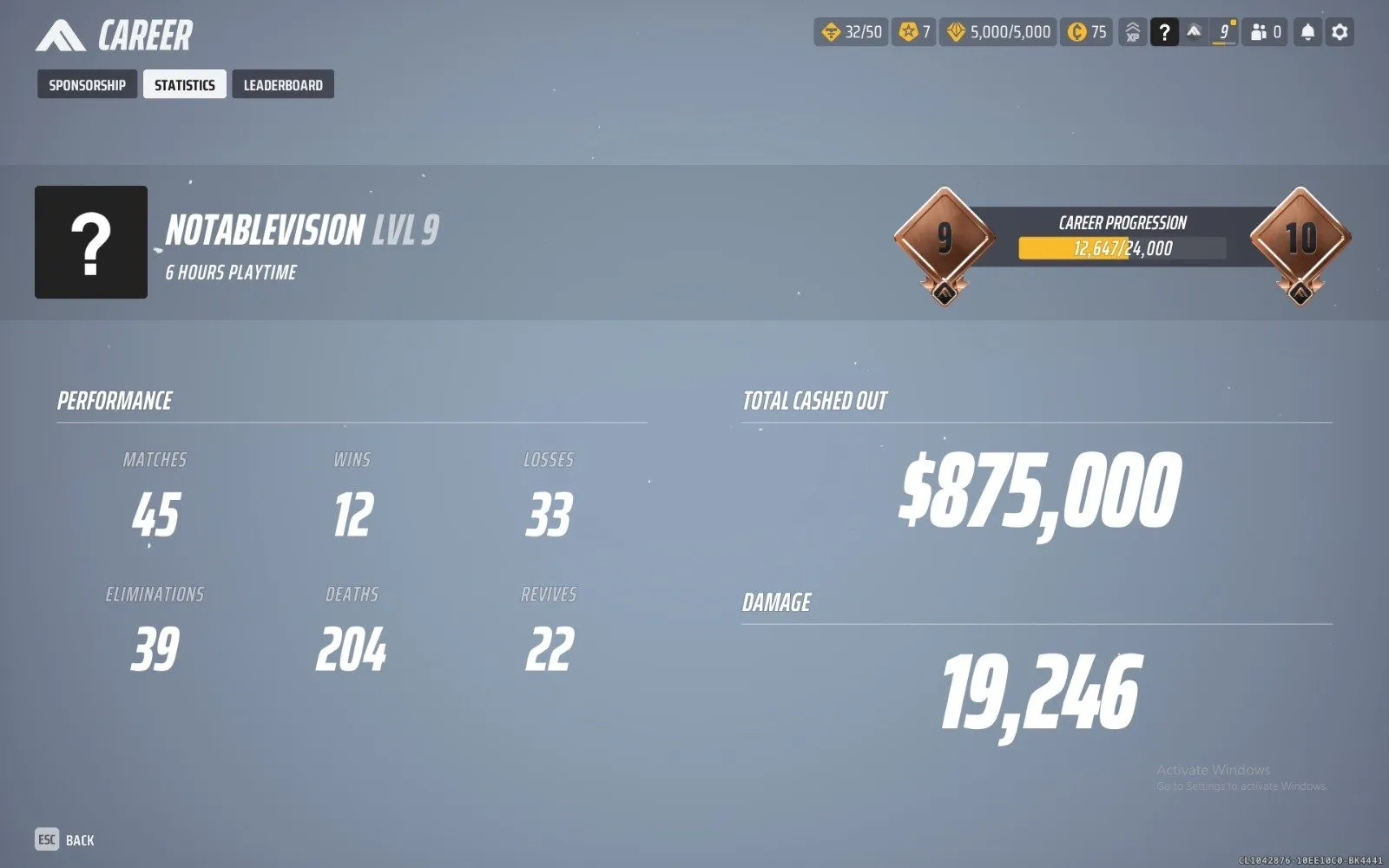
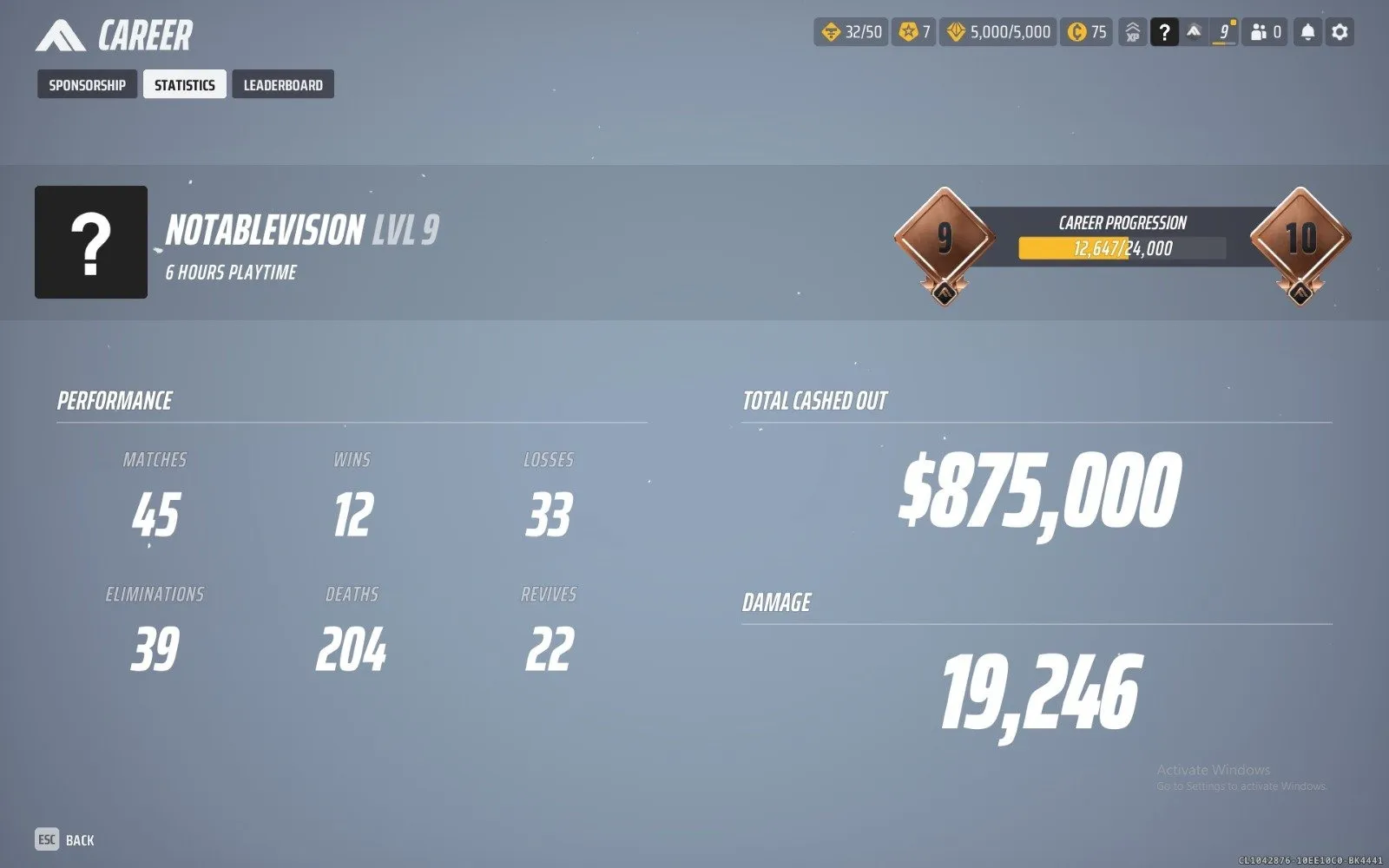
 TF1001 //Ranked Ready // 45+ Matches //5k VR Max // Wor

Seller Delivery: 1 hour

From the same seller
 Top Seller
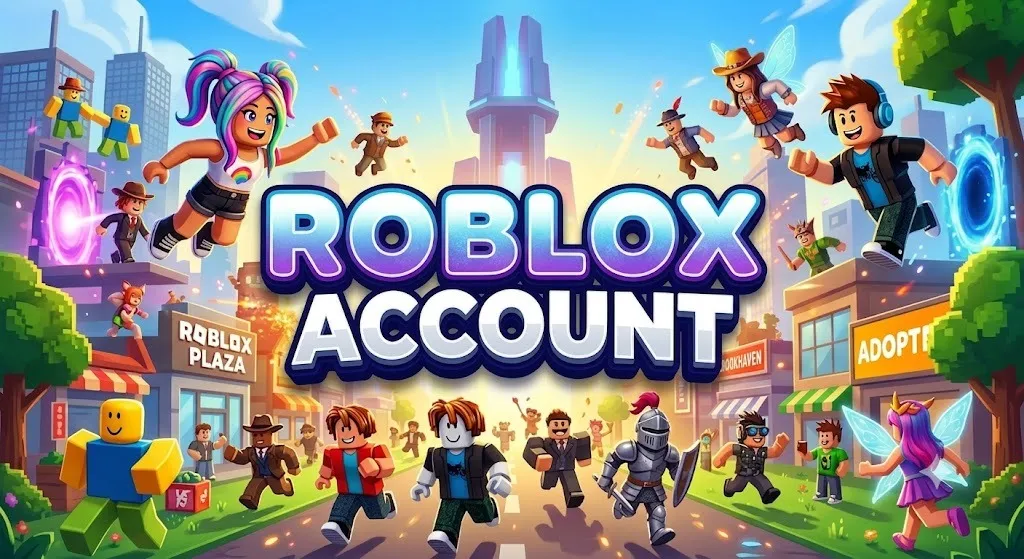
 ROBLOX8453 💜 🎀 1,564 Potions of Adulthood 🎀 679,343 Buc
Seller Delivery: 1 hour
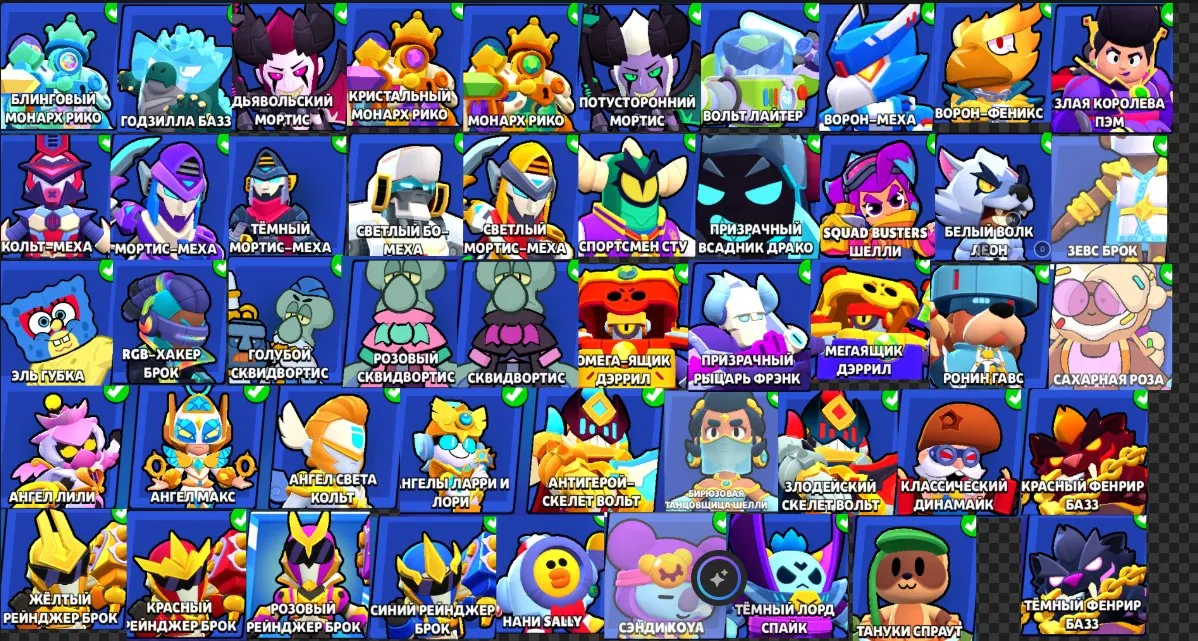
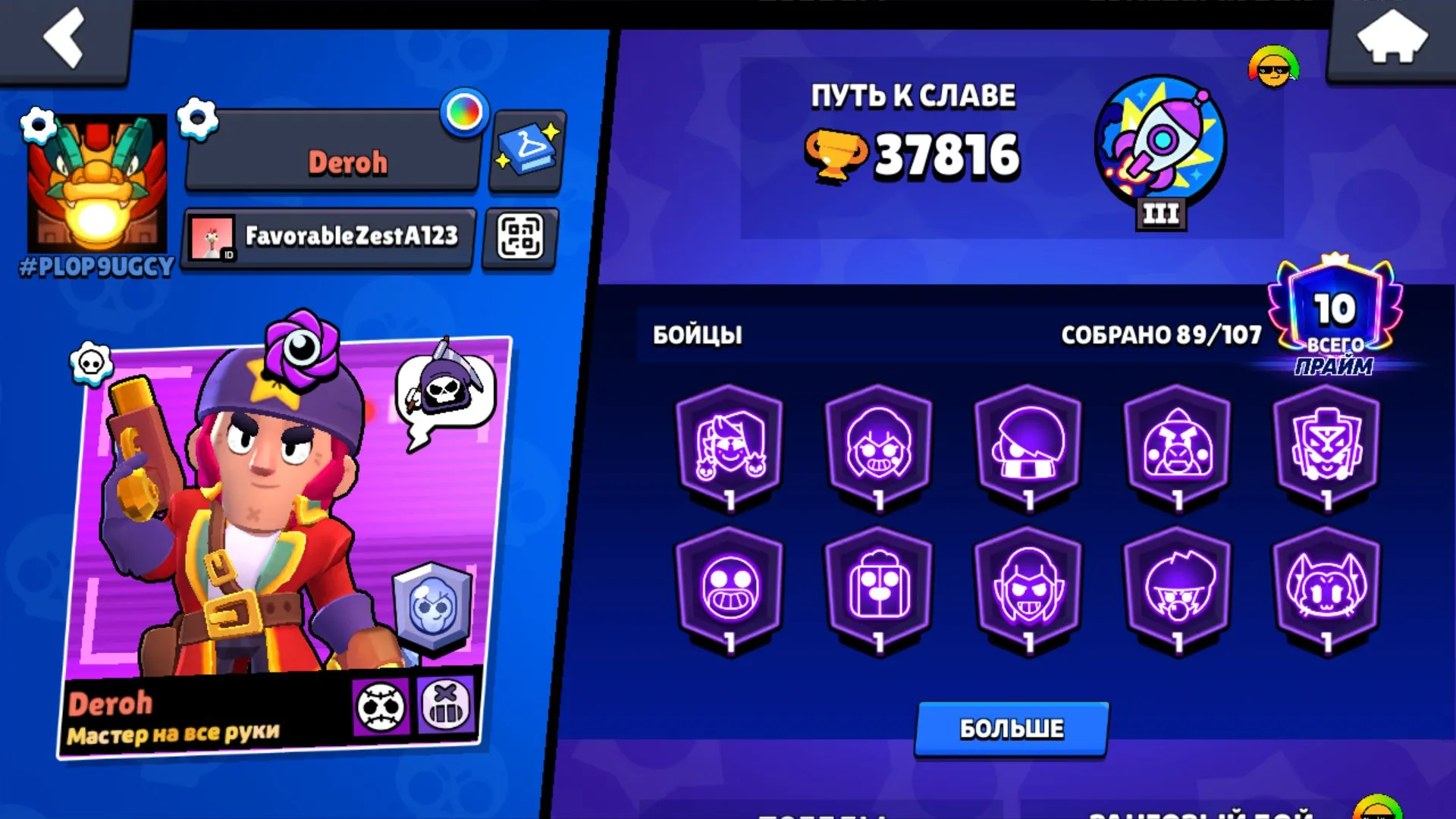
Top Seller BS2233 🏆72k🏆 🍑 MEGA&OMEGA BOX DARRYL🍑 🍆2019🍆 🟢 RONIN RU
Seller Delivery: 1 hour

FAQs about The Finals EB24 Sellers
How do I buy a The Finals account on Eloboost24?
Find a listing with the platform, rank, level, VRs, and Multibucks you want, then pay through the protected checkout. Once payment clears, the login details appear in your EB24 dashboard and inbox, so you can sign in and pick up the same The Finals progress without waiting on the seller.
What exactly do I get when I buy a The Finals account?
You receive The Finals account that owns the progress shown in the listing. That covers the platform (Steam, Xbox, or PlayStation), competitive rank, character level, VRs balance, and Multibucks listed by the seller.
How does Eloboost24 keep The Finals account purchases safe?
Every purchase runs through escrow that holds the seller payout until the account is confirmed in your hands. Combined with verified sellers and trusted payment options, this protects both sides for the full handover, not only the moment you pay for The Finals account.
What makes a The Finals account valuable?
A high competitive rank usually means deep ladder progress, while level, VRs, and Multibucks show how ready the wallet and unlocks feel on day one. Platform must match the client you play. Each listing shows these stats so you can compare what the account actually carries before you buy.
Do The Finals ranks go from Bronze to Ruby?
Yes. Listings on EB24 can show Bronze, Silver, Platinum, Diamond, Emerald, and Ruby. Higher ranks skip a long climb through Cashout ranked, so compare the rank field next to level and currency when you filter The Finals accounts.
What should I do right after I get my The Finals account?
Change the linked platform password, switch the registered email to one you control, and turn on two-factor authentication straight away. Doing this immediately locks the previous owner out and keeps full ownership of the rank, VRs, and Multibucks in your hands.
Does the EB24 Warranty cover The Finals accounts?
Yes. The EB24 Warranty covers seller-side issues for as long as you hold the account, with an extended window right after purchase. If anything about The Finals account does not match the listing, support reviews the case and steps in within the scope they control.
Can I sell my The Finals account on Eloboost24?
You can list any The Finals account you own, from a Ruby Steam profile with a deep Multibucks balance to a lighter starter on Xbox or PlayStation. Low seller commissions, the rewards program, and a steady flow of buyers make it straightforward to turn a finished contestant account into value on EB24.
How it works?
Buying a The Finals account through EB24 is fast and secure. Here is how it works:

Browse and Choose an Account Filter EB24 The Finals listings by platform, rank, level, VRs, and Multibucks until you find an account that matches how you want to play.
Secure Your Purchase Complete payment through our protected checkout. Funds stay in escrow until The Finals account is confirmed in your hands.
Receive the login details: The seller sends the login details within 1 hour of payment. They appear on your order page.
Dedicated Support EB24 support stays with you through the The Finals handover and warranty window, including questions about VRs Currency after you log in.