




Amazon Prime Video 1 Month - Account - Full Access !
Subscription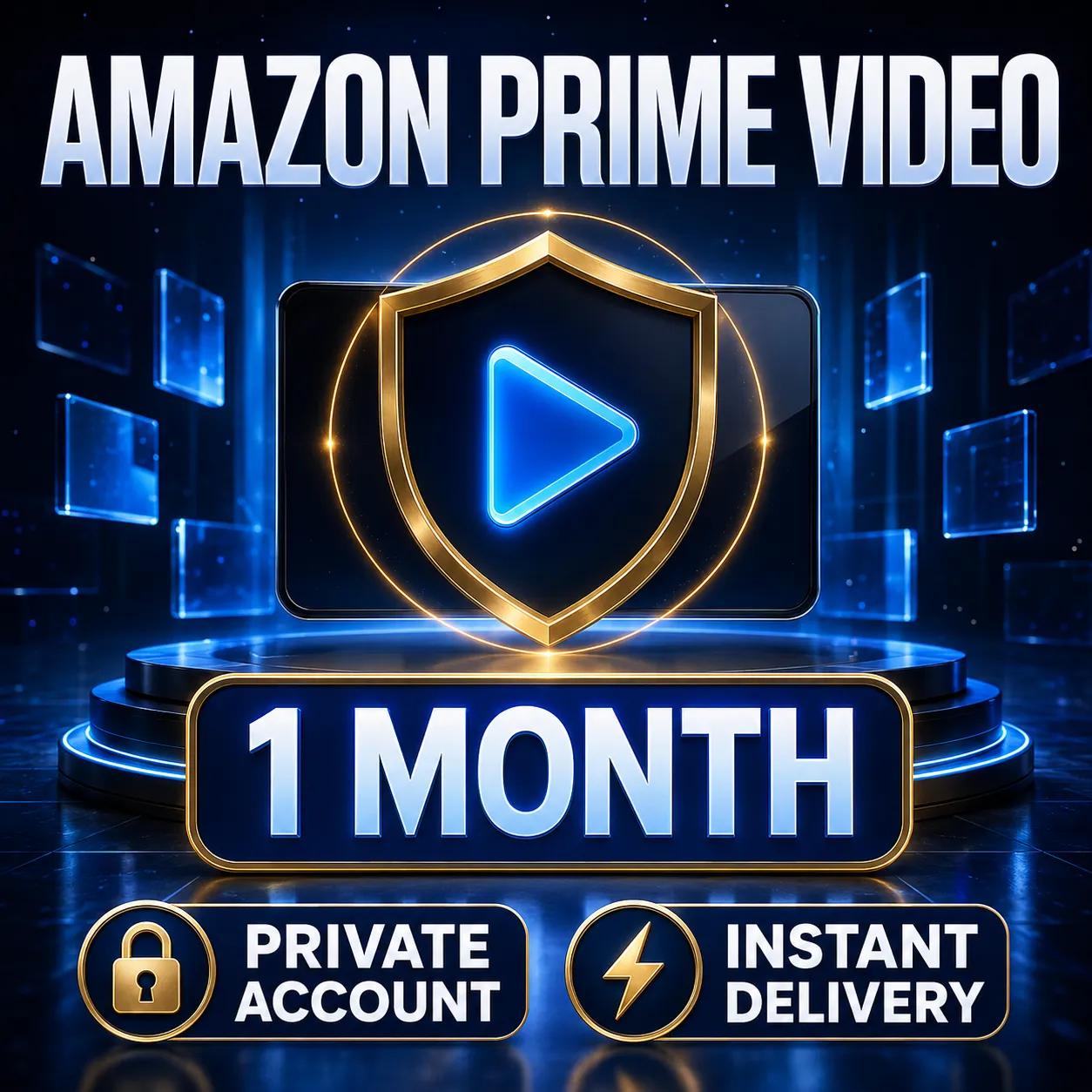
• Amazon Prime Video account - 5 devices • Full 30-days warranty • Free replacement if account get banned • Works on TV, PC, mobile, tablet and other supported devices IMPORTANT: ... • DO NOT BUY if you need Prime Gaming activation • DO NOT use this account for Amazon shopping or purchases • This account is for Prime Video streaming only • Do not add payment methods or make purchases on the account LIMITED-TIME OFFER – Order now while stock is available. Happy Shopping!
Region
Global
Item type
Prime Video
Duration
1 Month
15 people are viewing this item
- Refund to your balance if not delivered
- 19 sales by this seller
- Secure payment
About seller

usama_ash
Regular SellerFrom the same seller
Spotify Premium 1 Month Subscription Account (Global)
Seller
Netflix 4K UHD Premium - 1 Month-Not Need VPN
Seller
Spotify Premium 3 Month Subscription Account (Global)
−10%
Seller
FAQs about Amazon Prime Video Items
What kinds of Amazon Prime Video items are listed?
Four. A Prime Video code covers the streaming side. A Prime Membership code covers the wider subscription that shipping and other benefits sit inside. A Prime Gaming code targets the games and in-game rewards. Other holds anything outside those three. Every listing names which of the four it is.
Why is region mandatory on these listings?
Amazon storefronts are separate systems, and a code issued against one is refused by another. Region is therefore a required field here rather than an optional note, with values covering the named markets plus Global and Other. Checking it against the storefront you sign into prevents the most common redemption failure.
What does the duration field tell me?
How long the code runs, stated as one, three, six or twelve months. It is required on every listing in this category, so two offers at a similar price can be compared on the run they actually deliver rather than on a description that leaves the length open.
How does delivery work?
The estimated delivery time sits on the listing before you buy. Once the order is confirmed, the code and the instructions for where to enter it appear in your order panel, so you know in advance whether the wait is measured in minutes or hours.
Will I have to hand over my Amazon password?
No. Everything in this category is redeemed by you against the account you already use, so the seller never needs your sign-in details and never receives them. A listing that asks for account access rather than sending a code is not operating the way this category works.
What happens if a code is refused?
Open an automated dispute from the order panel the code arrived in. The payment stays held while the case is reviewed, and the region, item type and duration the seller declared are the record the claim is checked against.
Can I use a code on a subscription I already pay for?
In most cases the code extends the run you are on rather than replacing it, though the exact behaviour depends on the plan and on how your billing is set up. Read the delivery instructions first, and pick an item type that matches the part of Prime you already hold.
How do I sell Amazon Prime Video codes on EB24?
Choose Amazon Prime Video in the sell item form, set region, item type and duration, then write delivery instructions that name the exact place a buyer enters the code. Instructions that leave no room for interpretation are what keeps an order from turning into a dispute.
How it works?
An Amazon Prime Video order on EB24 takes five steps. Pick the part of Prime you want a code for, match the storefront, read the run in months, pay, then redeem it from your order panel.

Pick the Item Type Prime Video, Prime Membership and Prime Gaming codes unlock different parts of the same account. Decide which part you want before you look at anything else on the page.
Match the Storefront Codes are issued against one Amazon market. Set the region filter to the storefront your account is registered on, or to Global where a listing carries it, before you compare prices.
Read the Duration Every code states whether it runs for one, three, six or twelve months. A longer run usually costs less per month, so weigh the two against each other inside a single region.
Pay and Open the Delivery Note The order lands on your dashboard after checkout with instructions naming where on your Amazon account the code goes. Read them before entering anything.
Redeem While the Funds Are Held Apply the code and confirm it took effect. If it is refused, or covers less than the listing declared, the dispute form is in the same order panel and the payment has not reached the seller yet.